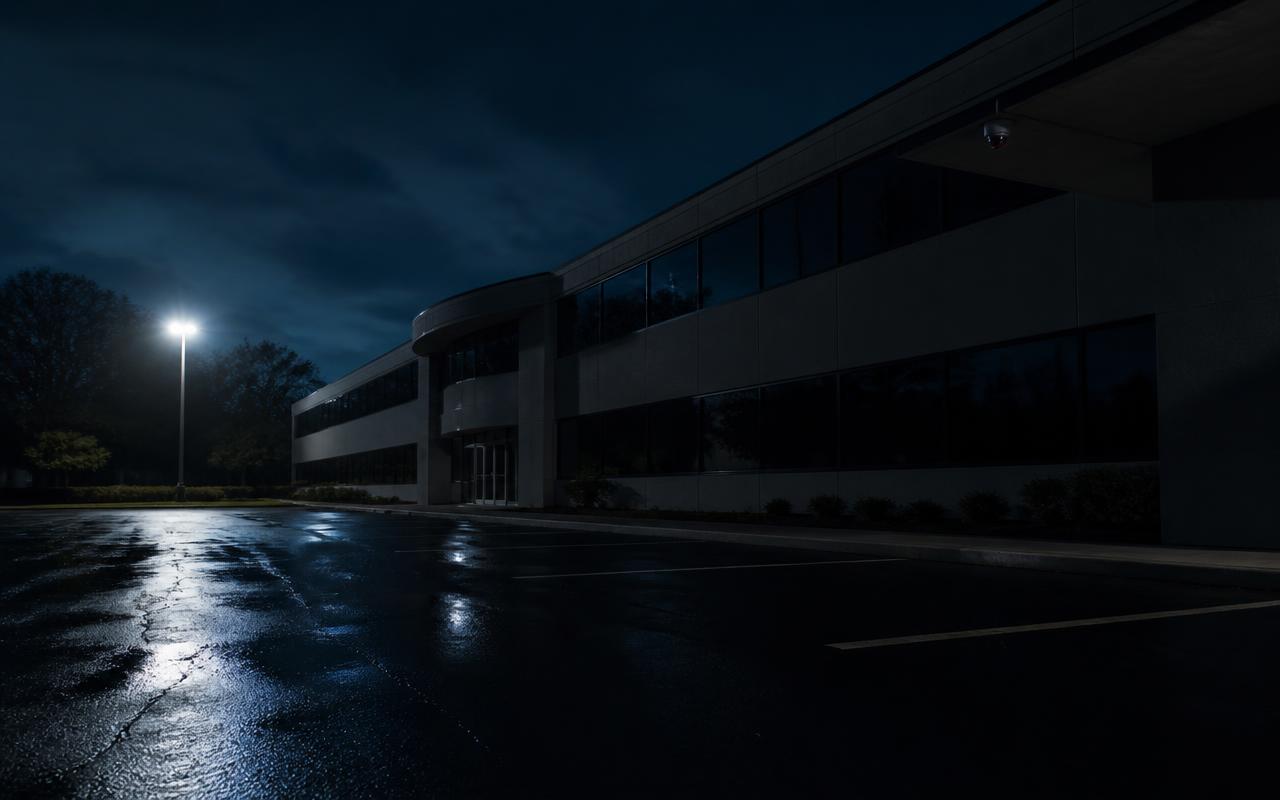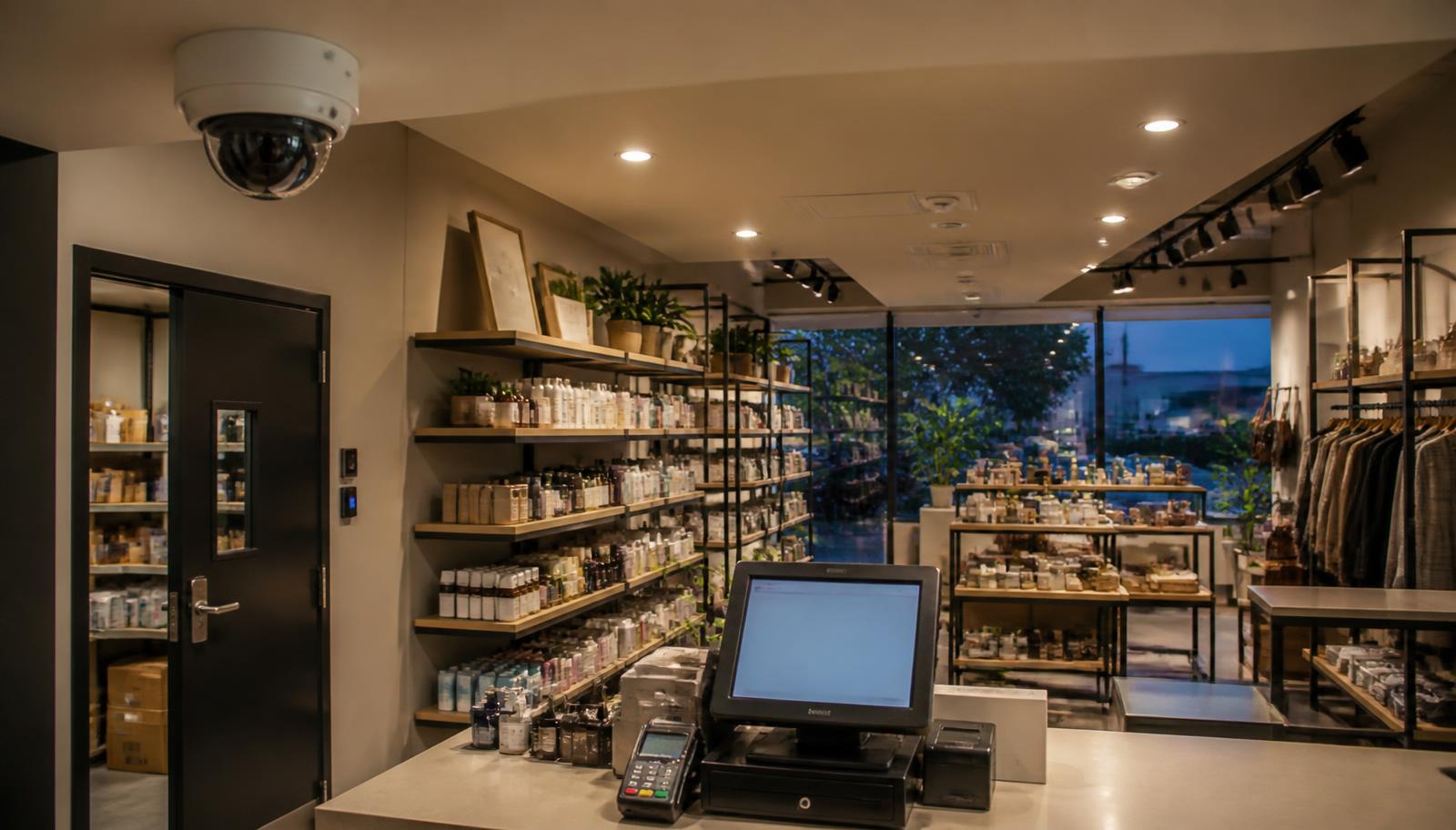
When a retailer calls us, the request is usually "we need cameras." What they actually have is three separate problems that happen to share a building. Product is walking out the front door during business hours. The numbers behind the counter don't reconcile, and the register video is too soft to tell who was standing there. And every few months there's a smashed rear door, a stolen catalytic converter in the lot, or graffiti on the loading dock at 3 a.m.
Those are not the same problem, and adding cameras doesn't automatically solve any of them. Shoplifting is a coverage and image-quality problem. Internal theft is an evidence and access problem. After-hours burglary is a detection and response problem. A retail security system that works is one where each of those risks has a specific answer designed for it — and where the parts talk to each other instead of sitting in three unrelated dashboards.
This article is written for store owners, franchise operators, convenience and liquor stores, specialty and boutique retail, shopping-center and strip-mall landlords, and multi-location retailers who are opening, remodeling, or done tolerating a system that never quite answers the question "what happened?" It's the same walkthrough we do in person as a Minnesota commercial security and low voltage contractor.
One Store. Three Different Security Problems.
Before choosing a single camera, separate your risk into the three windows below. Most underperforming retail systems are built for one of them and quietly ignore the other two.
During Business Hours — Shoplifting & Customer Incidents
The store is open, staffed, and full of people who are supposed to be there. The risk is concealment on the sales floor, return and refund fraud at the counter, distraction teams, aggressive or intoxicated customers, and slip-and-fall or dispute claims. What earns its keep: identifiable face capture at every entrance and exit, clean sightlines down aisles and at high-value fixtures, and a register camera framed tightly enough to read the transaction and the person completing it.
Behind the Scenes — Employee Access & Internal Loss
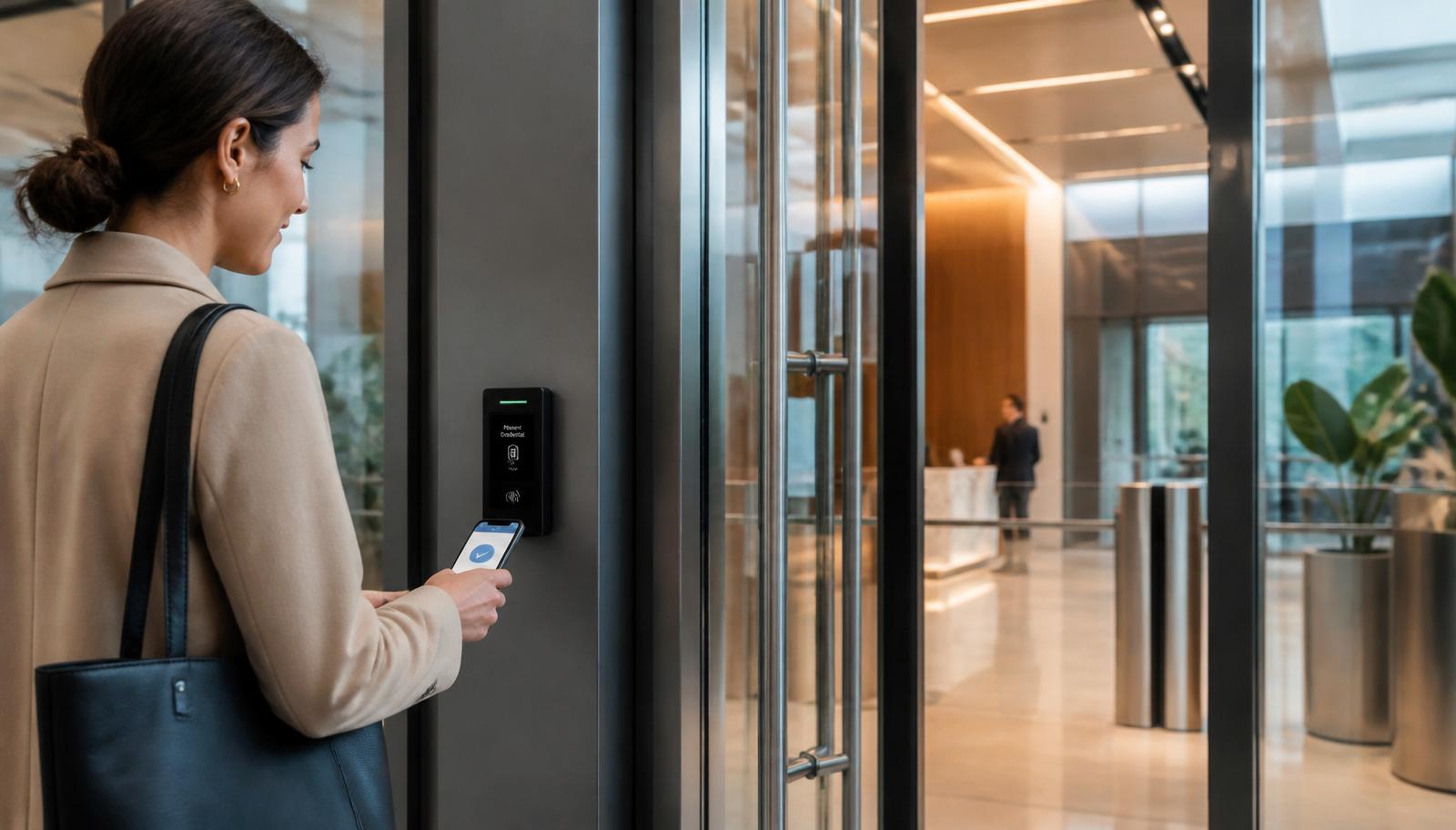
Nothing is broken and no alarm goes off. Inventory leaves through the receiving door, voids and no-sales climb, or the safe count is short. What earns its keep: credentialed access control on stockrooms, offices, and cash rooms so every entry is logged to a person and a timestamp, plus cameras on receiving, the back hallway, and the safe that can be searched against those logs.
After Hours — Burglary, Vandalism & Intrusion
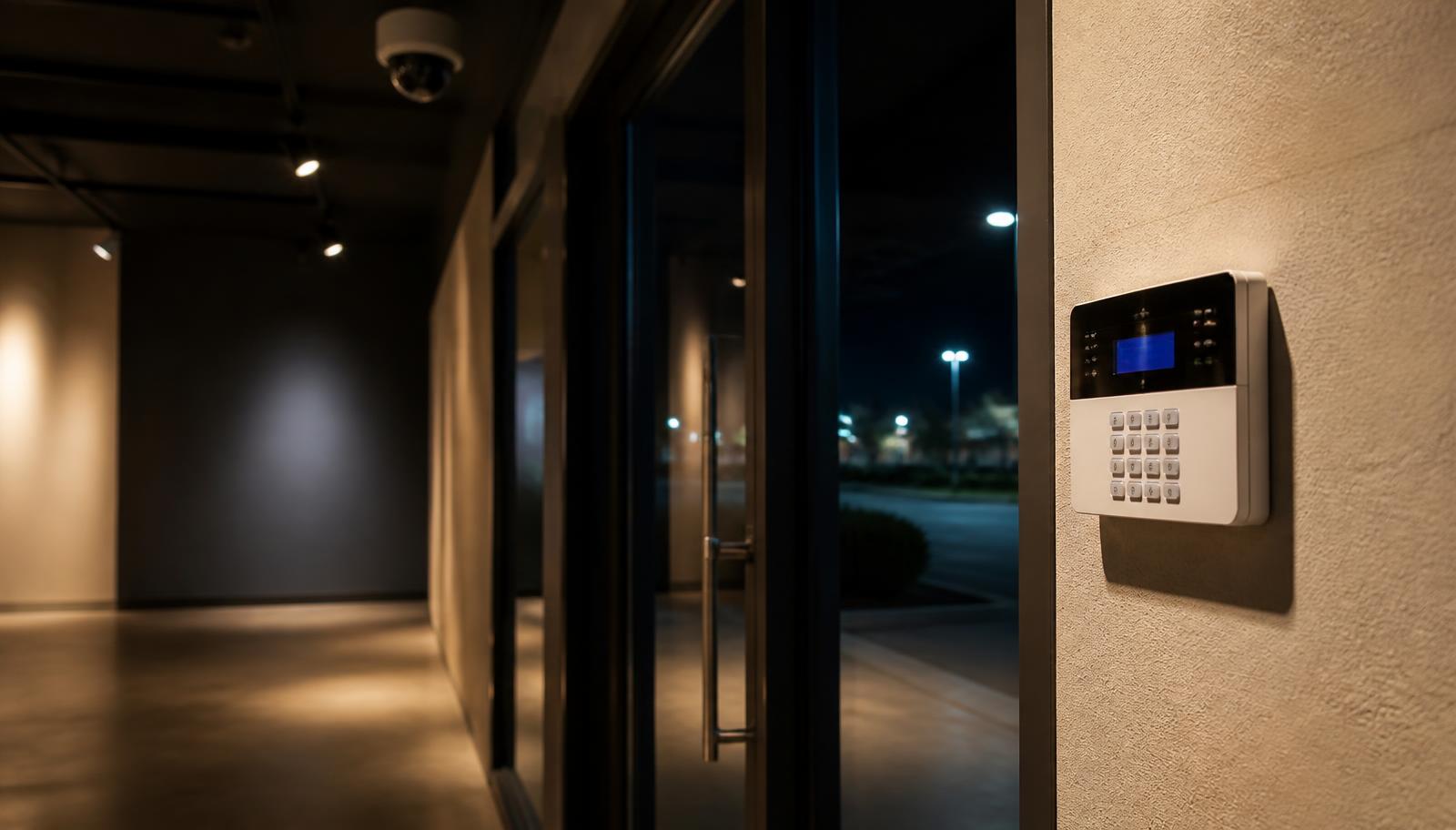
Nobody is on site, so recording alone changes nothing — you find out the next morning. What earns its keep: a monitored commercial burglar alarm with door contacts, glass break, and interior motion; exterior coverage of the rear door, dock, and lot; and, for repeat-problem sites, 24/7 live video monitoring where an operator sees the person, speaks to them, and calls police while it's happening.
The practical takeaway: cameras document, access control restricts and logs, alarms detect, and monitoring responds. Buy only cameras and you'll have a very detailed record of losses you never prevented.
Retail Security Camera Placement That Actually Produces Evidence
The most common thing we find in an existing retail system is plenty of cameras and almost no usable footage. Wide "coverage" shots from a high corner cover everything and identify nobody. A camera does one job well at a time: overview of a space, or identification of a person. Design for both on purpose.
Entrances and Exits
Every door a customer can walk through should have a camera mounted at a height and angle where a face fills a meaningful part of the frame — typically a lower mount aimed across the doorway rather than a ceiling dome looking down at hats and shoulders. Retailers who investigate an incident later almost always need one thing first: a clear image of who came in and who left, and when.
Sales Floor and High-Value Fixtures
Run coverage down the aisles rather than across them so you see behavior, hands, and bags instead of the top of a shelf. Concentrate cameras where concealment happens: end caps, fitting rooms and their approaches, blind corners, small high-margin merchandise, and any fixture your staff already says "things disappear from there."
Registers and POS Areas
The register camera is the highest-value camera in most stores and the one most often mounted wrong. It should frame the drawer, the counter surface, the customer, and the employee together. That single view addresses refund and void fraud, sweethearting, short counts, and disputed transactions. If your point-of-sale system supports transaction data overlay, tying receipt data to the video turns hours of scrubbing into a keyword search.
Receiving, Stockrooms, and Back Hallways
Most inventory shrink that isn't customer theft moves through the back of the store. Cover the receiving door from both sides, the stockroom aisle, the trash and baler area (a classic concealment point), and the hallway between the sales floor and the employee-only zone.
Exterior, Parking, Dumpsters, and Rear Doors
Exterior cameras carry two jobs: after-hours detection and daytime incident context. Cover the rear and side doors, the dock or receiving apron, the dumpster enclosure, the customer lot with attention to entry and exit lanes, and employee parking if staff close at night. Plan for real conditions — low light, headlight glare, snow load, and the fact that a Minnesota parking lot in January looks nothing like it did during the site survey.
Internal Theft: Why Access Logs Matter as Much as Video
Employee theft is the risk retailers are least prepared to investigate, because the person involved knows where the cameras are, what time the counts happen, and which door has been propped open for two years. Video alone often shows a familiar face doing something ordinary. What makes an internal case is the combination of who had access, when, and what the video shows at that timestamp.
That's the argument for putting stockrooms, offices, cash rooms, IT and network closets, and the receiving door on credentials rather than keys. A credential is assigned to a person, works only during the hours you allow, and is revoked the moment someone leaves — no rekeying, no wondering how many copies of the back-door key exist. When a shortage shows up, you pull the door log for the window in question and go straight to the matching video instead of scrubbing a weekend of footage. Our Minnesota access control guide covers credential types and door hardware, and five signs it's time to upgrade access control is worth reading if you're still managing keys on a whiteboard.
What a well-instrumented store can answer in ten minutes:
- Who unlocked the stockroom between close and the morning count
- Whether the receiving door was opened outside a delivery window
- Which employee was at the register for a suspicious refund
- Whether a returned item ever came back into the store
- Who accessed the office or safe area on a specific date
- Whether the same vehicle appeared before three separate losses
If your current system can't answer these, it isn't a loss prevention system — it's a recording device.
Shoplifting and Organized Retail Theft
Individual concealment and organized retail theft look different on camera and call for different responses. A single opportunistic shoplifter is usually addressed with visible deterrence, staff awareness, sightlines, and merchandising decisions. Organized groups work in teams, hit multiple stores in a corridor, move fast, and often leave in a vehicle that matters more than any face in the store — which is why lot and approach coverage is part of the answer.
Industry loss-prevention research, including the National Retail Federation's annual National Retail Security Survey, has consistently found that retail shrink comes from multiple sources at once — external theft, internal theft, and process or paperwork error — rather than any single cause. We'd rather not quote a number that may have changed since it was published; the operational point holds regardless. Build a system that can distinguish among those causes, because a store that can't tell external theft from a receiving error keeps solving the wrong problem.
Where multiple stores in an area are being hit by the same group, exportable, identifiable footage and consistent camera placement across locations are what let you give law enforcement something workable and compare incidents between sites.
After-Hours Protection: Detection and Response, Not Just Recording
Between close and open, the strategy changes completely. There's no staff, so nothing on your video is being watched, and a camera that only records is a documentation tool for an event you already lost. After hours you want two things: something that notices, and someone who responds.
A monitored commercial intrusion alarm handles the noticing — contacts on perimeter and overhead doors, glass break on storefront glass, motion in the sales floor and stockroom, an interior siren, and cellular communication so a cut phone line doesn't silence it. Zoning matters in retail: an alarm that lets a manager arm the sales floor while the office and stockroom stay in use is an alarm people actually use instead of leaving disarmed. Our comparison of burglar alarms vs. security cameras explains where each one belongs, and what happens when your business is empty walks through the full after-hours picture.
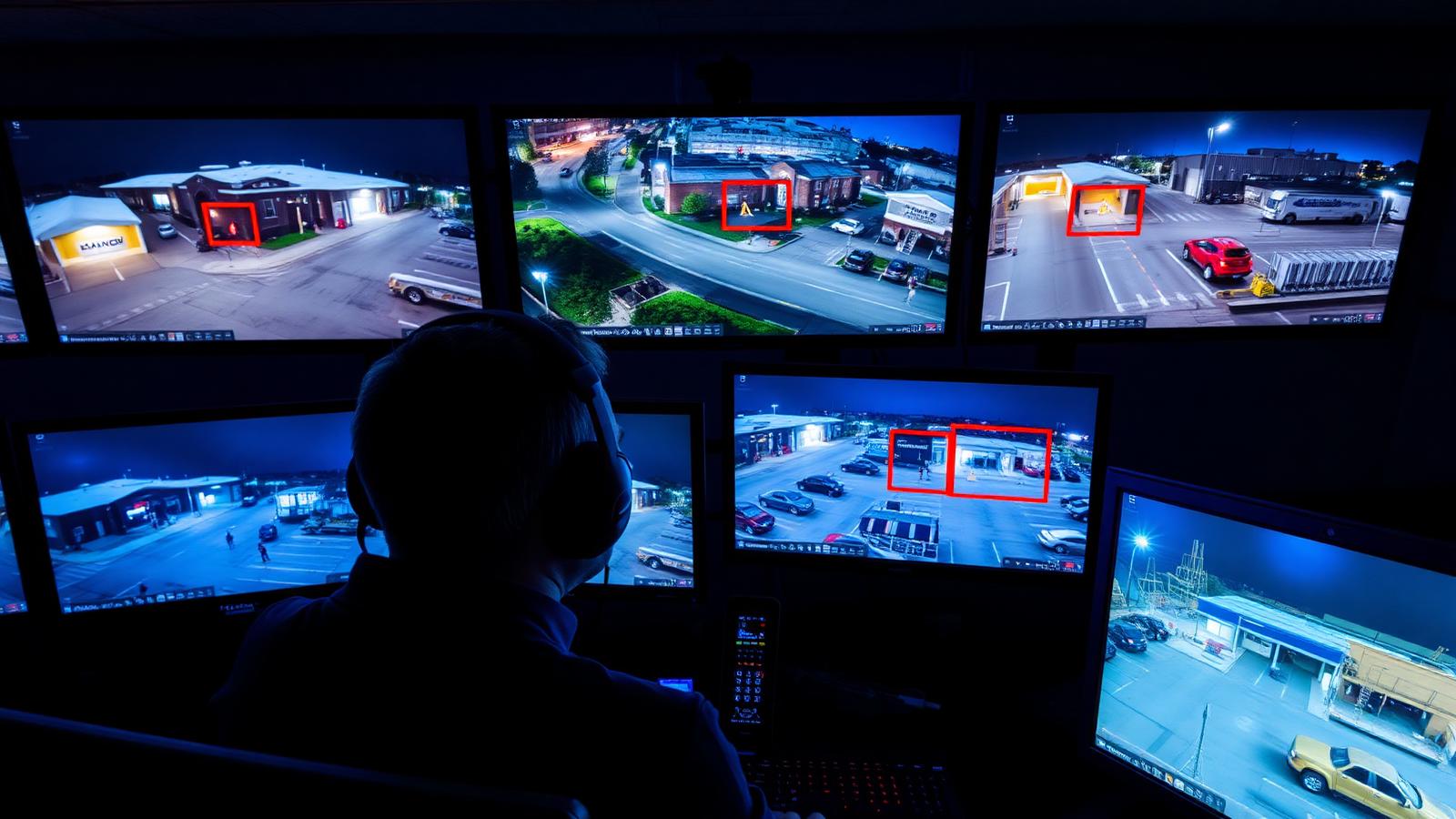
For sites with recurring exterior problems — loitering at the rear door, dumpster diving, vandalism, catalytic converter theft, or a lot that attracts activity all night — live video monitoring adds the response. A trained operator watching analytics-triggered events can speak through a speaker, tell the person they've been seen and recorded, and dispatch police on a verified crime in progress. That's a materially different outcome than a morning review, and it's covered in depth in active video monitoring and are your cameras actually being watched?
The Network Underneath: Why Retail Systems Fail Quietly
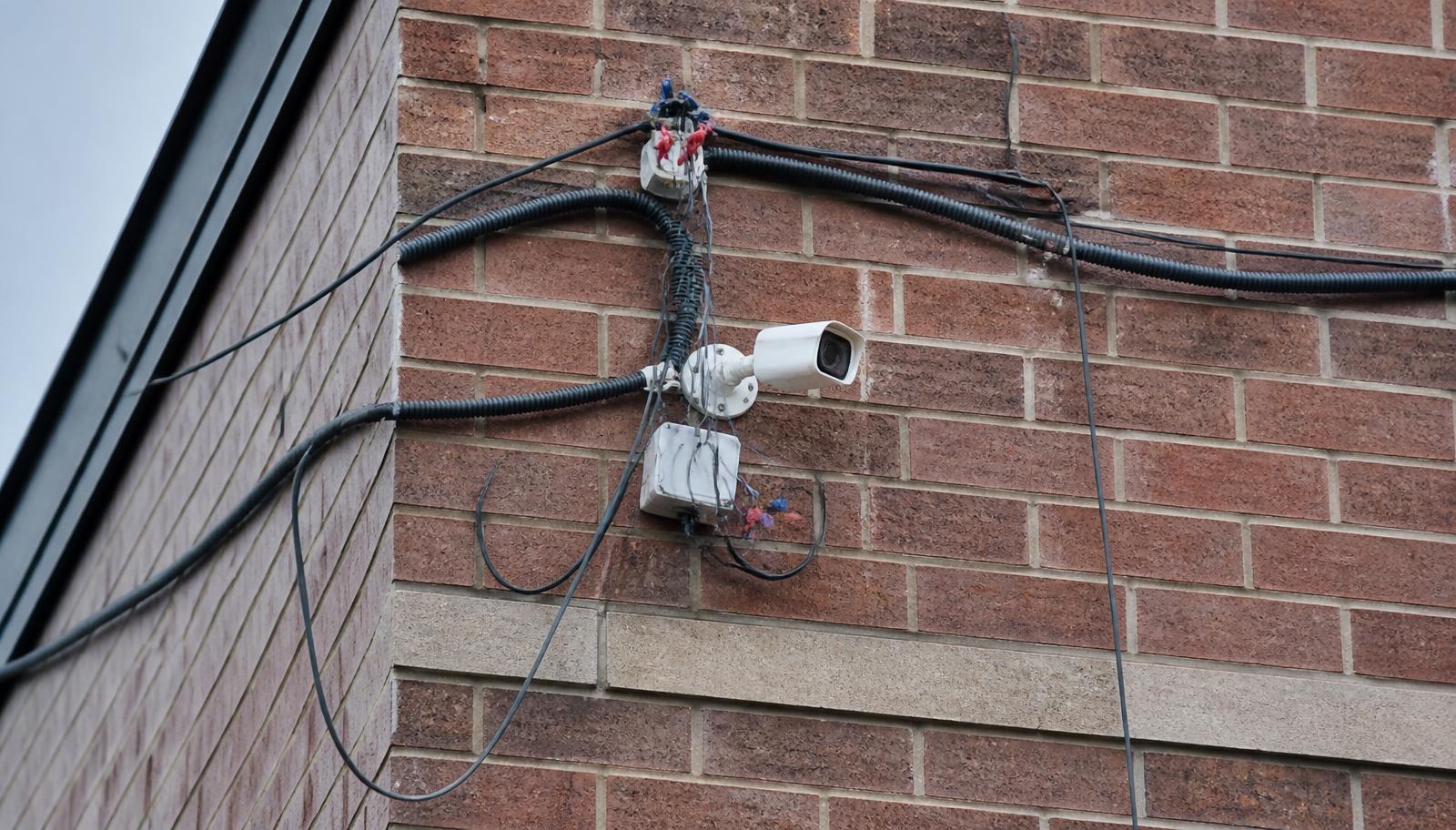
Modern retail runs on one physical network: IP cameras, card readers, the point-of-sale system, payment terminals, customer and staff Wi-Fi, digital signage, music, time clocks, and the recorder. When that infrastructure is improvised — a consumer router in the back office, cameras and POS sharing one flat network, cable run loose above the ceiling grid, no surge protection or battery backup — the symptoms show up as dropped cameras, gaps in recordings, slow card processing, and Wi-Fi that dies during a rush.
One Store, One Properly Designed Network
Cameras, access control, and payment systems belong on separate segments from customer Wi-Fi. Structured voice and data cabling — properly rated cable, terminated at a patch panel in a labeled, ventilated enclosure, with the switch and recorder on battery backup — is what keeps a retail system online through a power blip on a Saturday afternoon. If your back-office "IT room" is a shelf of tangled cable, organized IT rooms and why reliable network infrastructure matters explain what that costs you in downtime.
Multi-Location Retailers: Manage It Like One System
Running five stores on five unrelated systems means five apps, five recorders that fail in five different ways, and no way to compare an incident in one location against another. Retailers with multiple sites benefit most from standardizing: the same camera and recorder platform at every store, one interface with per-store and per-role permissions, centralized access control where a manager's credential can be granted or revoked across locations at once, health monitoring that reports an offline camera instead of waiting for someone to notice, and consistent naming and camera placement so a district manager can find the register view at any site without hunting.
The practical payoff is speed. When a regional loss pattern appears, you pull the same view from every store in minutes instead of driving to each one.
Upgrading an Aging or Poorly Designed Retail System
Plenty of Minnesota stores are still running analog cameras on coax, a recorder whose remote app stopped working after a phone update, or an "IP system" that was installed cheaply enough that half the cameras have been dark for a year. Signs it's time: you can't identify faces at the door, exporting a clip requires the installer, the mobile app is unusable, retention is under two weeks, cameras drop off regularly, or nobody has the recorder password.
An upgrade doesn't have to be all at once. Existing coax can often carry new cameras during a transition, and the work can be phased — recorder and register/entrance cameras first, then exterior, then access control — so the cost spreads across budget cycles. Two related reads: how often businesses should replace cameras and the hidden costs of a cheap camera installation.
A Retail Security Walkthrough Checklist
- Stand at each entrance and ask whether your current footage would identify a stranger's face.
- Pull up your register view and confirm you can see the drawer, the counter, the customer, and the employee.
- Count the employee-only doors that are secured by a real credential rather than a key or a propped-open habit.
- Check your recorder's actual retention in days, not what you were told at install.
- Walk the exterior at night: rear door, dock, dumpster, lot lanes, employee parking.
- Confirm your alarm is monitored, zoned, and on cellular backup — and test it.
- Verify cameras, POS, and guest Wi-Fi are not sharing one flat network.
- Confirm the recorder and network switch are on battery backup.
- Make sure former employees' credentials and app logins are actually gone.
- Name the person responsible for the system at each location.
Bring that list to a walkthrough and you'll get an accurate design and an honest quote instead of a camera count.