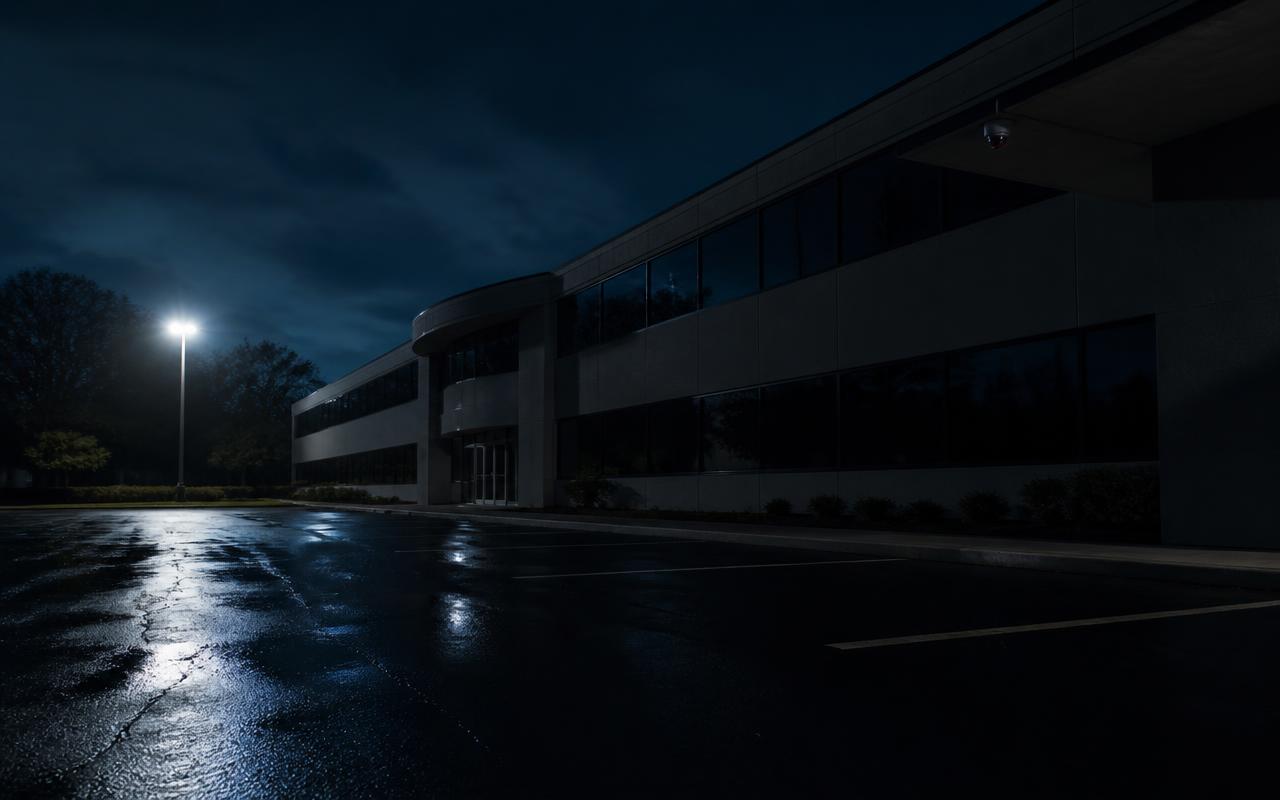
Every commercial building we work in has the same vulnerable window: the hours between the last employee leaving and the first one arriving. For most businesses that's 14 hours on a weekday and a full 60-plus hours over a weekend. Add holidays and shutdown weeks and a typical facility sits unoccupied for well over half the year.
So the question worth asking isn't "do I have cameras?" It's simpler than that: what actually protects this building when nobody is here?
After twenty-plus years installing and servicing commercial security and network systems across Minnesota, we can tell you the answer is almost never one product. Buildings that come through an after-hours incident well are the ones running several systems that reinforce each other. Buildings that lose equipment, take a repair bill, and never identify a suspect are usually running one system alone.
Why Most Commercial Crime Happens After Hours
The reason is practical, not mysterious. An unoccupied building offers no witnesses, no interruption, and a long working window. A person forcing a rear door at 2:30 AM has minutes to work before anyone knows, and often nobody knows until morning.
What we consistently see in after-hours incident footage:
- Rear and side entries — service doors, overhead doors, and roof hatches, away from street visibility
- Yard and lot targets — catalytic converters, trailers, copper, tooling, fuel, and equipment left staged outside
- Repeat visits — a subject who succeeds once comes back, usually within a few weeks, and brings help
- Loitering and encampment activity — a growing problem behind Twin Cities commercial and industrial properties, generating vandalism, fires, needles, and broken glass long before any actual burglary
- Interior nuisance damage — smashed glass and forced doors that cost more to repair than anything taken
It's also worth naming the loss you can't insure: the operational hit. A cut fiber run, a stolen switch, a destroyed access control panel, or a compromised server closet doesn't just cost hardware. It can shut down production, POS, scheduling, or patient records for days.
The Limitations of Cameras That Only Record
Recorded video is essential. It's also, by itself, a rear-view mirror. A camera system with no one watching and no analytics does exactly one job: it documents what already happened.
The specific failure points we get called about:
- Nobody is looking. The recorder is doing its job perfectly, and the incident is discovered at 7:15 AM by the first person through the door.
- Footage is unusable. Undersized lenses, glare, dirty domes, or a camera aimed at a parking lot 90 feet away produce a shape, not an identification.
- Retention already rolled over. An undersized recorder overwrote the night in question before anyone reviewed it.
- The recorder failed silently. A dead hard drive, an offline camera, or a tripped circuit that nobody was alerted to — sometimes for months.
- Nothing was deterred. A visible camera discourages a casual opportunist. It does not stop someone who has decided that no one is coming.
None of this is an argument against cameras. It's an argument against stopping there. Recording is the evidence layer. Deterrence and response are separate jobs that need separate tools.
How Live Video Monitoring Changes Response Time
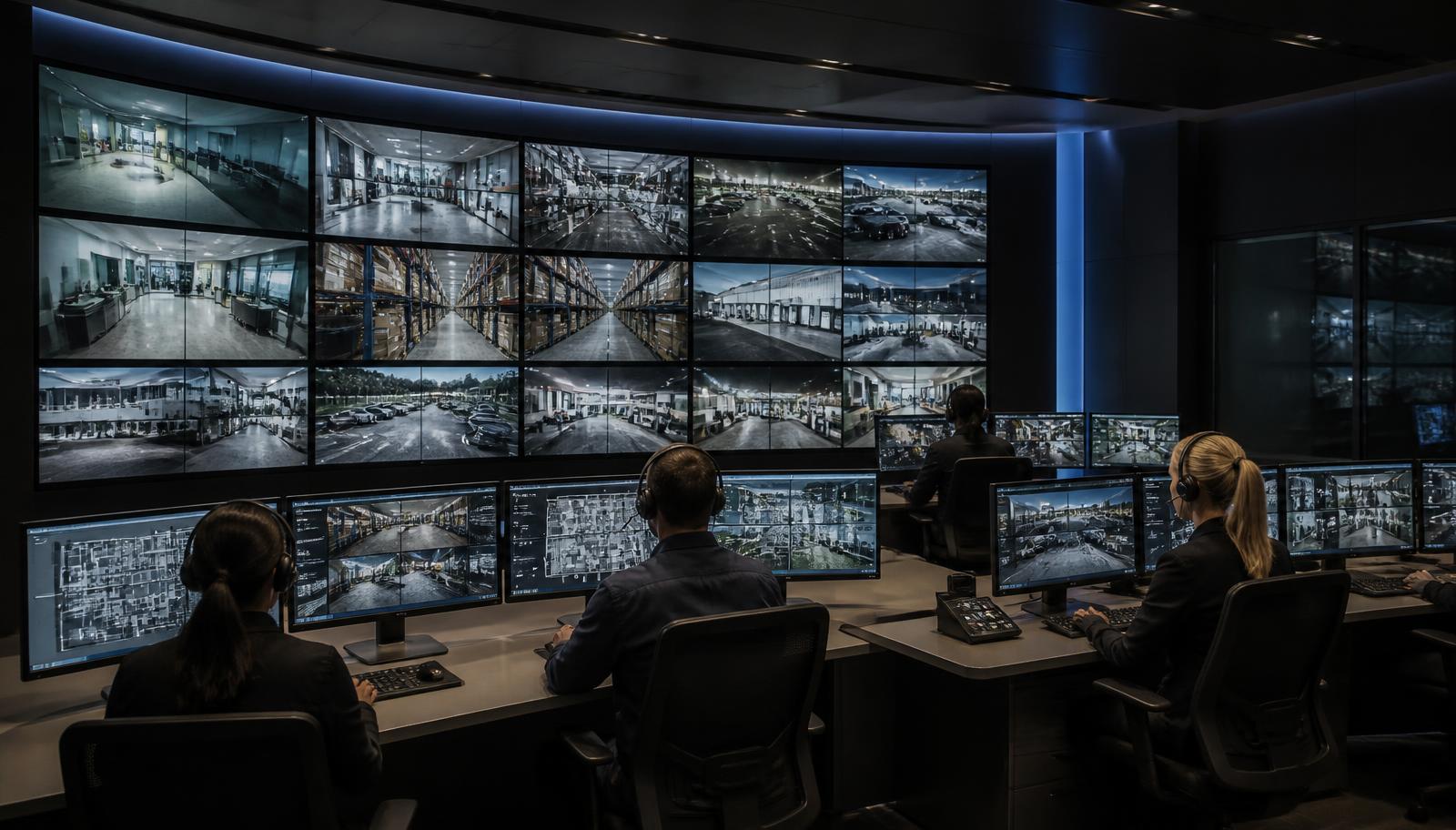
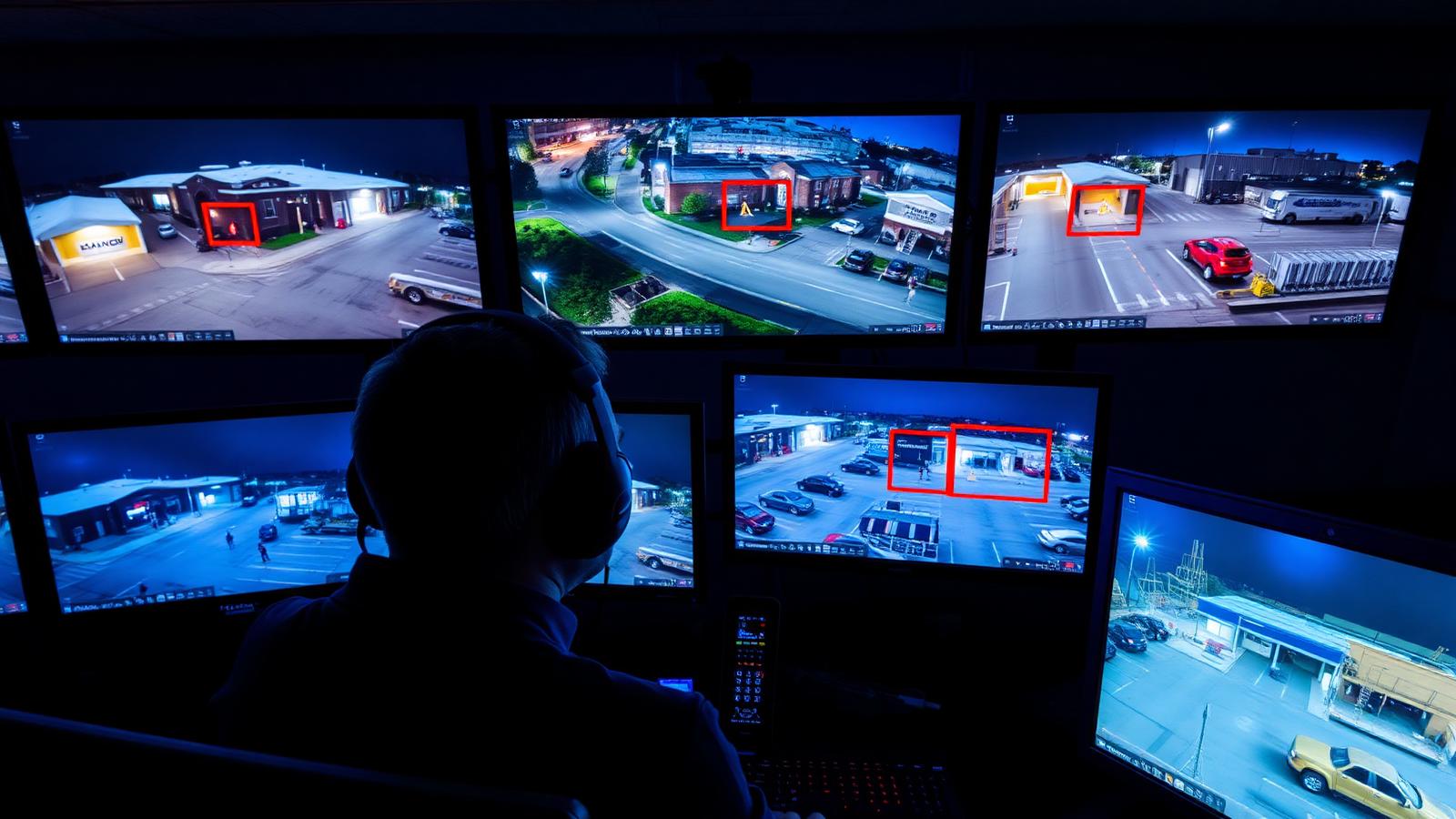
The single biggest change in commercial security over the past decade is that video can now be acted on while an event is happening. With 24/7 live video monitoring, AI analytics classify motion at the camera or recorder, and only relevant events — a person or vehicle in a defined area during defined hours — are pushed to a live operator.
The sequence looks like this:
- A person crosses a virtual perimeter behind your building at 1:47 AM.
- Analytics filter out rain, headlights, shadows, and animals, and classify the object as human.
- The event opens on a monitoring operator's screen within seconds, with live video.
- The operator confirms it's a real intrusion, not a delivery driver or your own employee.
- The operator issues a live audio talk-down over an on-site speaker, describing the person and telling them police are being dispatched.
- If the subject doesn't leave, police are called with a verified, in-progress crime — which changes dispatch priority substantially compared to an unverified alarm.
- You receive a mobile notification and a clip, and the event is logged with video for insurance or prosecution.
Talk-down is the part business owners underestimate. Being addressed by name and description — "the man in the gray hoodie by the white trailer, step away from the vehicle" — removes the assumption of anonymity that the entire attempt depends on. In our experience, the large majority of trespass events end at that point, before anything is damaged. We cover the mechanics in more depth in Active Video Monitoring: Proactively Stopping Crime.
Access Control After Hours
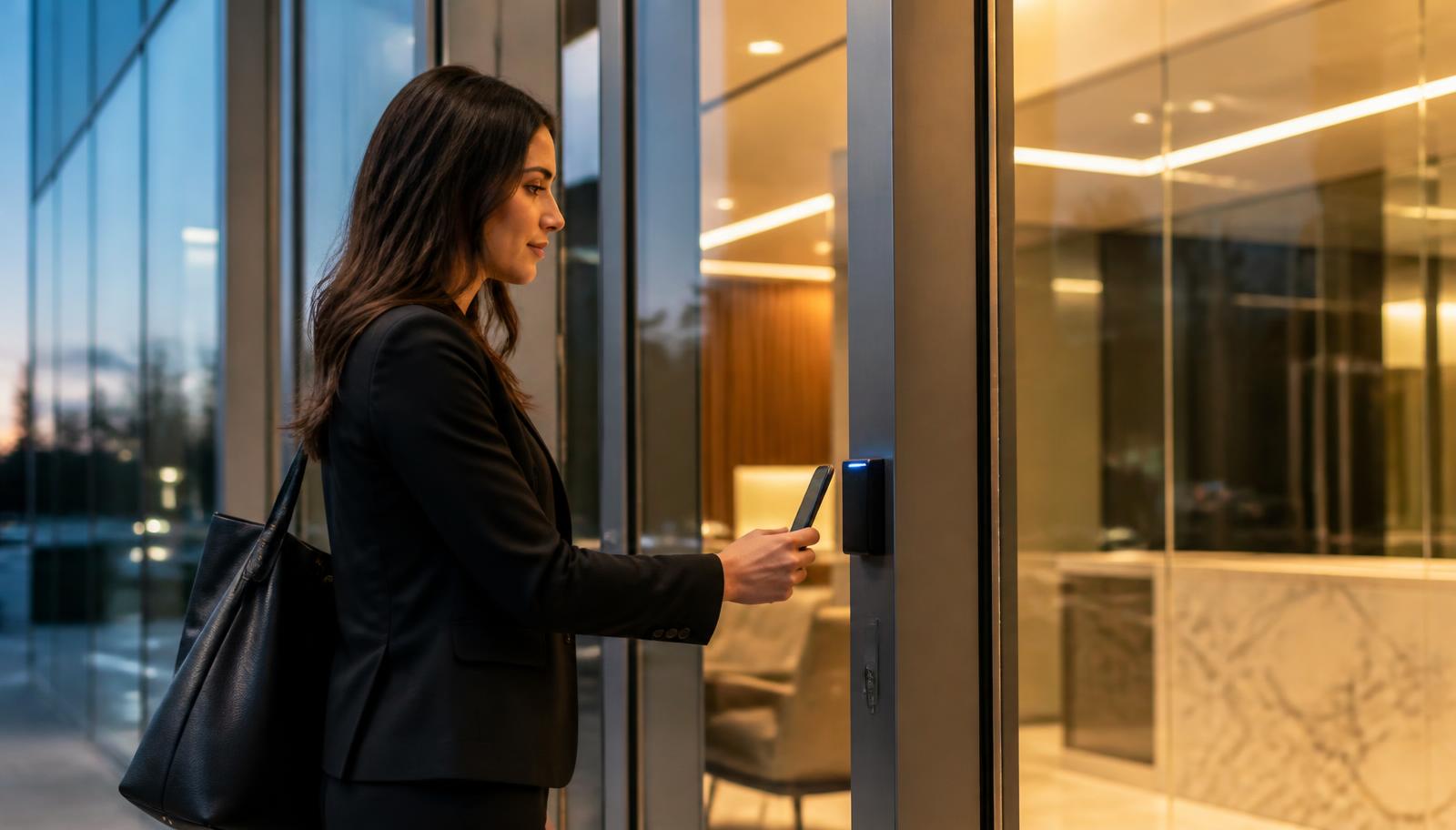
Access control is often sold as a convenience upgrade for business hours. Its after-hours value is bigger.
A properly configured commercial access control system gives you:
- Automatic lockdown on schedule. Every controlled door secures itself at close. No relying on the last person out to check the back door.
- Time-based credentials. Cleaning crews, contractors, and drivers get access to specific doors during specific windows — and nothing else, ever.
- Instant credential revocation. A terminated employee loses access in seconds, with no lock rekeying and no wondering how many copies of a key exist.
- Access logs. A timestamped record of who opened which door, which is the fastest way to resolve most internal-loss questions.
- Door position and forced-door alarms. A door held open at 11 PM or forced open at 3 AM generates an alert on its own, whether or not anyone is watching video.
- Remote unlock. Let a service tech or fire department in from your phone without driving in at midnight.
Mechanical keys can't do any of this. If your building still runs on brass, that's the first thing we'd change — see 5 Signs It's Time to Upgrade Your Commercial Access Control System.
Commercial Burglar Alarms Still Matter
Intrusion detection is the layer that catches what a camera can't see. Cameras cover fields of view; alarm devices cover physical conditions.
A commercial burglar alarm system contributes:
- Door and window contacts on every perimeter opening, including overhead and man doors
- Interior motion detection in corridors, offices, and open floor space where an intruder must travel
- Glass-break detection for storefronts and ground-level windows
- Environmental sensors — a burst pipe or a walk-in cooler failure over a long weekend can cost more than a burglary
- Central station monitoring with police dispatch, plus panic and hold-up devices
- Cellular and battery backup so a cut phone line or a power outage doesn't disable the system
The alarm and the video system should not live in separate worlds. When an alarm zone trips, the right design pulls up the associated cameras automatically — so a human sees what caused it instead of guessing.
The Business Network Is Part of Your Security System
This is the layer almost nobody puts on a security quote, and it's the one that quietly determines whether the rest of it works at 2 AM.
Modern cameras, readers, controllers, intercoms, and alarm communicators are network devices. They depend on structured cabling and business network infrastructure that was engineered rather than improvised:
- Certified Cat6/Cat6A cabling and PoE switches with enough power budget for every camera and reader, including in winter when heaters run
- A separate VLAN for cameras and access control, so security devices aren't exposed on the same flat network as guest Wi-Fi
- UPS battery backup on the switch, recorder, firewall, and door controllers — a five-second flicker should not blind your building
- Adequate upstream bandwidth for remote viewing and live monitoring streams
- Device health monitoring so an offline camera or recorder generates an alert the same day, not the day you need footage
- A locked, cooled, documented IT room — an unlocked closet with your recorder in it is a single point of failure for everything else
We've been called to more than one "the cameras didn't work" investigation that turned out to be a power or network problem, not a camera problem. More on that in Why Organized IT Rooms Save Businesses Time, Money & Downtime.
The Five Layers of Modern Commercial Security
Each layer below does something the others cannot. They complement each other; none of them replaces another.
Layer 1 — Commercial Security Cameras
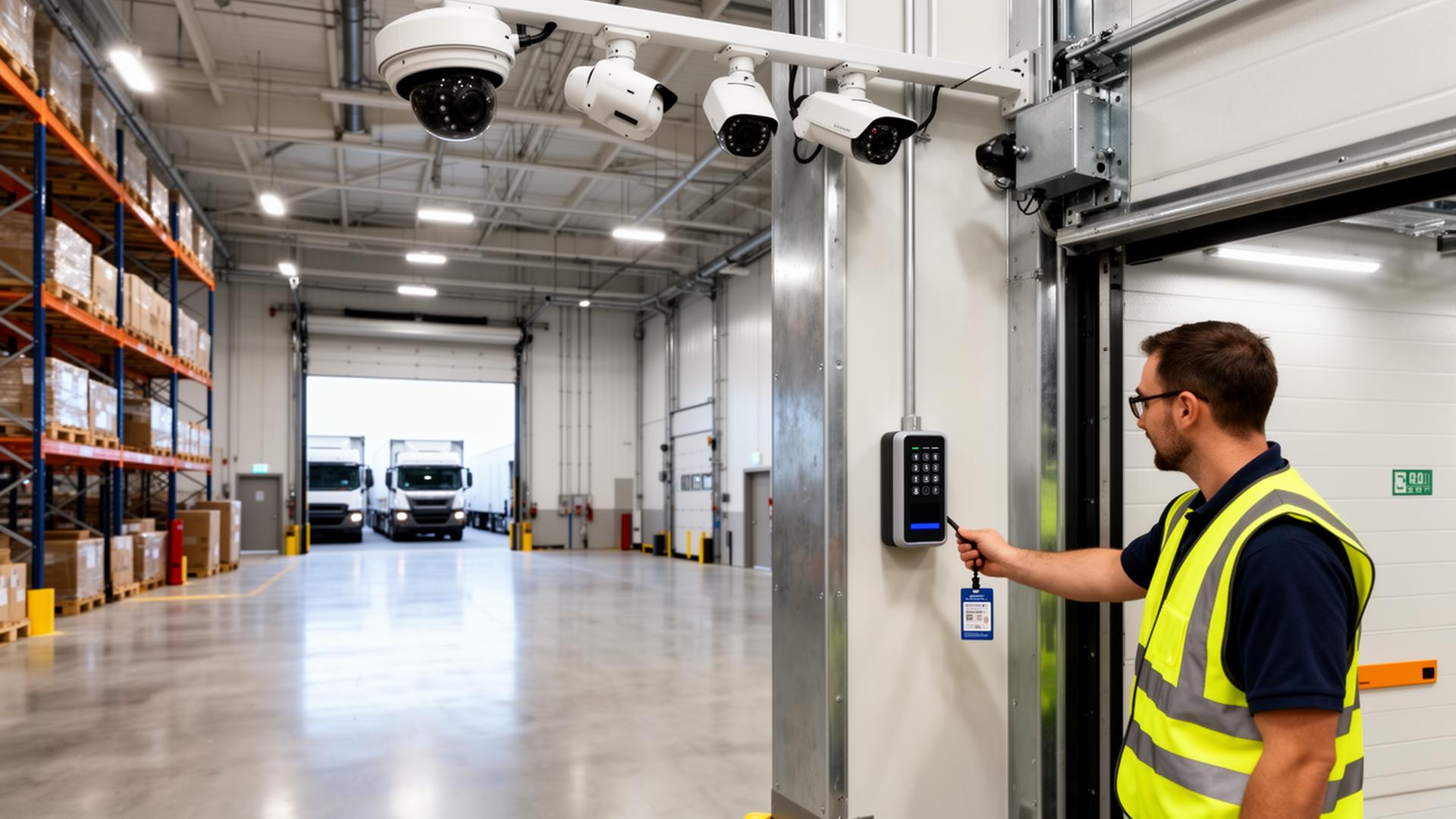
Job: visibility and evidence. Properly specified and aimed commercial security cameras cover entries, yards, docks, corridors, and cash or inventory areas with enough resolution at distance to actually identify a person or plate. This is your permanent record and the foundation every other video capability builds on. On its own, it documents.
Layer 2 — Live Video Monitoring
Job: real-time intervention. Analytics plus trained operators turn recorded video into an active response with talk-down, verified police dispatch, and immediate notification. This layer is what changes an outcome while it's still happening. It requires Layer 1 to exist and be well-designed.
Layer 3 — Access Control
Job: prevention and accountability. Scheduled lockdown, credential-based entry, revocation, and access logs control who can be in the building at all. Cameras tell you who was there; access control decides who gets in and proves who opened what.
Layer 4 — Burglar Alarm Systems
Job: detection and dispatch. Contacts, motion, and glass-break sensors detect intrusion in places and conditions cameras can't cover, and central station monitoring escalates to police even if no analytic event fired. This is your redundancy layer.
Layer 5 — Business Network Infrastructure
Job: reliability. Cabling, PoE, VLANs, UPS, and device monitoring are what keep the other four layers online and remotely accessible. This layer never stops a crime by itself, and the other four fail without it.
Layered properly, the failure of any single component doesn't leave the building unprotected. That's the entire point.
Is Your Building Protected After Everyone Goes Home?
If you can't check most of those boxes, your building isn't unprotected — it's under-layered. Those are usually incremental fixes, not a rip-and-replace.
Traditional Security vs. Layered Commercial Security
| Capability | Traditional Security (Record-Only) | Layered Commercial Security |
|---|---|---|
| Crime Deterrence | Passive — a visible camera and a sticker | Active — analytics, lighting, talk-down, and locked credentialed doors |
| Real-Time Awareness | None until someone reviews footage | Verified human eyes on the event within seconds |
| Evidence Collection | Whatever the recorder happened to capture and retain | Tagged event clips, access logs, and alarm history, exported and archived |
| Remote Management | Limited or none; often only on one office PC | Full mobile and browser access to video, doors, and alarm status |
| Response Capabilities | Report after the fact; unverified alarm at best | Talk-down intervention plus verified, prioritized police dispatch |
| Scalability | Closed system; expansion means replacement | Add cameras, doors, buildings, and sites on the same platform |
| Business Continuity | Failures discovered during an incident | UPS, cellular backup, and device health monitoring catch problems early |
| Total Cost of Ownership | Low up front, high in losses, repairs, and rework | Predictable, phased, and offset by prevented incidents |
What This Looks Like by Facility Type
- Warehouses and manufacturing: yard and dock analytics, overhead door contacts, talk-down on the lot, and credentialed access to tool cribs and server rooms.
- Schools and churches: scheduled lockdown, exterior and entry coverage, after-hours motion in corridors, and remote unlock for staff and emergency responders.
- Healthcare and clinics: access logs on records and medication rooms, environmental sensors, and video retention aligned to policy.
- Commercial offices and property management: tenant-specific credentials, common-area coverage, and access reporting owners can hand to insurers.
- Retail and restaurants: back-door and dumpster-area monitoring, glass-break detection, and cash-handling coverage.
How We'd Approach Your Building
We start with an after-hours walk of the property — usually after dark, because a site looks completely different at 10 PM than it does at 10 AM. We look at what's actually covered, what's aimed wrong, what's offline, which doors lock and which don't, where the network and power vulnerabilities are, and where someone would realistically approach.
Then we scope it in phases you can budget for. Most buildings don't need everything at once. They need the highest-risk gap closed first, on infrastructure that supports the next layer when you're ready for it. If you're earlier in the process, our commercial security systems buyer's guide and building technology planning guide walk through how to evaluate contractors and plan the work.
Effective commercial security isn't a product you buy once. It's a layered strategy that protects your people, your property, and your ability to operate on the mornings when something went wrong overnight — and on the many more mornings when nothing did, because the layers worked.