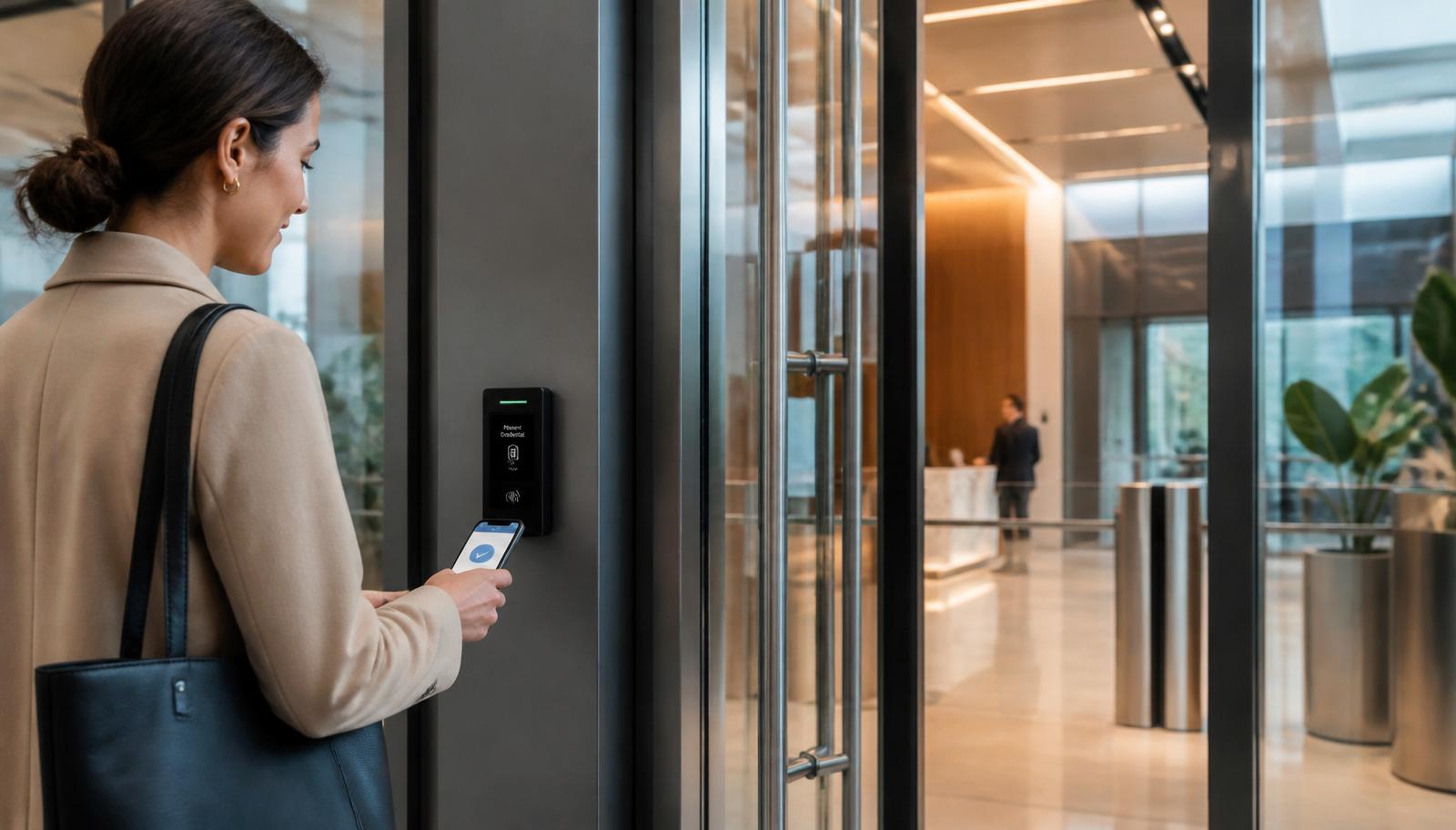
If your building still runs on brass keys, a 15-year-old prox system, or a patchwork of standalone keypads, you're paying for it in ways that don't show up on an invoice — rekey fees every time an employee leaves, tailgating at the front door, no idea who was in the building at 2 a.m., and zero audit trail when something goes wrong. Modern commercial access control fixes all of that, and for most Minnesota businesses it pays for itself inside the first two years.
This is the guide we wish every building owner in Minneapolis, St. Paul, Bloomington, Edina, Plymouth, Maple Grove, Woodbury, Eagan, Eden Prairie, and communities across East Central Minnesota had before they signed an access control proposal. It covers what modern access control actually is, cloud vs. on-premise, mobile credentials, hardware, integration with cameras and alarms, code compliance, real-world pricing, and the questions to ask before you hire an installer.
What Commercial Access Control Actually Does
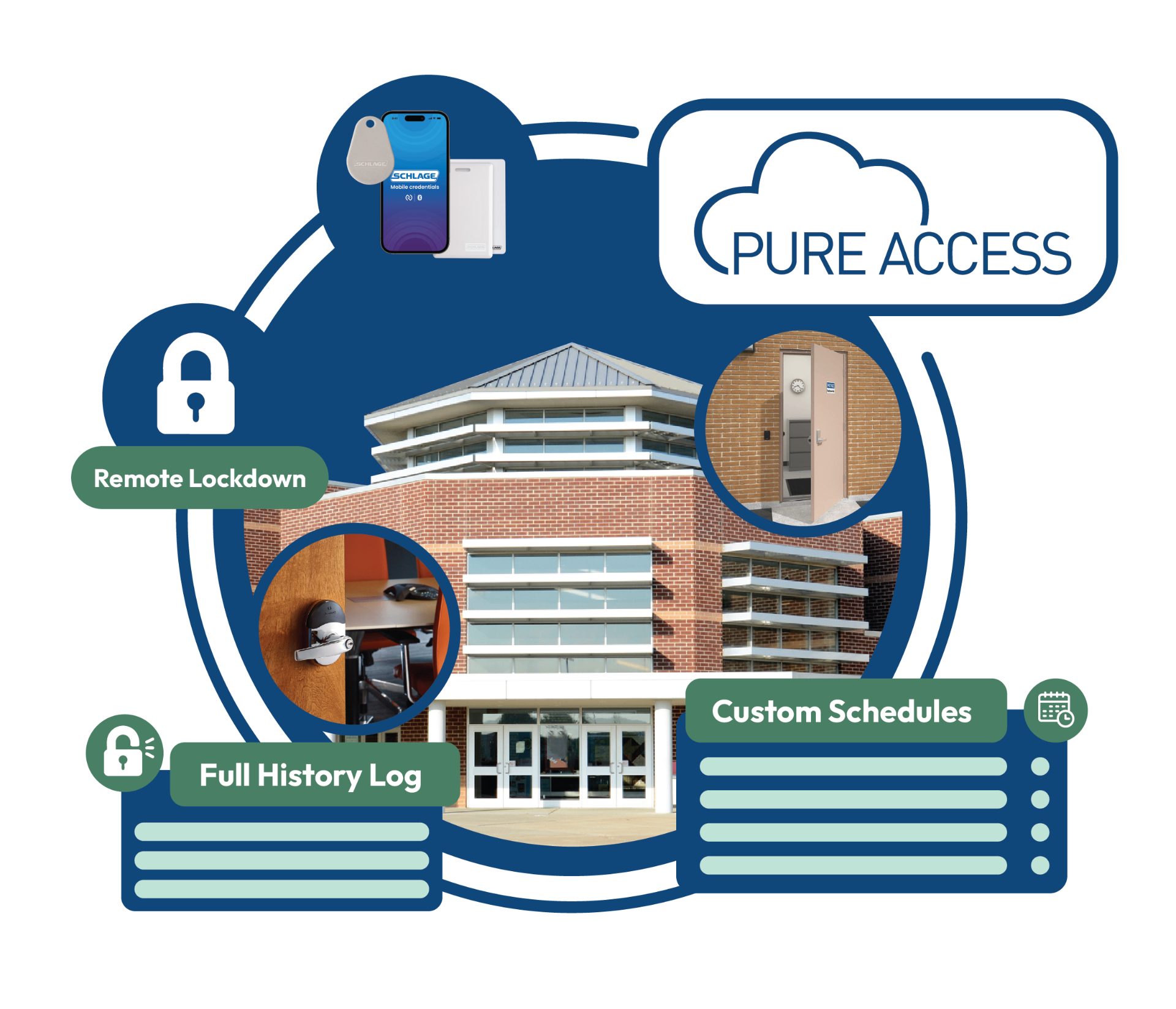
At its simplest, an access control system replaces the mechanical key with a credential — a card, fob, mobile phone, PIN, or biometric — that's tied to a person, a schedule, and a door. Every attempt (granted or denied) is logged. Credentials can be disabled instantly. Schedules can lock and unlock doors automatically. Doors can be put into lockdown from a phone in seconds.
For a Minnesota commercial building, that translates directly into:
- No more rekeying. An ex-employee's credential is disabled in one click, not by a locksmith with a $600 invoice.
- Real audit trails. You know exactly who unlocked which door at which time — critical for HR, insurance, HIPAA, PCI, and law enforcement.
- Automatic schedules. Front doors unlock at 7:30 a.m., lock at 6 p.m., and stay locked on holidays without anyone lifting a finger.
- Instant lockdown. One tap from a phone or a panic button locks every exterior door in a school, clinic, or office.
- Multi-site control. Manage a Minneapolis headquarters, a Cambridge clinic, and a North Branch warehouse from the same dashboard.
The Anatomy of a Modern Access Control System
Every commercial system — whether it's protecting a two-door dental office in Edina or a 200-door manufacturing campus in Blaine — is built from the same core parts. Understanding them makes proposals much easier to compare.
1. Credentials
- Prox cards (125 kHz) — legacy, easily cloned, being phased out.
- Smart cards (13.56 MHz, MIFARE DESFire, HID Seos, iCLASS SE) — the current standard for physical cards. Encrypted, tamper-resistant.
- Mobile credentials — the credential lives on the employee's phone (Apple Wallet, Google Wallet, or a vendor app). Zero card printing, no lost cards, easy to issue remotely.
- PIN codes — fine as a backup or for low-traffic doors; not appropriate as the primary credential for a real business.
- Biometrics — face and fingerprint for high-security areas: data centers, cash rooms, cannabis facilities, controlled substance storage.
2. Readers
The device on the wall next to the door. Modern readers should be OSDP-capable (Open Supervised Device Protocol), not just Wiegand — OSDP is encrypted end-to-end and prevents the eavesdropping attacks that plague old Wiegand installs.
3. Controllers & Panels
The brains — usually a small networked panel in the IT closet that makes the actual "grant or deny" decision and drives the door hardware. This is where system architecture matters most: a good controller keeps working when the internet drops.
4. Electrified Door Hardware
- Electric strikes — most common on interior and standard commercial doors.
- Magnetic locks (mag locks) — for glass storefronts and doors where a strike won't work; requires request-to-exit and fire alarm interface by code.
- Electrified levers & mortise locks — cleaner look, better for high-traffic office doors.
- Delayed-egress hardware — retail, memory care, and behavioral-health facilities.
- Request-to-exit (REX) sensors, door position switches, automatic operators — the supporting cast that makes the door legal, safe, and ADA-compliant.
5. Software / Management Platform
Where you add users, set schedules, view logs, and pull reports. This is where the biggest architectural decision lives: cloud-managed vs. on-premise.
Cloud vs. On-Premise Access Control: How to Choose
This is the single most important decision on the proposal. Both models work — they just fit different buildings.
Cloud-Managed Access Control
Examples: Openpath / Avigilon Alta, Brivo, Verkada Access, Schlage Pure Access, Kisi, Genea.
- No local server to maintain, patch, or replace every 7 years.
- Manage every door from a browser or phone — perfect for multi-site operators across the Twin Cities and East Central Minnesota.
- Mobile credentials are usually included or cheap.
- Predictable monthly SaaS fee per door or reader.
- Automatic firmware updates and cyber patches.
On-Premise Access Control
Examples: Genetec Security Center, Software House C•CURE, LenelS2, Honeywell Pro-Watch.
- Best fit for enterprise, government, and healthcare campuses with strict data-residency or CJIS/HIPAA requirements.
- Owner controls the server, database, and integrations directly.
- No recurring per-door SaaS fees — but a real IT team is required.
- Higher up-front cost and a larger server refresh every 5–7 years.
Rule of thumb for Minnesota commercial buildings: If you have fewer than 100 doors and no dedicated on-prem IT team, cloud almost always wins. If you're a hospital system, a school district with a security operations center, a data center, or a state or municipal building, on-premise is usually the right answer.
Integration: Cameras, Alarms, Intercoms, and Video Verification
An access control system in a vacuum is a locked door with a logbook. The real value shows up when it's wired into the rest of your building.
- Cameras + access control — every access event pulls up the matching video clip automatically. Someone forces a door? You have the face.
- Video intercoms at the front door — remote reception, after-hours deliveries, tenant let-in for multi-tenant office buildings.
- Intrusion alarm integration — arm and disarm the burglar alarm automatically based on the first-in/last-out credential.
- Elevator control — restrict floor selection by credential in office towers and multi-tenant buildings.
- Visitor management — pre-registered visitors get a QR code and can badge themselves in at the lobby.
- HR / directory sync — Active Directory, Okta, Google Workspace, and BambooHR can auto-provision and de-provision credentials.
Code, Compliance, and Life Safety in Minnesota
Access control is one of the few low-voltage systems where doing it wrong can get people killed and get the owner sued. Every commercial installer working in Minnesota should be designing to:
- NFPA 101 Life Safety Code — free egress requirements, delayed egress rules, sensor-release for mag locks.
- NFPA 72 — fire alarm interface: any mag-locked door must release on fire alarm.
- Minnesota State Building Code & local AHJs — plan review and inspection by the local fire marshal.
- ADA — reader height, operating force, and automatic operators on required accessible doors.
- Cybersecurity — OSDP encryption, MFA on the admin console, VLAN isolation, no default passwords.
If a proposal doesn't mention any of the above, that's a red flag. Read our commercial security buyer's guide for the full contractor-vetting checklist.
What Commercial Access Control Costs in Minnesota (2026)
Real numbers, no marketing fluff. Prices vary based on door hardware condition, wire path, and whether the doors are wood, hollow metal, or glass storefront.
- Single door retrofit (standard interior door, cloud-managed): $2,200 – $3,800 installed
- Glass storefront with mag lock, REX, and fire alarm interface: $3,800 – $6,500 installed
- Automatic operator with access control: add $3,500 – $6,000 per door
- Cloud software / mobile credentials: $12 – $30 per door per month
- Enterprise on-prem platform (server, licensing, first 16 doors): $28,000 – $55,000
- Multi-site 10-door small business rollout (cloud): $28,000 – $45,000 turnkey
For a broader picture of low-voltage budgeting, see our Minnesota camera installation cost guide and the hidden cost of outdated commercial technology.
Signs Your Current System Needs to Be Replaced
- You're still issuing 125 kHz prox cards (they clone for $12 on Amazon).
- The software runs on Windows Server 2012 or older.
- The manufacturer discontinued the panel and won't sell replacement parts.
- You can't add a door without a service call from the original installer.
- There's no fire alarm interface on a mag-locked door.
- You have no idea who has active credentials.
- Wiegand readers with no OSDP path forward.
10 Questions to Ask Before You Sign an Access Control Proposal
Is this platform actively developed and supported in 2026?
Discontinued panels and orphaned software are the #1 reason Minnesota businesses rip out systems 4 years in.
Cloud or on-premise — and why for my building?
A good installer will justify the recommendation, not just quote what they always sell.
Are the readers OSDP or Wiegand?
OSDP is the modern, encrypted standard. Wiegand-only in 2026 is a compromise.
How does the door behave in a fire alarm or power failure?
Every mag-locked and electrified door must fail safely and legally. Get it in writing.
Who owns my data and my credentials if I leave?
Some vendors lock you into their credentials. Make sure you can export users and audit logs.
What's included in the SaaS fee vs. billed separately?
Mobile credentials, video integration, visitor management, and support tiers are frequently unbundled.
How does it integrate with my cameras and alarm?
Native integration is 10x more useful than screenshots of two dashboards side by side.
What's the response time for a service call in my city?
Forest Lake, Cambridge, Pine City, and Rush City deserve the same SLA as Minneapolis.
Are you licensed and bonded in Minnesota, and pulling a permit?
Commercial access control almost always requires a low-voltage license and AHJ inspection.
What does the as-built documentation and training look like?
You should walk away with door schedules, wiring diagrams, admin training, and a support runbook.
How Magnuson Low Voltage Wiring Approaches Access Control
We design, install, and support commercial access control systems across the Twin Cities and East Central Minnesota — from single-door small business installs in Edina and Woodbury to multi-building campuses in Blaine, Cambridge, and Forest Lake. Every project starts with a site walk, an honest cloud-vs-on-prem conversation, and a written scope with door-by-door hardware and code compliance details.
We're vendor-flexible on purpose. Depending on your building, that might mean Avigilon Alta / Openpath, Brivo, Verkada, Schlage Pure Access, Genea, or Genetec — chosen for your building, not our margin. Learn more about our commercial access control services, our full Minnesota service areas, and how we fit into the broader commercial low-voltage stack.