When most business owners think about their network, they think about one thing: the internet.
In reality, your internet connection is only one piece of a much larger system. Your network is the backbone of nearly every technology your business depends on. From Wi-Fi and security cameras to cloud applications, access control, VoIP phones, and Microsoft 365, nearly every modern business process relies on reliable commercial network infrastructure.
When the network performs well, business runs smoothly. When it doesn't, productivity, security, and customer service all suffer.
Your Network Powers More Than You Think
Today's commercial network supports far more than employee computers. Modern businesses often rely on their network for:
- Security cameras
- Access control systems
- Wireless access points
- VoIP phone systems
- Cloud applications
- Point-of-sale systems
- Digital signage
- Time clocks
- Conference rooms
- Smart TVs
- Building automation
- Guest Wi-Fi
- Backup systems
As businesses continue adopting cloud-based technology, the importance of reliable infrastructure only continues to grow.
What Does a Modern Business Network Actually Look Like?
A professionally designed commercial network is more than a router and a few wireless access points. It's a coordinated system of hardware, cabling, software, and ongoing management that work together as one platform. Here's what's typically included:
Commercial Wi-Fi
Enterprise wireless systems using cloud-managed platforms such as Ubiquiti UniFi, Aruba Instant On, Cisco Meraki, or TP-Link Omada — built to handle dense client counts, multiple SSIDs, and seamless roaming.
Structured Cabling
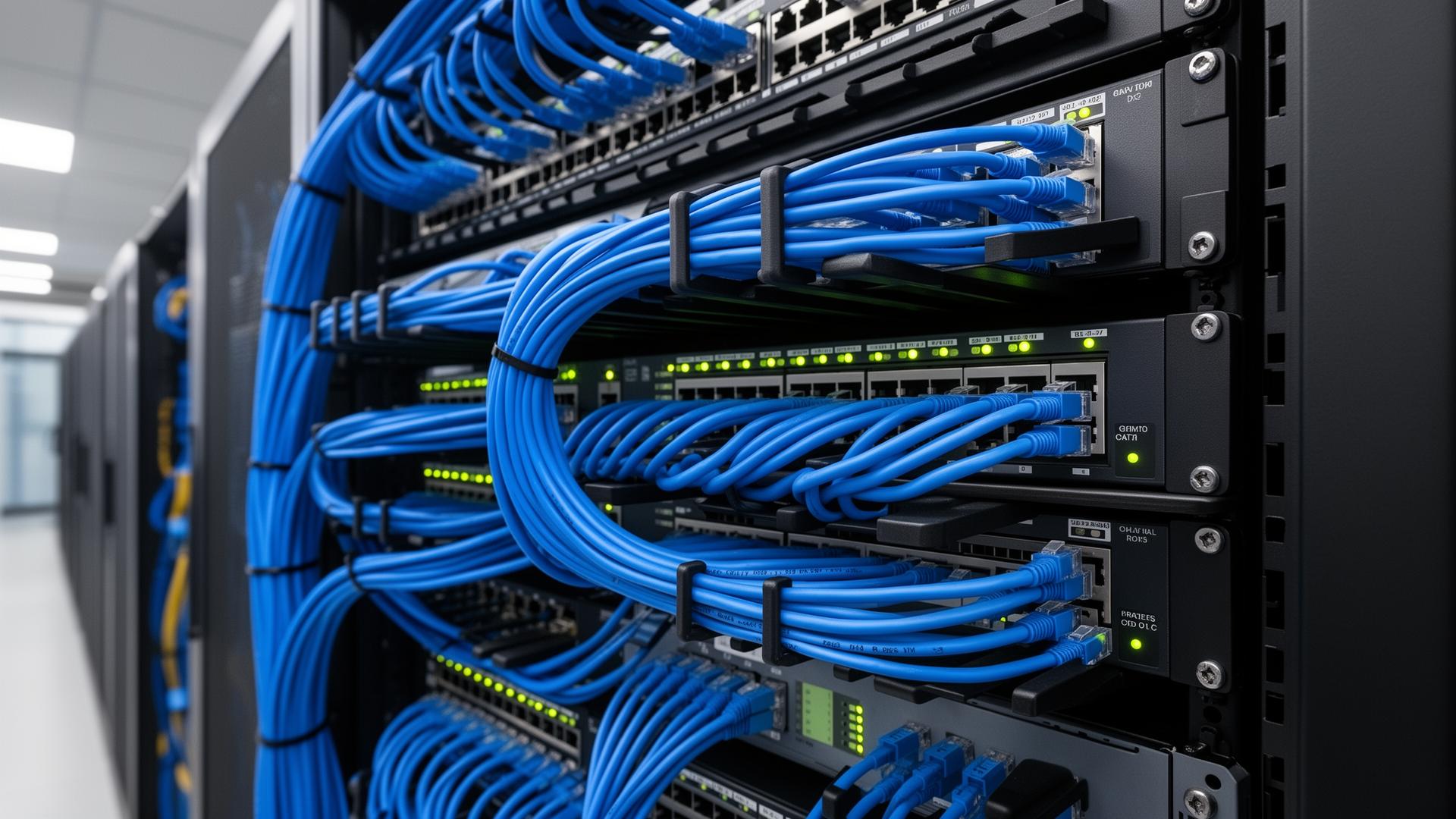
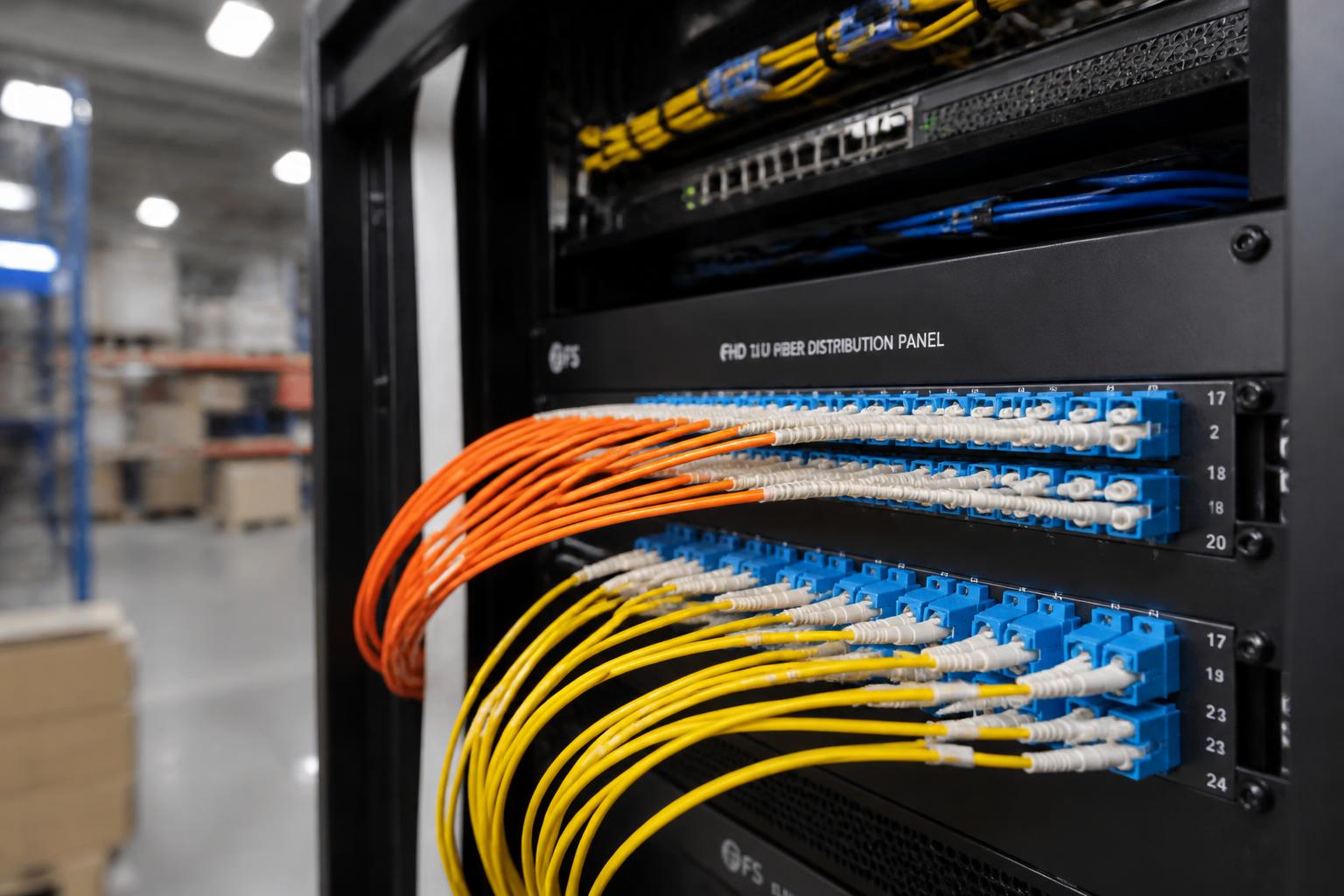
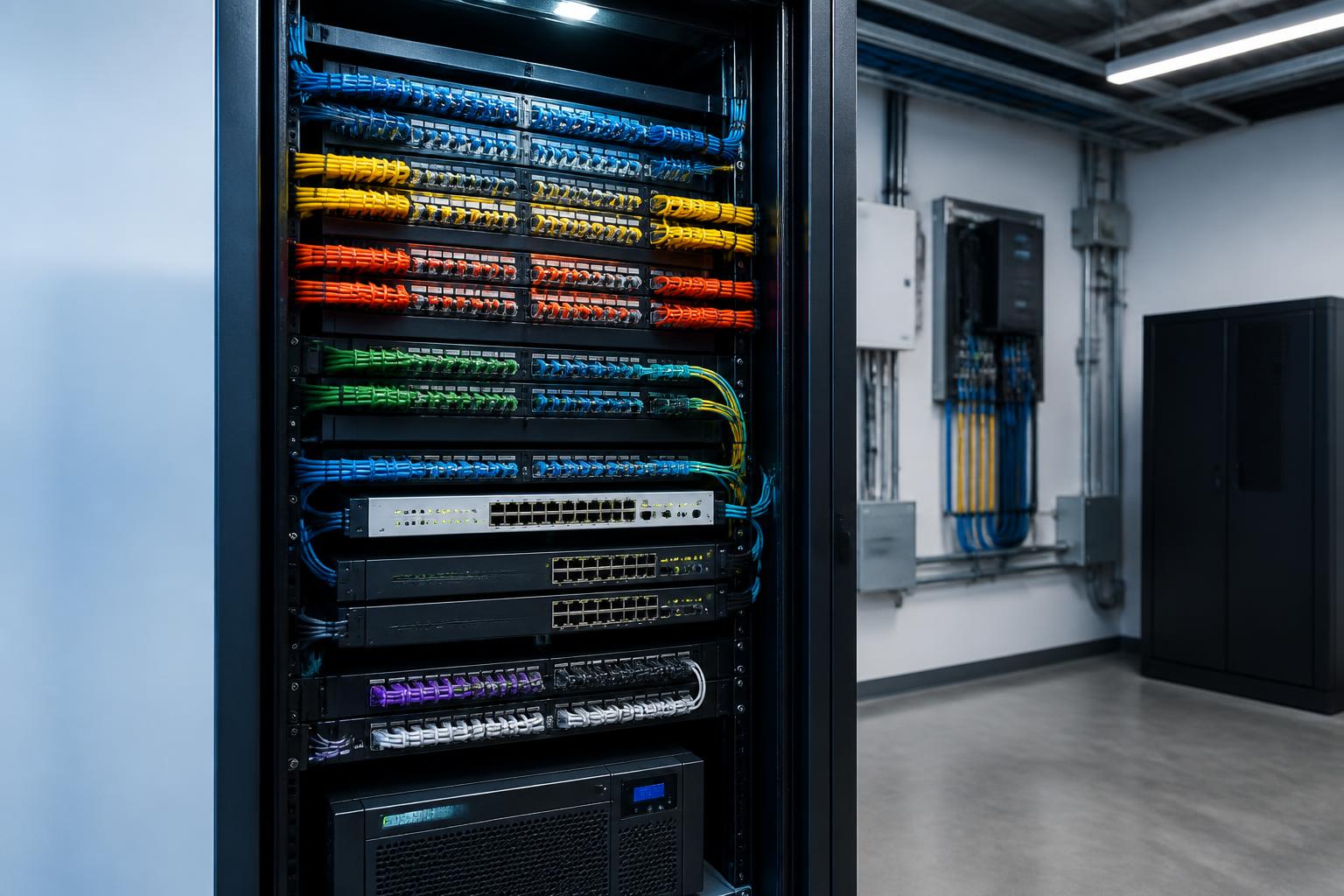
Professionally installed Cat6 and fiber optic infrastructure designed for reliability, organization, and future expansion — the physical foundation everything else depends on.
Security Cameras
AI-enabled commercial surveillance integrated directly into the business network, with PoE-powered cameras on a segmented VLAN for performance and security.
Access Control
Cloud-managed door access systems, mobile credentials, visitor management, and remote administration — all unified with the rest of your security infrastructure.
Cloud Applications
Microsoft 365, Google Workspace, VoIP phone systems, cloud backups, ERP software, and the modern business applications your team relies on every hour.
Managed Network Services
Proactive monitoring, firmware management, automated alerts, configuration backups, documentation, and ongoing optimization to keep everything running.
Inside the Modern Cloud-Managed Network
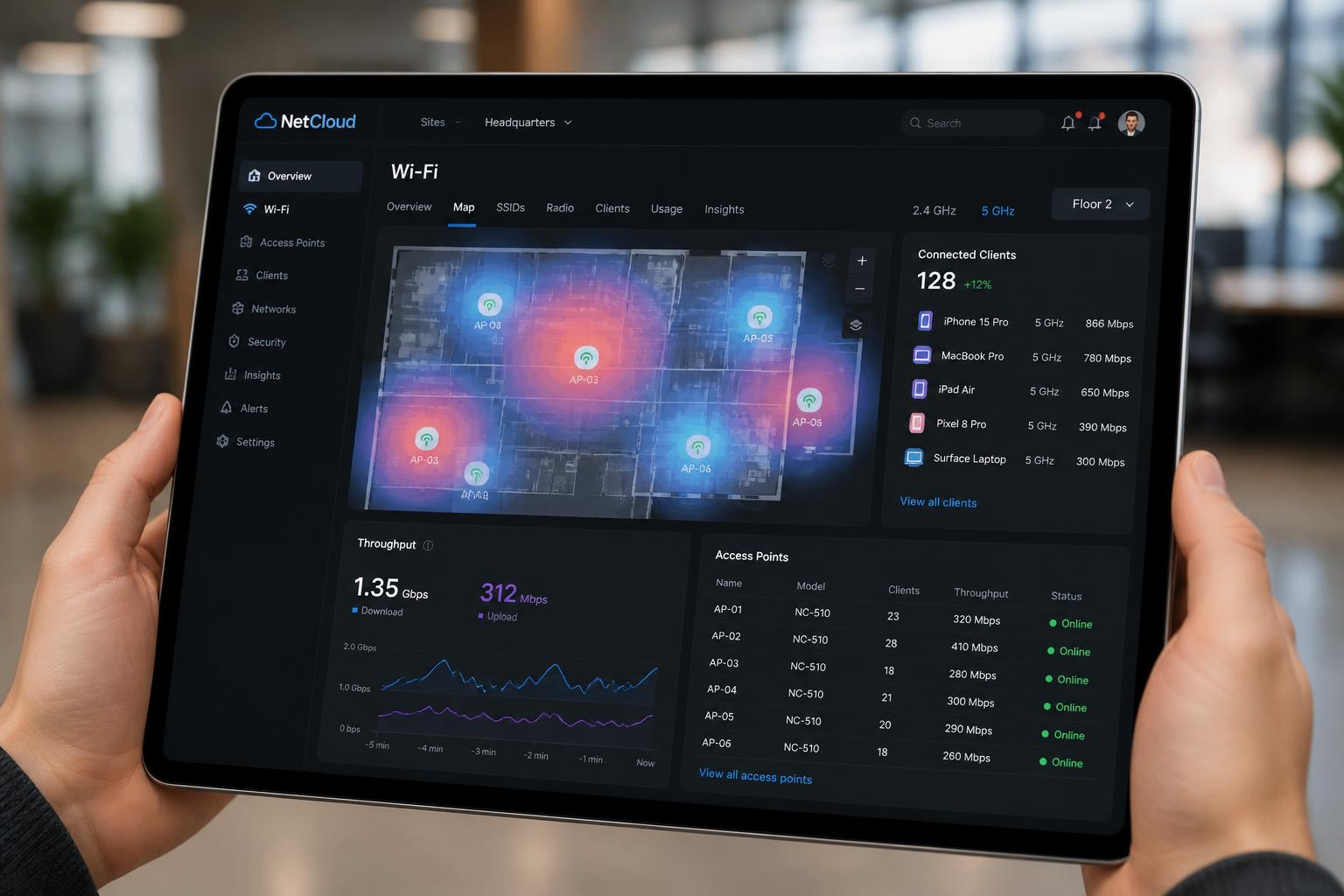
One of the biggest shifts in commercial networking is how networks are managed. Today's enterprise platforms — Ubiquiti UniFi, Aruba Instant On, and Cisco Meraki to name a few — provide cloud-based dashboards that give administrators full visibility into every switch, access point, and connected device.
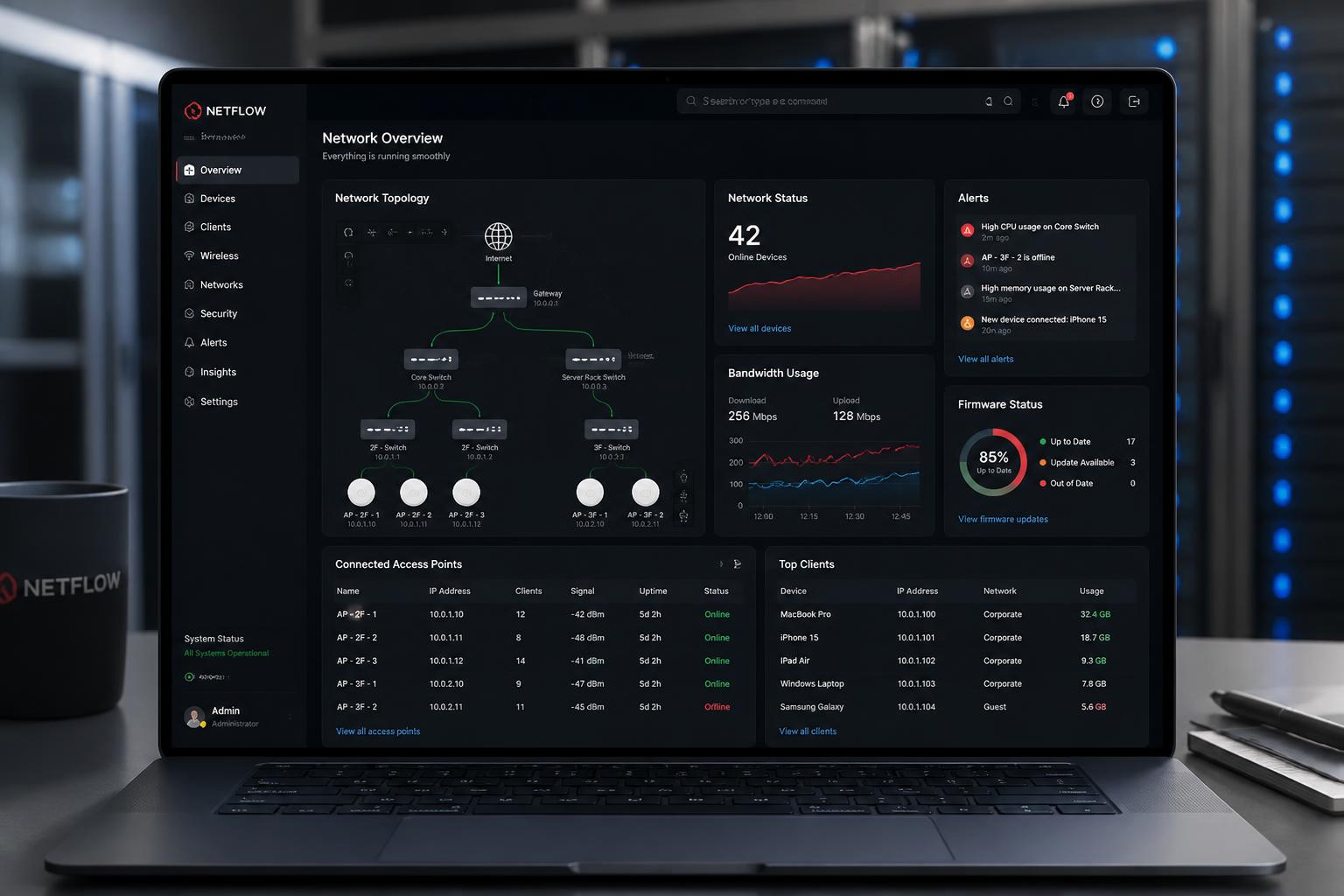
This kind of visibility used to require an on-site IT team and expensive monitoring software. Today, it's standard. Whether you have one location or twenty, a single login surfaces switch status, port-level performance, wireless heatmaps, client device lists, and security events in real time.
Network Architecture: How It All Connects
Every reliable commercial network follows a similar architectural pattern. Internet enters the building, passes through a firewall, hits a core switch, and distributes out through fiber to the edge — where access points, cameras, door readers, phones, and computers connect.
Typical Commercial Network Architecture
When this architecture is designed properly — with the right cable types, segmentation, redundancy, and capacity — adding new devices or expanding a building becomes a planned upgrade, not an emergency.
What Does Downtime Actually Cost?
Network outages don't just interrupt internet access. They interrupt business. A single outage can impact:
- Employee productivity
- Customer service
- Credit card processing
- Phone systems
- Security camera recording
- Door access systems
- Cloud software
- Remote employees
- Manufacturing operations
For many organizations, even a short outage creates costs that far exceed the price of investing in reliable infrastructure.
Commercial Networking Is Different Than Home Networking
Consumer networking equipment is designed for homes. Commercial environments require infrastructure capable of supporting dozens — or even hundreds — of connected devices simultaneously.
Businesses often benefit from enterprise-grade solutions from manufacturers such as:
- Ubiquiti UniFi
- Aruba Instant On
- Cisco Meraki
- TP-Link Omada
- Fortinet
- SonicWall
Each platform offers different strengths depending on building size, security requirements, scalability, and management preferences. The best solution depends on your business — not simply the manufacturer.
The Foundation Starts With Structured Cabling
Reliable networks begin with reliable cabling. Properly installed Cat6 and fiber optic infrastructure provide the foundation for:
- Wi-Fi
- Cameras
- Access control
- Phones
- Servers
- Cloud connectivity
A well-designed structured cabling system also makes future expansion significantly easier.
Infrastructure Built for Growth
Technology rarely stands still. Businesses add:
- New employees
- Additional security cameras
- More wireless access points
- Cloud-based access control
- Conference rooms
- AI-powered surveillance
- New office space
Planning for growth today helps avoid costly upgrades tomorrow. A scalable network should grow with your business — not hold it back.
Imagine Knowing About the Problem Before Your Employees Do
That's the real value of managed network services. Instead of waiting for someone to walk into IT and report that "the internet is down" or "the camera is offline," proactive monitoring quietly watches every device on your network around the clock and surfaces issues the moment they appear.
Examples of alerts that arrive before employees notice anything:
Proactive monitoring doesn't eliminate every issue, but it drastically reduces downtime and lets most problems be addressed before employees or customers ever feel them.
A Typical Monday Morning
Picture a well-designed business network on an ordinary Monday morning.
- Employees arrive
- Doors unlock on schedule
- VoIP phones connect
- Microsoft 365 loads instantly
- Wi-Fi works everywhere
- Security cameras record
- POS systems come online
- Customers begin arriving
Everything simply works — and nobody thinks about the network.
That's the goal. The most successful businesses rarely think about their network because it's doing exactly what it was designed to do. The job of well-managed infrastructure isn't only to fix problems quickly — it's to prevent most of them from happening in the first place.
One Partner Instead of Five Vendors
One of the biggest frustrations for many businesses is determining who to call when technology stops working. Was it the internet provider? The managed service provider? The security camera company? The access control vendor? The cabling contractor? Or internal IT?
Working with a commercial technology partner who understands the entire infrastructure simplifies support and eliminates finger-pointing between vendors. When your network, structured cabling, Wi-Fi, security cameras, and access control systems are designed to work together, troubleshooting becomes faster and future expansion becomes much easier.
Traditional Approach
Five vendors. One headache.
- Internet Provider
- ↓
- Managed Service Provider
- ↓
- Internal IT
- ↓
- Security Camera Company
- ↓
- Access Control Vendor
- ↓
- Cabling Contractor
- ↓
- Business Owner Coordinating Everyone
Magnuson Low Voltage Wiring
One technology partner. Everything covered.
- Magnuson Low Voltage Wiring
- ↓
- Structured Cabling
- Commercial Wi-Fi
- Fiber Infrastructure
- Security Cameras
- Access Control
- Network Expansion
- Managed Network Services
- Future Planning
Many businesses still maintain an internal IT department or outside MSP — and that's a good thing. But partnering with a commercial low-voltage contractor who owns the physical network infrastructure helps projects move faster, reduces unnecessary complexity, and gives your IT team a reliable on-site partner for everything from cabling and switches to cameras and door hardware.
Technology Should Help Your Business Grow — Not Slow It Down
Businesses keep adopting more technology, not less. Cloud software. AI-powered surveillance. Hybrid work. Mobile credentials. Connected building systems. Every one of those technologies depends on a network that can support it today and adapt to what's coming next.
A properly designed network shouldn't be a limitation. It should be a quiet competitive advantage — the foundation that lets every other investment in your business actually deliver on its promise.
Commercial Network Health Checklist
- ✅ Reliable business Wi-Fi
- ✅ Structured Cat6 cabling
- ✅ Fiber backbone where appropriate
- ✅ Managed PoE switches
- ✅ Enterprise-grade wireless access points
- ✅ UPS battery backup
- ✅ Organized network racks
- ✅ Secure remote access
- ✅ Managed network monitoring
- ✅ Capacity for future growth
Serving Minneapolis, St. Paul & East Central Minnesota
Magnuson Low Voltage Wiring designs and installs structured cabling, commercial Wi-Fi, fiber optic infrastructure, security cameras, access control systems, and managed network solutions for businesses throughout Minneapolis, St. Paul, Forest Lake, Cambridge, North Branch, Pine City, and communities across East Central Minnesota.
Whether you're upgrading a warehouse, expanding an office, remodeling a manufacturing facility, or planning a new commercial building, we'll help you design technology infrastructure that supports your business today and prepares it for tomorrow. Contact our team to start the conversation.