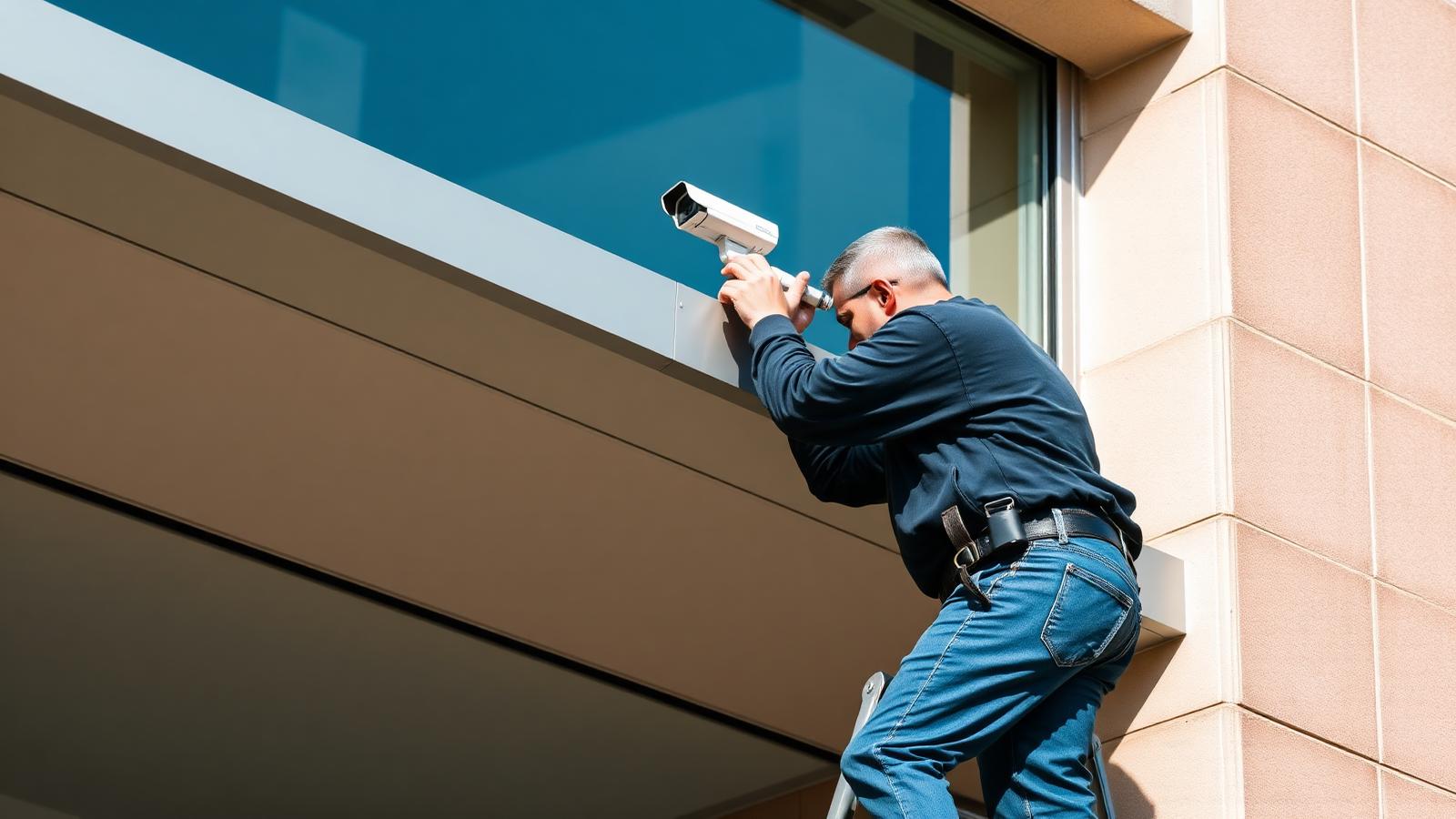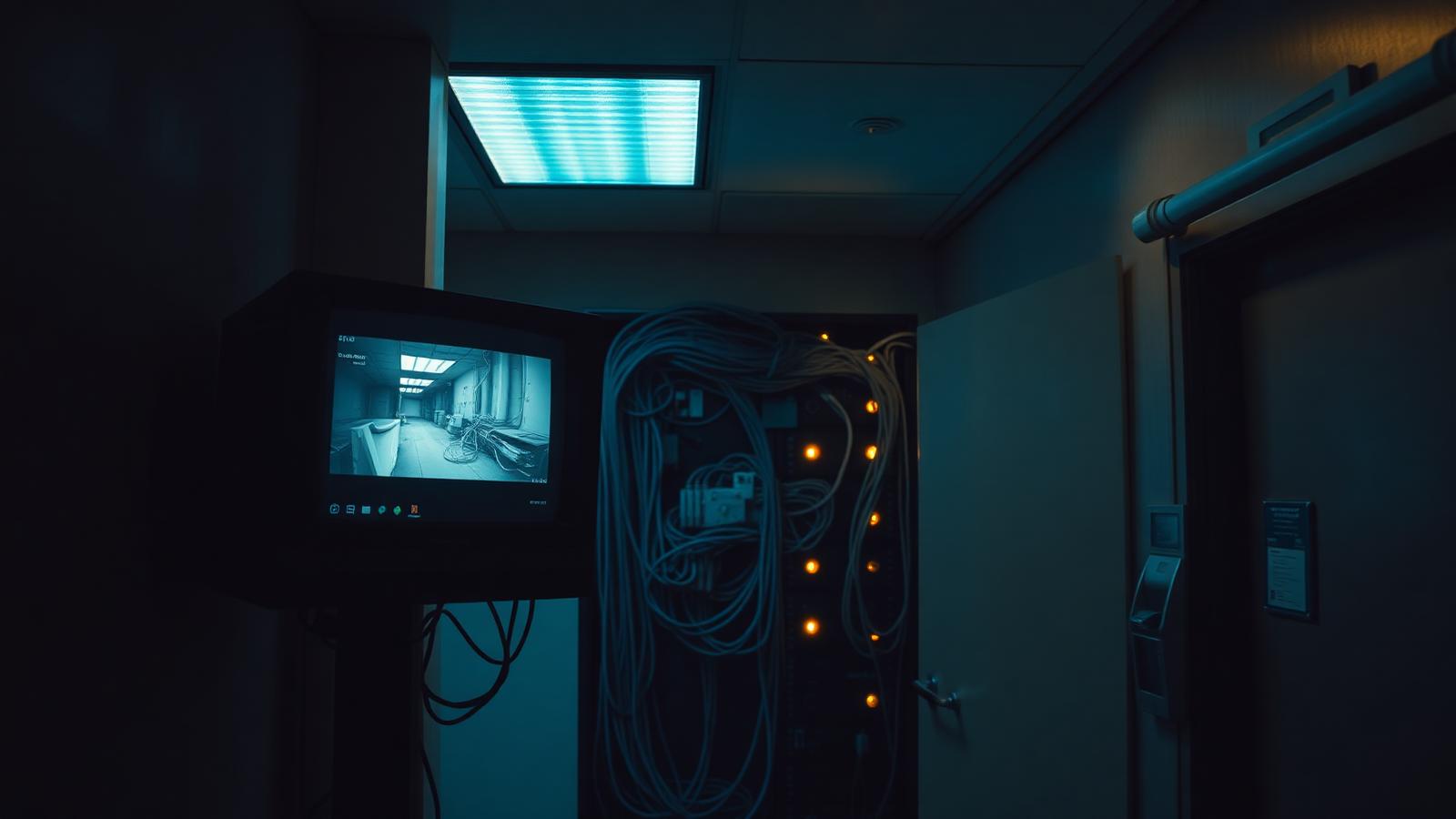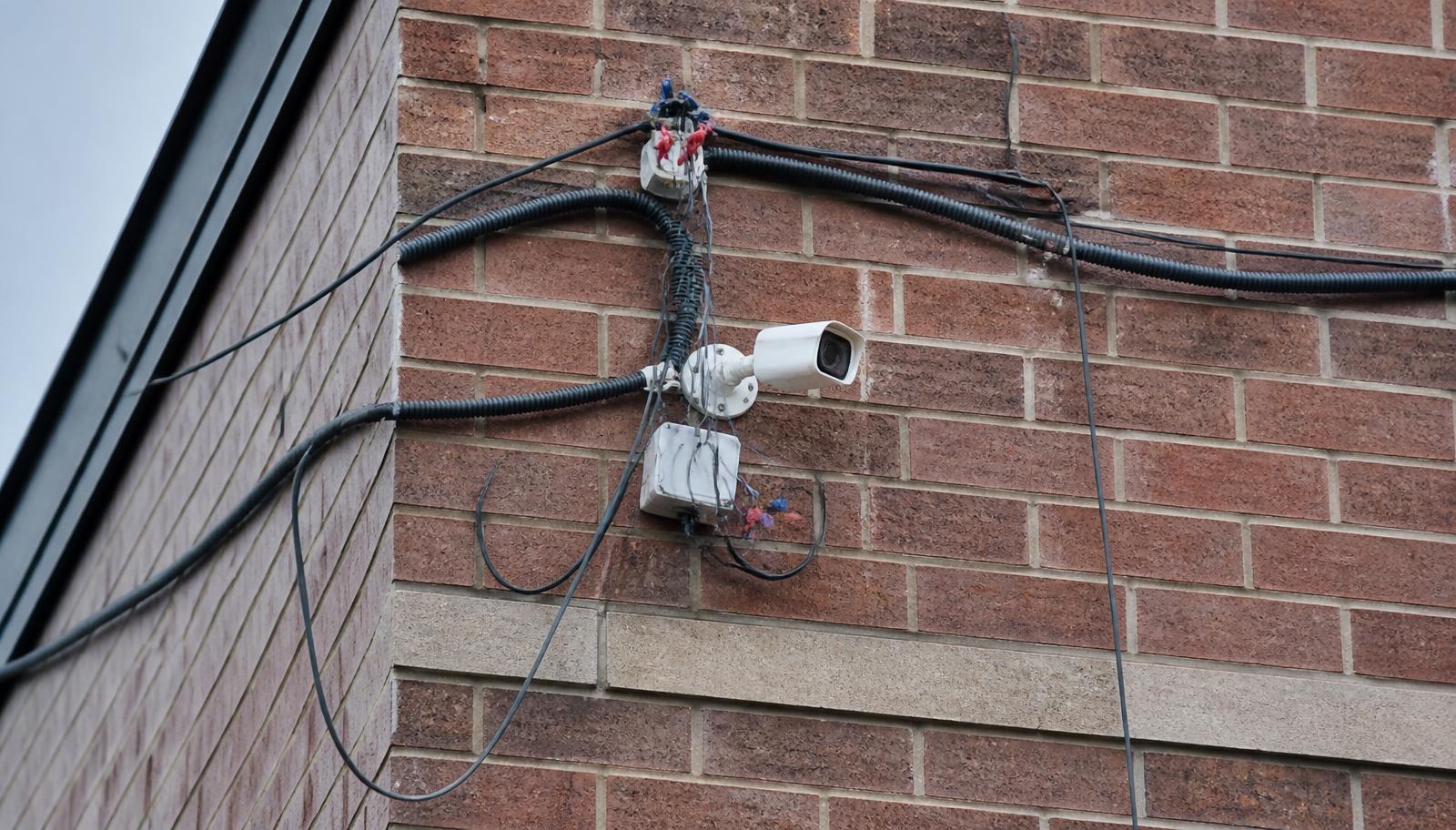
Let's be clear about the subject of this article: it isn't cheap cameras. Camera hardware has gotten remarkably good, and there are excellent commercial cameras at reasonable price points. The problem is the cheap installation — the low bid that skips the site walk, runs the wrong cable, mounts the camera wherever the ladder happened to land, and leaves your business with a system that looks fine on a monitor and fails the one morning you actually need it.
We get called into these buildings constantly across Minneapolis, St. Paul, Bloomington, Eagan, Maple Grove, Woodbury, Plymouth, and throughout East Central Minnesota and Western Wisconsin. The pattern is almost always the same: a business saved a few thousand dollars on the install, then spent more than that fixing it — usually after an incident where the footage didn't hold up.
Here's what those hidden costs actually look like.
1. Re-Cabling: The Cost You Pay Twice
Cable is the least glamorous line item on a camera quote and the single most common place a cheap install cuts corners. The shortcuts are predictable:
- Indoor-rated cable run outdoors. Standard riser cable in a Minnesota winter goes brittle, cracks at the jacket, and takes on moisture. It works for a year, then starts dropping cameras intermittently — the hardest failure to diagnose.
- Non-plenum cable in a plenum ceiling. That's a code problem, not just a quality problem. It gets flagged at inspection or during a remodel, and every foot of it has to come out.
- Copper-clad aluminum instead of solid copper. Cheaper per box, but it can't reliably carry PoE power over distance. Cameras brown out, reboot, and drop at night when IR illuminators draw the most power.
- Runs over 328 feet (100 m). Ethernet has a hard distance limit. Ignoring it means a camera that works at commissioning and fails as temperatures shift.
- No support, no J-hooks, no labeling. Cable laid on ceiling tile and HVAC ductwork, with nothing marked at either end. Every future service call starts with an hour of tracing.
- Untested terminations. No certification report means nobody knows whether that jack actually passes.
The hidden cost is simple: re-cabling a building is dramatically more expensive than cabling it once, correctly. The second time, you're paying for demolition, ceiling access, lift rental, occupied-space work, after-hours labor, and often ceiling tile and drywall repair. A run that cost $150 to do right during construction can cost $600 or more to redo in a finished, occupied building.
If you want the standard we hold, that's covered in our low voltage and structured cabling services.
2. Poor Wi-Fi: Cameras That Work Until They Matter
Wireless cameras are the fastest way to make a bid look cheap. No cable pull, no ceiling work, no conduit. It's also the fastest way to build a system you can't depend on.
Wi-Fi cameras fail in specific, repeatable ways:
- Bandwidth saturation. A handful of continuously streaming cameras will consume the same wireless spectrum your point-of-sale, tablets, scanners, and guest network rely on. Either the cameras degrade or your business operations do.
- Building materials. Concrete, block, metal stud, coolers, freezers, and steel racking in a warehouse eat 5 GHz signal. The camera shows five bars during a quiet install day and drops packets when the building is full and the racks are loaded.
- Interference. Neighboring tenants, microwaves, Bluetooth gear, and consumer access points all crowd the same channels — and in a multi-tenant Twin Cities office building, you don't control any of it.
- Trivially defeated. A cheap jammer, or simply cutting power to the access point, takes a wireless camera offline. A PoE camera on its own switch and UPS doesn't care.
- Two failure points, not one. Wireless cameras still need power at the camera. Now you have a power source and a radio link that can fail.
Wireless has legitimate uses — a detached garage, a temporary construction site, a parking lot pole where trenching is genuinely impractical, usually with a purpose-built point-to-point bridge rather than building Wi-Fi. What it should not be is the default because it made the quote smaller. Every camera that can be hardwired should be hardwired, powered over Ethernet, on a switch you control.
3. Blind Spots: Coverage That Looks Complete and Isn't
Camera count is not camera coverage. A cheap install sells you twelve cameras and never walks the property to determine where twelve cameras should point. What you end up with:
- No identification shot at the entry points. Overview cameras show a person crossing the lot. Nothing shows their face at the door at a usable pixel density.
- Cameras mounted too high. The 20-foot mount avoids vandalism and captures the tops of heads. You get hats, hoods, and shoulders — no faces.
- Sun in the lens. A west-facing camera without proper WDR configuration is a white screen for two hours every afternoon. That's a daily blind spot nobody notices until it matters.
- No license plate capture. A general overview of the driveway is not an LPR shot. Plate capture needs dedicated placement, angle, shutter speed, and lighting.
- Interior gaps. Loading docks, back hallways, stock rooms, cash handling areas, IT closets, and roof access — the exact places incidents originate — routinely get skipped because they're harder to cable.
- Landscaping and seasons. A view that's clear in March is behind a tree in July. Nobody re-checked.
The hidden cost here is the most expensive of all: you paid for a system, you believed you were covered, and you weren't. Proper design starts with a walk of the property, a list of what each camera must accomplish, and a field-of-view plan before anything gets mounted. That's how we approach every commercial security camera installation.
4. Missed Evidence: Footage That Can't Be Used
There's a painful difference between having footage and having usable footage. Police and insurance adjusters see the second category far less often than business owners expect.
- Resolution set low to save storage. The camera is 4K; it was configured to record at 1080p, 8 fps, with heavy compression, so the recorder could stretch its drive. The result is a smear where a face should be.
- Frame rate too low. At 5 fps, someone walking briskly through the frame can be caught in two frames, both motion-blurred.
- Night performance nobody tested. The install happened at 2 PM. Nobody came back after dark to see that the IR is washing out on a nearby white wall, or that the parking lot camera is fighting a sodium vapor light.
- Wrong time and date. No NTP configured, so the timestamp drifts. Evidence with an unverifiable timestamp is a problem in a claim or a case.
- Nobody knows how to export. When an incident happens, the owner can't pull a clip, can't find the proprietary player, or can't get the file off the box. By the time an integrator is called, the retention window has closed.
Evidence quality is a design decision made at install time — pixels per foot at the target area, frame rate, exposure, lighting, retention, and a tested export workflow. It can't be added later to footage that was never captured properly.
5. Storage Failures: The System That Quietly Stopped Recording
This one is common enough that we consider it near-universal on bargain installs, and it's brutal because it's invisible until you need the recording.
- Desktop drives in a recorder. Standard consumer hard drives aren't built for 24/7 continuous write. Surveillance-rated drives are. Swapping them saves maybe $60 a drive and shortens the life of the system by years.
- No RAID, no redundancy. One drive, one failure, everything gone.
- Retention math never done. The client asked for 30 days. Nobody calculated bitrate against camera count against drive capacity. Real retention turns out to be nine days — discovered the day someone asks for footage from three weeks ago.
- No health monitoring or alerting. A drive fails, a camera drops off, the recorder stops writing — and no one is notified. Weeks go by.
- Recorder in a hot closet with no ventilation. Heat is the primary killer of spinning drives. Recorders stuffed into unconditioned janitor closets and warm mechanical rooms fail early and repeatedly.
- No UPS. Minnesota storms and utility blips drop power constantly. Yanking power from a recorder mid-write corrupts the file system and, eventually, the array.
Storage should be sized from actual bitrates, built on surveillance-grade or enterprise drives, protected by a UPS, ventilated properly, and monitored so a failure generates an alert instead of a surprise.
6. Downtime: What It Costs When the System Is Out
Cheap installs are unstable installs, and instability has an operational price that never appears on the original quote:
- Uncovered incidents. A theft, a slip-and-fall claim, a dispute in the parking lot — and the camera covering it happened to be offline that week.
- Repeat service visits. The nickel-and-dime trips add up quickly, and the original low bidder frequently doesn't answer once the money's collected.
- Staff time. Your manager becomes the de facto camera technician, rebooting recorders and power-cycling switches.
- Insurance and compliance exposure. Some policies, licensing requirements, and franchise agreements assume operational video. Downtime during an incident can complicate a claim.
- Cascading network problems. Cameras on the same flat network as business systems, with no VLAN segmentation, can saturate a switch or introduce security risk. Now it's not just a camera outage — it's an IT outage.
- Full replacement earlier than planned. The most common ending: three years in, the system is unsupportable, and the whole thing is replaced. The "savings" bought a short-lived system.
What a Cheap Install Actually Costs: A Rough Comparison
| Item | Low-bid install | Properly engineered install |
|---|---|---|
| Site walk & field-of-view design | Skipped or done over the phone | On-site walk, camera-by-camera purpose defined |
| Cable | Whatever's on the truck; untested | Correct rating for the environment, supported, labeled, certified |
| Connectivity | Wi-Fi wherever possible | PoE hardwired; wireless only where justified |
| Storage | Consumer drive, single point of failure | Surveillance-grade, sized to real retention, UPS-protected |
| Network | Cameras on the flat business LAN | Segmented VLAN, managed switch, secured credentials |
| Documentation | None | As-builts, IP schedule, labeling, credentials handoff |
| Training & support | "Here's the app" | Export training, health monitoring, service agreement |
| Real cost at year three | Re-cabling + replacement | Routine maintenance |
Questions That Separate a Real Install from a Cheap One
Did you walk my property?
If the quote arrived without anyone setting foot on site, it's a guess about camera count, not a design.
What is each camera supposed to accomplish?
Overview, identification, or license plate. Each requires different placement, lens, and settings.
What cable are you running, and is it rated for where it goes?
Plenum, riser, outdoor, direct burial — and solid copper, not copper-clad aluminum.
Will you certify and label the cabling?
Test reports and labeled runs at both ends should be standard, not an upgrade.
Which cameras are wireless, and why?
There should be a specific physical reason for every wireless device on the property.
How many days of retention will I actually get?
Ask for the math: bitrate, camera count, hours, drive capacity — not a marketing number.
What happens when a drive or camera fails?
Health monitoring and alerting, or you find out during an incident.
Will the cameras be on their own VLAN?
Segmentation protects both video integrity and your business network.
What documentation do I receive?
As-builts, IP schedule, credentials, and warranty terms in writing at closeout.
Who services this in year two?
Get the service response commitment before you sign, not after something breaks.
If You Already Have a Cheap Install
Not everything has to be torn out. In most buildings we assess, a meaningful share of the work is salvageable and the fixes are targeted:
- Verify actual retention and re-size storage before touching anything else.
- Re-aim and re-configure existing cameras — resolution, frame rate, WDR, IR, and exposure fixes are free and often transformative.
- Hardwire the wireless cameras that matter most, starting with entries and cash handling areas.
- Certify and label existing cable; replace only the runs that fail.
- Add cameras to close identified blind spots rather than replacing the whole system.
- Segment the cameras onto their own VLAN and change default credentials.
- Add a UPS and health monitoring so the next failure produces an alert.
Related reading: what commercial camera installation actually costs in Minnesota, whether anyone is actually watching your cameras, and the commercial security systems buyer's guide. We work throughout our Minnesota and Western Wisconsin service areas, and also handle access control and alarm systems as part of an integrated design.
The Bottom Line
A commercial camera system is infrastructure. It lives in your walls and ceilings for a decade, and the quality of the installation — not the sticker on the camera — decides whether it produces usable evidence at 3 AM on the one night it counts. The low bid is only cheaper until the first re-cable, the first drive failure, or the first incident that nobody can prove.