Many businesses don't think about their access control system until something stops working.
A badge quits scanning. An employee loses a credential. A former employee still has access to the building. Or the software managing the entire system is no longer supported, the vendor who installed it is gone, and nobody left on staff knows the administrator password.
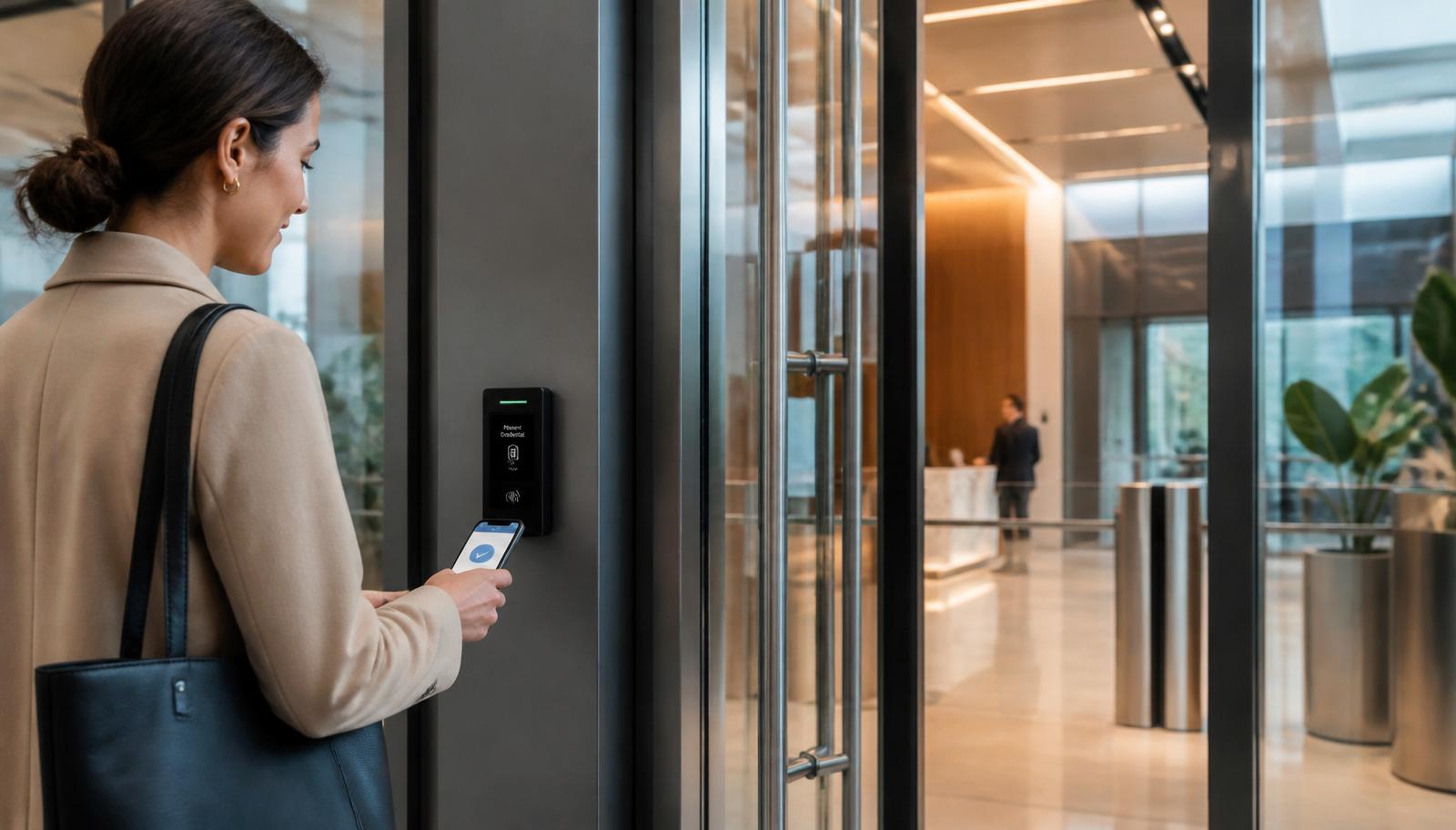
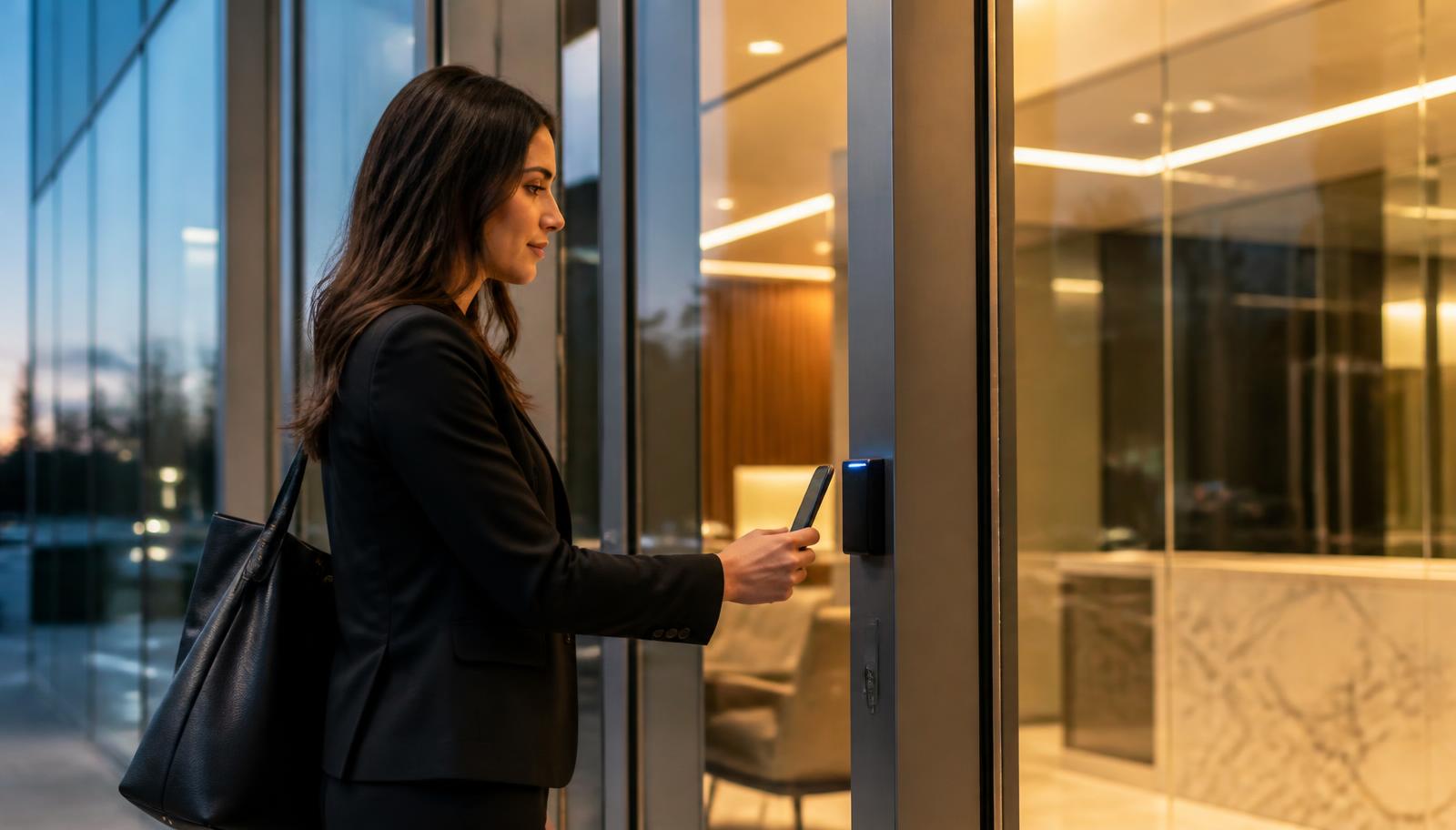
Modern commercial access control has evolved far beyond simple key cards. Today's cloud-based platforms offer remote management, mobile credentials, detailed audit logs, and seamless integration with commercial security cameras and other building systems.
If your system is showing its age, these five signs may indicate it's time to modernize.
Why Access Control Matters More Than Ever
Access control used to be treated as a door hardware decision. It isn't anymore. For most of the facilities we work in across Minneapolis, St. Paul, and East Central Minnesota, it has quietly become the system that governs daily operations.
- Employee turnover. Every hire, departure, and role change is an access change. When offboarding depends on someone physically collecting a key or a badge, there will be gaps — and the gaps are the risk.
- Building security. A door that can be propped, shared, or opened with a copied key isn't controlled. Credentialed entry with a timestamp is.
- Convenience. Staff, vendors, cleaning crews, and delivery drivers all need appropriate access without someone unlocking a door for them.
- Accountability. When an incident happens, the first question is who was in the building and when. A modern system answers that in seconds.
- Operational efficiency. Scheduled unlocks, automatic lockdowns, and remote unlock eliminate a surprising amount of daily manual work.
- Business continuity. Systems that can no longer be licensed, patched, or expanded eventually stop the business instead of protecting it.
None of that is theoretical. It's the reason most upgrade calls we get start with an operational frustration rather than a security incident.
Sign #1 — You're Still Relying on Physical Keys
Brass keys are the most expensive credential in commercial buildings, and the cost is hidden in labor rather than hardware.
Here's what physical keys really cost a facility:
- Lost keys mean rekeying. One lost master key on a 40-door building can mean rekeying cylinders across the entire facility, plus reissuing keys to everyone.
- Keys get copied. Unless you're managing a restricted keyway with strict key control, you have no idea how many copies exist.
- Contractor access is all-or-nothing. The HVAC tech needs the mechanical room. With keys, they often end up with access to far more than that.
- Turnover creates permanent uncertainty. A former employee who "returned their key" may have returned one of two.
- There's no temporary credential. A key can't expire on Friday at 5 PM. A mobile credential can.
- There's no record. A key leaves no trace of who entered, when, or how often.
Electronic access control changes the economics. A lost card is deactivated in under a minute at no cost. A departing employee is removed from the system before they reach the parking lot. A contractor gets one door, on specific days, during specific hours, and the credential expires on its own.
Most buildings don't need to convert every door at once — and shouldn't. Start with the perimeter doors and the two or three interior doors that actually carry risk: IT and MDF rooms, cash handling, records storage, mechanical spaces. We cover the full scope of that work on our commercial access control page.
Sign #2 — User Management Has Become a Headache
This is the most common reason facility managers call us, and it rarely gets framed as a security problem. It gets framed as a time problem.
The symptoms are consistent:
- Adding a user requires walking to a specific PC in a specific closet, because that's the only machine running the software.
- Removing a user is a manual task nobody owns, so terminated employees stay active for weeks.
- Credentials get shared between shifts because issuing new ones is too much hassle.
- Each building runs its own separate database, so a multi-site employee needs multiple credentials.
- Department and schedule changes require rebuilding access groups by hand.
- Nobody can produce a current, accurate list of who has access to what.
That last one is the real problem. If you can't produce the list, you don't have access control — you have doors that lock.
Cloud access control solves this directly. Administration moves to a browser or mobile app, so a manager can add, revoke, or modify a user from anywhere. Permissions are assigned by group and schedule rather than door-by-door. Many platforms sync with your directory service, so an employee removed from HR or IT systems loses building access automatically. Audit reports are generated on demand rather than reconstructed from memory.
Sign #3 — Your Business Has Outgrown Your System
Legacy access control panels were sized for the building as it existed when they were installed. Businesses don't stay that size.
You've outgrown your system when:
- Adding one more door means adding an entire new panel, because every existing input is used.
- A warehouse expansion, tenant build-out, or new suite has no path back to the existing controller.
- You've opened a second or third location and each one is managed as an island.
- The manufacturer has discontinued the panel, and boards are only available refurbished.
- The software is capped at a user count or door count you've already hit.
Modern platforms are built to scale in small increments. Controllers are typically modular and network-attached, so one additional door is one additional reader and a controller port rather than a forklift replacement. Multi-site management is native: one dashboard, one credential per employee, consistent schedules across every location.
Scalability is also a cabling question, which is why access control belongs in the same conversation as your structured cabling and business network infrastructure. If a building is getting new drops, running access control pathways at the same time costs a fraction of doing it later. For campuses and multi-building sites, that often means fiber optic cabling between buildings so every controller lives on one managed network.
Sign #4 — You're Missing Modern Features
Plenty of older systems still lock and unlock doors reliably. The gap isn't reliability — it's capability. If your platform can't do the following, you're managing your building with one hand tied behind your back.
- Mobile credentials. Staff use the phone they already carry. Nothing to print, ship, or replace, and credentials are issued or revoked instantly.
- Remote unlock. Let a delivery, a vendor, or an early-arriving employee in from anywhere, with the event logged.
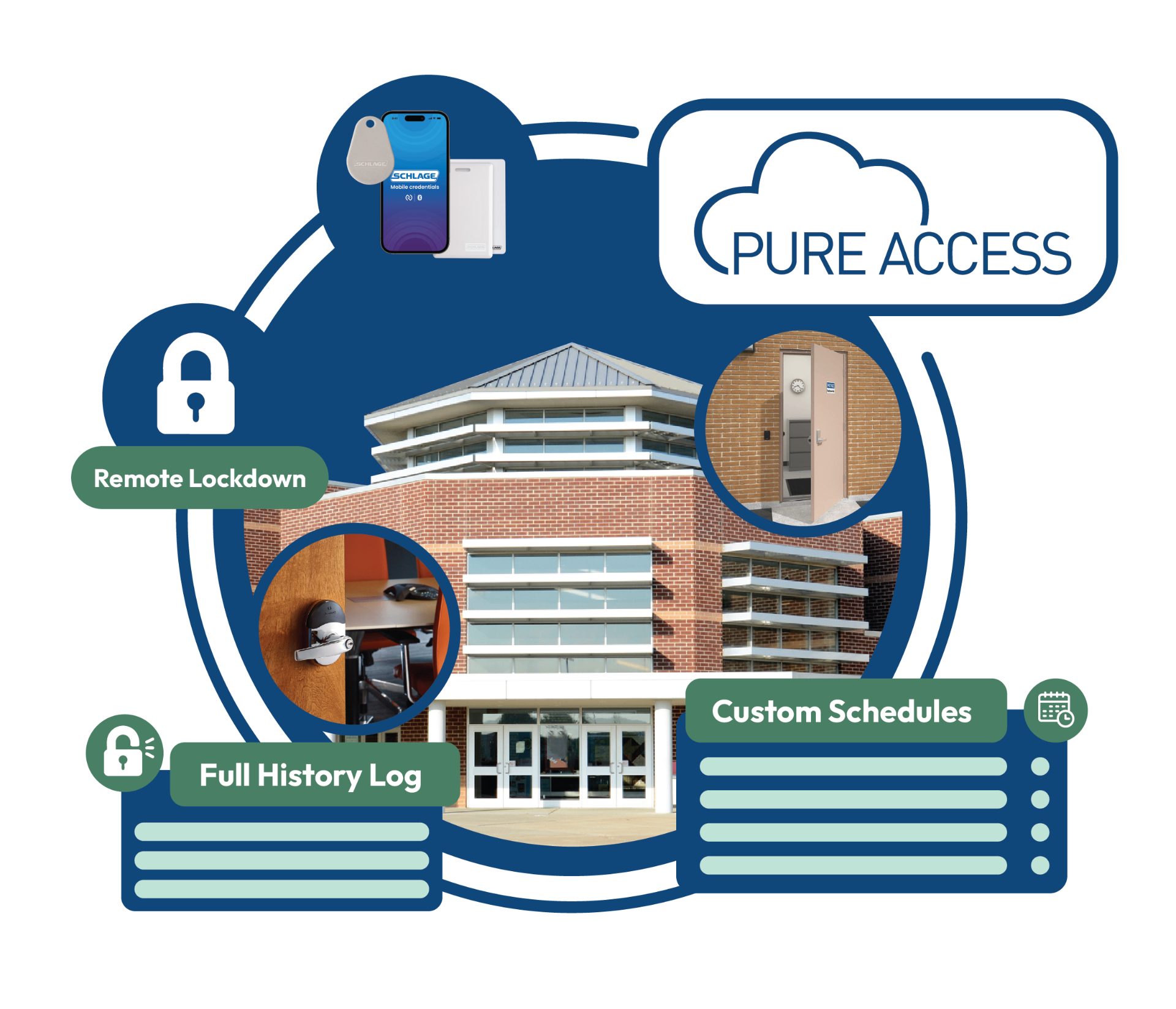
- Audit trails. Every access attempt — granted and denied — timestamped, searchable, and exportable.
- Scheduled unlocks. Doors unlock for business hours and secure themselves automatically. No one is responsible for remembering.
- Visitor and temporary credentials. Time-limited access that expires on its own for contractors, temps, auditors, and guests.
- Lockdown. One action secures the building from a phone — critical for schools, clinics, and municipal facilities.
- Cloud dashboards and alerts. Door-held-open, forced-door, and after-hours access notifications in real time.
On the hardware and platform side, we work regularly with Schlage and Allegion door hardware and credentials, and with Pure Access cloud management for buildings that want browser-based administration without an on-premise server to maintain. Schlage wireless and networked locks are especially useful in occupied buildings and multi-tenant properties, where an interior door can be brought onto the system without opening walls. We covered that approach in more detail in our write-up on Schlage and Pure Access cloud access control.
Sign #5 — Your Security Systems Don't Work Together
Most buildings we assess have three or four security systems installed by three or four different vendors across fifteen years. Cameras from one company. An alarm from another. An intercom nobody supports. Access control on a PC in a closet. Individually functional, collectively useless during an incident.
Integration changes what those systems can do:
- Access control + security cameras. Every door event links to the video clip of that event. Instead of scrubbing footage, you click the badge read and see who actually walked through.
- Access control + 24/7 live video monitoring. An after-hours forced-door or invalid-credential event becomes a verified alert a monitoring operator can act on in real time, rather than something you discover the next morning.
- Access control + commercial burglar alarm systems. A valid credential disarms the zone for that user. No more shared alarm codes, and no more false dispatches from staff who forgot the code.
- Access control + intercom and video entry. Visitors at a locked lobby reach the right person, who can see them and release the door remotely.
- Access control + visitor management. Guests are pre-registered, badged, tracked, and automatically expired.
The security benefit is faster, better-informed incident response. The day-to-day benefit is that staff stop working around the systems. When credentials, video, alarms, and entry all behave as one platform, adoption goes up and workarounds — propped doors, shared badges, disabled zones — go away.
Benefits of Upgrading Before Your System Fails
There is a meaningful difference between a planned upgrade and an emergency replacement. Planned work happens on your schedule, in phases, with a budget. Emergency work happens after a panel dies on a Friday, and it costs more for less.
- Improved security. Current credential technology, encrypted readers, and immediate revocation.
- Easier management. Minutes per week instead of hours, from any device.
- Better reporting. Audit logs for insurance, compliance, HR investigations, and incident review.
- Reduced maintenance. Supported hardware, current firmware, and parts that are actually available.
- Future-proofing. Platforms that add features through software updates rather than hardware replacement.
- Lower long-term operating cost. No rekeying, no truck rolls to reprogram a panel, no emergency locksmith calls.
- Better employee experience. A phone tap that works every time, at every door, at every location.
Legacy Access Control vs Modern Cloud Access Control
| Capability | Legacy on-premise system | Modern cloud access control |
|---|---|---|
| Remote management | Requires the on-site PC or a VPN | Any browser or mobile device |
| Mobile credentials | Rarely supported | Standard; issued and revoked instantly |
| User administration | Manual, door-by-door, single workstation | Group and schedule based; directory sync available |
| Multi-site management | Separate database per building | One dashboard, one credential per person |
| Audit logs | Limited retention, awkward export | Searchable history with reporting and alerts |
| Software updates | Paid version upgrades, often abandoned | Continuous, included with the platform |
| Security | Legacy 125 kHz cards, easily cloned | Encrypted smart credentials and mobile |
| Scalability | New panel required to add doors | Add one door at a time |
| Integrations | Standalone; closed system | Cameras, alarms, intercom, visitor management |
| Long-term support | Depends on the original installer | Manufacturer-supported and serviceable by any certified integrator |
Can Existing Wiring Be Reused?
Frequently, yes — and this is the single biggest cost variable in an access control upgrade, so it's worth answering honestly before anyone quotes the job.
What usually gets reused:
- Existing cabling. If the composite access cable to the door is intact and correctly rated, it typically supports new readers, contacts, and request-to-exit devices. Older readers used a different data protocol than current encrypted readers, but the conductor count is often the same.
- Door hardware. Electric strikes, mag locks, power supplies, and door position switches are frequently in good shape and can carry over. Failing or non-compliant hardware gets replaced door by door.
- Network pathways. If the building has clean structured cabling, controllers land on existing drops.
What usually gets replaced: readers using cloneable legacy credentials, discontinued panels, and any cable that's damaged, undersized, or improperly rated. We test rather than assume — a quick continuity and conductor check at each door tells us what's reusable before anything is priced.
Phased upgrades work well here. Because modern controllers are modular, you can convert the main entrance and one secure interior door this quarter, add the warehouse and loading dock next quarter, and bring in the second building next year — all under one management platform, one credential set, and one dashboard. That approach fits capital budgets far better than a single large replacement, and it's how most of our commercial clients do it.
Just make sure the phasing is planned rather than improvised. Piecemeal work by whoever is cheapest that year is how buildings end up with four incompatible systems — the same pattern we described in The Hidden Costs of a Cheap Security Camera Installation. If you're early in the process and comparing contractors, our commercial security buyer's guide covers what to ask before signing anything.
Is Your Access Control System Ready for the Next 10 Years?
Whether you're replacing an aging badge system, expanding into a new facility, or upgrading to a modern cloud-based platform, Magnuson Low Voltage Wiring designs commercial access control systems that improve security, simplify management, and grow with your business.
We serve business owners, facility and property managers, schools, healthcare facilities, warehouses, manufacturers, municipalities, churches, apartment communities, and commercial offices throughout Minneapolis, St. Paul, the north metro, the I-35 corridor, and East Central Minnesota — and we're happy to assess a system we didn't install.