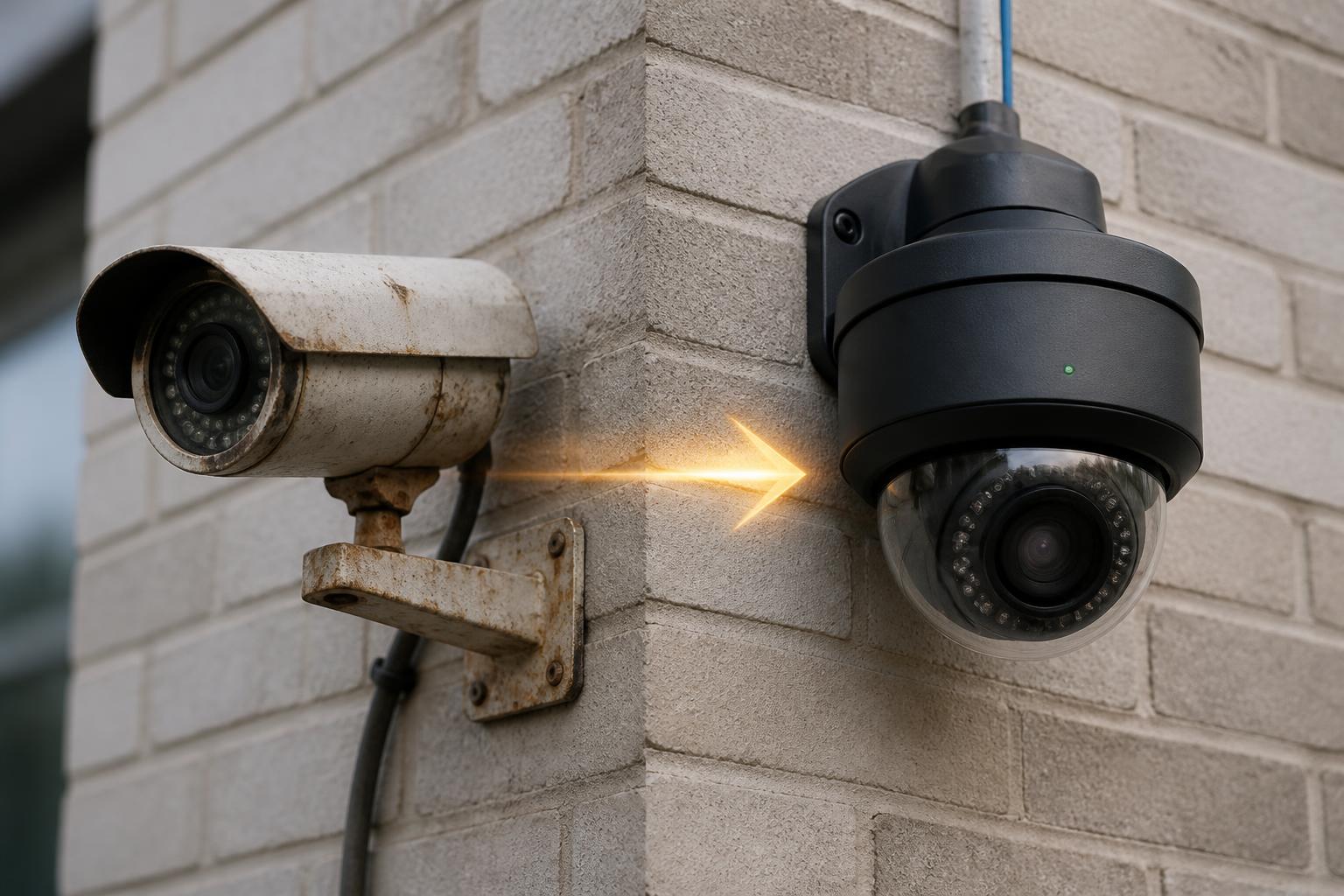
Many businesses assume that as long as a security camera still records video, there is no reason to replace it. Unfortunately, that approach often leaves organizations relying on outdated technology, poor image quality, cybersecurity risks, and surveillance systems that no longer meet modern security requirements.
Commercial security cameras can last for many years — but there comes a point when upgrading delivers significant gains in performance, reliability, and overall security. The right answer depends on the age of the equipment, the technology in use, and whether the system still meets the needs of the organization.
How Long Do Commercial Security Cameras Typically Last?
Most commercial-grade security cameras have a physical lifespan of approximately 7–10 years. Technology, however, advances much faster than the hardware wears out. Many systems installed a decade ago were state-of-the-art at the time but now lack features that have become standard.
Capabilities now expected in modern surveillance:
- AI analytics and object classification
- License plate recognition
- Advanced low-light and color-at-night imaging
- Remote monitoring and alerting
- Mobile and browser-based access
- Cloud connectivity and off-site backup
- Modern encryption and cybersecurity
- Integration with access control and alarms
A camera may technically function while no longer delivering the level of security today's businesses expect.
7 Signs It May Be Time to Upgrade
1. Poor Image Quality
One of the most obvious signs is insufficient image quality. Many older systems still operate at lower resolutions.
Common legacy resolutions:
- Analog (CIF, D1)
- 720p HD
- 1080p (2MP)
What modern cameras typically offer:
- 4MP
- 5MP
- 8MP (4K)
- Multi-sensor 180° and 360° coverage
Higher resolution often provides better evidence, identification, and investigative value — especially for warehouses, parking lots, and loading docks.
2. Low-Light Performance Is Struggling
Older cameras frequently perform poorly in parking lots, loading docks, and exterior areas after dark. Modern cameras have dramatically improved nighttime imaging.
Improvements include:
- Larger and more sensitive image sensors
- Advanced Wide Dynamic Range (WDR)
- Improved IR illumination
- Color-at-night and starlight modes
- AI-assisted image processing
3. Your System Cannot Support AI Analytics
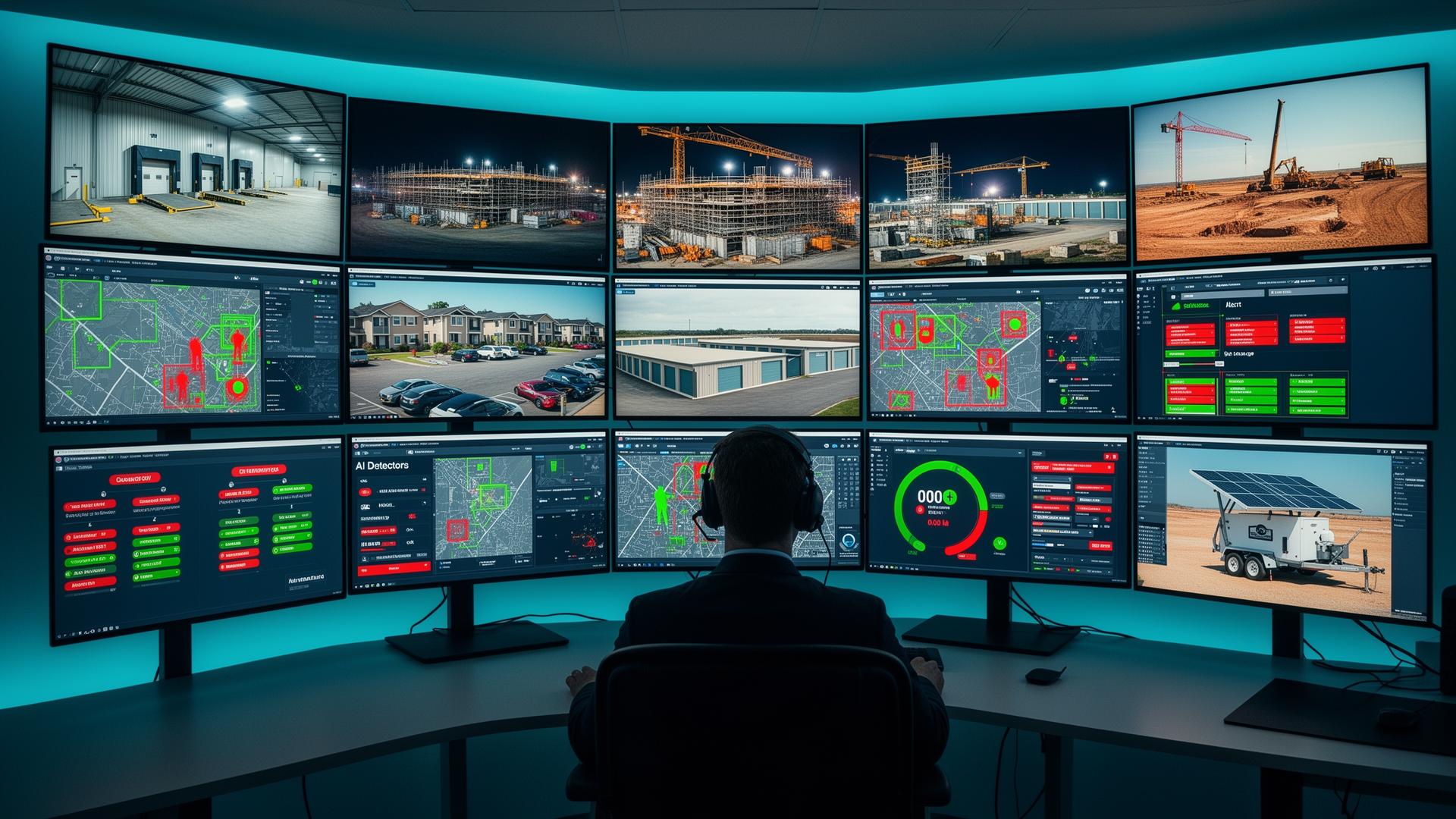
Artificial intelligence has transformed commercial surveillance.
Modern systems can detect:
- People
- Vehicles
- Loitering
- Line crossing
- Perimeter breaches
- License plates
- Unusual motion patterns
Older systems often cannot support these capabilities, even with a recorder upgrade.
4. Cybersecurity Concerns
Security cameras are network devices, and they're a frequent target.
Common issues with aging cameras:
- No longer receive firmware updates
- Use outdated security protocols
- Default credentials still in place
- Have publicly documented vulnerabilities
- Manufacturer no longer supports the product line
Cybersecurity is now a primary consideration when evaluating older surveillance equipment, particularly for medical facilities, schools, and businesses subject to compliance requirements.
5. Remote Access Is Limited
Owners, facility managers, and operations leaders expect access from anywhere.
Modern systems provide:
- Mobile applications
- Browser-based access
- Secure remote connectivity
- Cloud integration
- Multi-site dashboards
If checking cameras feels difficult or unreliable, the system is likely due for an upgrade.
6. Replacement Parts Are Becoming Difficult to Find
When manufacturers discontinue products, sourcing replacement cameras, power supplies, and accessories becomes harder. Organizations often choose to phase in modern equipment before long-term support becomes a problem.
7. Your Security Needs Have Changed
Businesses evolve. Many systems were originally installed to monitor a handful of areas.
Original goals were often limited to:
- Entrances
- Cash registers
- Parking lots
Today, organizations often require:
- Remote monitoring
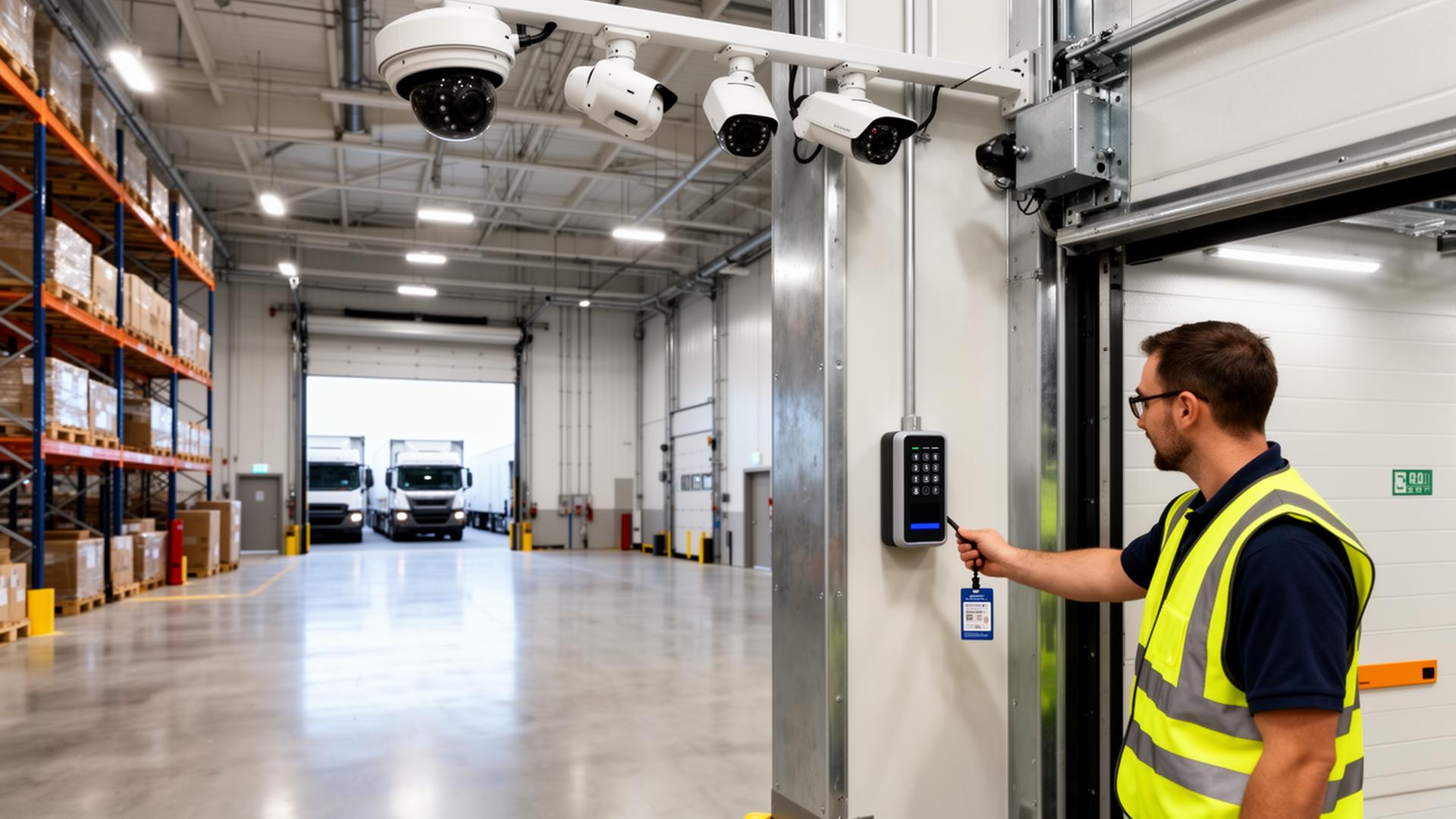
- Access control integration
- Cloud connectivity
- AI event detection
- Expanded interior and exterior coverage
- Audio and intercom integration
Sometimes the cameras still work — the requirements have simply outgrown them.
Analog vs IP (Network) Cameras: What's the Difference?
One of the most common questions during an upgrade is whether to stay with the existing analog system or move to IP. The short answer: nearly every commercial upgrade today moves to IP, and for good reason.
| Feature | Analog Cameras | IP / Network Cameras |
|---|---|---|
| Cabling | Coaxial (RG-59) | Cat6 / Cat6A structured cabling |
| Power | Separate power supply | Power over Ethernet (PoE) |
| Resolution Ceiling | Typically 1080p | 4MP, 5MP, 4K, multi-sensor |
| AI Analytics | Very limited | Native on-camera AI |
| Remote Access | Basic | Robust mobile and cloud |
| Scalability | Limited by recorder ports | Add cameras anywhere on the network |
| Integration | Standalone | Access control, alarms, video analytics |
| Cybersecurity | Minimal | Encryption, firmware updates, hardening |
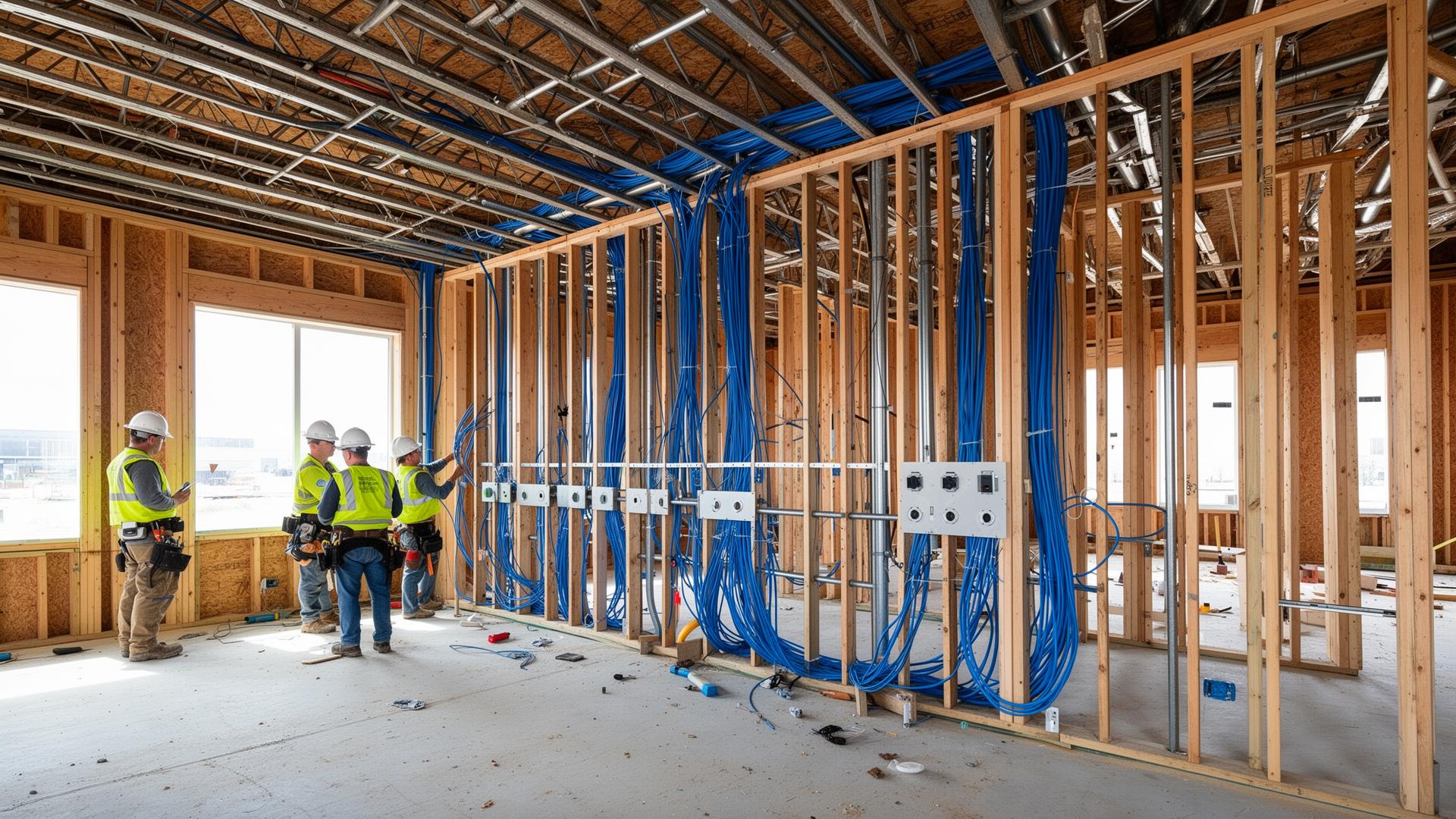
For many businesses, the bigger value of an IP upgrade isn't just sharper video — it's the ability to plug surveillance into the rest of the building's technology stack. IP cameras share the same structured cabling infrastructure as Wi-Fi access points, VoIP, and access control, which simplifies installation, maintenance, and future expansion.
Commercial Camera Manufacturers Worth Knowing
Several manufacturers consistently deliver reliable, modern commercial surveillance. Each has different strengths depending on building type, scale, and management preferences — there is no single "best" brand.
Hanwha Vision
Hanwha Vision (formerly Samsung Techwin) is widely deployed in warehouses, manufacturing facilities, schools, and apartment communities. Their Wisenet line is well known for sharp imaging, on-camera AI, and a broad product range that spans budget-friendly indoor cameras through high-end multi-sensor and PTZ models.
Strengths typically include:
- Strong on-camera AI analytics
- Excellent low-light and WDR performance
- NDAA-compliant lineup
- Broad product range from basic to specialty cameras
Axis Communications
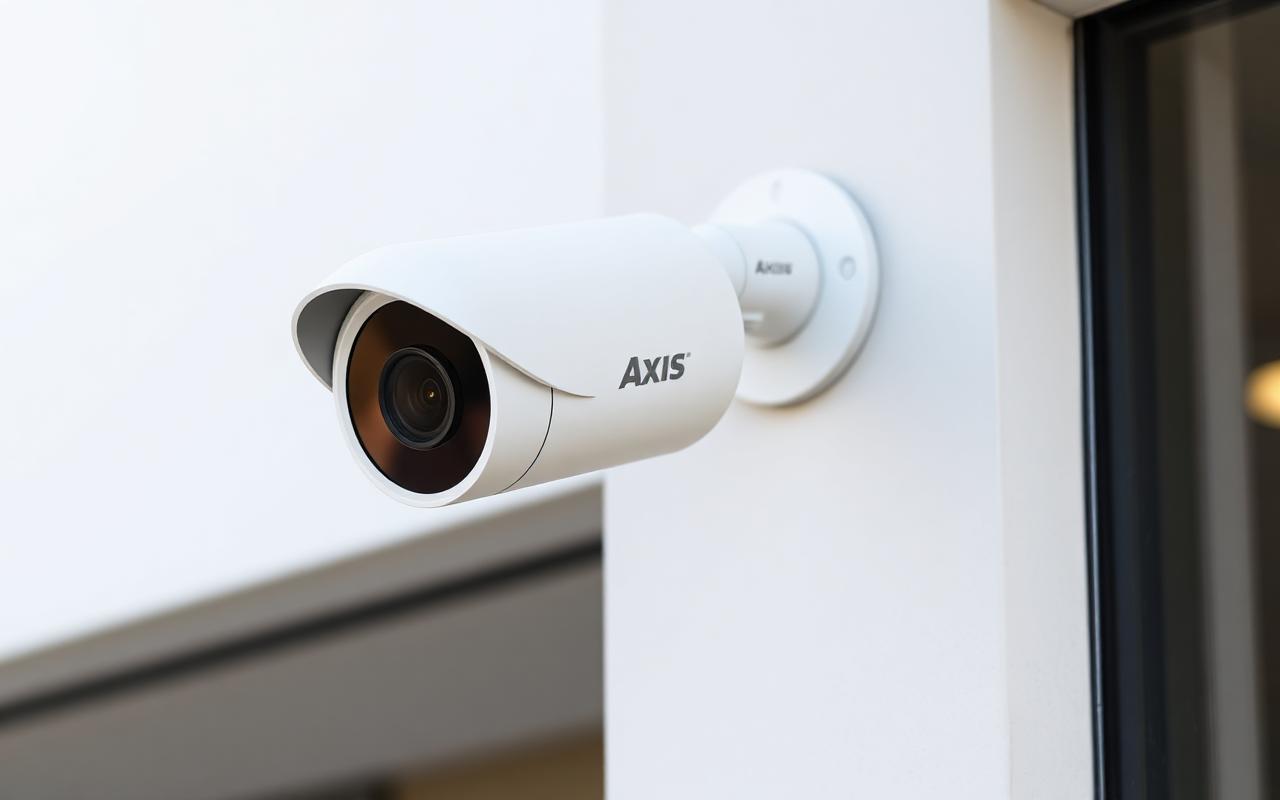
Axis is the original network camera manufacturer and remains an industry benchmark for enterprise surveillance. Axis cameras are common in schools, medical facilities, government buildings, and large commercial properties where reliability, image quality, and long-term support matter.
Strengths typically include:
- Industry-leading image quality and engineering
- Long product support lifecycles
- Robust open platform with broad VMS support
- Strong cybersecurity posture and firmware practices
Ubiquiti Protect
Ubiquiti's UniFi Protect platform has become extremely popular for offices, churches, apartment clubhouses, and small to mid-size commercial facilities. Protect cameras pair with a UniFi NVR and integrate tightly with UniFi networking, access control, and door entry products.
Strengths typically include:
- No per-camera licensing fees
- Modern Wi-Fi 6/PoE-friendly hardware
- Excellent mobile app and remote access
- Tight integration with UniFi switches, Wi-Fi, and access control
Choosing Between Brands
Selection comes down to facility size, scene complexity, compliance needs, monitoring strategy, and long-term budget. A 4,000 sq ft clinic, a 250,000 sq ft warehouse, an apartment community, and a multi-campus school district will all benefit from different platforms — and sometimes a blended deployment is the right answer.
Older Surveillance Systems vs Modern Surveillance Systems
| Feature | Older Systems | Modern Systems |
|---|---|---|
| Resolution | 720p–1080p | 4MP–4K+ |
| AI Analytics | Limited | Advanced |
| Mobile Access | Basic | Robust |
| Cybersecurity | Limited | Improved |
| Remote Monitoring | Limited | Excellent |
| License Plate Recognition | Rare | Available |
| Low-Light Performance | Moderate | Excellent |
| Cloud Connectivity | Limited | Common |
Most modern upgrades aren't driven by broken equipment — they're driven by capability. Today's systems give business owners and managers tools that simply didn't exist when the original system was installed.
Is It Better to Replace Everything at Once?
Not always. Many organizations choose a phased approach that modernizes the most important areas first and spreads cost over time.
A typical phased upgrade strategy:
- Phase 1: Critical cameras and recording equipment
- Phase 2: Exterior coverage and parking areas
- Phase 3: Additional interior cameras and analytics
- Phase 4: Integration with access control and 24/7 live monitoring
Can Older Cameras Still Be Used?
In many cases, yes. Some older cameras can continue operating alongside newer equipment, and modern video management platforms often support mixed environments.
Whether to retain older cameras depends on:
- Physical condition and image quality
- Resolution and frame rate
- ONVIF / protocol compatibility
- Recording platform support
- Cybersecurity status of the firmware
- Long-term goals for the site
A professional assessment determines what to keep, what to relocate, and what to replace first.
Why AI Has Changed the Industry
Perhaps the biggest reason businesses upgrade today is not camera failure — it's capability. Modern systems from manufacturers such as Hanwha Vision, Axis Communications, and Ubiquiti Protect deliver insights that weren't available a decade ago.
Capabilities AI brings to commercial surveillance:
- Object classification (people vs vehicles)
- Vehicle detection and tracking
- License plate recognition
- Occupancy and people counting
- Searchable analytics ("show me every red truck Tuesday")
- Proactive alerting and reduced false alarms
- Smarter integration with monitoring services
For many organizations, these capabilities create operational value well beyond security alone.
ROI of a Modern Upgrade
A surveillance upgrade can pay back in ways that extend beyond loss prevention.
Common ROI drivers:
- Reduced investigation time
- Better incident documentation
- Improved operational visibility
- Enhanced employee accountability and safety
- Stronger insurance and risk posture
- Support for remote monitoring services
- Lower long-term maintenance and service costs
Many businesses find that newer systems deliver value across operations, HR, and safety — not just security.
Don't Forget the Network Behind the Cameras
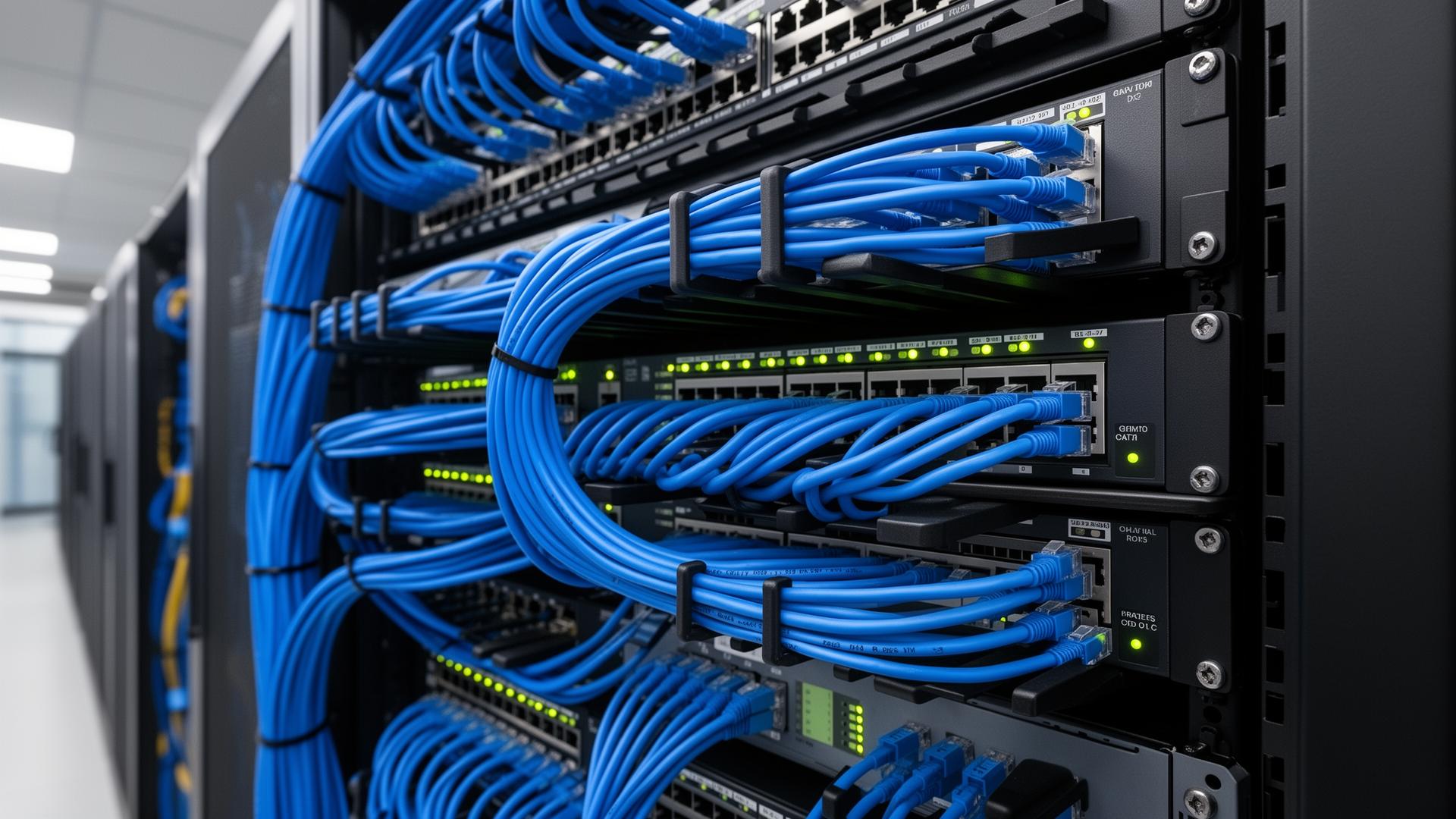
Even the best cameras can't outperform a weak network. Modern IP surveillance depends on quality structured cabling, managed PoE switches, and adequate bandwidth — particularly for 4K and multi-sensor cameras. Planning the network alongside the cameras is the difference between a system that performs on day one and a system that quietly degrades over time.
Is It Time to Upgrade?
- ✅ Cameras older than 7–10 years
- ✅ Poor nighttime image quality
- ✅ Limited remote access
- ✅ No AI analytics
- ✅ Unsupported hardware
- ✅ Cybersecurity concerns
- ✅ Difficulty finding replacement parts
- ✅ Expanding facility requirements
- ✅ Interest in remote monitoring
- ✅ Integration with access control
Free Camera System Assessment
Not sure whether your existing cameras are worth keeping? We'll walk your facility, evaluate your current system, and provide a written assessment covering coverage, image quality, cybersecurity, and recommended upgrades — no cost, no obligation.
- ✅ Camera age, condition, and resolution review
- ✅ Coverage and blind-spot analysis
- ✅ Recorder and storage evaluation
- ✅ Cybersecurity and firmware check
- ✅ Phased upgrade plan and rough budget
Serving Minneapolis, St. Paul & East Central Minnesota
Magnuson Low Voltage Wiring designs, installs, upgrades, and services commercial surveillance systems for businesses throughout Minneapolis, St. Paul, Forest Lake, Cambridge, North Branch, Pine City, and communities across East Central Minnesota.
Whether you're evaluating an aging camera system, planning a phased modernization, or designing surveillance for a new facility, our team can help determine the most cost-effective path forward. Contact us to start the conversation.