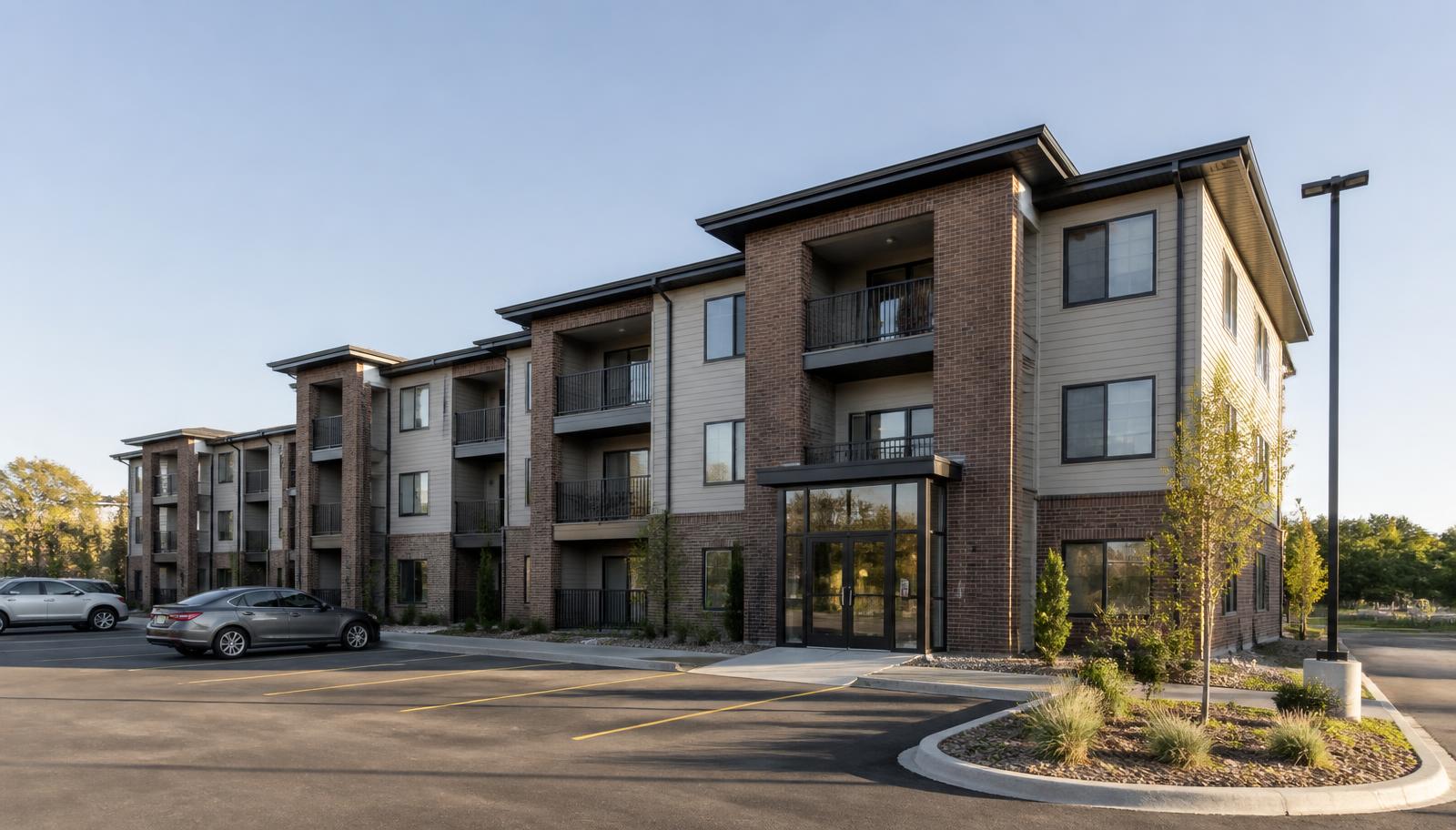
Multifamily properties are one of the hardest building types to secure well, and the reason has nothing to do with hardware. An apartment community is a semi-public property that hundreds of people are legitimately allowed to walk into — residents, guests, delivery drivers, contractors, cleaners, prospective tenants — and every one of those doors, hallways, mailrooms, and parking stalls belongs to the owner while the people using them turn over constantly.
That is why the questions property managers bring us rarely start at "what camera should we buy." They start at "packages keep disappearing from the lobby," "someone is sleeping in the parking ramp," "we've rekeyed the fitness room three times this year," or "the call box has been dead since last winter and residents are propping the front door."
Those are five different problems, and they live in five different parts of the property. This article walks through how apartment and multifamily security systems actually come together in the field — cameras, access control, intercom and visitor entry, parking and common-area coverage, the network infrastructure underneath, and after-hours live monitoring — plus how to decide what to do first when you can't do everything at once.
Why Multifamily Security Is Different From Commercial Security
A warehouse or an office has a clear line between "authorized" and "not authorized," and it's usually empty at night. An apartment property has neither. Four realities drive nearly every design decision:
- The property is never closed. Residents come and go at 2 a.m. legitimately, so "any motion after hours is suspicious" isn't a usable rule the way it is on a contractor yard.
- Access changes constantly. Every move-in, move-out, staff change, and vendor engagement is an access event. On a mechanical-key property, each one is a rekey decision.
- Most of the risk is in shared space. Lobbies, mailrooms, laundry, fitness rooms, hallways, stairwells, garages, and lots are where incidents happen — not usually inside units.
- Documentation matters as much as prevention. Disputes between residents, insurance claims, police reports, and lease enforcement all come back to "what do you have on video, and who had access."
Good multifamily design accepts all of that instead of fighting it. The goal isn't a locked-down building; it's a property where legitimate movement is easy, unauthorized movement is inconvenient and recorded, and management can answer questions after the fact without guessing.
The Five Zones of a Multifamily Property
When we walk an apartment property for an assessment, we scope it as five zones rather than as a camera count. Almost every request we get maps to one of them.
1. Perimeter, Parking & Garages
Where most reported incidents actually occur. Surface lots, ramps, detached garages, carports, drive approaches, and dumpster enclosures. Vehicle break-ins, catalytic converter theft, tampering with garage doors, dumping, and overnight loitering all start here — and this zone is usually the farthest from existing cable and power.
2. Building Entrances
The control point for everything inside. Main entries, secondary and side doors, garage-to-building doors, and stair exits. This is where access control, the intercom, and a camera should work as one decision: who is coming in, how were they let in, and is there a record of it.
3. Lobby, Mail & Package Areas
The highest-complaint area in modern multifamily. Package theft is the single most common thing residents ask management to "check the cameras" for. Coverage here needs faces and time stamps at the door, plus a clear view of the package staging area itself.
4. Amenity & Common Areas
Shared spaces with liability attached. Fitness rooms, pools, community rooms, laundry, bike storage, elevators, and hallways. These belong on access control with schedules far more often than they belong on a key, and cameras here are mostly about after-the-fact documentation.
5. Back-of-House & IT
The part nobody tours, and the part everything depends on. Maintenance shops, mechanical and electrical rooms, storage cages, and the network/IDF closet where recorders, switches, and access controllers live. If this zone is disorganized or unsecured, every other zone inherits the problem.
Security Cameras for Apartment Buildings: Where Coverage Actually Matters
Multifamily camera systems fail in a predictable way: a lot of cameras, spread evenly, none of them positioned to answer a specific question. The better approach is to decide what each camera is for before it's mounted.
The views that consistently earn their keep on an apartment property:
- Every building entrance, at face height, from inside looking out. An entrance camera aimed down from the soffit gets hats and shoulders. The usable identification shot is typically taken as someone comes through the door.
- The package and mail area, with the door in frame. One camera on the packages and one covering the entry gives you both the act and the arrival.
- Parking drive approaches, not the whole lot. A camera positioned on the entrance and exit lanes tells you which vehicles were on the property and when. A camera trying to cover 60 stalls at once tells you a shape moved.
- Garage and ramp entries, including the overhead door. Tailgating into a resident garage is one of the most common multifamily complaints.
- Elevator lobbies and main corridor intersections — not every hallway. Choke points do the work of a dozen mid-hall cameras.
- Amenity room doors, especially fitness rooms and pools, where after-hours use and damage are recurring issues.
Two design realities matter more in multifamily than in most commercial work. The first is night performance in real conditions: parking lots in Minnesota have snow glare, headlight wash, low winter light by mid-afternoon, and long stretches lit only by pole lights. Cameras have to be selected and aimed for that, and lighting sometimes has to be addressed alongside the camera. The second is retention. Multifamily incidents are frequently reported days after they happen — a resident notices a missing package Monday, gets around to reporting it Thursday, and the police follow up the next week. Storage should be sized for the time it actually takes to get a request, not for the minimum.
Camera placement should also respect resident privacy expectations. Cameras belong on shared and exterior property — entrances, corridors, amenity spaces, parking — not aimed into unit windows, patios, or private areas. Any recording policy and resident notice should be reviewed with the property's own counsel or management policy; we design to the placement decisions the owner makes.
Our commercial security camera installation page covers the equipment and design process, and if your property already has cameras that aren't answering questions, common commercial camera problems and what to do next is the better starting point than a full replacement quote.
Access Control: Entrances, Amenity Doors, and Turnover
Access control is where multifamily properties get the fastest operational return, because it attacks the recurring cost of keys rather than a one-time incident.
On a keyed property, one lost fob or key at move-out creates a decision: rekey the entrance and reissue everyone, or accept that an unaccounted-for key exists. On a credentialed property, that credential is deactivated in the software and the problem is over. Extend that across resident turnover, maintenance staff, cleaning vendors, landscapers, snow contractors, and leasing agents, and the administrative difference is significant.
What typically goes on the access system at an apartment community:
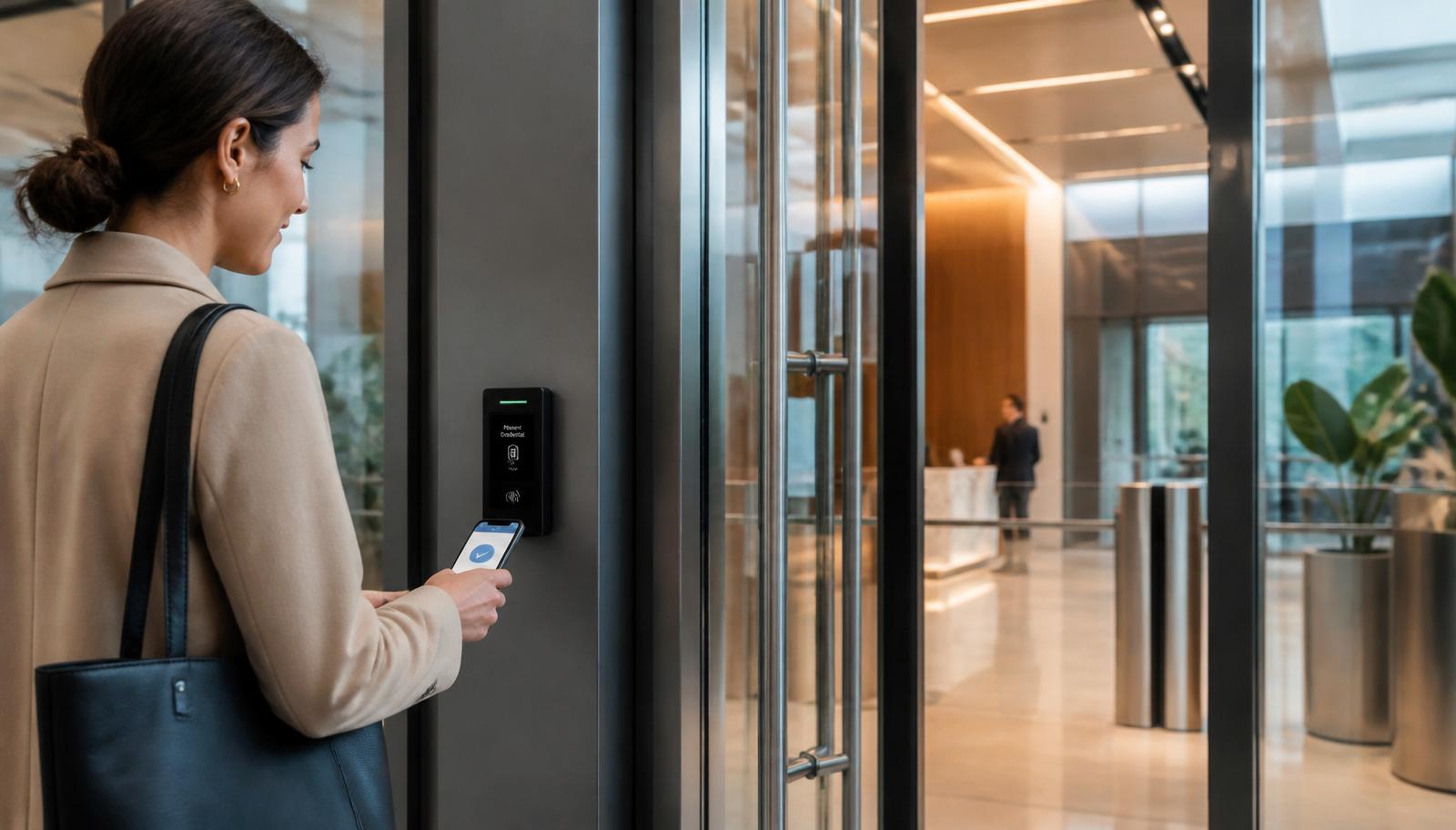
- Main and secondary building entrances — the core of the system, usually with schedules that keep entries locked around the clock and rely on credentials plus the intercom for visitors.
- Garage-to-building and stairwell doors — the doors people actually use, and the ones most often propped.
- Amenity doors — fitness, pool, community room, bike and package rooms, on time schedules so amenities close on their own instead of relying on staff.
- Maintenance, mechanical, and storage areas — restricted to staff and logged.
- Elevator floor control on properties where floor-level restriction is part of the design.
The other half of the value is the audit trail. When a resident reports that someone was in the bike room overnight, the access log narrows the question from "the whole property" to "these credentials opened that door in that window," and the camera on that door confirms it. Neither system does that alone.
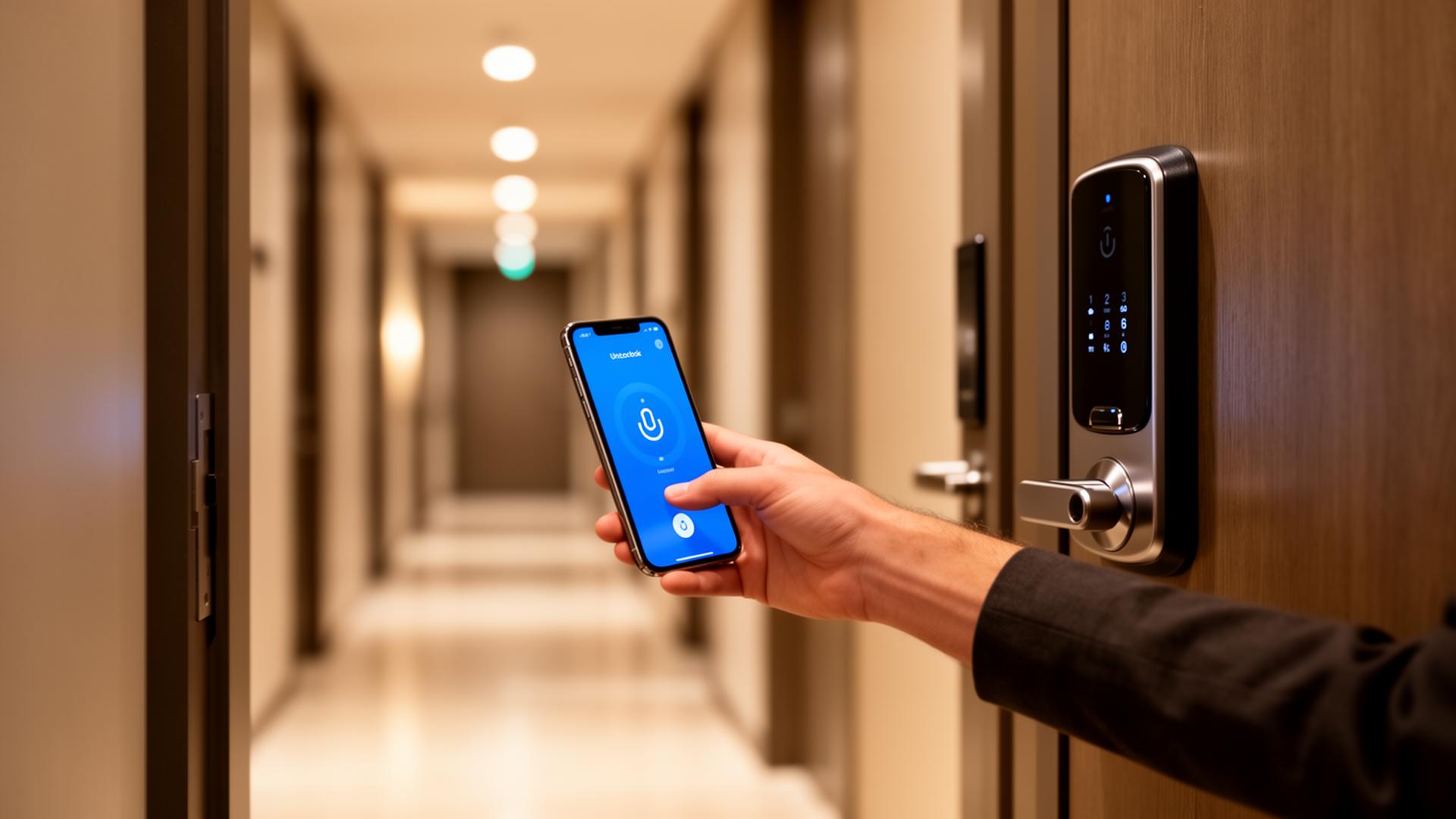
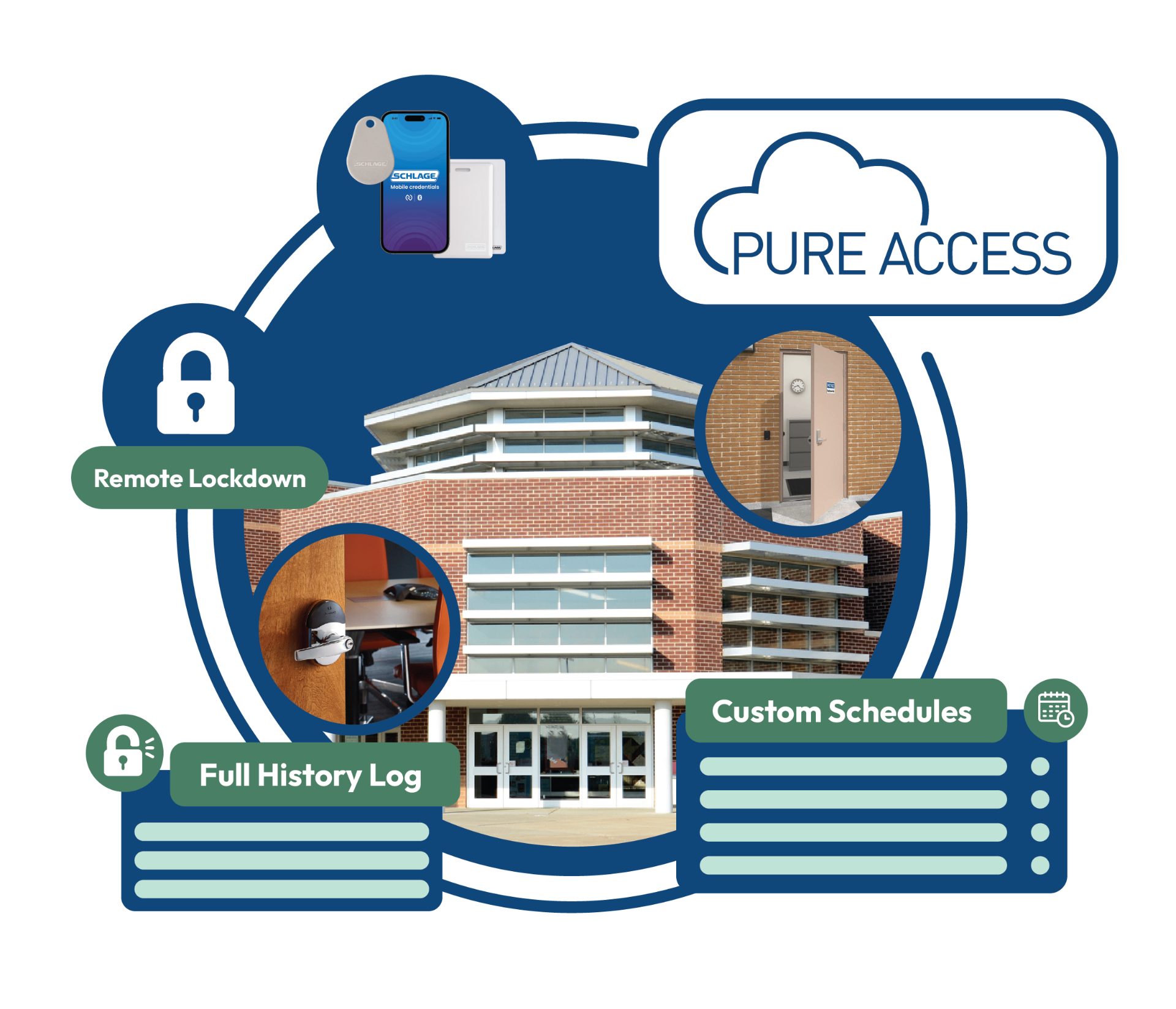
Unit doors are a related but separate decision. Cloud-managed smart locks and mobile credentials on individual apartment doors have their own trade-offs, and we've covered them in depth in why multifamily properties are replacing traditional keys with smart apartment locks and in the platform-specific walkthrough of Schlage locks with Pure Access Cloud software. For the fundamentals of controllers, credentials, and cloud management, see our commercial access control guide and the access control service page.
Intercom & Visitor Entry: The System Residents Judge You On
Nothing generates resident complaints faster than a broken or awkward entry system. If a guest can't reach a resident and a delivery driver can't get in, the front door gets propped — and a propped door defeats every dollar spent on access control.
Modern multifamily intercom and video entry generally needs to handle four things:
- A resident directory that management can update without a service call every time a unit turns over.
- Calls that reach residents where they are — to a mobile app or phone rather than only to an in-unit station, which is what makes the system usable for people who aren't home.
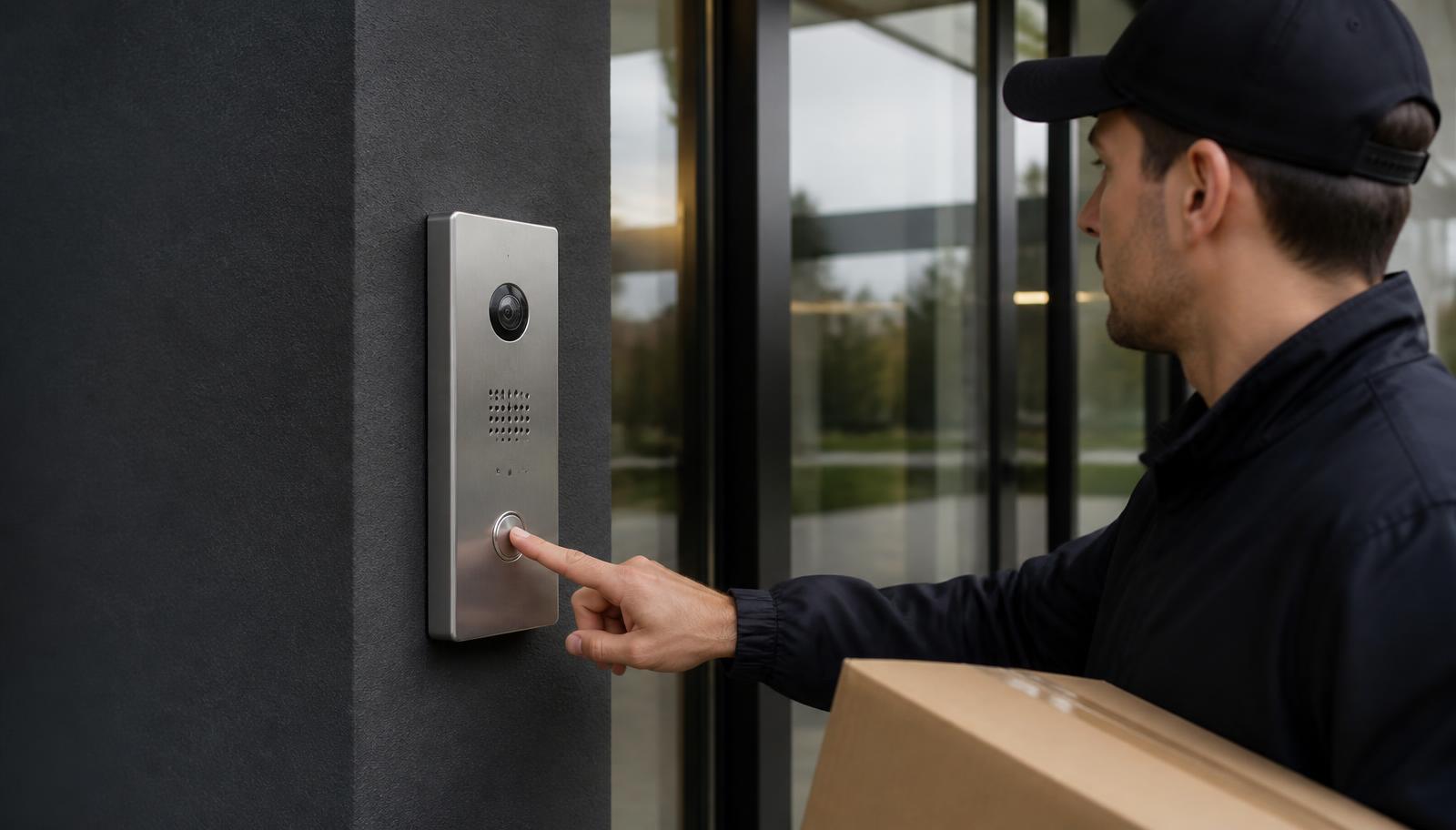
- Video at the door so the resident sees who is asking before they release it, and so the release is tied to a visual record.
- A path for deliveries and vendors — a package room, a staff-managed release, or scheduled vendor credentials — because if there is no legitimate path, an illegitimate one gets invented.
The entry system, the door hardware, and the access platform should be scoped together. When the intercom releases a door through the access system, every entry — badge, fob, mobile credential, or buzz-in — lands in one log instead of two systems that can't corroborate each other. Our full breakdown of audio vs. video, IP vs. legacy, and remote answering is in choosing the right door entry solution.
Replacing an intercom on an older property is mostly a cabling and pathway question. Legacy multi-conductor intercom wiring generally can't carry a modern IP video station, but the pathway it occupies frequently can carry its replacement — which is exactly what an assessment is for.
Parking Lots, Ramps, and Detached Garages
Parking is where multifamily properties feel losses most directly, and it's also the hardest zone to wire, because it's outside, far from the building, and often across a driveway from the nearest cable path.
There are generally three ways to get a camera on the far side of a property:
| Approach | Best for | What to know |
|---|---|---|
| Direct cabling / conduit | New construction, planned parking additions, anything under standard cable-run distance | Most reliable long-term. Cheapest by far while the ground is already open — dramatically more expensive after paving and landscaping are finished. |
| Fiber run | Detached garages, second buildings, and long distances beyond copper limits | Solves distance and eliminates surge paths between structures. Requires a pathway and a place to terminate at each end. |
| Wireless bridge | Existing properties where trenching a drive lane isn't practical | Needs clear line of sight and local power at the far end. A legitimate solution when designed properly — not a shortcut around a bad cable plan. |
Two things to plan alongside the cameras: power at the far end, which frequently involves coordinating with an electrician, and lighting, because a dark lot with a good camera still produces unusable footage. If the property is planning lot resurfacing, pole replacement, or a garage project, that's the moment to put conduit in the ground — the same principle behind installing low voltage infrastructure before drywall.
The Network Infrastructure Underneath All of It
Every system above is a network device. On a multifamily property that raises questions a single-building office never has to answer.
- Property systems must be separate from resident internet. Cameras, access control, and intercoms should not share a network with resident traffic or an open guest Wi-Fi. This is both a security and a reliability requirement.
- PoE budget and switch placement. Cameras, door hardware, and intercom stations all draw power over the cable. Switches need to be sized for the load and placed so cable runs stay within spec across long buildings.
- Backbone between buildings. Garden-style properties with multiple buildings need a real backbone — usually fiber — rather than a chain of consumer gear in maintenance closets.
- Upload bandwidth, especially if the property uses cloud video or remote monitoring. Remote playback is only as good as the connection behind it.
- A clean, secured, ventilated IDF. Recorders and controllers in an unlocked maintenance room next to a water heater is a failure waiting to happen. See why organized IT rooms save time, money, and downtime.
This is the part of a multifamily project that gets value-engineered out first and costs the most to fix later. Our structured cabling and network infrastructure work exists specifically so the security systems on top of it stay predictable.
24/7 Live Video Monitoring for Multifamily Properties
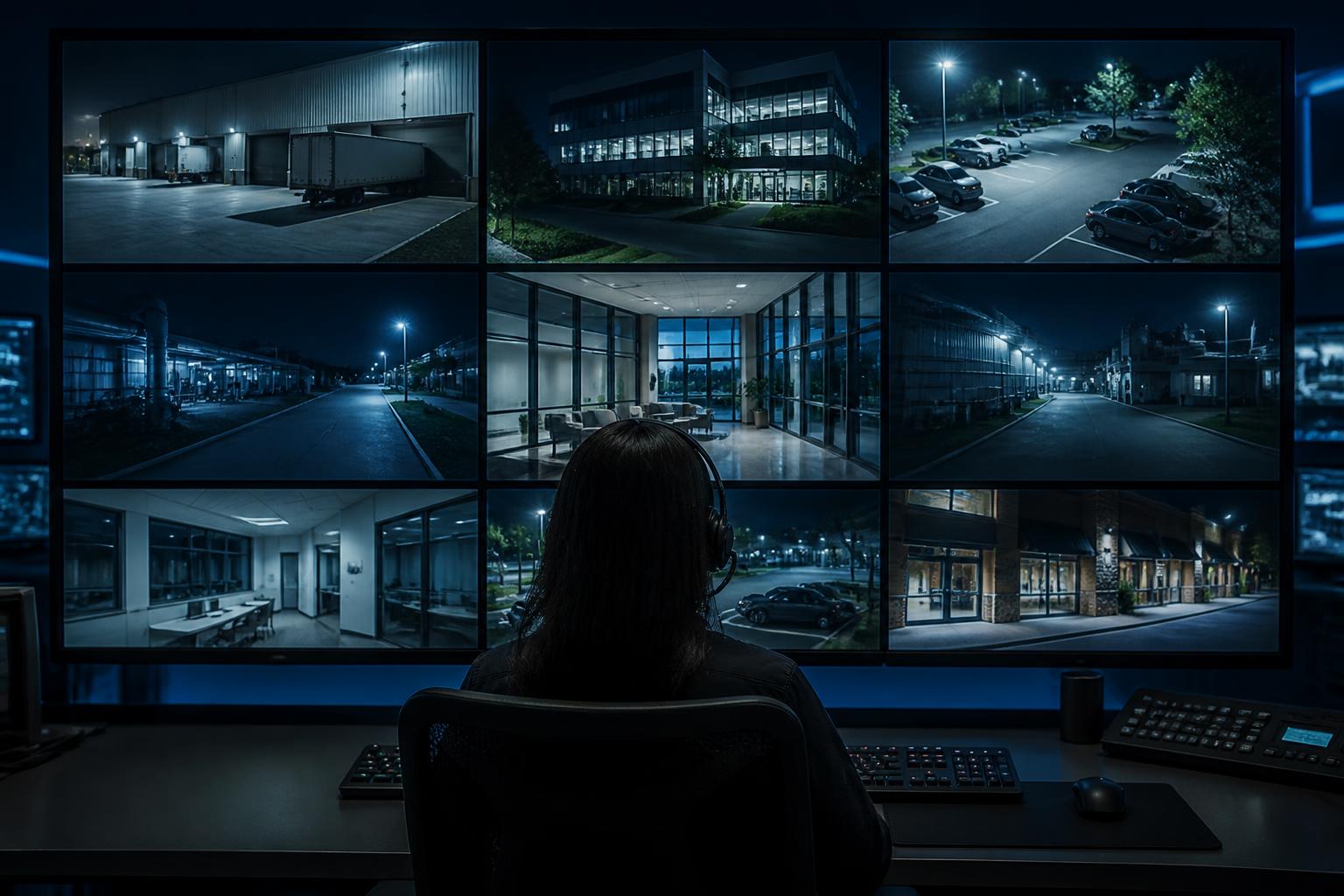
Recorded video answers questions after the fact. It does not stop someone from walking a parking ramp at 3 a.m. trying door handles. That gap is what live video monitoring addresses: AI analytics flag a person or vehicle in a defined area during defined hours, a trained operator views live video, verifies whether an actual person is there, and can speak through on-site speakers before escalating.
On multifamily properties, monitoring is usually scoped narrowly rather than property-wide, because residents are legitimately present around the clock. The areas that fit best:
- Parking ramps and surface lots during overnight hours
- Detached garages and carport rows
- Dumpster and enclosure areas with recurring dumping problems
- Construction or renovation phases on an occupied property
- Vacant buildings or units mid-turn, and seasonal or lease-up periods
If your property already has cameras, they may be usable for monitoring depending on placement, image quality at real distances, night performance, analytics capability, and upload bandwidth. Our comparison of virtual security guards vs. on-site guards covers where each model fits and how existing camera systems are evaluated.
Which Multifamily Upgrade Should Come First?
Most properties can't do everything in one budget year. Where to start depends less on the property type than on where it is in its lifecycle.
New Construction or Major Renovation
Start with pathways and cabling. Conduit to the parking lot, backbone between buildings, a properly sized and located IDF, and cable to every door and camera position you might want in ten years — even if the hardware comes later. Devices are cheap to add on a good cable plan and expensive to add on a bad one.
Older Property Still on Keys
Start with entrances and the entry system. Access control on main and secondary building doors plus a working intercom solves the propped-door problem, ends the rekey cycle, and gives you an entry log. Add amenity doors next, then extend cameras outward from the entrances you just controlled.
Property With Systems Already In Place
Start with an audit, not a replacement quote. Which cameras still produce usable images, what retention you actually have, which doors are on the system, what the network looks like, and whether existing wiring and door hardware can carry newer equipment. Most properties in this position need targeted upgrades, not a rip-out.
What to Document Before Requesting a Multifamily Security Estimate
Assessments go faster and quotes get more accurate when the property brings a few things to the walkthrough. None of it requires technical knowledge:
- A site plan or parking map, even a rough one, showing buildings, lots, garages, and drive approaches.
- A door list — every exterior entrance, garage door, stairwell exit, and amenity door, and which ones are currently keyed, fobbed, or unlocked.
- Your incident history. What has actually happened in the last year or two, and where. This drives priorities more than anything else.
- What exists today — camera count and approximate age, recorder location, whether anyone can view remotely, existing access or intercom brand if known.
- Where the internet service enters and where existing network equipment lives.
- Who administers the systems — on-site staff, a regional manager, or a third-party management company — since that shapes whether cloud management is worth it.
- Any planned work: resurfacing, roofing, unit turns, lobby remodels, or building additions. Coordinating with those saves real money.
Phasing a Portfolio
Management companies with several properties usually shouldn't do all of them at once, and shouldn't do them all differently either. The practical middle ground is to standardize the platform — the same access system, the same camera line, the same recorder approach — then roll it out building by building as budgets and turnover allow. Standardizing means staff learn one interface, spare parts are interchangeable, and a regional manager can view every property from one place instead of five logins.
Request a free multifamily walkthrough.
- ✅ We walk the property — entrances, lots, garages, amenity areas, and the IT room
- ✅ An honest assessment of what your existing cameras, wiring, and door hardware can still do
- ✅ A written recommendation and estimate, phased if that fits your budget cycle
- ✅ No cost, no obligation
Magnuson Low Voltage Wiring works with apartment communities, condo and townhome associations, senior and student housing, and mixed-use buildings throughout the Twin Cities metro, the north metro, the I-35 corridor, East Central Minnesota, and Western Wisconsin. See our service areas or request a free estimate.