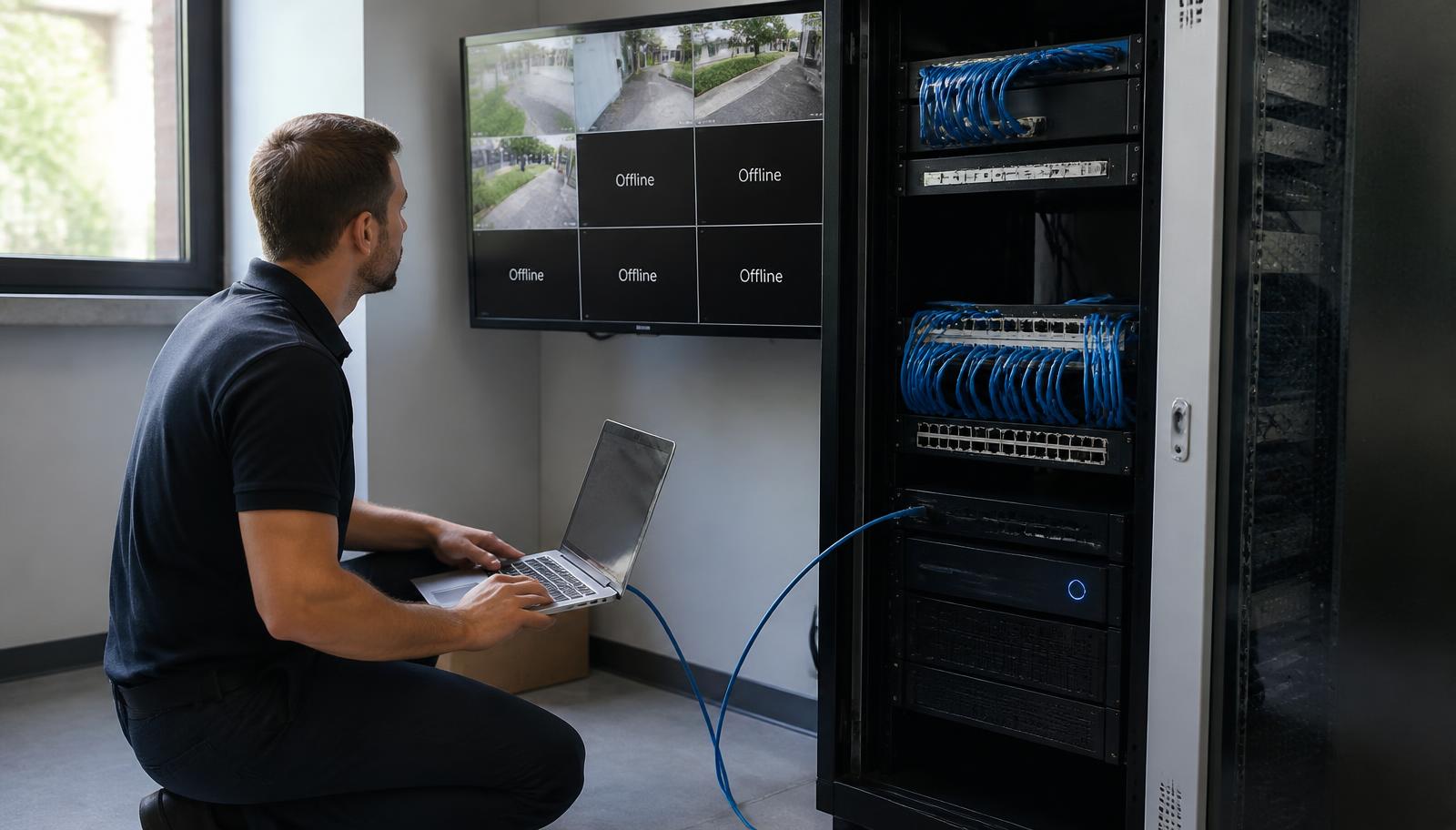
Nobody thinks about their camera system until they need it. Then a package disappears, a car backs into a dock door, an employee accuses another employee, or the police ask for footage — and someone finally logs in and finds three black tiles, a recorder that hasn't written to disk since March, and a mobile app that stopped connecting after the internet was upgraded.
If your security camera system isn't working, the useful question isn't "how much for a new system?" It's "what specifically failed, and what does that failure actually cost to correct?" Those are very different numbers. We get called into commercial buildings across the Twin Cities every week where the fix is a bad switch, a water-intruded cable end, a full hard drive, or a firewall rule — not a rip-out.
This article is the field version of that diagnosis: the seven problems we see most often on existing commercial camera systems, what usually causes each one, what you can check yourself in five minutes, and how a contractor decides between repair, upgrade, and replacement.
First: What to Check Before You Call a Technician
Five minutes of your own information gathering makes a service call shorter and cheaper. None of this requires tools.
Write those answers down. Even partial answers cut diagnostic time significantly, and if you have nothing — no passwords, no documentation, no installer — that's common and workable. We'll cover it below.
The 7 Most Common Commercial Security Camera Problems
1. One or More Cameras Suddenly Offline
This is the single most frequent call. A tile goes black, the recorder shows "no signal" or a disconnected icon, and everything else looks normal.
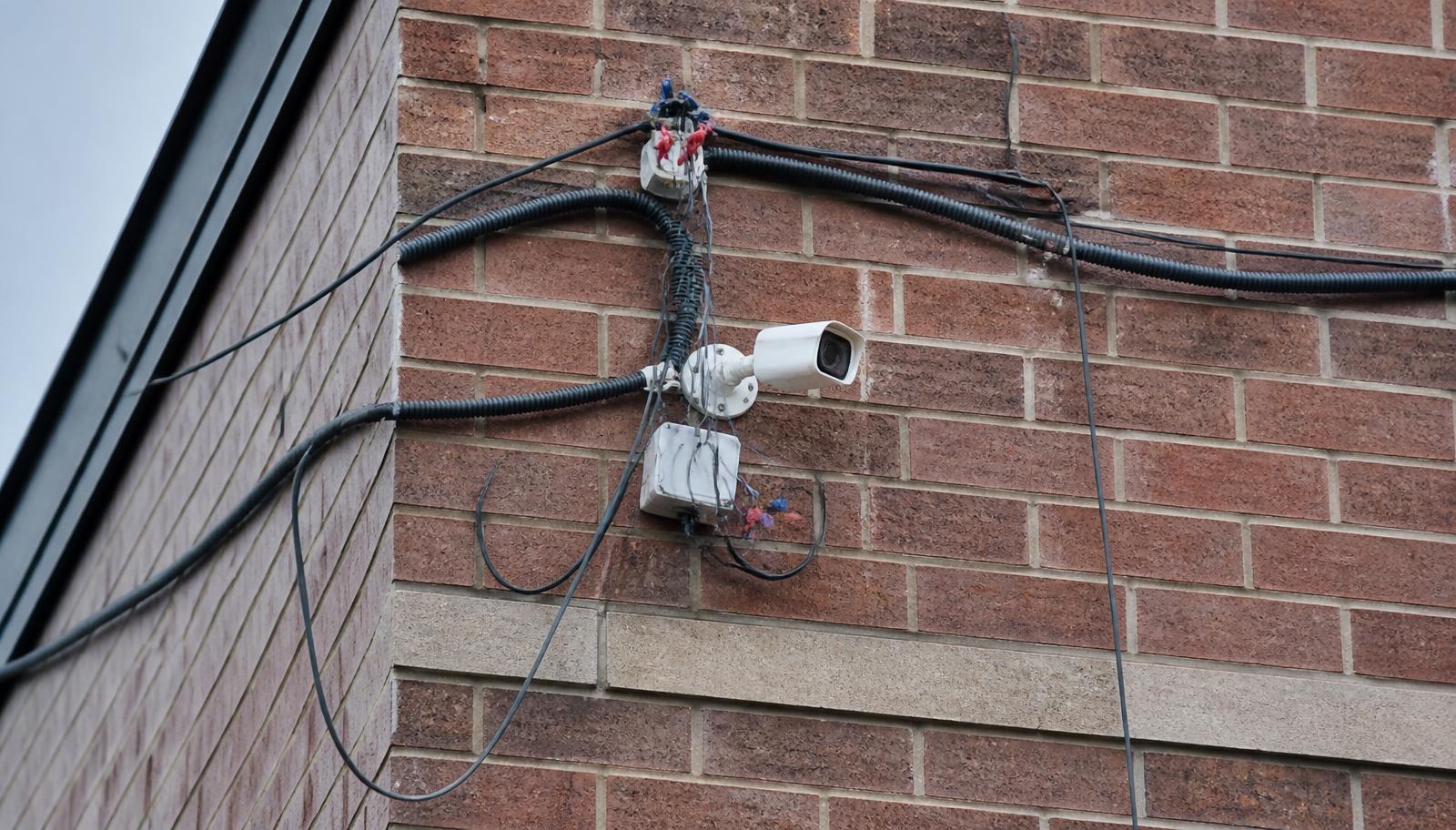
What usually causes it: a failed PoE port or an overloaded PoE budget on the switch; a damaged or water-intruded cable end (extremely common on exterior runs in Minnesota, where freeze-thaw cycles and ice-dam water find their way into poorly sealed penetrations and unsealed connectors); a camera that has genuinely failed after years of thermal cycling; a loose or corroded RJ45 termination; a tripped breaker or unplugged injector; or an IP address change that made the recorder lose the device.
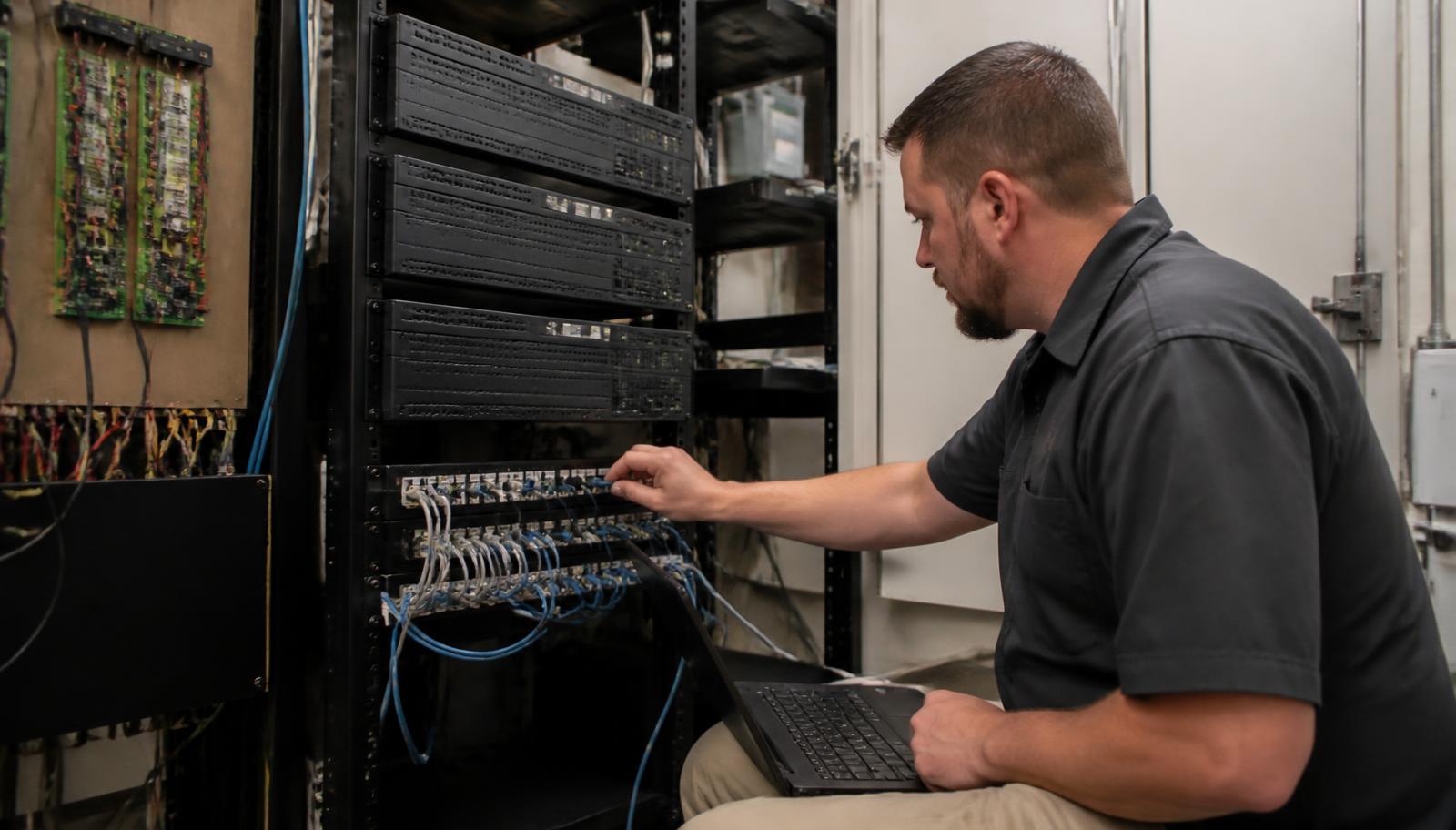
How we diagnose it: we test the cable run with a certification tester, check PoE voltage and switch port status, verify the camera's IP configuration on a laptop at the drop, and confirm whether the device itself powers up. That sequence tells us in minutes whether you need a $0 re-termination, a switch port move, or a camera.
2. No Video or Intermittent Video
Intermittent is worse than dead, because it's often ignored until footage is needed. A camera that works during the day and drops at night, or one that reboots every few hours, is telling you something specific.
What usually causes it: marginal power — a cable run past supported distance, an undersized power supply, or a switch whose PoE budget is exceeded once infrared illuminators kick on after dark (that's why "it only fails at night" is such a useful clue); cable damage from staples, rodents, or a screw driven through a run during a remodel; interference or a cable routed alongside high-voltage lines; failing camera electronics; or a network with duplex/speed mismatches dropping packets.
3. NVR, DVR, or Server Not Recording
Live video looks fine, so nobody notices — until playback is empty. Recording failures are silent by nature, which is why they're the most damaging problem on this list.
What usually causes it: a failed or failing hard drive; drives that were never rated for continuous surveillance write loads and have simply worn out; recording schedules that were misconfigured or turned off during past service; motion-only recording with sensitivity set so low that nothing triggers; a full disk that isn't overwriting correctly; a corrupted database; or a recorder that has been silently rebooting on a bad power supply. On a few systems we've inherited, recording was never enabled on some channels at all.
4. Playback Unavailable When an Incident Happens
Different from #3, and worth separating: the system is recording, but the footage you need is gone or unreachable.
What usually causes it: retention that's far shorter than anyone assumes. A recorder sized years ago for a handful of low-resolution cameras will keep only days of footage once cameras are added or resolution is raised. If an incident is discovered on a Monday and your system only holds five days, a Friday-night event may already be overwritten. Other causes: export permissions nobody has, a lost admin password, a corrupted archive, or footage stored on a drive that failed months ago. Real retention should be verified and documented, not assumed — most businesses need 30 days, and some insurance or franchise requirements specify more.
5. Remote Viewing or the Mobile App Stopped Working
Local video is perfect; the phone shows nothing. Almost always a network or account issue, not a camera issue.
What usually causes it: a new internet provider, router, or firewall (the single most common trigger — port forwards, DDNS entries, and static assignments vanish with the old equipment); an ISP changing your public IP; a manufacturer's cloud or P2P service being discontinued or requiring a new app; expired cloud accounts; firmware too old to authenticate with the current app; MFA or password resets nobody documented; or a recorder that lost its DNS/gateway settings. Recording and remote access are separate systems, which is why one can break while the other keeps working.
6. Image Quality Has Degraded
The footage exists but you can't identify anyone in it — which, for evidentiary purposes, is close to having nothing.
What usually causes it: dirty, hazed, spider-webbed, or UV-yellowed domes; condensation or moisture inside a housing where the gasket failed; infrared reflecting off a dirty bubble at night; a camera knocked out of aim by wind, a truck, or a ladder; focus drift on older varifocal lenses; heavy digital compression to fit more days on a small drive; or, most often, a resolution and placement decision from ten years ago that was never adequate for identification in the first place. A cleaning, re-aim, and refocus visit fixes a surprising number of "we need new cameras" complaints.
7. Network and IP Conflicts After Router or Network Changes
Everything worked Friday; the network was upgraded over the weekend; Monday the recorder can't find half the cameras.
What usually causes it: cameras on DHCP that received new addresses; a new subnet the recorder isn't on; duplicate IP addresses after a device was added; VLAN or firewall rules that now separate cameras from the recorder; a replaced switch that doesn't supply the same PoE standard; or the camera network having been left flat and unsegmented so it competes with business traffic. This is where camera work and network cabling and infrastructure overlap — a camera system is a network system, and it fails for network reasons. Our post on why reliable network infrastructure matters covers the underlying design side.
Also Common: Undocumented, Unsupported, and Orphaned Systems
Two more situations aren't really "failures," but they're the reason many service calls happen at all.
Nobody Has the Password or the Documentation
The installer is out of business, retired, or won't return calls. There's no admin login, no camera passwords, no diagrams, no labeled cabling, and no record of what's in the closet. Depending on the manufacturer, credentials can sometimes be recovered through a documented reset with proof of ownership; on some platforms they can't, and devices have to be reset or replaced. Either way, an assessment starts with inventorying and documenting the system so you own the keys going forward — see taking over an existing security system.
Legacy, Discontinued, or Restricted Equipment
Analog and early HD systems, recorders with no firmware path, software that requires an old browser plug-in, or gear from manufacturers that are gone. Also relevant for many organizations: federally restricted brands that shouldn't remain on a network at all — see the Hikvision ban explained. Legacy equipment can often be kept running for a while, but repairs get slower and parts get scarcer every year.
Repair, Upgrade, or Replace?
Here's the part most businesses want a straight answer on. A failed recorder or two bad cameras does not mean the whole system has to come out. A commercial camera system is a stack of independent parts, and each one gets evaluated on its own merits: cameras, cabling and terminations, PoE switches and power, the recorder or server, storage and retention, software and firmware, network configuration, and documentation.
Cabling is usually the most valuable thing on site and the most expensive to replace — so a good assessment protects it first. That's often why a "whole new system" quote and an honest scope differ by a large margin.
REPAIR — A Component Failed
The system design is still appropriate; something specific broke. Re-terminate or re-seal a cable end, replace a switch or PoE injector, swap one or two failed cameras, replace surveillance-rated hard drives, correct recording schedules and retention settings, clean and re-aim optics, restore remote access after a network change, update firmware, and put the head end on battery backup. Fastest, least expensive, and the right answer far more often than most owners expect.
UPGRADE — Keep the Bones, Replace the Brain
The infrastructure is sound but the head end or a portion of the cameras have aged out. A properly sized NVR or server goes in while existing cabling and good cameras stay on the same runs; storage is sized for real 30-day retention; the worst-performing camera positions are upgraded to identification-quality devices; the camera network gets segmented onto its own VLAN; and analytics or live video monitoring can be added. Phased upgrades let you spread cost across budget years without abandoning working equipment.
REPLACE — Repair Has Stopped Making Sense
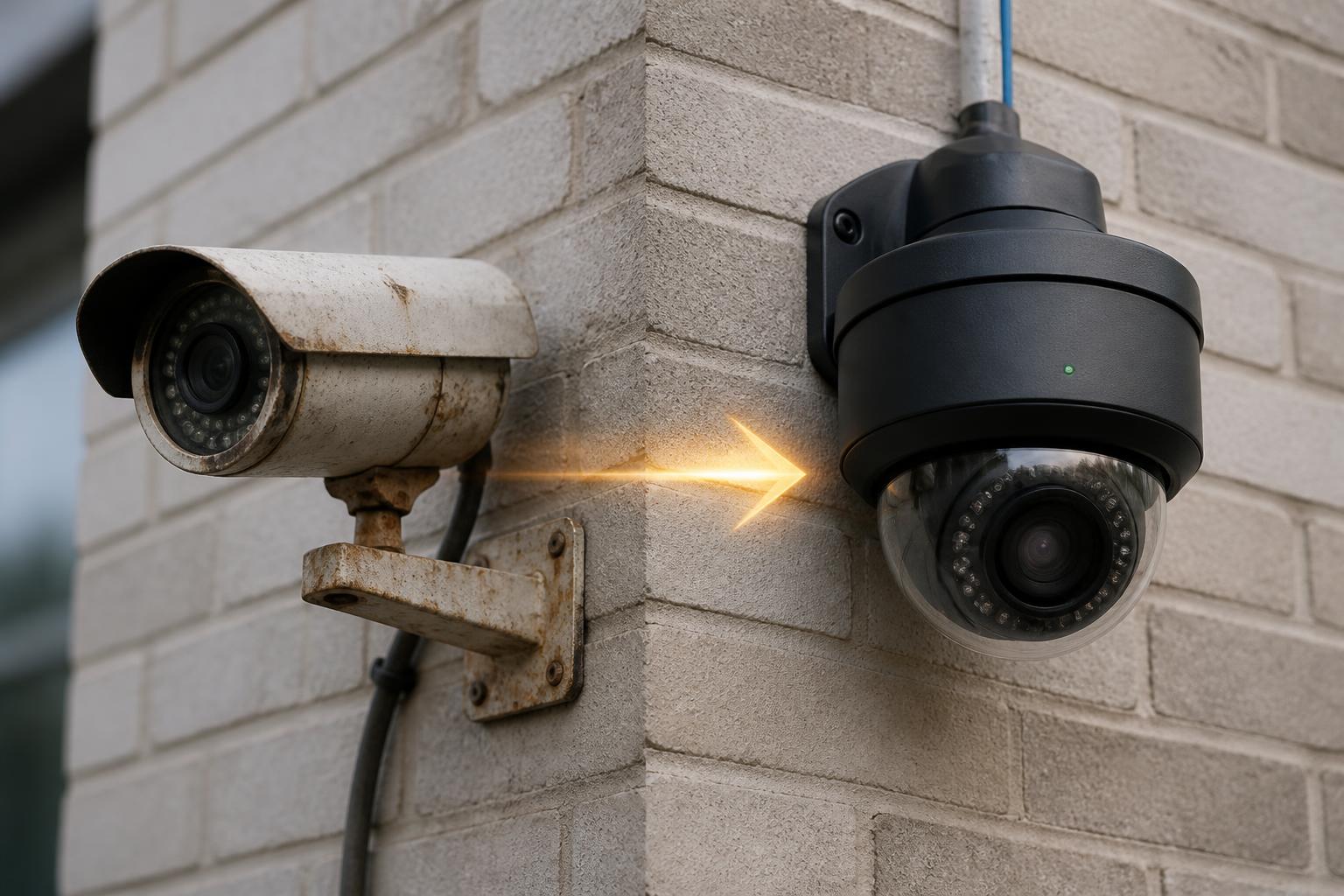
Analog or early-HD cameras that can't produce identification-quality images regardless of what recorder they feed; discontinued platforms with no parts, firmware, or support path; restricted equipment that shouldn't stay on your network; cabling run in the wrong category, damaged, spliced, or beyond supported length; repeated service calls in a single year on a system nobody trusts; or a building whose layout, doors, and use have changed so much that the original design no longer matches the risk. At that point new work is the cheaper path — see commercial security camera installation.
How to Tell When Repairing Stops Paying Off
There's no universal formula, but these are the practical thresholds we use with clients:
| Situation | Usual Recommendation |
|---|---|
| One to a few cameras down, cabling and recorder healthy | Repair |
| Recorder failed, cameras are modern IP and still supported | Upgrade the recorder, keep cameras and cable |
| Retention is far short of your real requirement | Upgrade storage; verify with documented testing |
| Remote access broken after network changes | Repair — network configuration, not hardware |
| Annual repair spend approaching a third of replacement cost | Plan a phased upgrade |
| Manufacturer gone, no parts or firmware, or restricted brand | Replace, prioritized by risk |
| Images can't identify a person at the distances that matter | Replace those camera positions |
| Cabling wrong category, damaged, or improperly run | Replace cabling before spending on cameras |
A useful sanity check: a system you don't trust has an ongoing cost even when it isn't being repaired, because you're paying for security you don't actually have. We wrote about that gap in the hidden costs of a cheap camera installation and the hidden cost of outdated commercial technology. If your cameras record but nobody watches them, this is worth reading too.
What a Commercial Camera Service Call Actually Looks Like
So you know what you're buying when you schedule service rather than a sales visit:
- Symptom review — what's failing, when it started, and what changed in the building or on the network.
- Head-end inspection — recorder health, drive status and SMART data, logs, recording schedules, actual retention, power protection, and the physical condition of the rack or closet.
- Network verification — switch and PoE status, IP addressing, VLAN and firewall paths, bandwidth, and remote-access configuration.
- Camera and cable testing — per-device power and link testing, cable certification where needed, image evaluation at the distances that matter, cleaning, re-aiming, and refocusing.
- Written findings — a keep / repair / upgrade / replace list with what each item costs and what risk it carries, so you can decide in what order to spend.
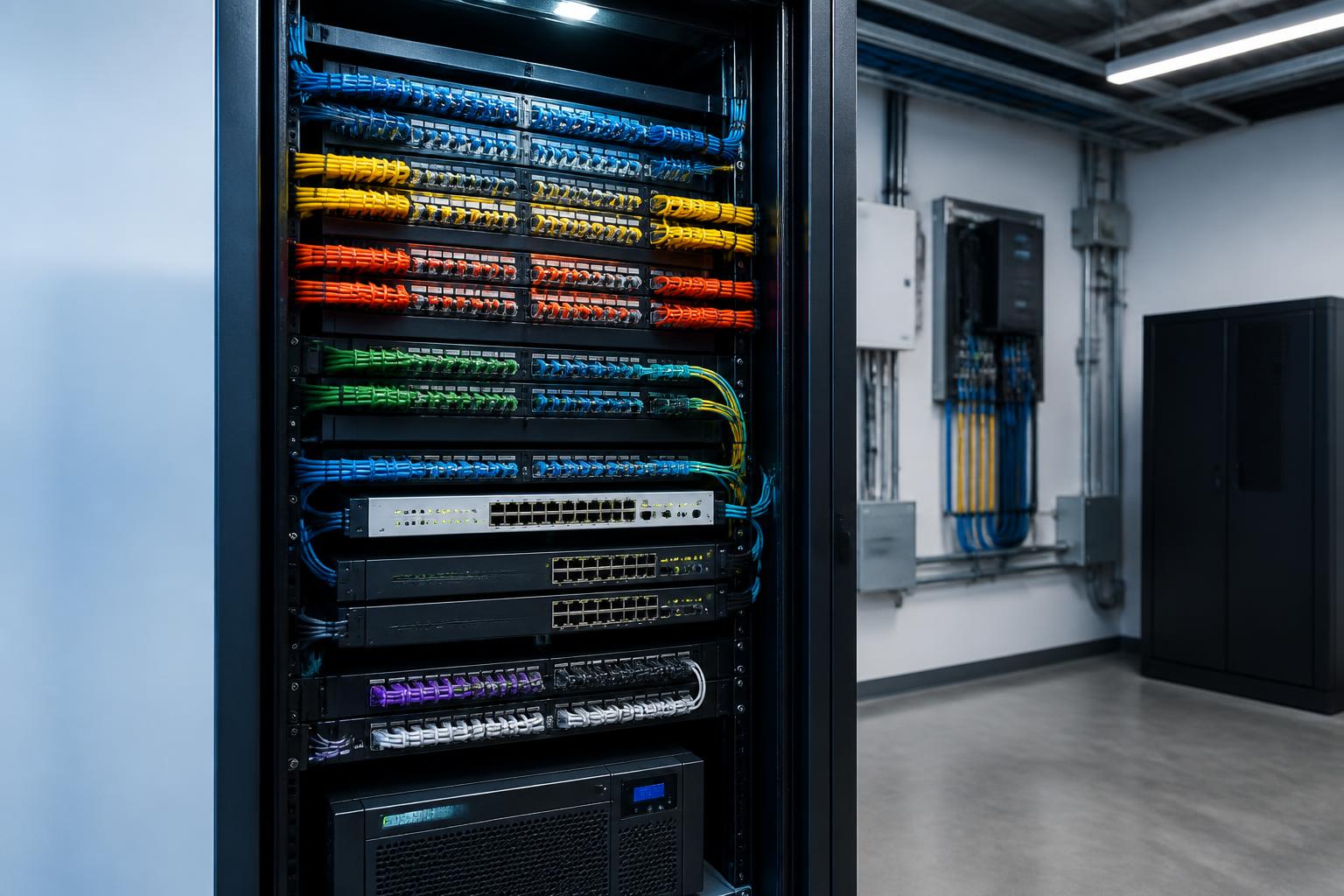
- Documentation handoff — labeled devices, credentials you control, and a record of what's installed, so the next problem takes fifteen minutes to diagnose instead of a day.
Many failures are resolved on that first visit. Others turn into a phased plan. Both are better outcomes than a full quote written before anyone tested anything.
Schedule a Commercial Camera Service Call or System Assessment
Cameras offline, recording stopped, playback missing, remote viewing dead, or a system nobody can log into? We service and repair existing commercial camera systems — including systems we didn't install — and we'll tell you honestly what needs repair versus replacement.
- ✅ Any brand, including inherited and undocumented systems
- ✅ Recorder, storage, network, cabling, and camera diagnostics
- ✅ Retention and playback verified, not assumed
- ✅ Written keep / repair / upgrade / replace findings
- ✅ Phased options when full replacement isn't necessary
We work with businesses, property managers, warehouses, clinics, schools, retail, and multi-tenant buildings throughout the Twin Cities metro, the I-35 corridor, East Central Minnesota, and Western Wisconsin. If you're not sure whether you need a repair, an upgrade, or a new system, start with an assessment — you'll get a real answer either way. Have a look at our recent commercial projects or reach out through the estimate form.