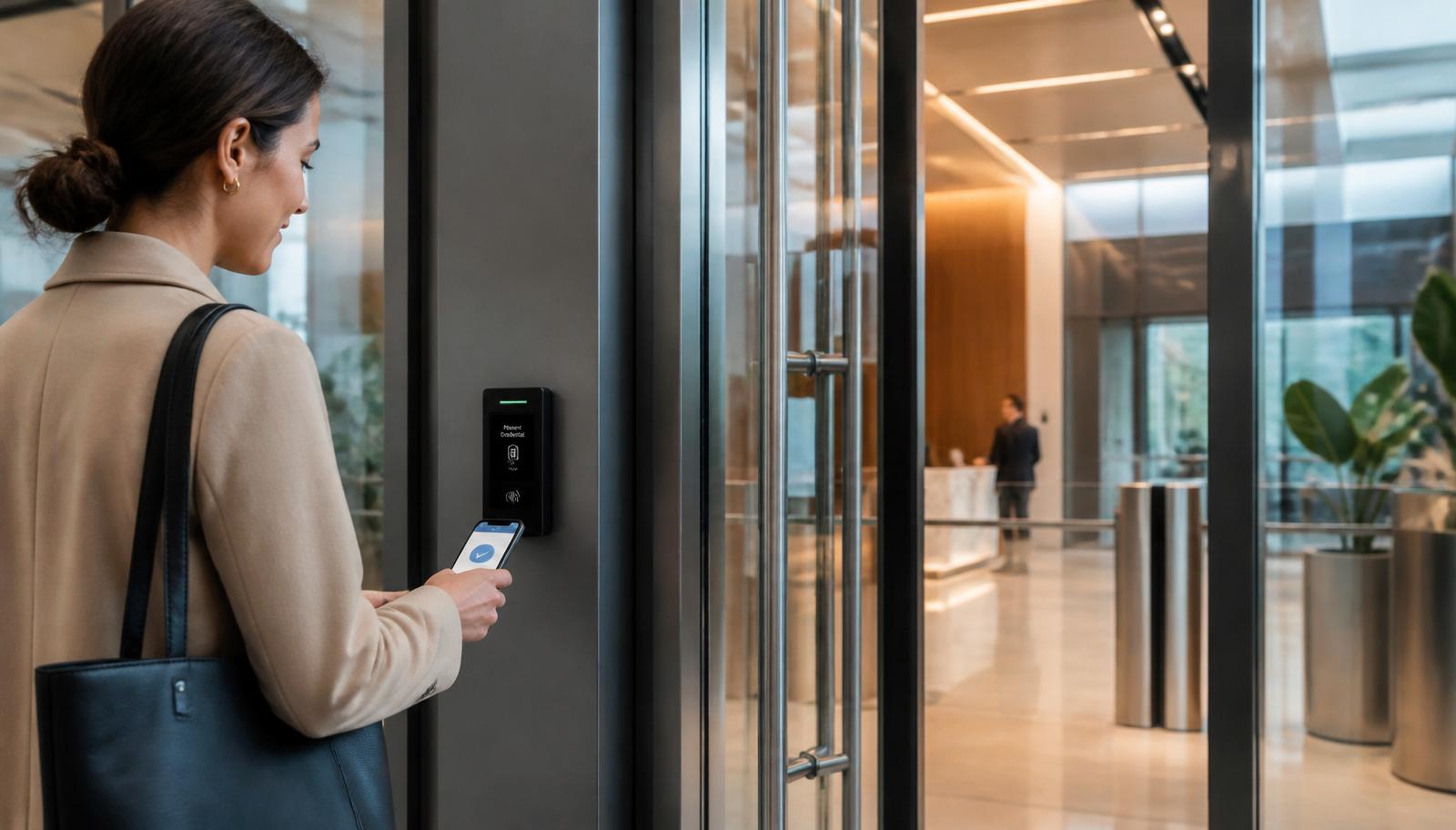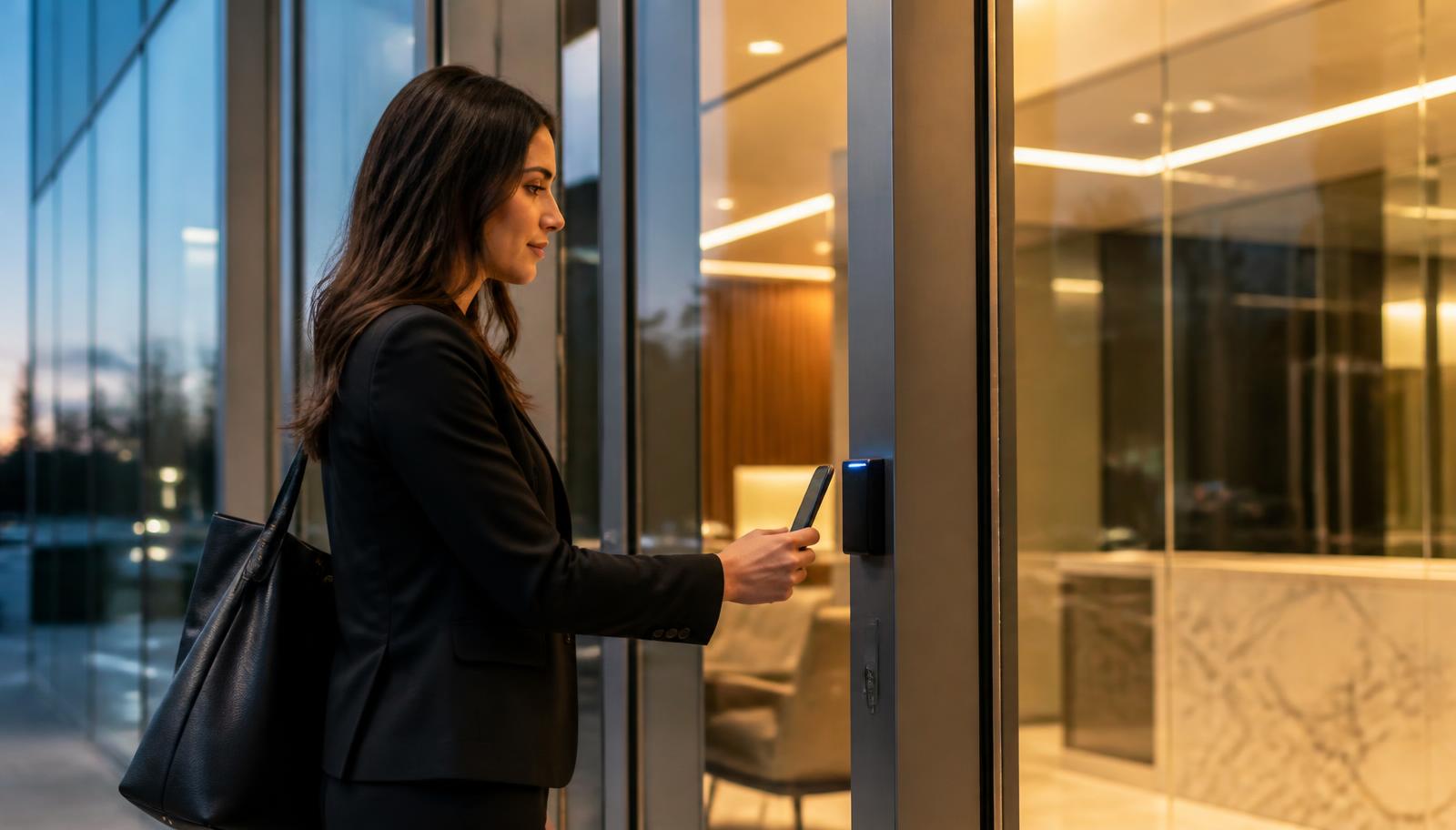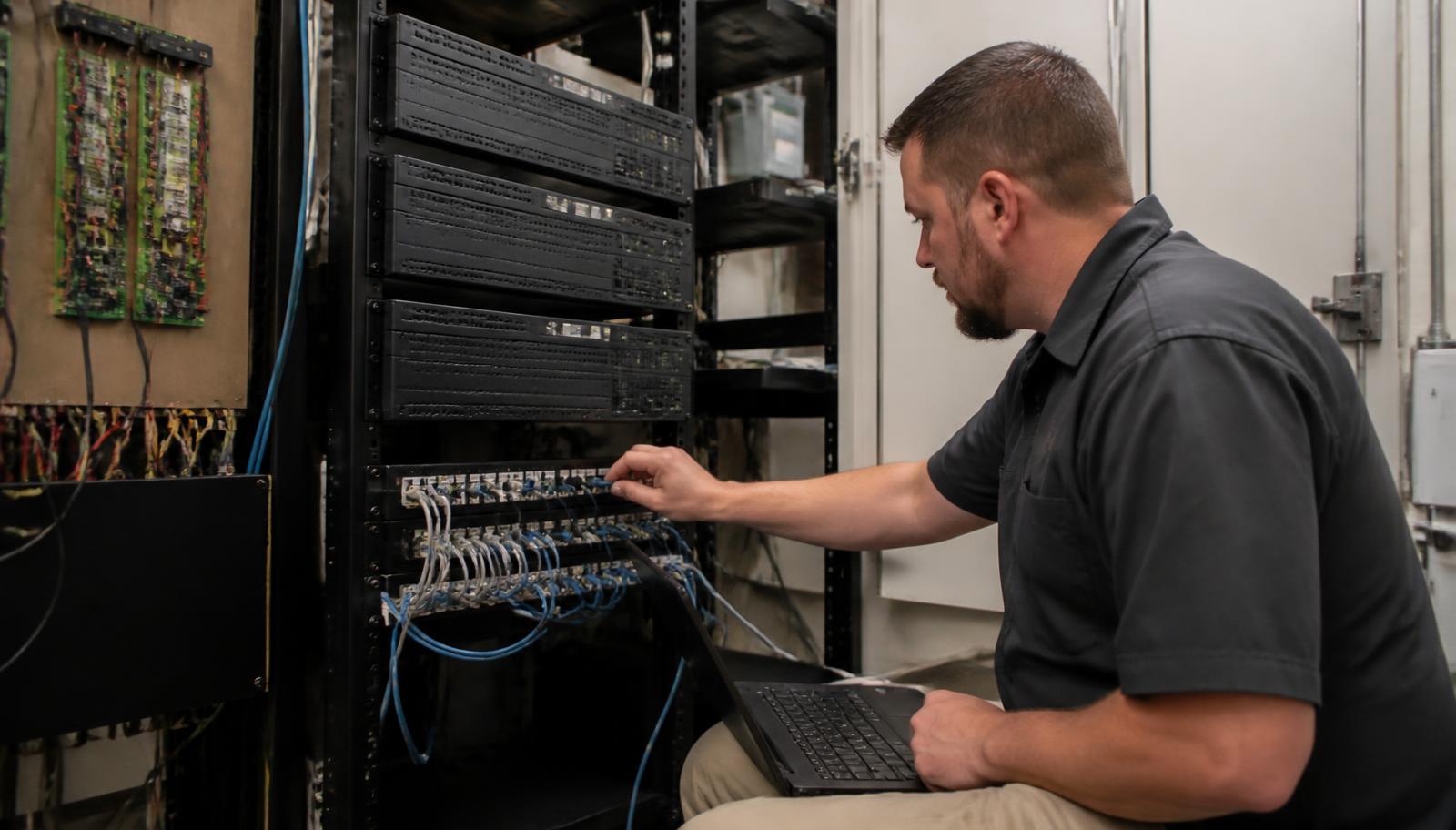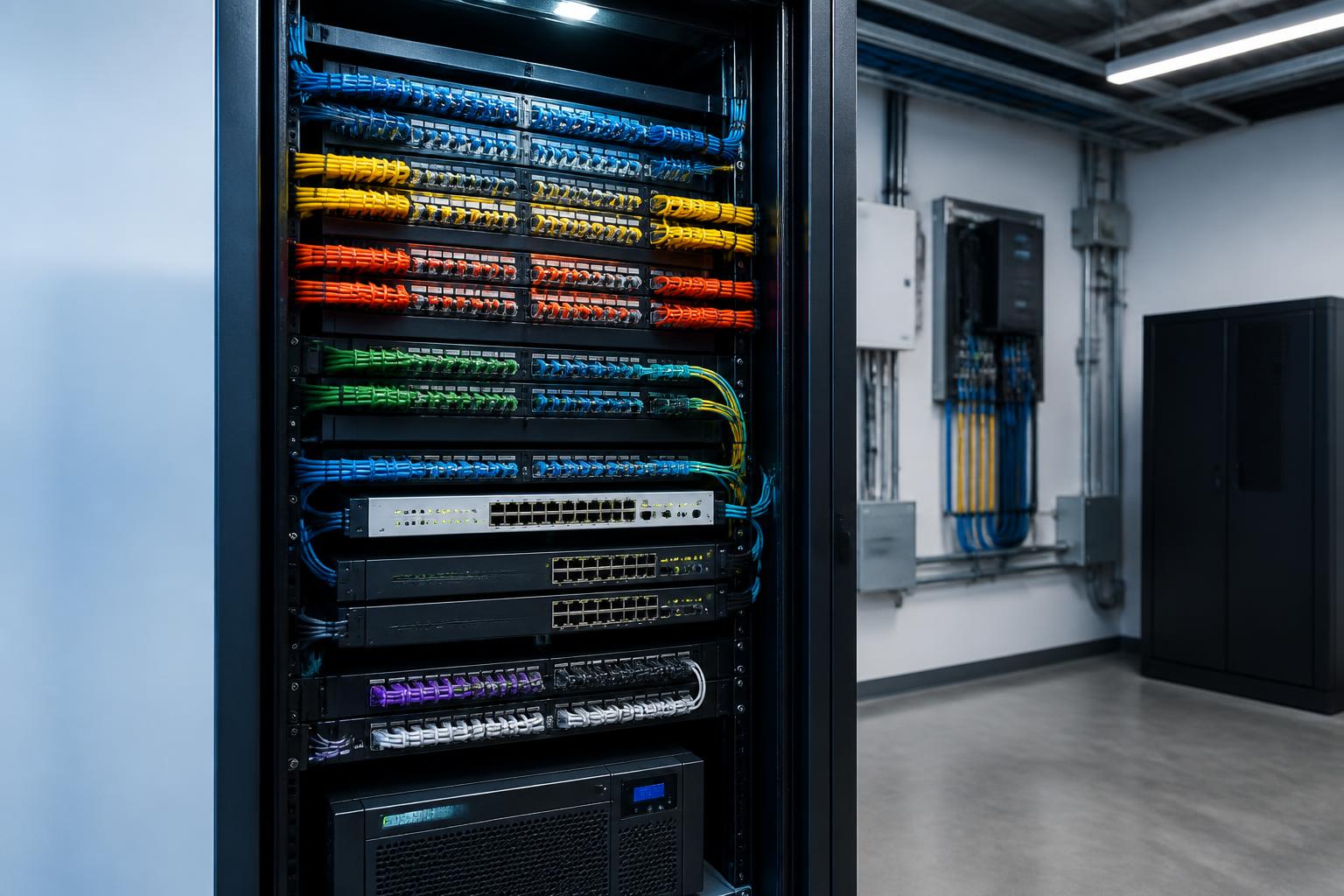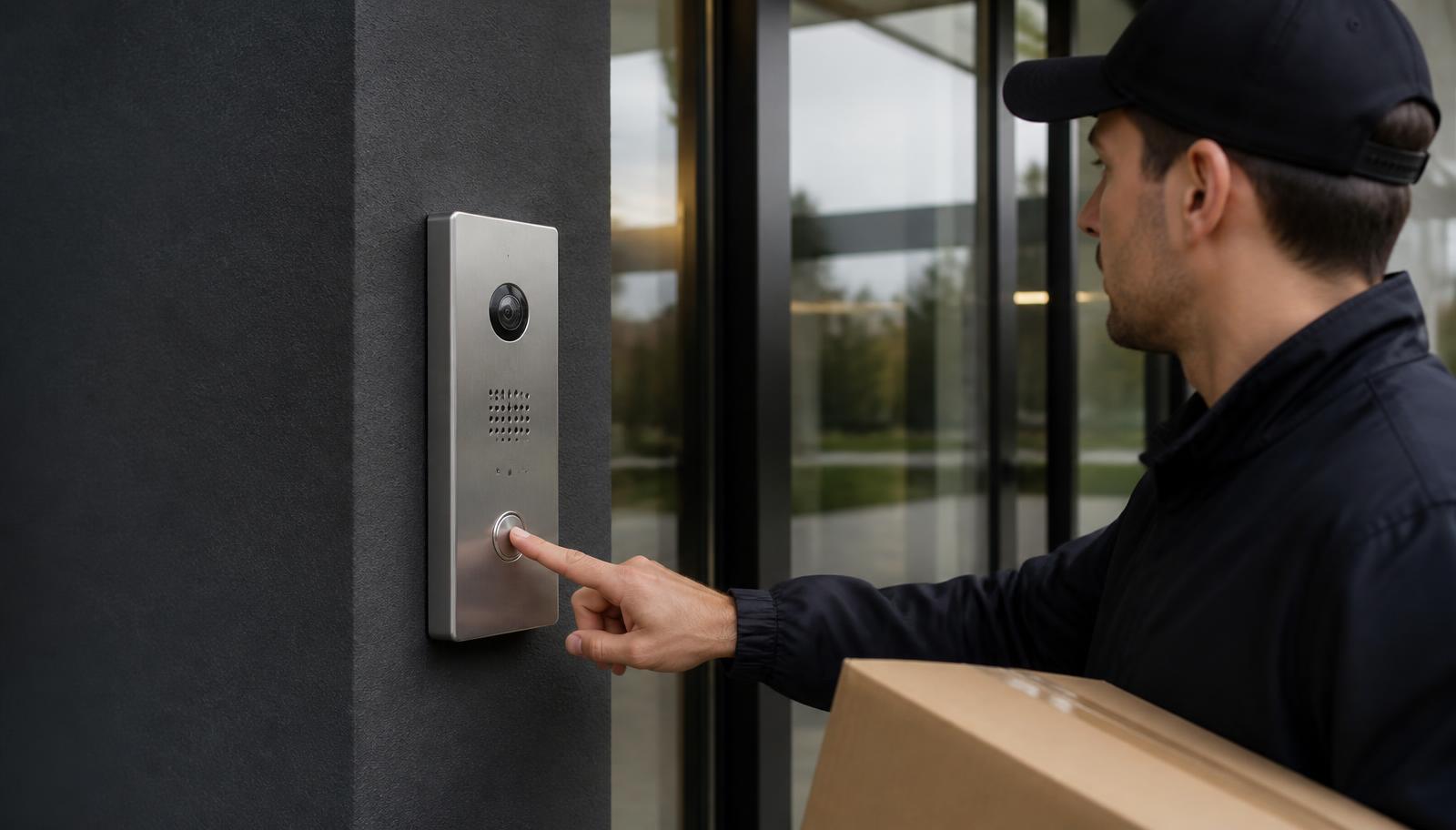
Most intercom conversations start with a small, specific problem. The front door is locked during the day and nobody hears the knock. Deliveries pile up at a receiving door with no way to reach the warehouse. A gate has a call box that stopped working three winters ago. Staff at the front desk get up twenty times a day to see who's outside. Underneath all of them is the same question:
What type of commercial intercom system does my building actually need?
That question has more than one right answer, because "intercom" now covers everything from a two-wire audio station wired to a buzzer to an IP video door station that rings a phone in someone's pocket, shows them who's outside, and unlocks the door through the building's access control system. The cost, cabling, and complexity between those two ends is significant — and picking the wrong end of the range is how buildings end up with either a system that doesn't solve the problem or a system nobody uses.
This article walks through how we scope commercial intercom and video door-entry projects: the real differences between audio and video, when remote answering matters, when an intercom should be part of commercial access control instead of a standalone box, and what the network and cabling side actually requires.
What a Modern Commercial Intercom Actually Does
The old model was simple: a button outside, a chime or handset inside, and a buzzer that released the door. Communication and door release, nothing more. Modern commercial door entry systems still do that, but they usually combine four functions that used to be separate:
- Communication — two-way audio between a visitor at the entrance and whoever is responsible for answering.
- Verification — video of the person at the door, so staff can see who is asking before anything unlocks.
- Answering flexibility — the call can ring a desk station, several stations, a mobile app, or a different building entirely.
- Controlled release — the door or gate unlocks momentarily, and in an integrated system that release is logged like any other access event.
That last point is the one businesses tend to underestimate. A standalone buzzer tells you nothing after the fact. An intercom tied into access control produces a record: the door was released at 2:14 p.m. by the front desk station, and there's camera footage of who walked through. When something goes missing from a lobby or a stockroom, that difference is the entire investigation.
Audio vs. Video Intercom Systems
The first real decision is whether you need to see the visitor or only speak with them. Both are legitimate answers depending on the entrance.
| Consideration | Audio-Only Intercom | Video Intercom |
|---|---|---|
| Visitor identification | By voice only — you're trusting what you're told | Visual confirmation before the door releases |
| Best fit | Interior doors, shop-to-office paging, gates with known traffic, budget-driven single entries | Main entrances, after-hours doors, delivery and receiving doors, multi-tenant lobbies, clinics and schools |
| Cabling demand | Lower — often minimal for a single door | Network cabling to each station, PoE preferred |
| Deterrence | Minimal | A visible camera at the door changes behavior |
| Record of the event | None by itself | Call snapshots or recorded video, especially when tied to cameras |
| Typical cost | Lowest entry point | Higher hardware and cabling cost, far more useful per door |
In practice, most commercial buildings we work in end up with video at the entrances the public touches and audio only where the traffic is internal or already known. A yard gate used exclusively by two drivers who badge in doesn't need a camera at the call box if there's already camera coverage on the approach. A locked front door that receives couriers, applicants, vendors, and patients does.
Which Commercial Intercom Setup Fits Your Building?
This is the ladder we walk clients up during a site visit. Each step adds capability and cost; the goal is to stop at the step that solves your actual problem, not the top one.
1. Simple Audio Entry
One door, voice only, someone always inside. A door station outside, an answering station in, and a release button. Right for small shops, an interior door between a warehouse and an office, or a gate used by a handful of known drivers. Lowest cost, minimal cabling, no visitor verification — you unlock based on a voice.
2. Video Intercom
You need to see who's there before you unlock. A video door station with a wide-angle camera and a monitor or desk station inside. This is the practical baseline for a locked main entrance, a clinic vestibule, a school entry, or any door where the wrong person walking in is a real risk. Adds visual verification and quiet deterrence.
3. Video + Remote Answering
Nobody sits at a desk all day. Calls ring a mobile app or multiple stations, so a shop foreman, property manager, or on-call staff member can see the visitor, talk to them, and release the door from wherever they are. This is the fix for small teams, unstaffed lobbies, off-hours deliveries, and buildings managed from another site.
4. Intercom + Access Control
Staff badge in; visitors call in. The same door serves employees with credentials and visitors through the intercom, and every release — badge or buzz — is logged in one system. Schedules can auto-unlock during business hours and force intercom-only after close. This is where most multi-department commercial buildings should land.
5. Multi-Door / Multi-Building System
Several entrances, tenants, or buildings on one platform. Front entrance, gate, loading dock, and vestibules all on one IP system with a directory, routing rules per entrance, and answering split by tenant or department. Requires real network planning and a cabling backbone, and it's where standalone hardware stops scaling.
Where Intercoms Belong: Entrance by Entrance
Buildings rarely need the same solution at every opening. Scoping by entrance keeps budget where it earns something.
- Front entrance. The most common video intercom location. Locked during business hours in more buildings every year, and the visitor's first interaction with your company.
- Gates and yard entries. Weather-rated station, long cable runs, and often the trickiest install on the property. Vehicle height and driver reach matter more than people expect.
- Loading docks and receiving doors. Drivers need to reach the warehouse, not the front desk. Answering routing is the whole point here — otherwise deliveries end up at the wrong door.
- Vestibules and double-door entries. Common in schools, clinics, and government buildings: the visitor is held in a controlled space until staff verifies them and releases the inner door.
- Rear and side employee doors. Frequently propped, rarely watched. An intercom plus a credential reader removes the excuse for propping.
- Multi-tenant lobbies. A directory station and per-tenant routing, so each business answers its own visitors without sharing a phone tree.
IP/Network Intercoms vs. Older Legacy Systems
Legacy intercoms were purpose-built wiring: dedicated multi-conductor cable, proprietary station wiring, and a fixed answering point. They worked well for decades, and plenty are still running. The limits show up when you want to change anything — add a station, answer on a phone, connect a second building, or replace a failed part for a manufacturer that no longer exists.
IP-based intercoms run on the same structured cabling and PoE switches as your cameras, phones, and access control. That brings the things buildings ask for now: remote answering, multiple answering points, video, event logging, and the ability to add an entrance later without pulling a whole new cable type. It also means the intercom is a network device, with all the design responsibility that implies — which is exactly why we treat it as part of the building's voice, data, and network infrastructure rather than a bolt-on appliance.
Signs your existing intercom has reached the end of its useful life:
- Audio is one-way, garbled, or dead at one or more stations
- The manufacturer is out of business or parts are unobtainable
- Only one station can answer, and that desk isn't always staffed
- The door release works but nothing is logged or recorded
- The call box was disconnected years ago and now everyone uses a cell phone instead
- Adding an entrance means an entirely new proprietary cable run
If two or more of these describe your building, replacement usually costs less over five years than continuing to nurse the old system.
Retrofitting or Replacing an Aging Intercom
Replacing an intercom is mostly a cabling and pathway question, not a hardware question. During an assessment we look at what's already in the wall and whether it can carry a modern system:
- Existing conduit and pathways — often the most valuable thing on site, because a usable pathway means a new Cat6 run without opening finished walls.
- Cable type at each station — legacy intercom cable generally can't carry IP video; the pathway it occupies frequently can carry its replacement.
- Door hardware condition — electric strikes, maglocks, power supplies, and request-to-exit devices are commonly reusable even when the intercom isn't.
- Backbox and faceplate footprint — a new station that covers the old opening avoids masonry and storefront patching.
- Switch capacity and PoE budget — new PoE stations need available, appropriately powered ports, not a full closet.
- Power and network at the head end — UPS protection, so a power blip doesn't leave a locked building with no way in.
We take the same keep/upgrade/replace approach here that we use on inherited systems generally — see taking over an existing security system if you've also lost support on your cameras or access control.
Standalone Intercom or Integrated Access Control?
This is the decision that most affects long-term cost, and it's worth thinking about before hardware gets picked.
A standalone intercom makes sense when you have one or two entrances, employees already have keys or a working credential system, nobody needs event history for visitor entries, and the requirement really is just "let us see and talk to whoever is at the door."
An integrated intercom plus access control makes sense when you have several doors, staff turnover means credentials need to be revoked quickly, you want doors on schedules, you need a single record of every entry regardless of how it happened, or the property is managed remotely. In that case the intercom becomes one input to the access platform rather than a parallel system — and you administer one thing instead of two. Our commercial access control guide covers credentials, controllers, and cloud management in depth, and five signs it's time to upgrade access control is a good gut check if you already have readers.
Camera integration is a similar judgment call. A video intercom shows you the visitor during the call; security cameras keep the recorded, wide-context view of the entrance before and after. Pairing them is what lets you answer "who did the front desk let in at 2:14?" instead of just "someone was buzzed in." For sites where after-hours entry attempts are the real concern, live video monitoring adds a human response that no intercom can provide on its own.
Network and Cabling Requirements
Nearly every intercom problem we get called to fix is an infrastructure problem wearing a hardware costume. The essentials:
- Category cabling to each station — Cat6 (or Cat5e where already in good condition) home-run to the network room, within supported distance, properly terminated and labeled.
- Adequate PoE — the correct PoE class per station, with switch power budget headroom; heated outdoor stations draw more than people plan for.
- A network design that keeps the system predictable — intercom, camera, and access traffic segmented from guest and office traffic so a busy day doesn't affect a door call.
- Reliable power at the head end — UPS on the switch and controllers.
- Weather and vandal considerations outdoors — proper rating, mounting height, gaskets, and drip protection. Minnesota winters are hard on door stations, and a poorly sealed faceplate fails in February, not July.
- Remote answering means dependable internet — if calls ring phones, your connection is part of the door entry system. See why reliable network infrastructure matters.
5 Questions to Answer Before Choosing an Intercom
Bring answers to these five and any competent contractor can scope your system accurately on the first visit.
- How many entrances need to be covered — now and in the next few years? One door is a product decision. Three or more doors, a gate, or multiple buildings is a system decision, and it changes the platform you should start on.
- Who answers the calls? A staffed front desk, a shop floor, a property manager off-site, several departments, or individual tenants. Answering is the requirement that most often dictates the hardware.
- Is remote or mobile answering necessary? If the answering person isn't reliably in the building, a fixed desk station will be abandoned within a month.
- Do doors or gates need remote release? Which openings, on what schedule, and does anyone need to release them from off-site?
- Should this integrate with existing access control or cameras? If you already have readers, a recorder, or a cloud access platform, integration is usually cheaper than running a second parallel system — and it keeps entry history in one place.
Free Onsite Intercom Assessment
Replacing an outdated intercom, securing a new entrance, adding video verification, or tying visitor entry into access control? We'll walk the building, look at each entrance and what's already in the walls, and send back a written recommendation and estimate — no cost, no obligation.
- ✅ Entrance-by-entrance review of doors, gates, and vestibules
- ✅ Existing cable, conduit, and door hardware evaluation
- ✅ Audio vs. video and answering-method recommendation
- ✅ Network, PoE, and remote-answering readiness check
- ✅ Access control and camera integration options
The Short Version
Choose audio only where the traffic is internal or already known. Choose video anywhere a stranger can reach the door. Add remote answering when the person responsible isn't reliably at a desk. Integrate with access control once you have multiple doors, staff turnover, or a need for a single entry record. And plan the cabling and network first, because that's what determines whether the system you buy still works in ten years.
If you're a business owner, facility manager, or property manager in the Twin Cities metro, along the I-35 corridor, or in East Central Minnesota and Western Wisconsin, an onsite look at your entrances is the fastest way to know which of those five setups you actually need.