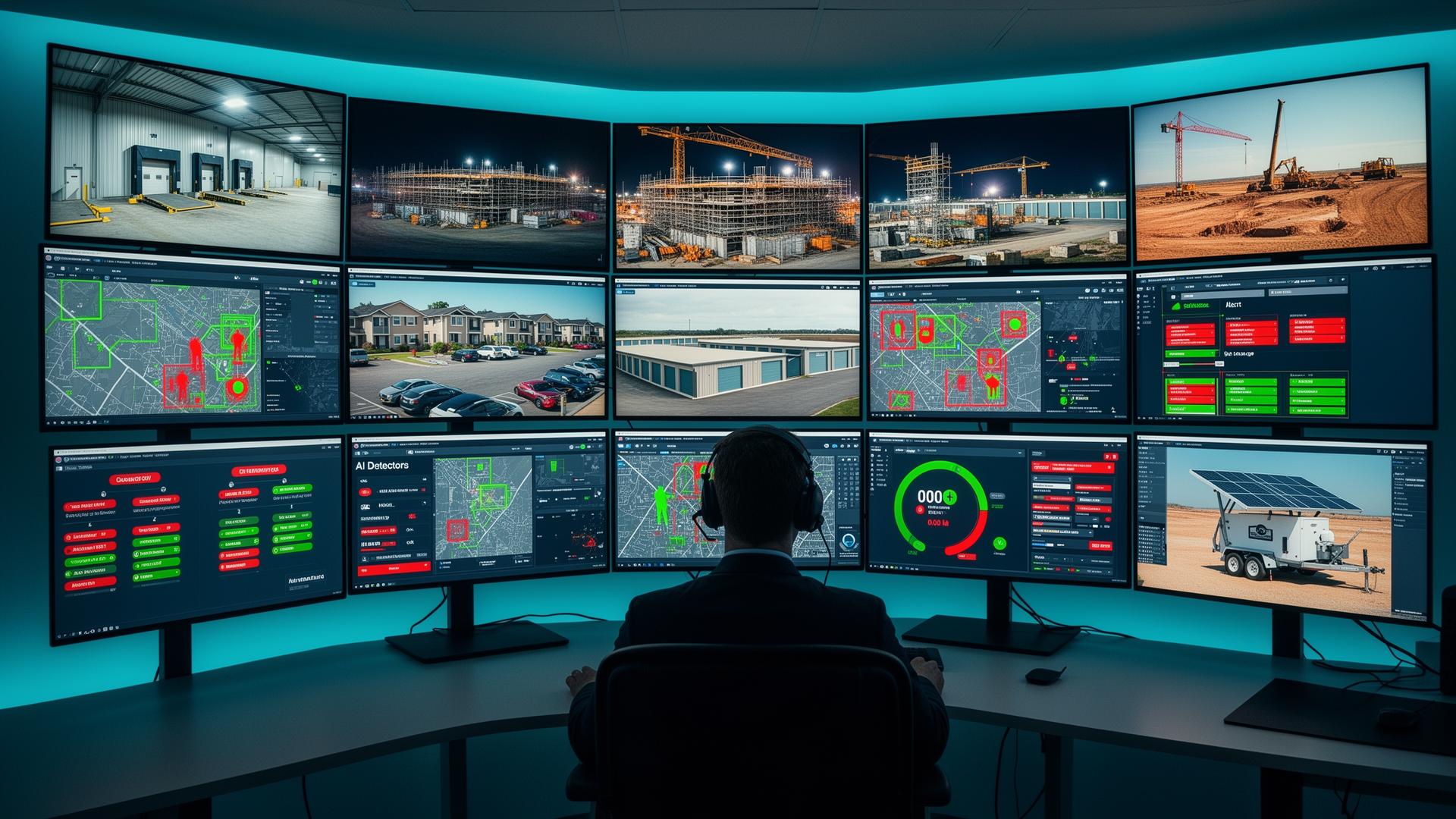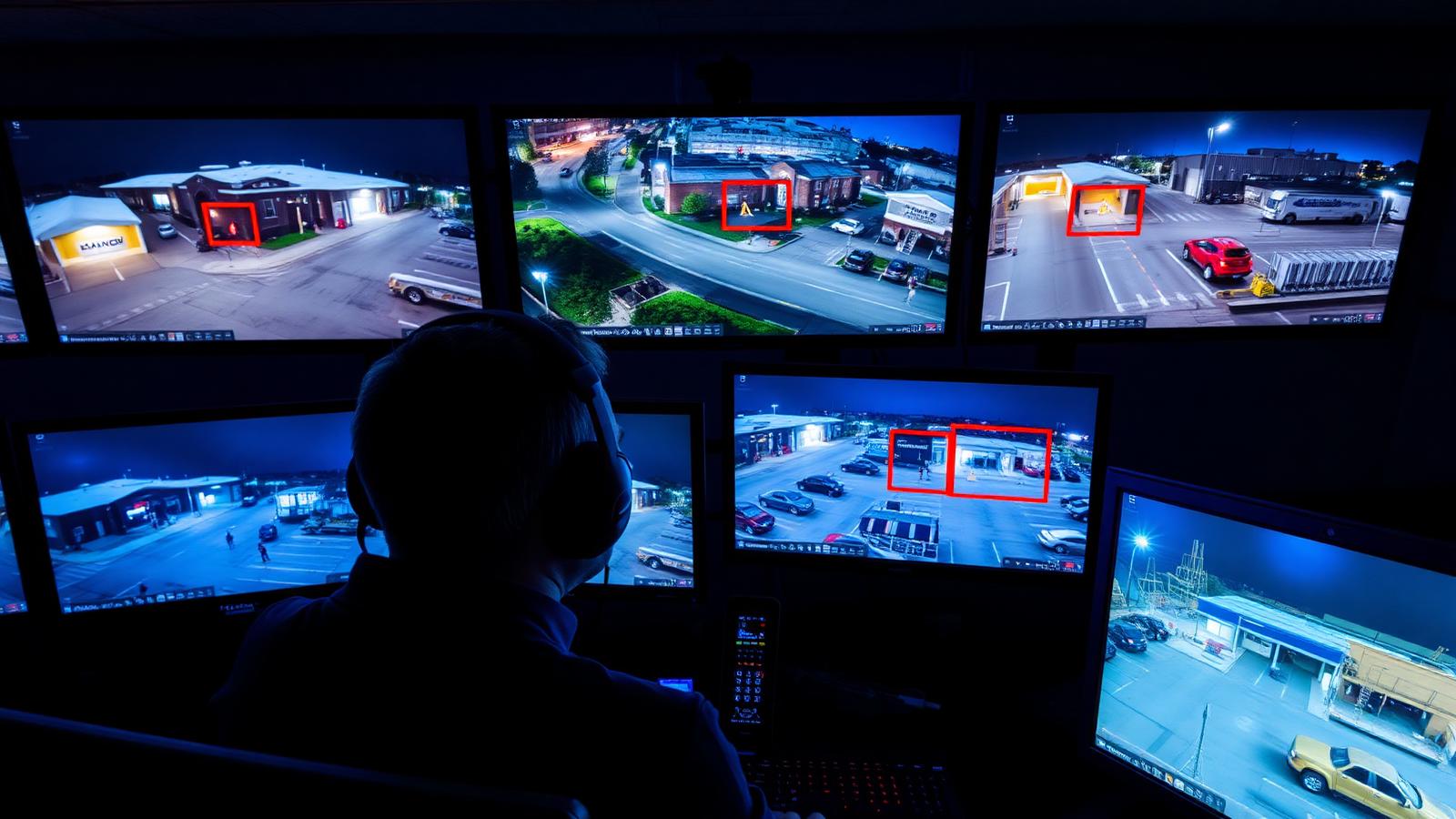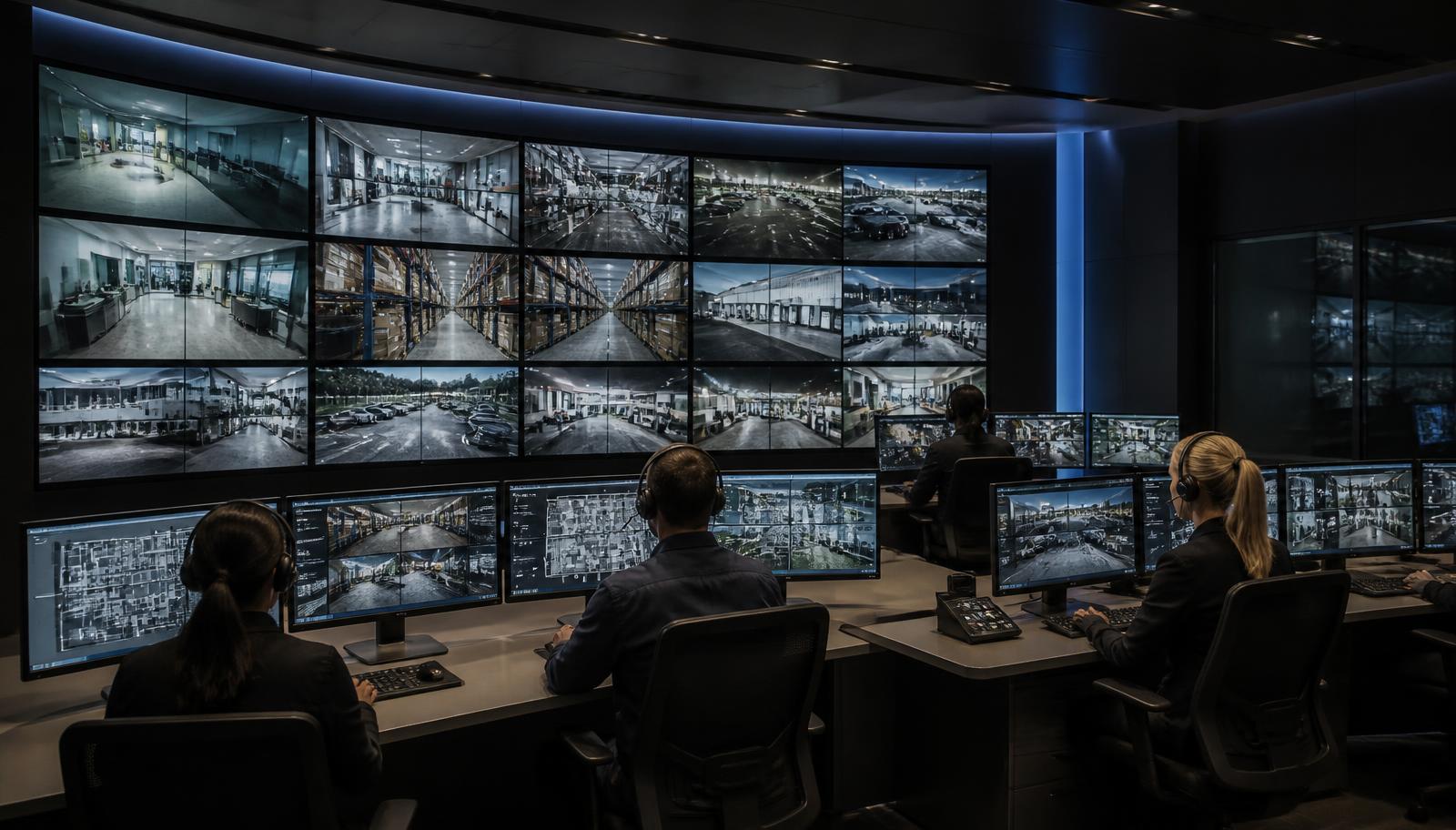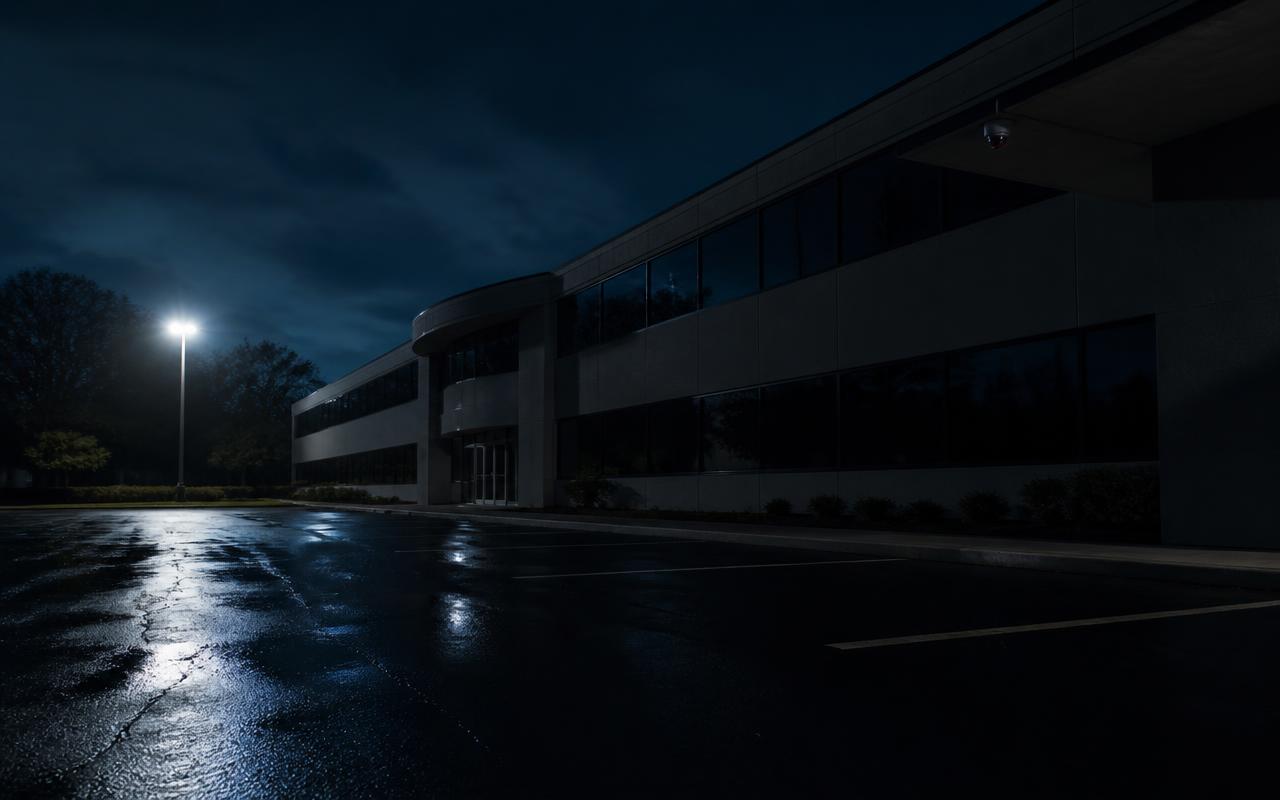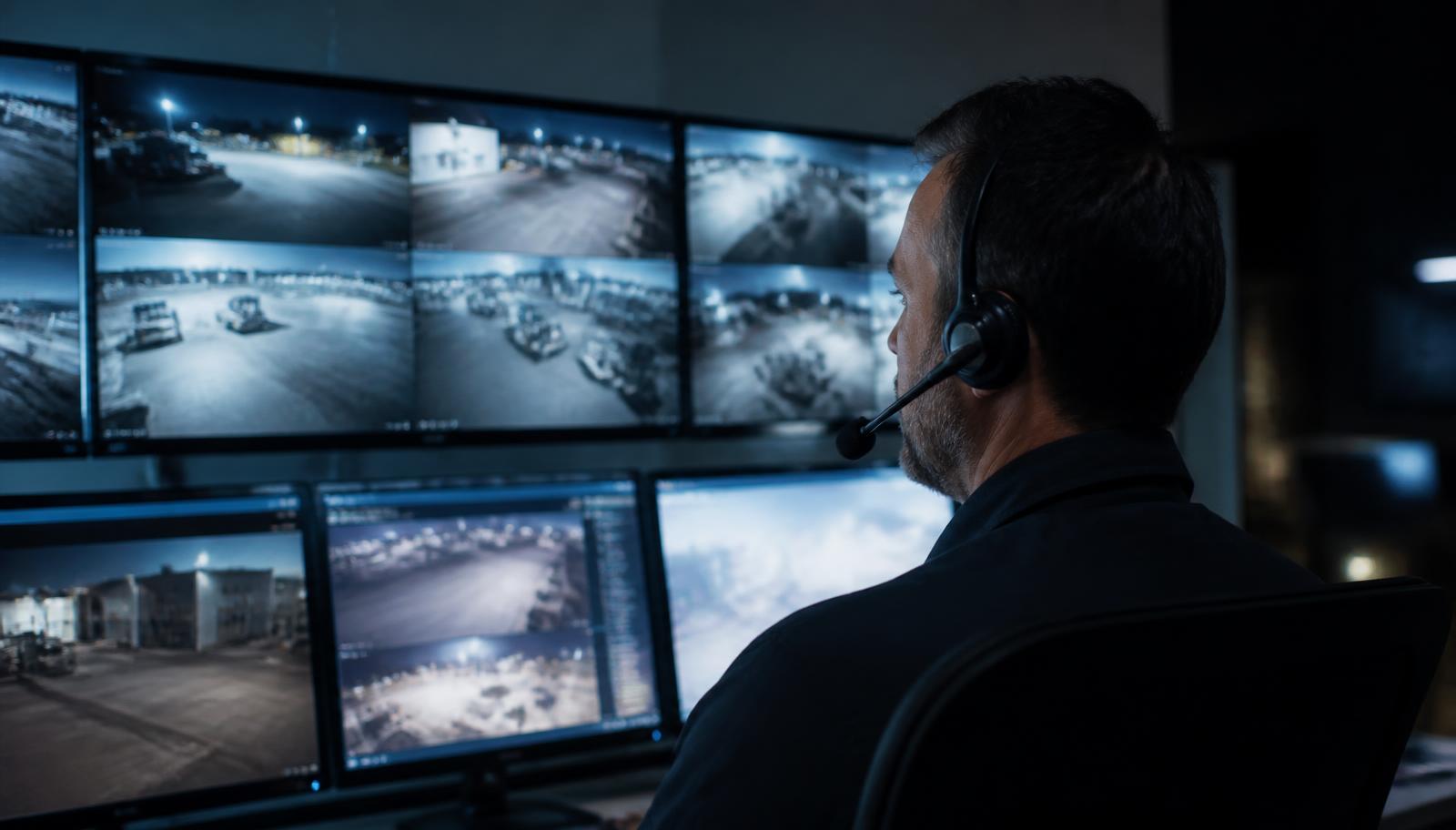
Most of the property managers and business owners who ask us about virtual security guards are already paying for security in some form. Some have a guard company invoicing for overnight coverage and are wondering what they're actually getting for it. Others have never had a guard, have started losing catalytic converters, copper, trailers, or fuel after dark, and just got quoted a number for a body on site that made them ask whether there's another way.
The question underneath both conversations is the same:
Do I need an on-site security guard, or can live remote video monitoring protect my property?
The honest answer is that they are two different service models solving overlapping problems. A physical guard is presence. A virtual security guard — a trained remote operator watching your cameras with AI detection and live audio talk-down — is coverage and verified response. Neither one is automatically the right answer, and plenty of properties are best served by both.
What Does an On-Site Security Guard Actually Do?
A physical guard provides something no camera can: a human being standing on your property. In practice, that role usually includes some combination of:
- Visible deterrent presence — a marked vehicle or uniformed officer at an entrance changes behavior before anyone tests the property.
- Foot and vehicle patrols — checking doors, gates, stairwells, and blind areas cameras don't cover.
- Physical intervention and access control — locking and unlocking, escorting staff to vehicles, turning away a delivery, holding a door.
- On-scene judgment — de-escalating a disruptive customer, handling a medical event, directing traffic, meeting responders.
- Presence people can see and talk to — which matters enormously for tenants, patients, students, and late-shift employees.
The trade-off is geometry and time. One guard can only be in one place. While they're checking the back dock, the front lot is unwatched, and vice versa. Coverage is also staffing: hours have to be scheduled, filled, and paid, and the quality of the shift depends on the individual working it.
What Does a Virtual Security Guard Do?
A virtual security guard service — also sold as remote security guards, remote video monitoring, remote video surveillance, or simply live video monitoring — moves the guard off the property and puts trained operators in front of your camera feeds during the hours you choose. Four things make it function as security rather than as recording:
AI Person and Vehicle Detection
Analytics classify what moved — a person, a vehicle — inside defined zones during defined hours. Line-crossing, loitering, and intrusion rules mean a raccoon on the dock apron, blowing snow, or headlights on the frontage road don't generate an event, while someone stepping over a yard fence at 1:40 a.m. does.
Trained Live Operators Verifying Events
A qualified event puts live video in front of a human within seconds. The operator confirms whether it's an actual person on the property, what they're doing, and whether it's an employee, a delivery, or a trespasser — before anything escalates. That verification step is what separates monitoring from a phone full of motion alerts nobody reads.
Live Audio Talk-Down
Through on-site speakers, the operator speaks to the person in real time and describes them — clothing, location, the vehicle they're standing next to. It removes the assumption of anonymity the attempt depends on, and it is the single most effective element of the model for ending trespass, loitering, and dumping before damage occurs.
Verified Escalation and Dispatch
If the person stays, the operator follows your written escalation plan: dispatch law enforcement as a live eyewitness to a crime in progress, notify your on-call contact, and log the event. A verified call carries more weight with responders than an unverified alarm signal, and it dramatically reduces false-dispatch exposure.
Many Cameras, All at Once
Every monitored camera is in scope simultaneously — front lot, back gate, equipment row, dock apron, ramp level. Nothing goes unwatched because someone is on the other side of the building, and adding another vantage point is a camera and a rule change, not another shift to staff.
Built for After-Hours Windows
Coverage is scheduled per camera group: closed hours, overnight, weekends, holidays, seasonal shutdowns, or a customer entrance under different rules than the back lot. That fits how commercial loss actually happens — concentrated in the hours nobody is on site.
What it is not: a person who can physically stop someone, lock a door, or walk an employee to their car. That limitation is real and worth stating plainly.
On-Site Security Guard vs. Virtual Security Guard: Side by Side
This is the comparison we walk through on site, before anyone talks about hardware.
| Consideration | On-Site Security Guard | Virtual Security Guard / Live Video Monitoring |
|---|---|---|
| Physical presence | Yes — a visible person who can intervene, escort, and be approached | No physical presence; presence is delivered by voice, lighting, and visible cameras |
| Coverage area | One location at a time; the rest of the property is unobserved during patrol | All monitored cameras concurrently, including remote corners and second sites |
| Event detection | Depends on the guard being in the right place at the right moment | AI person and vehicle analytics on defined zones and schedules |
| Video verification | Eyewitness account; video only if the incident happened on camera | Operator sees live video before escalating — verified before dispatch |
| Audio intervention | Face-to-face contact, with the risk that carries | Live talk-down over on-site speakers, no confrontation exposure |
| After-hours coverage | Requires a scheduled, staffed, and filled shift | Scheduled by camera group — nights, weekends, holidays, seasonal closures |
| Scalability | More area or more hours means more staff | Add cameras, zones, or hours without adding headcount |
| Recorded evidence | Written incident reports; footage only if cameras happened to cover it | Time-stamped clips, audio, and operator activity logs for insurance and prosecution |
| Best-fit applications | Occupied hours, lobbies, tenant-facing service, crowds and events, interior patrol, hands-on tasks | Closed hours, outdoor yards and lots, large perimeters, multi-site portfolios, vacant property |
Where Physical Guards Still Make Sense
We install monitoring for a living and we still tell clients to keep a guard in these situations:
- Occupied hours with public interaction — retail, clinics, apartment lobbies, schools at dismissal. Someone has to handle the disruptive visitor in person.
- Events and crowds — anything with queues, alcohol, ticketing, or traffic direction needs people on the ground.
- Tenant and employee reassurance — late-shift escorts, ramp walk-throughs, and visible patrol have a value that shows up in leases and retention, not in incident logs.
- Interior areas cameras can't reasonably cover — stairwells, mechanical spaces, and back corridors in older buildings.
- Immediate physical response requirements — cash handling, high-value inventory in the open, contractual or insurance mandates for on-site staffing.
Where Virtual Guards and Live Monitoring May Make More Sense
- Closed hours on empty property — nights, weekends, and holidays, when there's no one to protect and only assets to lose.
- Outdoor exposure — contractor yards, equipment and trailer storage, dealership and towing lots, fuel, self-storage, marinas, construction sites during rough-in.
- Large or awkward perimeters — properties where one patrol route can't realistically cover the fence line, dock apron, and equipment rows.
- Repeat nuisance activity — loitering, dumping, encampment re-establishment, and after-hours ramp traffic that a talk-down ends immediately.
- Multi-site portfolios — consistent coverage rules across several buildings, watched by the same operators under the same escalation plan.
- False-alarm fatigue — where unverified alarms have produced fines and slow responses, human verification changes both.
When Both Together Is the Right Answer
The most defensible properties we work on aren't choosing sides. They're splitting the day by what each model does well:
Guard by Day, Virtual Guard by Night
Keep the person during occupied hours when the job is people, access, and service. Shift overnight and weekend coverage to monitored video, where the job is detection and verified response across the whole property.
Monitoring as the Guard's Eyes
Where a guard stays overnight, operators cover the areas the patrol route leaves blind and radio the guard with a location and description instead of letting them discover an incident by walking into it.
Reduced Guard Hours, Not Zero
Many clients trim the least productive shifts — the quiet 1 a.m. to 5 a.m. block, or Sunday coverage — and put monitored video on those windows while keeping the presence that tenants and staff actually notice.
How to Think About Cost Without a Single Hourly Number
We don't publish rates for either model here, and you should be skeptical of anyone who quotes you one before seeing the property. Staffing a person on site and remotely monitoring camera events are fundamentally different service models, and comparing a guard's hourly rate to a per-camera figure tells you almost nothing useful.
Compare these instead:
Once those are on paper, the two models become comparable on the thing that matters — protected coverage per dollar during the hours that carry the risk — instead of on a single rate.
Can My Existing Security Cameras Become a Virtual Guard System?
Often, yes — and this is the most common question we get from businesses that already spent money on cameras. Existing commercial IP cameras can frequently be connected to a live monitoring service, but only after an honest evaluation. Monitoring is only as good as the images the operator receives at 2 a.m. Here's what we look at:
| What We Evaluate | What Has to Be True for Monitoring to Work |
|---|---|
| Camera placement | Cameras aimed at approach paths — gates, fence lines, dock aprons, equipment rows — not only at doors. Operators need to see someone coming, not confirm they already got in. |
| Image quality | Enough resolution at the actual distance to describe a person and a vehicle, not just detect that something moved. |
| Nighttime performance | Real low-light capability — color night imaging or IR with adequate ambient light. Most "our cameras are fine" systems fail here. |
| Analytics capability | Person and vehicle classification with zone and schedule rules, on the camera, the recorder, or a monitoring appliance. Basic pixel motion produces too many false events to monitor economically. |
| Network connectivity | Reliable upload bandwidth and a recorder that can stream out without choking the rest of the business, plus stable remote access. |
| Speakers and audio | Talk-down needs speaker coverage over the areas you want defended. Without audio, you have remote video surveillance but not intervention. |
| System compatibility | Open, supported platforms integrate; some proprietary, discontinued, or restricted equipment cannot be connected and should be addressed for other reasons anyway — see the U.S. restrictions on certain camera brands. |
| Cabling and power | Clean, labeled cabling and adequate PoE so a camera that drops offline gets found and fixed on the same visit instead of leaving a monitored gap. |
In our experience most commercial systems installed in the last five to seven years are partly usable: a portion of the cameras can be monitored as-is, a few need repositioning or better lighting, and one or two need replacing before an operator can do anything meaningful with them. That's a phased project, not a rip-out. If your system already has problems, start with camera troubleshooting and service, and if you're leaving a previous provider, a takeover assessment tells you what to keep, upgrade, and replace.
For the mechanics of how a monitored event unfolds and where the model pays off, we've covered that in depth in 24/7 live security camera monitoring, active video monitoring, and whether anyone is actually watching your cameras. This article is about choosing between the two service models; those explain the monitoring model itself.
What the Contractor Side Has to Get Right
Monitoring companies watch video. Somebody still has to make the video worth watching. As a licensed Minnesota low voltage contractor, that's the part we own: camera selection and aiming, lighting, speaker placement and coverage, cabling and PoE, bandwidth and remote access, and integration with intrusion detection and access control so an after-hours door event and a camera event tell the same story. That field work is the difference between a monitored property and a monitored property that actually stops losses.
Free Site Assessment: Can Your Cameras Support a Virtual Guard?
Currently paying for guard hours, or considering adding overnight security for the first time? We'll walk the property after dark if needed, show you what your existing cameras can and cannot see, and tell you exactly what live video monitoring would require here.
- ✅ Honest evaluation of existing cameras — keep, reposition, or replace
- ✅ Coverage map of approach paths, blind areas, and lighting gaps
- ✅ Speaker and analytics requirements for talk-down and verified dispatch
- ✅ Recommended monitored hours based on your actual risk windows
- ✅ A straight answer if a physical guard is still the better fit
We work with businesses, property managers, yards, warehouses, dealerships, and multi-family properties throughout the Twin Cities metro, the north metro, the I-35 corridor, East Central Minnesota, and Western Wisconsin. Start with our live video monitoring service page, or request a free site assessment.