The call usually sounds the same. "The company that installed our cameras doesn't answer the phone anymore." "We bought the building and inherited whatever is in that closet." "Half our card readers work, nobody knows the admin password, and the software hasn't been updated since 2017." Then comes the real question, the one this article exists to answer:
Can another security company take over my existing system — or do I have to start completely over?
In most cases, no, you don't have to start over. Changing contractors is not the same as replacing equipment. A commercial security system isn't one product; it's a stack of separate parts — cameras, cabling, recorders, door hardware, controllers, software, alarm panel, monitoring account, network — and each of those parts has its own answer to "keep, upgrade, or replace." A good takeover assessment goes through them one at a time. A lazy one quotes a full rip-and-replace because that's easier to sell.
That said, we won't pretend every system can be adopted. Some platforms are deliberately locked, some manufacturers are gone, and some equipment is owned by the provider rather than by you. Those limits are real, and we'd rather explain them up front than after a deposit.
Why Businesses End Up Stuck With a System Nobody Supports
Almost every takeover we do traces back to one of these situations. If you recognize yours, you're in very ordinary company.
- The original installer disappeared. They retired, sold the company, went out of business, or simply stopped returning calls once the install was paid for.
- The property changed hands. New ownership or new management inherited hardware with no drawings, no logins, and no vendor relationship.
- Nobody knows the admin passwords. The credentials left with an employee or the installer, and now the system can be viewed but not changed.
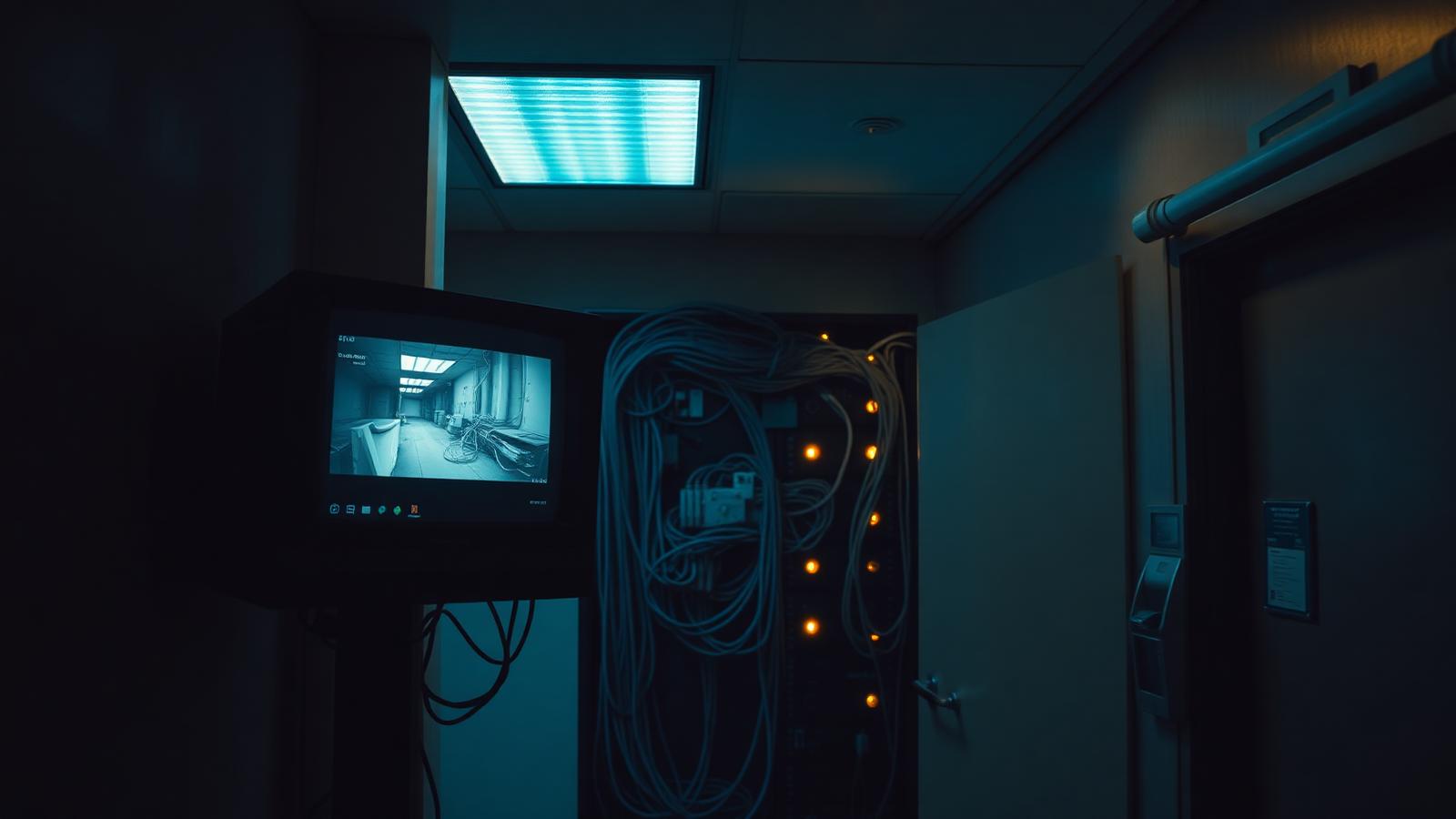
- There's no documentation. No camera schedule, no door list, no as-builts, no labeled patch panel — just cables disappearing into a ceiling.
- The cameras are fine but the recorder is failing. Drives are full or dead, the NVR reboots, or retention quietly dropped from 30 days to four.
- Access control hardware is good, the software is obsolete. Locks, readers, and power supplies are serviceable while the controller or PC-based software is end-of-life.
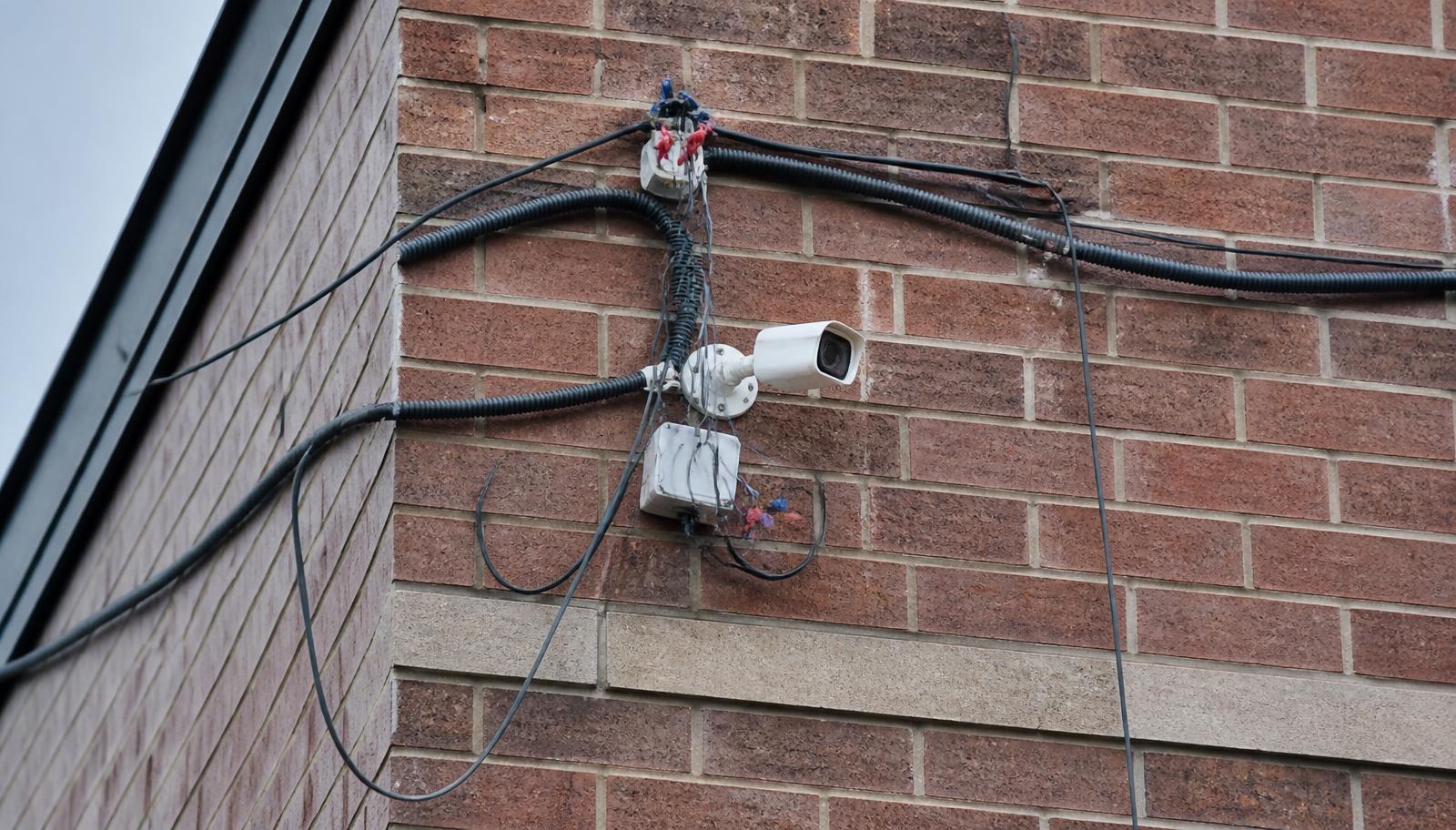
- The system is a patchwork. Three contractors over twelve years, four brands, two recorders, and one door that was never finished.
- The manufacturer or software is discontinued. No firmware, no parts, no support path — sometimes for cybersecurity reasons, as with the Hikvision and Dahua restrictions.
- You want to change monitoring providers. The alarm still works; the contract, response, or service does not.
- You want modernization, not a bonfire. Remote access, better images, mobile credentials — without paying twice for cabling that's already in the walls.
KEEP → UPGRADE → REPLACE: How We Evaluate an Existing System
This is the actual framework we use during an existing-system assessment. Every component gets sorted into one of three buckets, and you get that list in writing before anyone quotes hardware.
KEEP — Still Doing Its Job
Structured cabling in good condition (Cat5e/Cat6 runs and fiber backbone are often the most valuable thing on site), conduit and pathways, camera locations and mounts, quality IP cameras that are still supported and still resolve faces where they're aimed, door hardware such as electric strikes, maglocks, request-to-exit devices and power supplies, alarm door contacts, glass breaks and motion detectors, and PoE switches with enough capacity. Keeping these is where most of the savings in a takeover comes from.
UPGRADE — Reuse the Bones, Replace the Brain
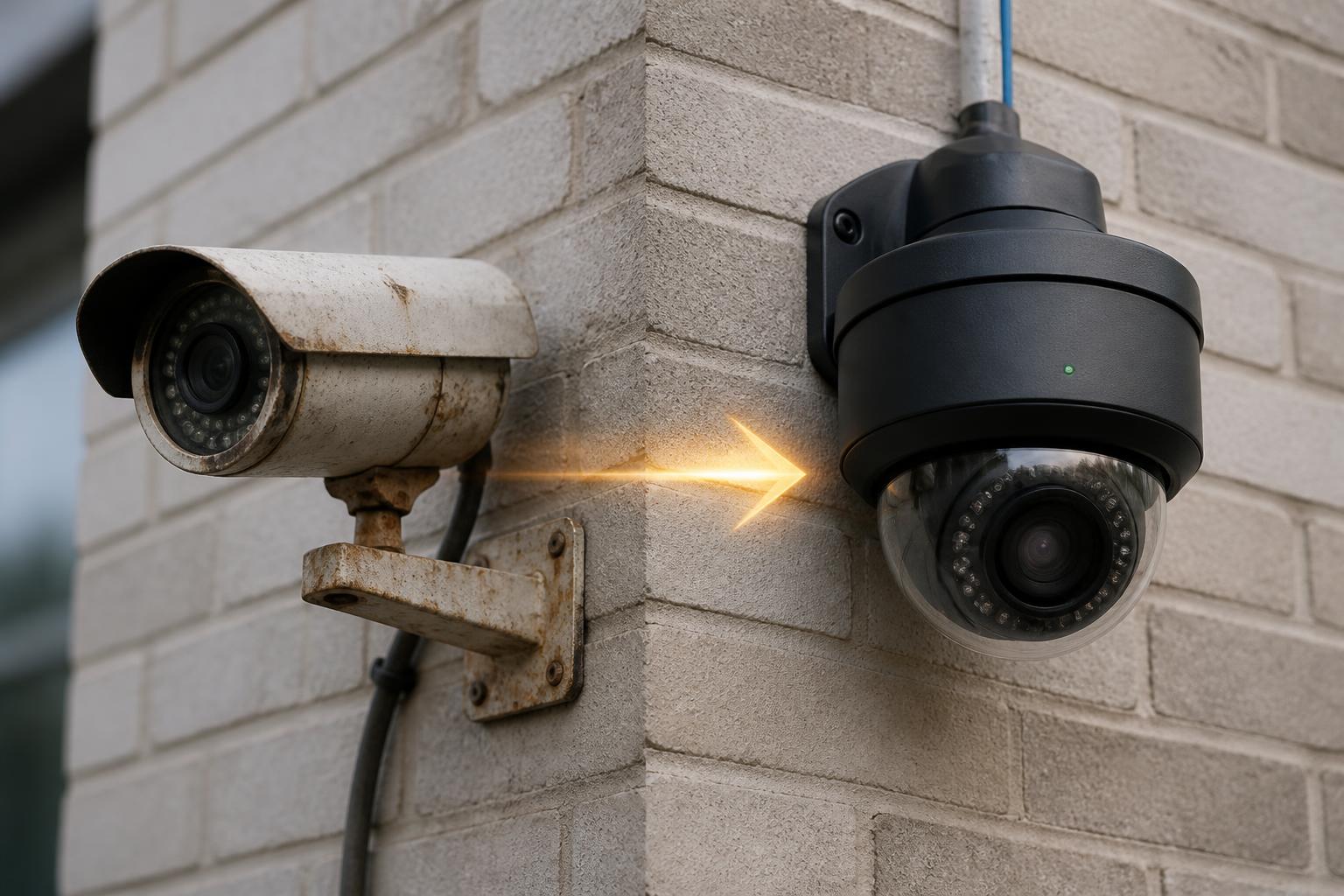
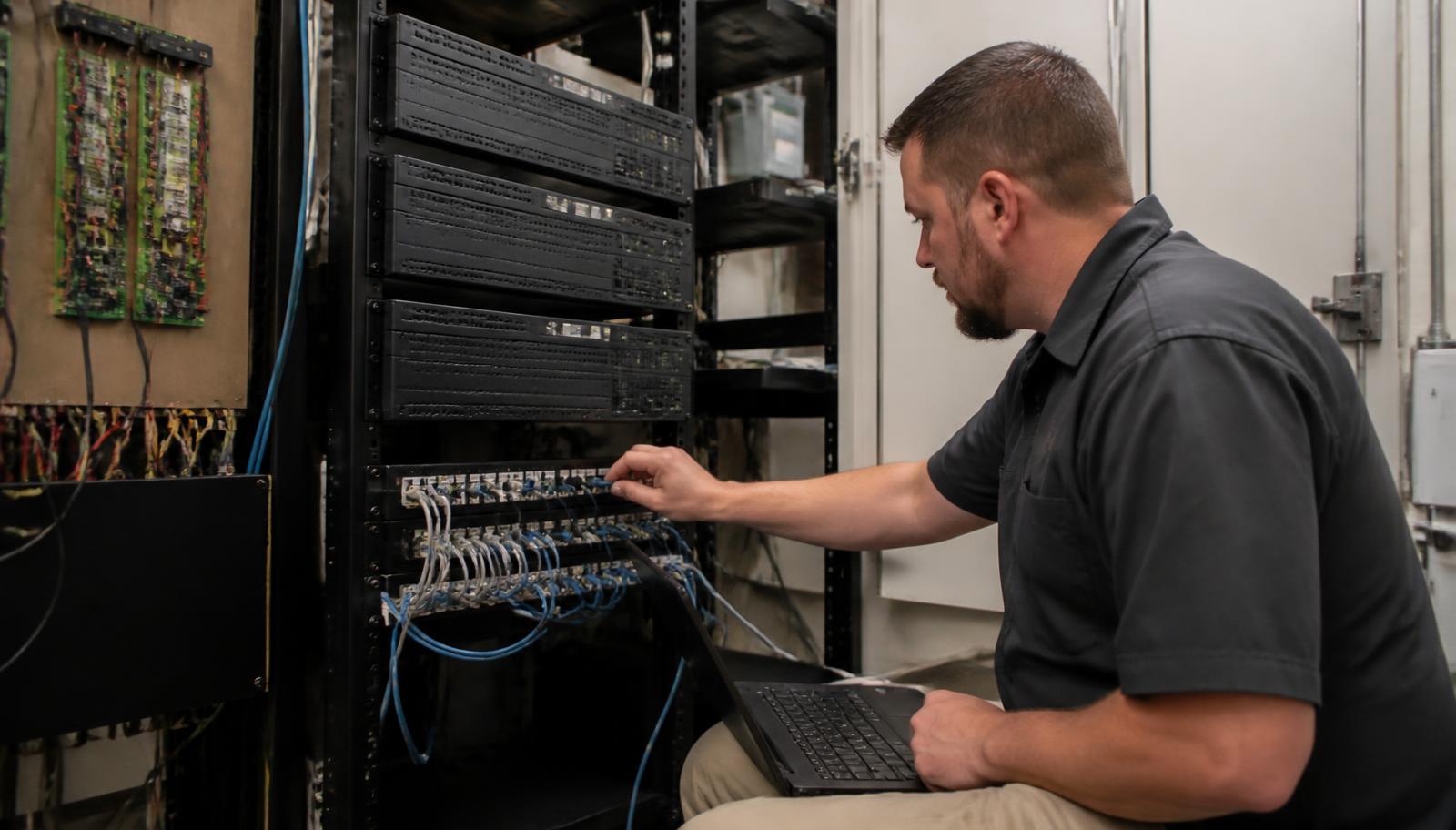
Aging or undersized recorders swapped for a properly sized NVR or server while existing cameras stay on the same cable. Obsolete access control software or controllers migrated to a modern platform that supports the existing readers and locks. A few low-resolution or badly aimed cameras replaced while the rest remain. Alarm communicator upgraded to cellular. Retention increased with correct drive sizing. Head-end cleaned up, labeled, documented, and put on battery backup — see why organized IT rooms matter.
REPLACE — Not Worth Servicing
Analog or very old cameras that can't produce identification-quality images, restricted or unsupported devices that shouldn't stay on your network, discontinued platforms with no firmware or parts path, locked proprietary panels that can't be programmed by anyone but the original provider, equipment leased or owned by the outgoing company, water-damaged or failing devices, and cabling that was run incorrectly — wrong category, damaged, spliced, or unsupported lengths. Replacement here is honest engineering, not an upsell.
The important part: most systems land in all three buckets at once. A typical result reads something like "keep the cabling and 14 of 22 cameras, upgrade the recorder and access control software, replace 8 cameras and one dead controller." That's a fraction of a full replacement, and it's a decision you make with a list in front of you.
Component by Component: What Usually Survives a Takeover
| System Component | Often Reusable? | What Determines It |
|---|---|---|
| Cat5e / Cat6 cabling and fiber | Usually yes | Category, condition, routing, terminations, and length; often the single biggest cost saved |
| IP cameras | Often | Manufacturer support, firmware availability, ONVIF or documented integration, resolution, lens choice, cybersecurity status |
| Analog / HD-over-coax cameras | Sometimes | Coax can occasionally be reused with encoders, but image quality usually drives replacement |
| NVR / recorder / VMS server | Sometimes | Age, drive health, licensing, whether admin access can be regained, whether it supports needed retention |
| Card readers | Often | Credential technology (older 125 kHz prox vs. modern encrypted), wiring standard, and controller compatibility |
| Electric strikes, maglocks, power supplies, REX devices | Usually yes | Mechanical condition and code compliance for egress; these are frequently the most reusable access parts |
| Access control panels / controllers | Depends heavily | Open vs. proprietary platform, manufacturer support, whether the panel can be re-enrolled without the original dealer |
| Access control software | Often replaced | End-of-life PC software and lost admin credentials are the two most common reasons for migration |
| Alarm devices (contacts, motions, glass breaks, sirens) | Usually yes | Condition and coverage; device-level alarm hardware ages well |
| Alarm panel and monitoring account | Sometimes | Whether the panel is dealer-locked, who owns the equipment, and the terms of the existing contract |
| PoE switches and network gear | Often | PoE budget, port count, manageability, and whether cameras are properly segmented |
Two limitations deserve their own paragraph, because they're where takeovers actually fail.
Proprietary and dealer-locked platforms. Some manufacturers only sell and program through authorized dealers, and some panels are locked to the installing company's account. If your equipment is on one of those platforms and the outgoing provider won't release it, no contractor can adopt it — including us. The honest answer in that case is a migration plan, usually reusing cabling, door hardware, and sometimes cameras while the locked head-end is replaced.
Ownership. Systems sold as "free equipment" with a long monitoring agreement are often owned by the provider, not by you. Before any takeover, we look at who holds title to the hardware and what the contract says about removal, buyout, and early termination. You should never pay a new contractor to service equipment you don't own or can't keep.
The Password Problem — And What Can Be Done About It
Lost admin credentials are the most common blocker we see, and they're worth explaining plainly. Most reputable manufacturers no longer offer a simple backdoor reset; that's a good thing for security and an inconvenience for you. Depending on the brand, the realistic paths are: a documented factory reset performed on-site with proof of ownership, a manufacturer-assisted reset through an authorized channel with purchase or ownership documentation, or re-enrolling the device on a new platform. Factory resets often erase configuration — camera settings, door schedules, cardholder databases — so we plan for reprogramming rather than promising a clean recovery.
What we do not do is attempt to bypass authentication on equipment whose ownership isn't established. If the paperwork shows the system belongs to the building or business, there's almost always a legitimate route. If it doesn't, that's a contract conversation before it's a technical one.
What to Gather Before Calling a New Security Contractor
You'll get a faster, cheaper, more accurate assessment if you can hand over even half of this list. None of it is required — we've walked into buildings where the answer to everything was "no idea" — but each item you have removes guesswork from the quote.
- Manufacturer and model information. Photos of labels on the recorder, cameras, access panel, and alarm panel are perfect.
- Any known passwords or logins. Camera, recorder, VMS, access software, alarm installer code, and the app account.
- Photos of the head-end. Wide shots and close-ups of the IT room, rack, patch panels, and access control enclosure.
- Drawings or as-builts. Floor plans, camera layouts, door schedules — even a marked-up napkin sketch helps.
- Previous proposals and invoices. These usually document model numbers, licensing, and what was actually installed.
- Licensing information. VMS or access control license keys, channel counts, and any software support agreements.
- Camera count and rough locations. Including cameras you believe are offline or dead.
- Number of access-controlled doors. Plus which readers work, which don't, and any door that was "going to be added later."
- Monitoring information. Current central station, account number, contract dates, and monthly rate.
- Ownership and contract documents. Purchase agreement, lease, or monitoring contract showing who owns the equipment.
- Your list of complaints. "Can't see faces at the back door," "footage only goes back five days," "ex-employee badges still work" — symptoms guide the assessment more than specs do.
What an Existing-System Assessment Actually Looks Like
A takeover visit isn't a sales walk. It's an inspection with a written result.
- Inventory. Every camera, door, reader, panel, recorder, switch, and alarm device identified by make and model where labels survive.
- Condition and image check. We pull up live and recorded video, verify real retention in days, and evaluate whether each camera can identify a person or only observe activity.
- Access and credential check. Which systems we can log into, which need resets, which are locked to a dealer.
- Cabling and pathway check. Category, terminations, labeling, patch panel condition, PoE budget, and whether cameras and access control are segmented from office and guest traffic — the network side is covered in why reliable network infrastructure matters.
- Support and cybersecurity status. Firmware availability, end-of-life products, restricted manufacturers, default passwords, and anything exposed directly to the internet.
- Written keep / upgrade / replace list. Component-by-component, with the reason for each recommendation and a phased budget so the work can be staged over quarters instead of dumped in one invoice.
From there, most clients pick one of three paths: a service-and-stabilize scope (get everything working, documented, and backed up), a phased modernization (recorder or access software first, cameras and doors as budget allows), or a planned replacement of a genuinely dead platform while reusing cabling and hardware. If your cameras themselves are the question, how often businesses should replace security cameras covers the useful-life math, and the hidden costs of a cheap camera installation explains why some inherited systems were doomed from day one.
Modernization Options That Reuse What You Already Own
Once the assessment is done, the upgrades that deliver the most value per dollar on an inherited system are consistent:
- Recorder replacement with existing cameras retained — restores reliability, remote access, and real retention on your current camera infrastructure.
- Access control migration — a modern, cloud-managed platform on existing locks and readers, so ex-employee credentials die instantly and every door is logged. See commercial access control and signs it's time to upgrade.
- Targeted camera swaps — replace only the handful of cameras that can't identify anyone, keeping the rest.
- Alarm takeover or panel upgrade — new monitoring, cellular communication, and partitioning on existing detection devices where the panel allows it (burglar alarms).
- Add live monitoring instead of more cameras — when the real gap is that nobody watches after hours, live video monitoring adds response to the system you already have. Related reading: are your cameras actually being watched?
- Clean up and document the head-end — labeling, patch panel rework, UPS, and as-builts through structured cabling and low voltage wiring, so the next contractor (or the next owner) isn't in your position.
If the system has simply aged past its service life across the board, the hidden cost of outdated commercial technology is a useful frame for making that case to ownership.
Free Existing-System Assessment
Unhappy with your current provider, or stuck with a system you inherited and nobody supports? We'll walk your building, inventory what's there, test what still works, and send back a written keep / upgrade / replace list with a phased budget — at no cost and no obligation.
- ✅ Full inventory of cameras, doors, panels, and recorders
- ✅ Real retention and image-quality verification
- ✅ Credential, licensing, and ownership review
- ✅ Cabling, PoE, and network readiness check
- ✅ Written keep / upgrade / replace list and phased budget
The Short Version
Changing security companies rarely requires replacing your entire system. Cabling, door hardware, alarm devices, and many IP cameras commonly stay; recorders, obsolete software, controllers, and a handful of bad cameras are where the money usually needs to go. Where takeover genuinely isn't possible — dealer-locked platforms, discontinued products, or equipment you don't own — you deserve to hear that plainly, with a migration plan that still reuses everything it can.
If you're a business owner, facility manager, or property manager in the Twin Cities metro, along the I-35 corridor, or in East Central Minnesota and Western Wisconsin looking at a system nobody will service, start with an assessment instead of a replacement quote. It's the cheapest step, and it's the one that tells you what you actually own.