Most commercial buildings don't fail because of one big technology disaster. They bleed out slowly. A switch from 2011 that reboots itself at 3 a.m. A Pelco analog camera pointed at a loading dock that hasn't produced usable footage since a manager left in 2018. A DSX or Keri access panel running firmware that hasn't been patched since Windows 7 was current. Every one of these looks "fine" — until you add up the invoices, the overtime, the insurance premium hikes, and the tenants who quietly don't renew.
This is the hidden cost of outdated commercial technology, and it lands hardest on the people responsible for keeping a building running: owners, property managers, facility directors, and IT leads.
1. Slow Networks: The Tax No One Line-Items
An aging network is the most expensive thing in your building that nobody has ever quoted you a price for. Symptoms are familiar: VoIP calls that clip, cloud apps that spin, badge readers that lag, cameras that drop frames, guest Wi-Fi that everyone jokes about.
The usual culprits are unmanaged consumer switches, Cat5 cabling from the early 2000s, undersized uplinks, a single flat VLAN carrying phones, cameras, printers, HVAC controls, and staff traffic together, and Wi-Fi access points long past end-of-support (older Cisco Aironet, Ruckus ZoneFlex, Ubiquiti UAP-AC first-gen). Every one of those forces employees to work around the system instead of through it. Multiply "two minutes lost per hour, per person" across a 40-person office and you're paying a full-time salary in idle time each year — before you count the missed sales calls.
Fixing it usually isn't rip-and-replace. A structured cabling audit, a managed PoE switch stack, proper VLAN segmentation, and modern Wi-Fi 6/6E access points transform a building in a weekend. See our guides on why business Wi-Fi holds companies back and why reliable network infrastructure matters, and our low voltage wiring service page for what a proper backbone looks like.
2. Old Cameras: Footage That Can't Be Used
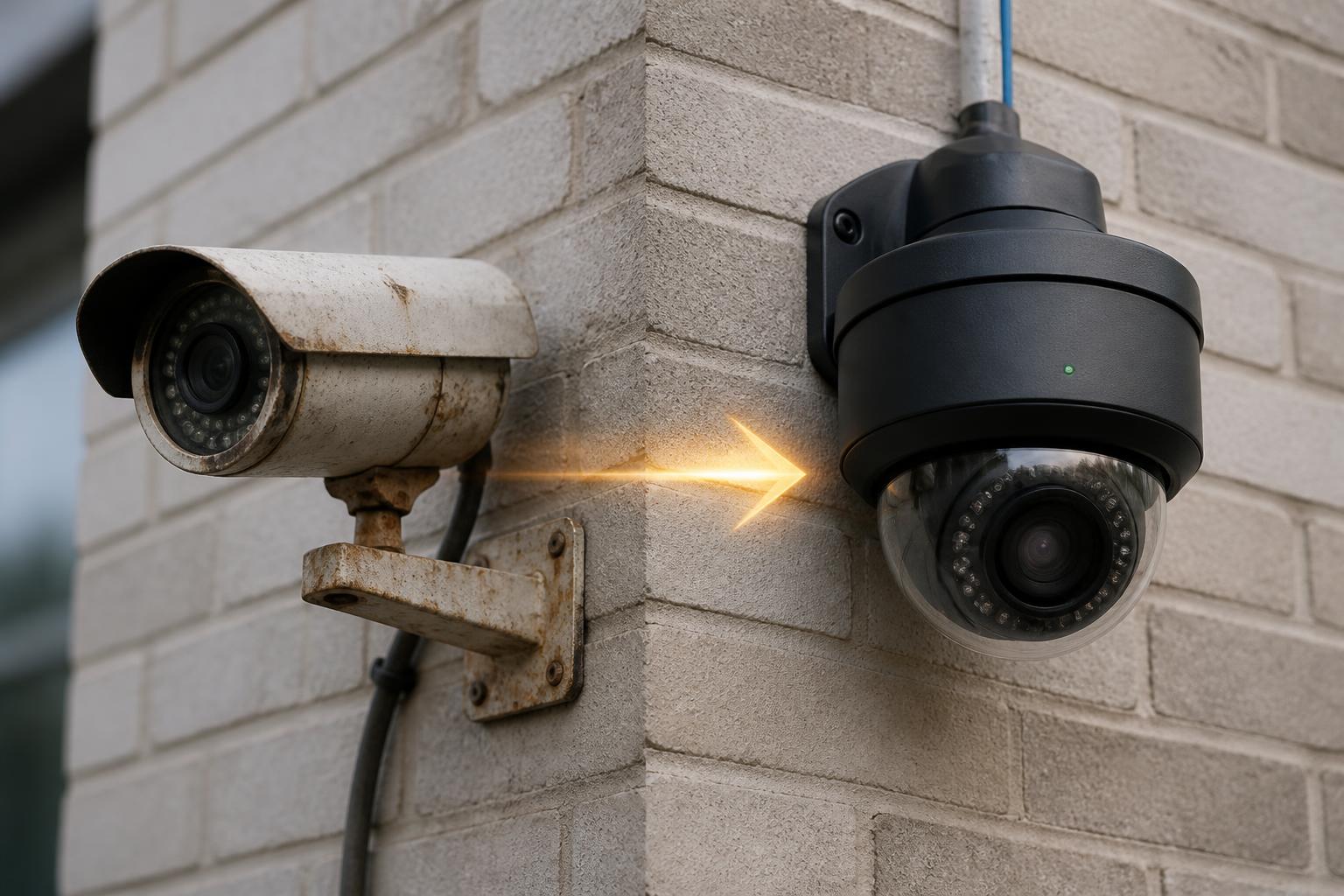
Analog and first-generation IP camera systems — Pelco analog domes on coax, Panasonic WV-series, Bosch Dinion analog, Speco DVRs, early Hikvision and Dahua 1MP IP cams, first-gen Axis M-series — were excellent in their day. Today they produce footage that police departments, insurance adjusters, and courts increasingly refuse to work with.
The hidden costs stack fast:
- Break-ins and theft that can't be prosecuted because the suspect is an unrecognizable blur
- Slip-and-fall claims settled instead of defended because the camera didn't capture the aisle
- Insurance premium increases (or coverage denial) for buildings still running analog
- DVRs with failing hard drives that overwrite the one clip you actually needed
- Zero remote access, no mobile app, and no integration with modern access control
A modern 4MP–8MP IP system with a proper NVR or cloud recording turns "we think it was someone in a dark hoodie" into a face, a plate, and a timestamp. For guidance on when to replace and what to budget, see how often businesses should replace security cameras and 2026 camera installation costs in Minnesota, plus our security camera installation service page.
3. Legacy Access Control: The Panel Under the Desk Nobody Wants to Touch
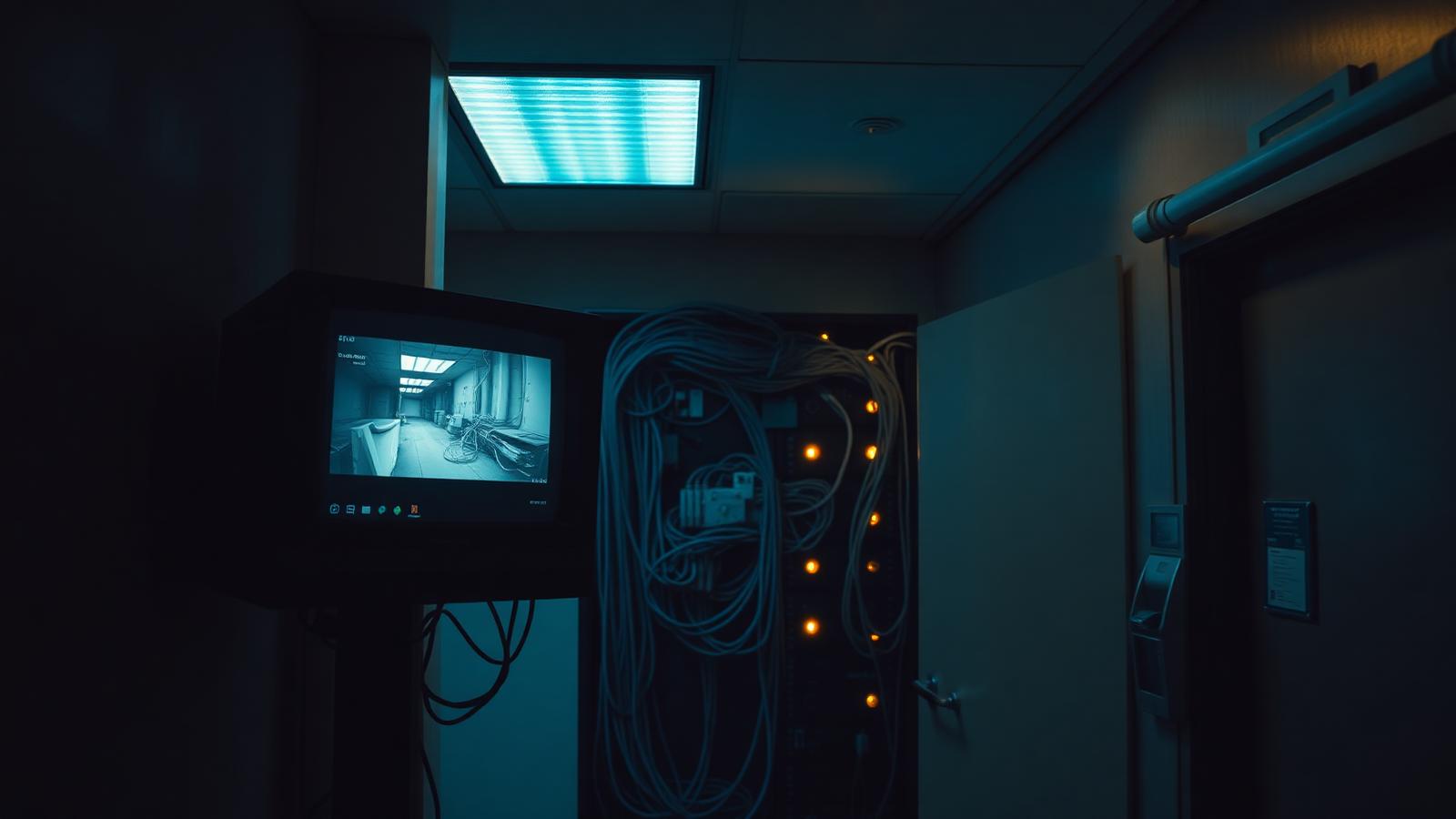
Walk into most commercial IDF closets and you'll find an access control panel that predates the current facility manager. Common holdouts include older DSX-1040/1042, Keri Systems NXT and PXL-500, HID VertX V1000/V2000, Kantech KT-300, Northern Computers N-1000, S2 NetBox first-gen, Software House C•CURE 800/8000, and Continental CardAccess. Many still run on Windows Server 2008/2012, use magstripe or 125 kHz prox credentials that can be cloned in seconds with a $30 device from Amazon, and require a physical PC on-site to make any change.
The hidden costs are structural:
- Ex-employees whose credentials are still active because deprovisioning is a manual chore
- Locksmith bills every time a key is lost on a building that never went keyless
- No audit trail that insurance or HR can rely on during an incident
- Manufacturer end-of-life notices that leave you with no support, no parts, and no upgrade path except full replacement under duress
- Integration failures — the panel can't talk to your cameras, your alarm, or your tenant portal
Modern cloud or hybrid access platforms (mobile credentials, encrypted smart cards, real-time revocation, video-linked events) pay for themselves in avoided rekeys and reduced admin time. Our access control page covers the current stack, and the Schlage Pure Access and smart apartment locks posts walk through what a modern deployment looks like.
4. Unsupported Hardware: The Ticking Clock
"Unsupported" is a polite word for "one failure away from a very bad week." Common examples in commercial buildings right now:
- Cisco Catalyst 2960/3560 and SG300 switches past end-of-support
- APC UPS units with batteries that haven't been replaced in a decade
- Polycom SoundPoint IP phones on a call server that no longer receives security patches
- Windows Server 2012 running the DVR, the access control software, and sometimes payroll
- NVR appliances from manufacturers that have been acquired, renamed, or exited the market
- Wi-Fi controllers that require Java 7 to configure
When these fail — and they do fail — replacement is emergency-priced, parts are on backorder, and the technician spends billable hours reverse-engineering a system that should have been retired years ago. Planned upgrades cost a fraction of emergency ones.
5. Downtime: The Invisible P&L Line
Downtime rarely shows up as its own invoice, which is exactly why it's so expensive. A single afternoon of network outage in a 50-person office can cost more than a full network refresh. For a warehouse, a DVR that stops recording during a shift-change theft can cost more than the entire camera system. For a multi-tenant building, a badge system that fails on a Monday morning can trigger tenant complaints that outlast three property managers.
Every hour of unplanned downtime is paid for somewhere — labor, missed revenue, chargebacks, SLA penalties, or reputation. Modern equipment with proper monitoring and remote support turns most of that from "emergency" into "ticket."
6. Cybersecurity: The Attack Surface You Forgot You Owned
Every unpatched device on your network is a door. Older IP cameras (particularly first-gen Hikvision, Dahua, and rebadged OEM units), legacy DVRs, and outdated access control servers have been used as entry points in real breaches. Ransomware groups actively scan for exposed Windows Server 2008/2012 boxes and default-credentialed NVRs.
Insurance carriers know this. Cyber and property policies increasingly ask about network segmentation, patching cadence, MFA on management interfaces, and whether critical systems run on supported operating systems. "No" answers raise premiums, cap coverage, or void claims.
Modernizing the physical stack — segmenting cameras and access control onto their own VLANs, retiring end-of-life servers, moving to vendor-supported cloud platforms — is one of the cheapest cyber controls a commercial building can implement.
7. Employee Frustration: The Cost You Never See on a Report
Turnover is the most underestimated cost of outdated technology. Employees who spend their day fighting the badge reader, waiting for the printer to authenticate, restarting the VoIP phone, or apologizing to customers for a slow POS eventually leave — often for a competitor with better tools. Replacing a single mid-level employee typically costs 50–200% of their annual salary. Two or three preventable exits pay for a full technology refresh.
The same principle applies to tenants in commercial and multi-family buildings. Poor Wi-Fi, unreliable access, and a security system that doesn't work quietly show up in renewal decisions and online reviews.
What a Modernization Roadmap Actually Looks Like
You don't have to replace everything at once. A practical sequence for most commercial buildings:
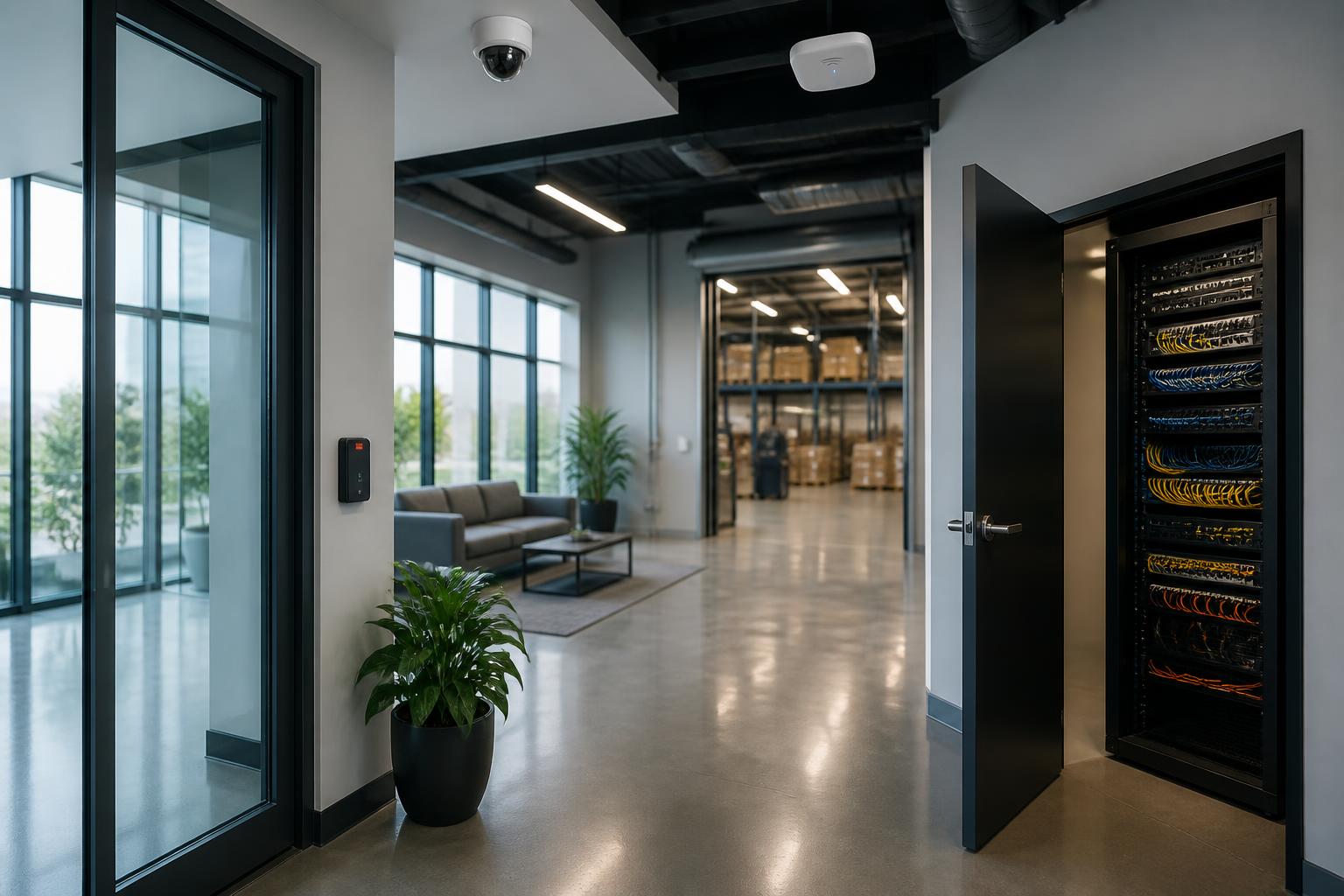
- Audit the backbone. Cable plant, switches, Wi-Fi, IDF/MDF cleanup. Without this, everything else is built on sand.
- Retire end-of-life servers and appliances. Especially anything still running Windows Server 2008/2012 or unsupported firmware.
- Modernize access control. Move off magstripe/125 kHz prox to encrypted credentials, add mobile, enable real-time revocation.
- Replace analog and 1MP cameras. Prioritize entrances, cash-handling areas, loading docks, and any location tied to insurance or compliance.
- Add monitoring and integration. Alarms, video, and access should talk to each other and to a monitoring center if needed.
Coordinating all of this with one commercial low-voltage contractor — instead of three vendors who blame each other — is the difference between a smooth 90-day project and a two-year headache. Our commercial low voltage contractor guide covers what that scope should include.
Local Coverage
Magnuson Low Voltage Wiring helps property owners, facility managers, and IT teams across Minnesota and western Wisconsin modernize aging commercial technology — cameras, access control, structured cabling, Wi-Fi, and alarms — on a schedule that fits the building. See our service areas or explore industries we serve.
Stop Paying the Hidden Tax
Old technology is rarely the cheapest option — it just hides its bill inside other line items. A one-hour site walk usually pays for itself many times over in avoided emergencies.