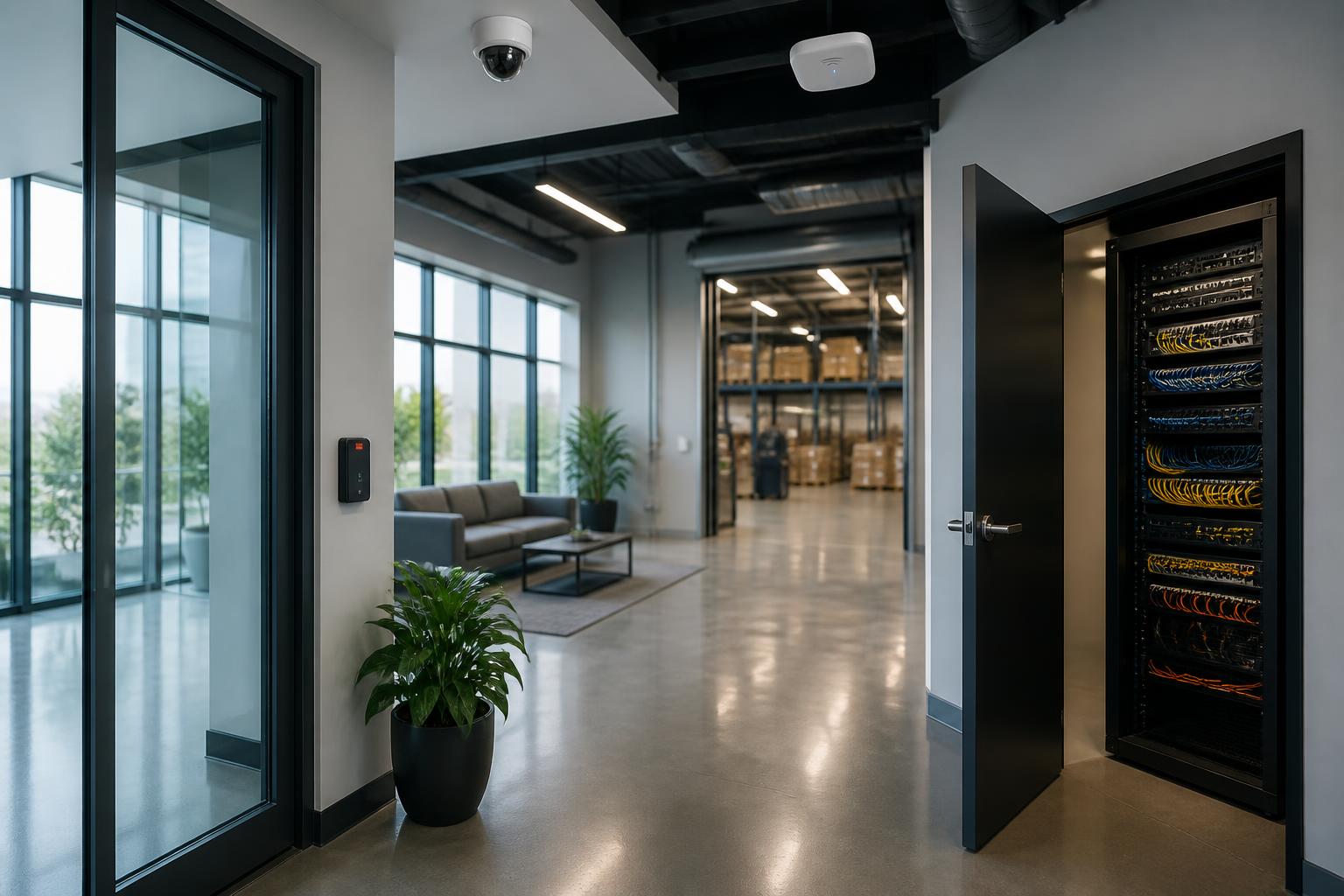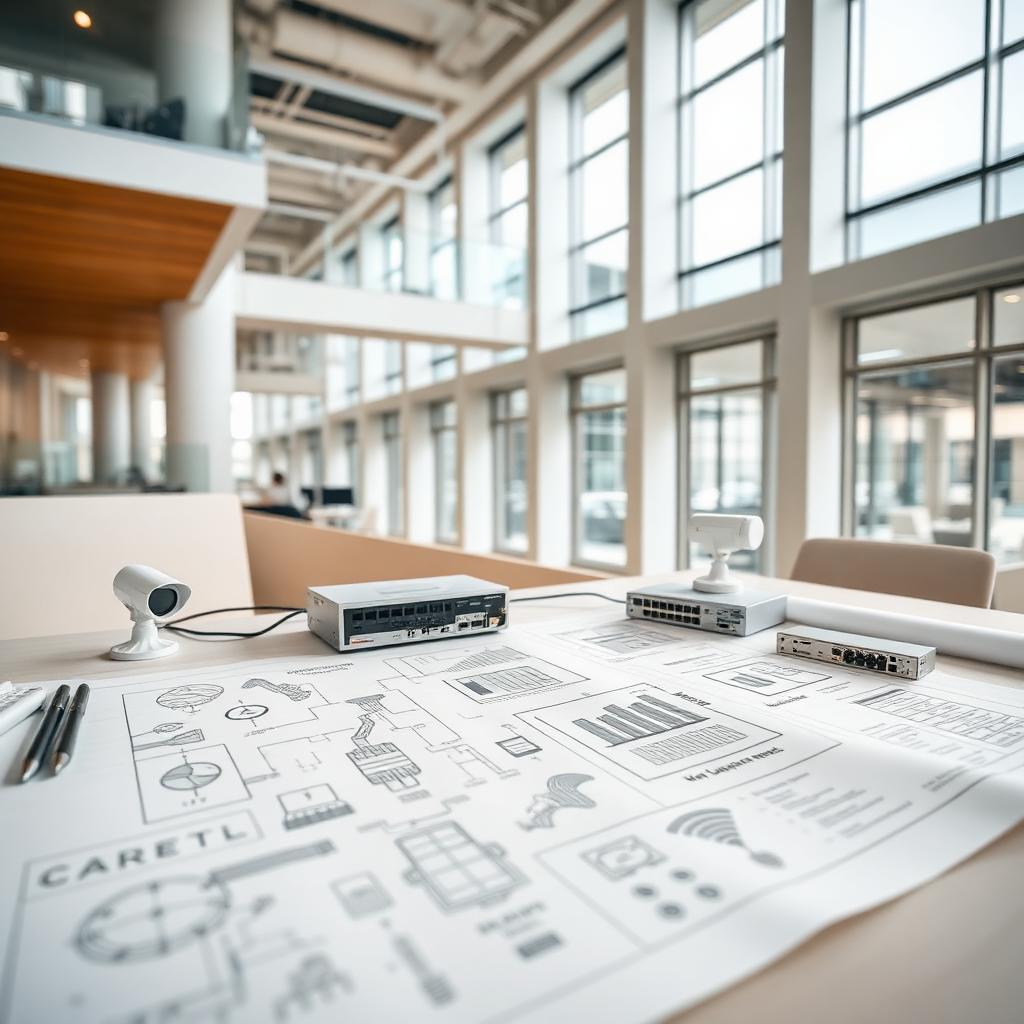
Most commercial buildings across Minnesota — from downtown Minneapolis high-rises and St. Paul office towers to warehouses in Blaine, medical clinics in Forest Lake, schools in Cambridge, and manufacturing plants along the I-35 corridor — quietly run on the same stack of low-voltage systems: security cameras, access control, business Wi-Fi, structured cabling, fiber, and phone systems. When it all works, nobody notices. When one piece fails, the whole building feels it: doors won't unlock, cameras go dark, POS terminals freeze, and the phones stop ringing.
This guide is meant to be an owner's manual for that stack of technology. It's written for building owners, property managers, facility directors, IT leaders, and operations managers across the Twin Cities metro and East Central Minnesota who want to understand what belongs in a well-planned commercial building — not to sell a specific product or price. Use it to sanity-check what's in your building today, and plan what belongs in it five years from now.
1. Security Cameras
Commercial security camera systems have quietly become one of the most valuable operational tools in a building — well beyond after-the-fact investigations. A properly designed system supports loss prevention, employee safety, slip-and-fall documentation, delivery verification, opening and closing procedures, and remote oversight of multiple sites. For a deeper look at cost drivers, see our Minnesota camera installation cost guide. For active deterrence, review our post on active video monitoring.
What belongs in a modern camera system
- IP cameras (2MP–8MP) sized to the field of view, not oversold
- Coverage at every exterior door, dock, and parking area
- Interior coverage at points of sale, safes, cash rooms, and choke points
- An NVR or hybrid cloud recorder with adequate retention (30–90 days is typical)
- Managed PoE switches with UPS backup on the recorder and switches
- Remote viewing via a hardened mobile app and browser client
- AI analytics where they make sense — line crossing, loitering, vehicle vs. person, LPR
Older analog and HD-over-coax systems still exist in many older Minneapolis and St. Paul buildings and can be phased out gradually. If you're still running Hikvision or Dahua-based cameras, review our Hikvision ban explainer before your next upgrade.
2. Access Control
Commercial access control replaces mechanical keys with credentials — cards, fobs, mobile credentials, or biometrics — tied to schedules and audit logs. It gives owners in the Twin Cities and East Central Minnesota real control over who enters the building, when, and through which door, and it eliminates the pain of rekeying every time an employee or tenant leaves.
What a healthy access control design includes
- Electrified hardware sized to the door (strikes, mag locks, electrified levers)
- Request-to-exit, door position, and delayed-egress hardware where code requires
- Controllers and readers from a supported, non-obsolete product line
- Cloud-managed or on-prem software with role-based administration
- Integrated video verification at main entrances and sensitive doors
- Lockdown and after-hours schedules configured and tested
- Fire alarm interface on any door that must release on alarm
A common mistake is to bolt on one or two doors at a time from different vendors. Ten years later the building has three incompatible systems and no single source of truth for who's inside. A written door schedule — every opening, its hardware, its function, and its access rules — is the foundation of an access control plan that ages well. For multifamily properties, see our writeup on Schlage & Pure Access Cloud.
3. Business Wi-Fi
Wi-Fi is no longer a convenience — it's the transport layer for POS, guest devices, IoT sensors, wireless access control, staff handhelds, VoIP handsets, and cloud cameras. A "consumer router in the closet" cannot carry that load in a commercial building in Bloomington, Woodbury, or anywhere else.
What a commercial Wi-Fi design looks like
- A predictive or on-site RF survey before access points are placed
- Enterprise access points with PoE, mounted on ceilings — not shoved on shelves
- Separate SSIDs and VLANs for corporate, guest, POS, and IoT traffic
- WPA3 or WPA2-Enterprise authentication on trusted networks
- A cloud-managed controller for firmware, monitoring, and analytics
- Roaming tuned so devices hand off cleanly across the building
- Capacity planning for peak occupancy, not average
The right question isn't "how many bars of signal do I have?" — it's "how many devices, of what kind, will this network need to carry three years from now?" That answer drives access point count, switch capacity, and internet circuit size. See our low-voltage wiring services for network scoping.
4. Structured Cabling
Structured cabling is the hidden circulatory system of the building. Every camera, reader, access point, phone, workstation, printer, and TV eventually terminates back to a copper or fiber jack in a rack. If the cabling plant is a mess — a common problem in older Minneapolis warehouses and legacy north-metro medical buildings — everything on top of it is fragile.
What a professional cabling plant looks like
- Cat6 or Cat6A copper for horizontal runs, terminated to a certified standard
- Runs under 90 meters and properly separated from electrical
- Labeled patch panels and jacks on both ends — every cable identified
- Cable management inside the rack: horizontal managers, velcro (not zip ties), service loops
- Grounded, ventilated racks with adequate power and UPS
- Certification test results (Fluke or equivalent) delivered on completion
- An as-built drawing showing every drop
The cost of doing this right the first time is a fraction of chasing failures for years — or ripping cable back out during a tenant fit-out because nobody can tell what's live. Deeper background in what a commercial low-voltage contractor actually does.
5. Fiber Infrastructure
Fiber ties the building together across long runs, between buildings on a campus, and to the outside world. Copper works well over short distances; fiber carries traffic between IDFs, across parking lots in Eagan and Maple Grove business parks, out to detached shops in East Central Minnesota, and into carrier demarcation points.
Fiber best practices for commercial buildings
- Single-mode (OS2) for anything you might light at 10G/40G/100G or run long distances
- Multi-mode (OM4) is fine for short, high-bandwidth runs inside a single building
- LC connectors, fusion spliced when possible, tested with an OTDR and insertion loss meter
- Adequate strand count — always pull more strands than you need today
- Fiber enclosures, splice trays, and cassettes properly mounted and labeled
- Documented test results for every fiber pair
Fiber is the single easiest system to under-build and later regret. Pulling extra strands during construction costs a fraction of pulling a second run later.
6. Phone Systems
The traditional analog phone line is on its way out. Carriers such as Lumen and CenturyLink are retiring copper POTS infrastructure across Minnesota, and businesses are moving to VoIP for handsets, cellular communicators for fire and burglar dialers, cellular POTS-replacement devices for elevator phones, and eFax for the last remaining fax use cases. For a deeper walkthrough, see our POTS replacement guide.
What belongs in a modern commercial phone plan
- A cloud or on-prem VoIP platform sized to seat count and call volume
- PoE handsets on their own VLAN with QoS
- Adequate internet bandwidth with a documented failover path
- Cellular POTS-replacement units for elevator phones, fire dialers, and burglar dialers
- eFax or hosted fax to retire remaining paper fax lines
- E911 addressing configured correctly for every extension and location
- A written cutover plan any time numbers are ported
7. Technology Documentation
If a system isn't documented, it's a mystery — and mysteries are expensive. When the person who installed a system leaves the company, or the vendor goes out of business, documentation is the only thing standing between the building and a costly rip-and-replace. This is one of the top hidden costs discussed in our outdated commercial technology article.
Every commercial building should have on file
- As-built drawings for cabling, camera locations, and access control doors
- A rack elevation drawing for every IDF/MDF
- IP schedule for cameras, access control, Wi-Fi, phones, and switches
- Wi-Fi SSID, VLAN, and password inventory (stored securely)
- Camera field-of-view diagrams and retention settings
- Door schedule with hardware, credentials, schedules, and lockdown behavior
- Warranty and support contract summary for every major system
- Admin credentials stored in a password manager, not on a sticky note
Ask your contractor for these documents at project turnover. If a contractor won't provide them, that's a signal about how the rest of the work was done.
8. Annual Inspections
Low-voltage systems degrade quietly. Cameras drift out of focus, hard drives fail one at a time, batteries in door controllers and UPS units die, access control schedules go stale, and firmware falls behind on security patches. A yearly walk-through — the same discipline good schools, clinics, and manufacturers use across Minnesota — catches most of it before it becomes an outage.
A basic annual inspection checklist
- Verify every camera is online, in focus, and recording to the correct retention
- Confirm NVR/VMS storage health and firmware version
- Test every access-controlled door: lock, unlock, request-to-exit, door position, fire release
- Audit the credential list — remove anyone who no longer works there
- Walk the rack: check UPS batteries, fans, temperature, cable dressing
- Verify Wi-Fi coverage in problem areas and check controller health
- Test elevator phones, fire dialers, and burglar dialers end-to-end
- Confirm backups of camera exports, phone configs, and access control databases
- Review firmware/software versions and patch anything past end-of-support
9. Planning Future Upgrades
Nobody upgrades everything at once. The buildings that stay modern are the ones with a rolling 3–5 year technology plan — a simple spreadsheet listing every major system, its install date, its expected replacement window, and its likely successor. That plan protects capital budgets, spreads projects across fiscal years, and prevents "everything died the same month" surprises.
A practical upgrade horizon
- Cameras: 7–10 years, sooner if resolution or analytics needs change
- NVR / VMS hardware: 5–7 years
- Access control controllers and readers: 10–15 years, credentials sooner
- Network switches and Wi-Fi access points: 5–8 years
- Structured cabling: 15–25 years if installed well
- Fiber: 20+ years, but connector standards evolve
- Phone system: 5–10 years, driven by carrier and platform changes
Every planned upgrade is also an opportunity to consolidate onto fewer, well-supported platforms — fewer vendors, fewer dashboards, fewer surprises.
10 Questions to Ask Before Hiring a Commercial Low-Voltage Contractor
The right contractor will do more than pull cable — they'll design a system that fits the way your building runs, document it properly, and stand behind it after installation. Before you hire anyone in Minneapolis, St. Paul, or anywhere in Minnesota, get clear answers to these ten questions.
-
1
Are you properly licensed for commercial low-voltage work in Minnesota?
Low-voltage work is regulated in MN. Ask for the license number and confirm it's active. A licensed contractor is accountable to the state — an unlicensed one is not.
-
2
What insurance do you carry, and can I see a certificate?
General liability, workers' compensation, and (for larger projects) an umbrella policy are the minimum. Ask to be added as a certificate holder on any meaningful project.
-
3
What warranties do you offer on labor and equipment?
Manufacturer warranties are standard. The labor warranty — how long the contractor returns to fix installation issues at no charge — is where contractors differ. One year is common; longer is better.
-
4
Do you certify and test everything you install?
Fluke certification on structured cabling. OTDR and insertion-loss testing on fiber. Written commissioning checklists for cameras and access control. No testing means no proof it works.
-
5
What documentation will I receive at project turnover?
As-builts, rack elevations, IP schedules, door schedules, cable labels, test results, admin credentials, warranty summaries — get this list in writing before the project starts.
-
6
Will I get as-built drawings, not just the original plans?
"As-built" means drawings reflect what was actually installed — including field changes. That's what you'll use for future troubleshooting and expansion.
-
7
Will you train our staff on the systems you install?
Cameras, access control software, and phone systems are only useful if your team can operate them. Ask for on-site training and a recorded walkthrough for future hires.
-
8
What does service look like after the installation is done?
Do they have a service department? What are their response times? Do they offer service agreements? Who answers the phone at 6 PM on a Friday?
-
9
Do you have experience with buildings and industries like mine?
Restaurants, schools, clinics, warehouses, and multifamily each have their own patterns. Ask for references from similar projects in the Twin Cities or East Central Minnesota.
-
10
Will one point of contact own this project start to finish?
The best projects have a single project manager who owns scope, schedule, and change orders end-to-end. Ask who that person will be before you sign.
Put It All Together
A commercial building's technology stack isn't a one-time purchase — it's an asset that has to be planned, installed, documented, inspected, and evolved. Get the fundamentals right — cabling, network, cameras, access control, phones, documentation — and every future upgrade becomes cheaper, faster, and less disruptive.
Magnuson Low Voltage Wiring designs, installs, and services all of the systems in this guide for commercial buildings across Minneapolis, St. Paul, Bloomington, Edina, Minnetonka, Plymouth, Maple Grove, Woodbury, Eagan, Burnsville, Eden Prairie, and communities throughout East Central Minnesota & Western Wisconsin. If you'd like a fresh set of eyes on your building's low-voltage plan, get in touch or request a free estimate.