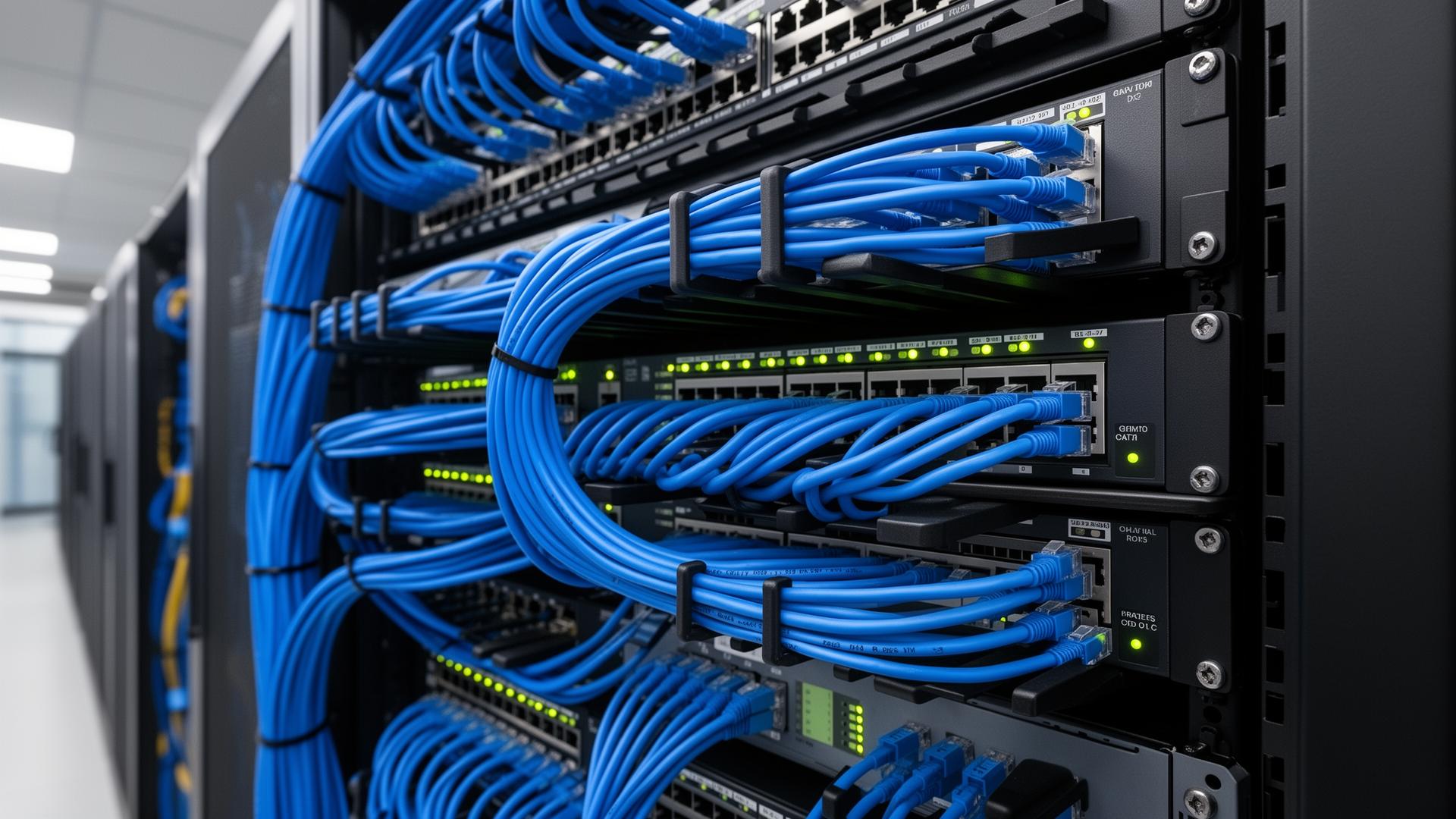
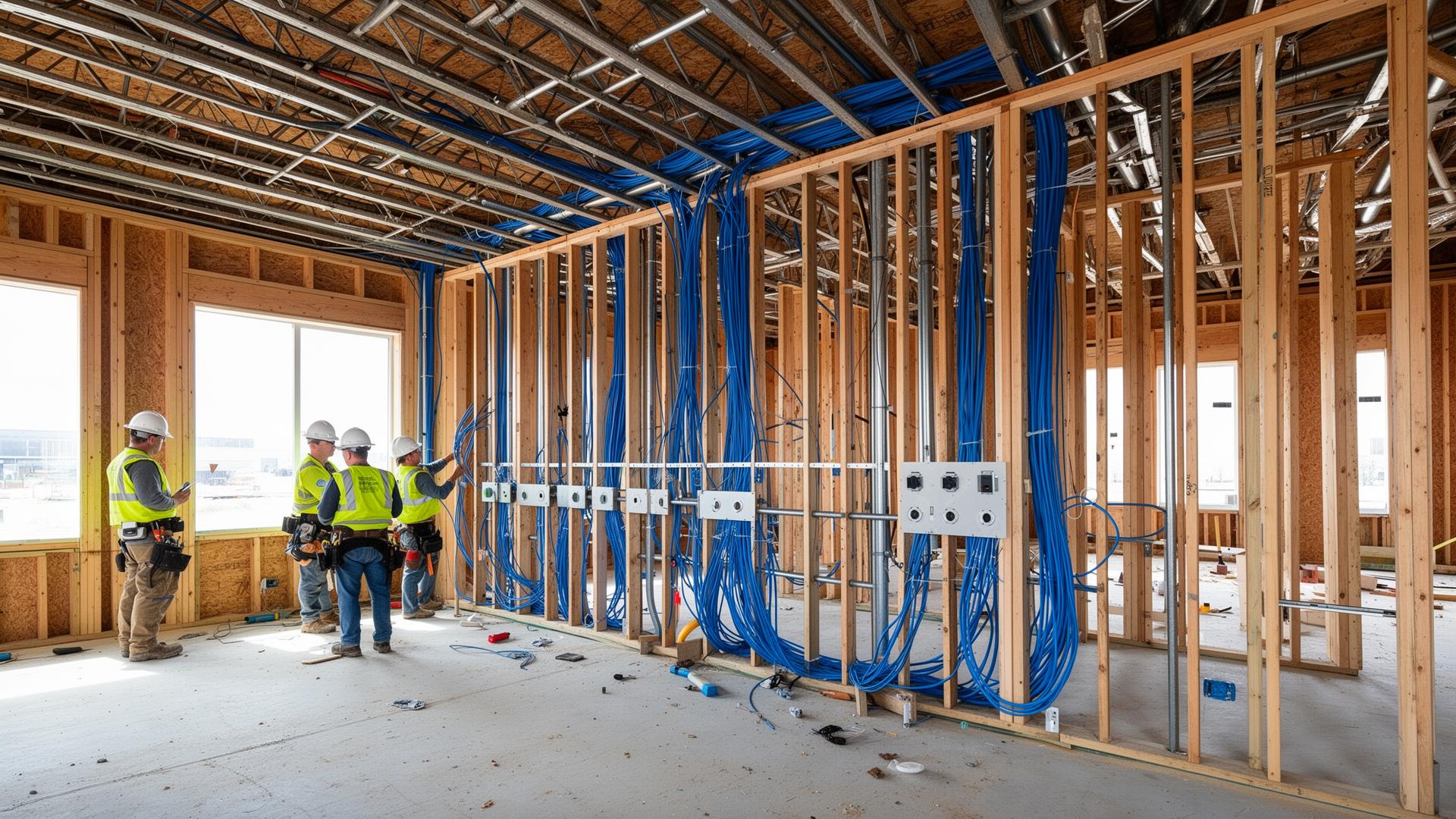
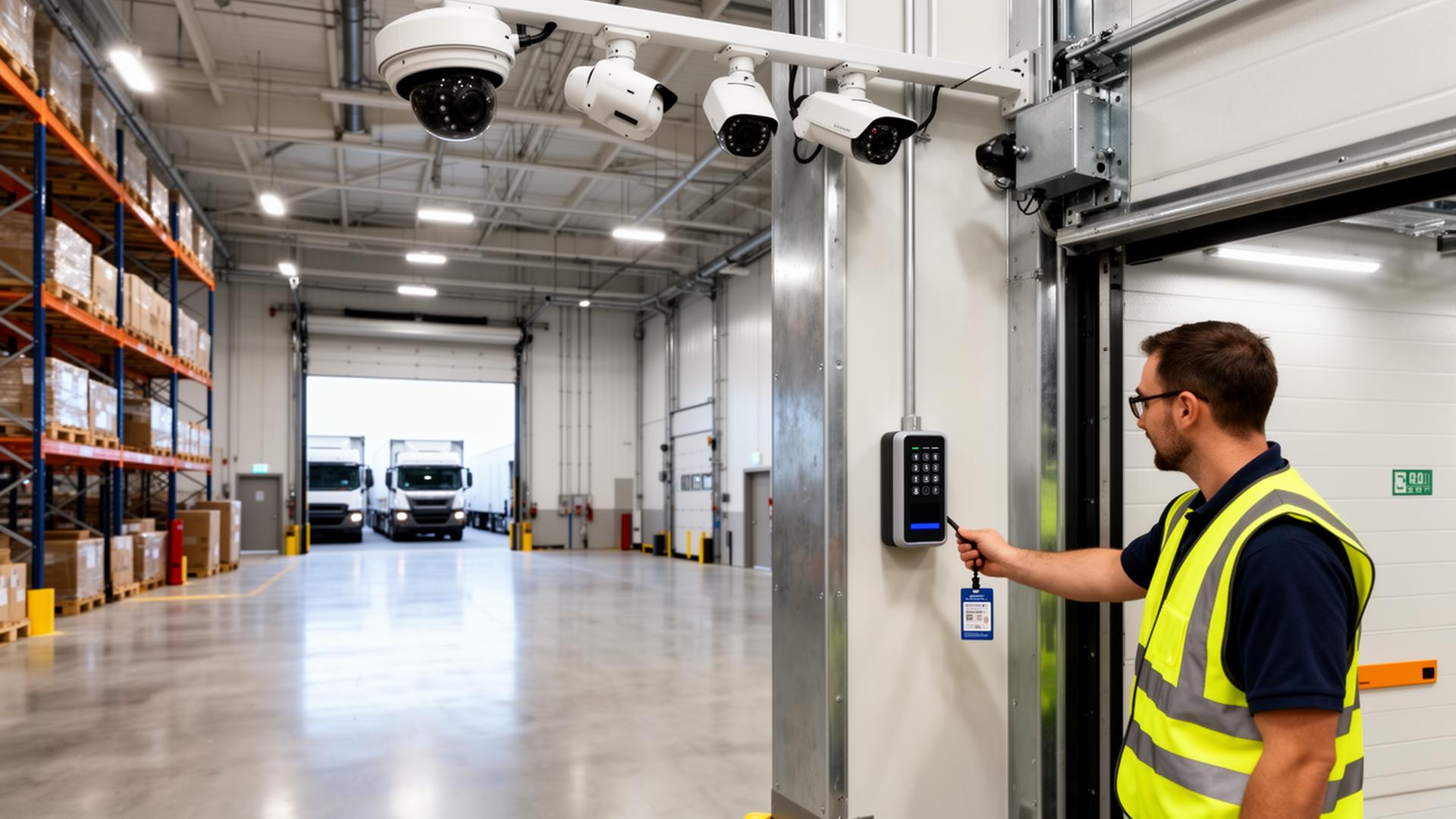
Modern warehouses, manufacturing plants, distribution centers, and multi-building campuses across Minnesota and Wisconsin are pushing more data than ever — wireless access points, IP security cameras, access control, VoIP, scanners, robotics, ERP traffic, and cloud backups all riding on the same network. Copper alone can't keep up across the long distances inside a 250,000+ square foot building or between separate buildings on a campus. The backbone has to be fiber optic cabling — and in industrial and outdoor environments, it almost always needs to be armored fiber.
This guide walks through how armored fiber is used to expand and connect warehouse networks, link MDFs to IDFs, run underground between buildings, and lay the groundwork for the next decade of growth. It also covers the difference between single-mode and multimode fiber and how to pick the right one for each run.
Why Fiber Is the Backbone of Commercial Networks
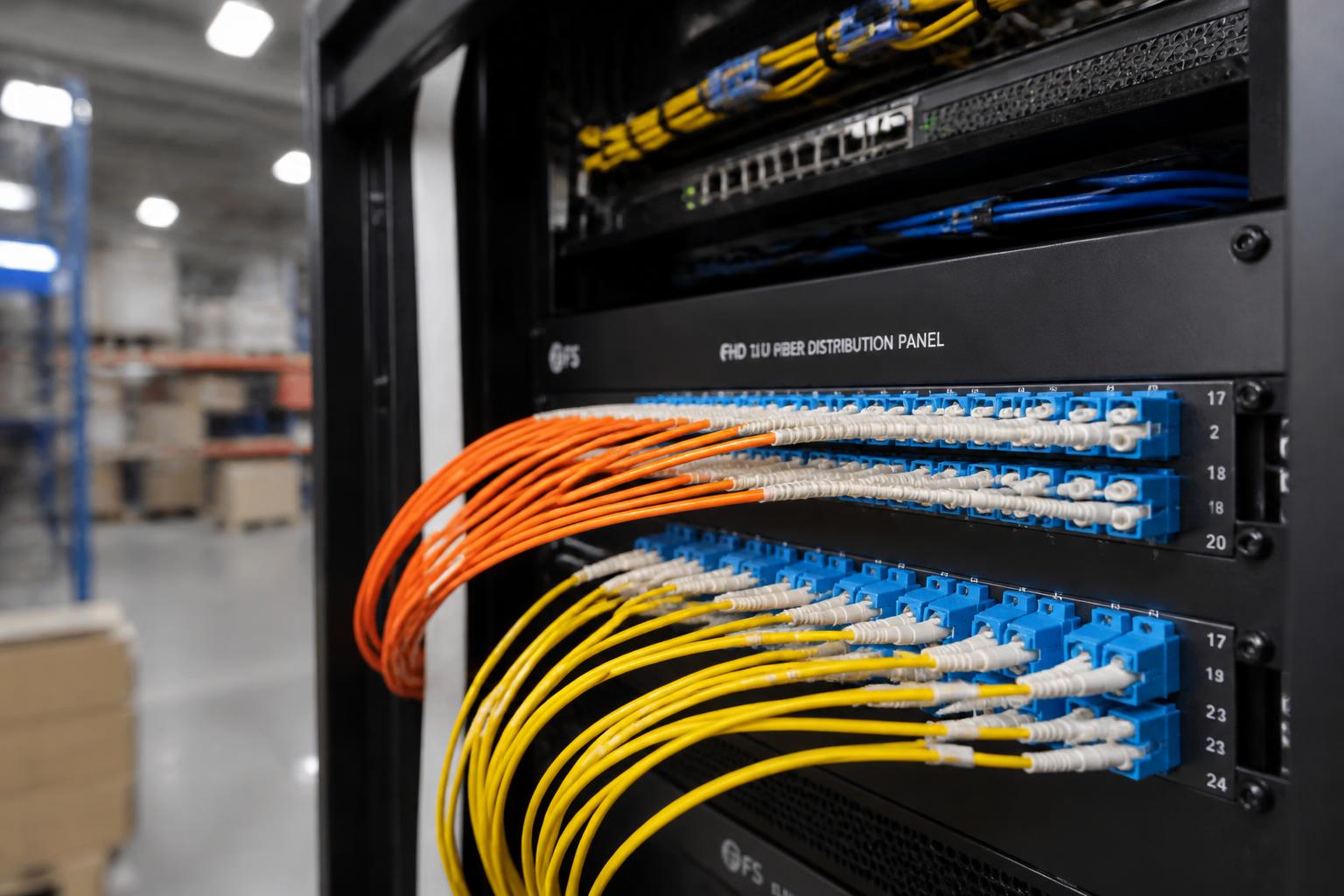
Copper cabling (Cat6 / Cat6A) is still the right choice for the final drop to a workstation, access point, or camera. But across long distances, between switches, and between buildings, fiber wins on every metric that matters:
- Far longer distance — single-mode fiber can run miles without a repeater
- Massively higher bandwidth headroom (10G, 40G, 100G and beyond)
- Complete immunity to electrical noise from motors, VFDs, and machinery
- No grounding or bonding concerns between buildings
- Smaller cable diameter for the same data capacity
- A backbone that won't need to be replaced when speeds increase
For a warehouse or campus, that means one well-planned fiber backbone can support today's traffic and the next two equipment refresh cycles without re-pulling cable.
What Is Armored Fiber and Why Use It?
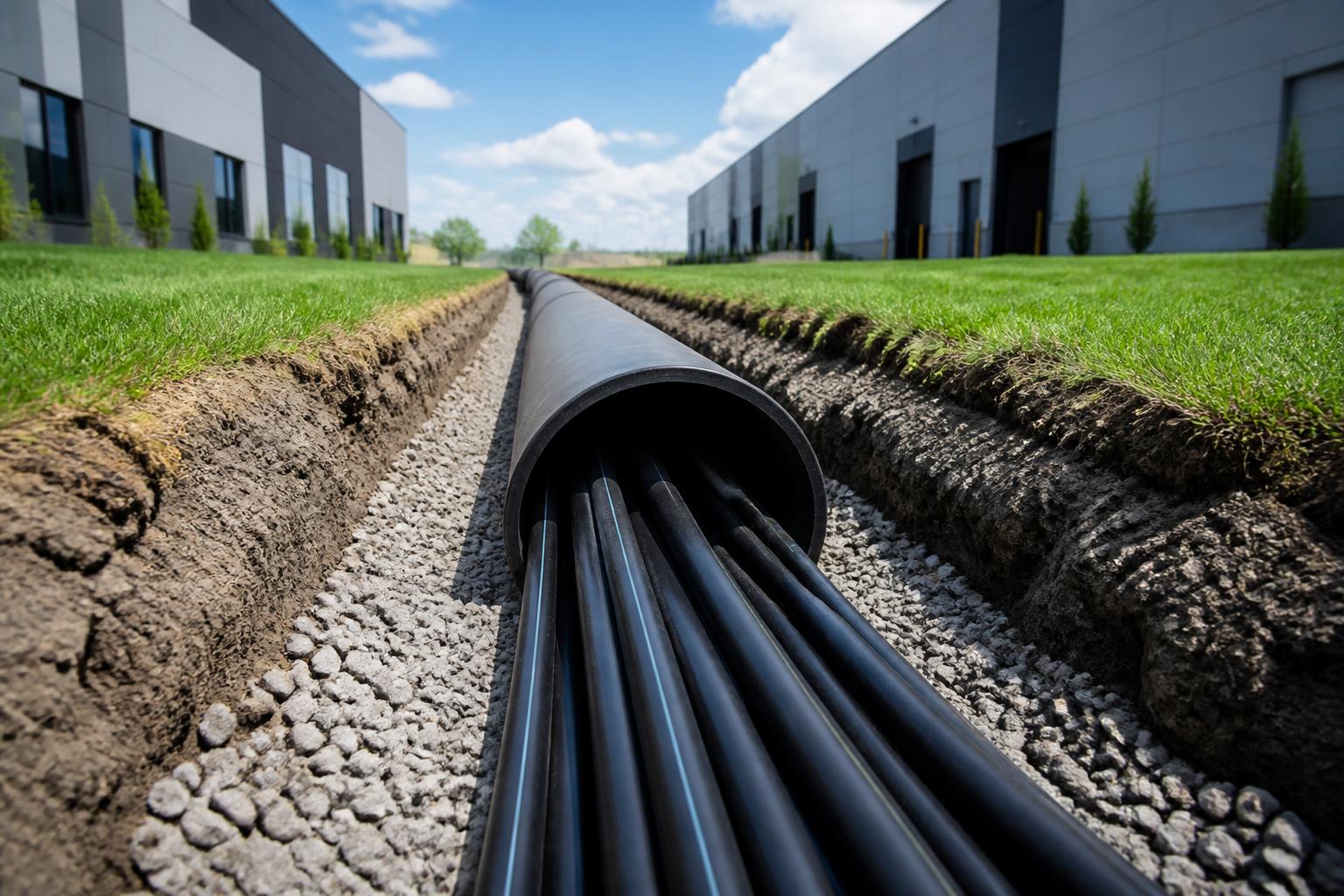
Armored fiber wraps the optical strands inside a corrugated steel or aluminum interlocking armor layer beneath the outer jacket. That extra layer makes the cable resistant to crushing, kinks, rodents, and the kind of accidental damage that's almost guaranteed in a real warehouse or outdoor run.
Where we typically specify armored fiber:
- Warehouse and manufacturing floors where forklifts, lifts, and pallets are in motion
- Cable tray and overhead runs in industrial buildings
- Underground conduit between buildings on a campus
- Direct-burial runs (with the right outdoor-rated, gel-filled construction)
- Cold storage, food processing, and wash-down environments
- Any run that crosses mechanical rooms, dock doors, or high-traffic areas
The cost difference between standard and armored fiber is small compared to the cost of tearing into a finished facility to replace a damaged backbone.
Single-Mode vs Multimode Fiber
Every fiber project starts with the same question: single-mode or multimode? Both move data as pulses of light, but they're built for different distances and different equipment.
Single-Mode Fiber (OS2)
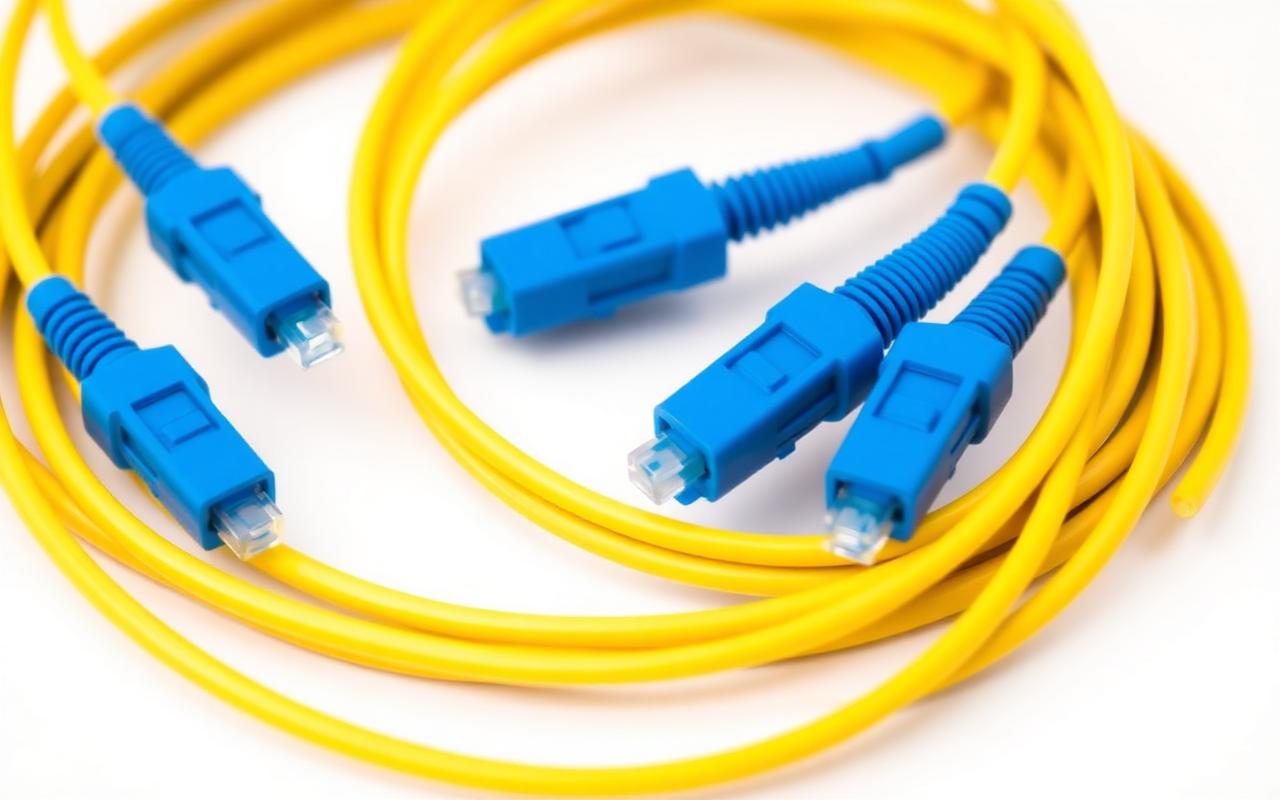
A very thin glass core (~9 microns) carries a single mode of laser light over long distances with minimal loss. Single-mode is the standard for outdoor, inter-building, and long indoor backbone runs.
- Yellow outer jacket (industry standard color)
- Distance: easily 10+ km on common equipment
- Best for inter-building, campus, and long backbone runs
- Future-proof — same fiber supports 10G, 40G, 100G+ with new optics
- Requires single-mode SFP/SFP+ transceivers
Multimode Fiber (OM3 / OM4 / OM5)
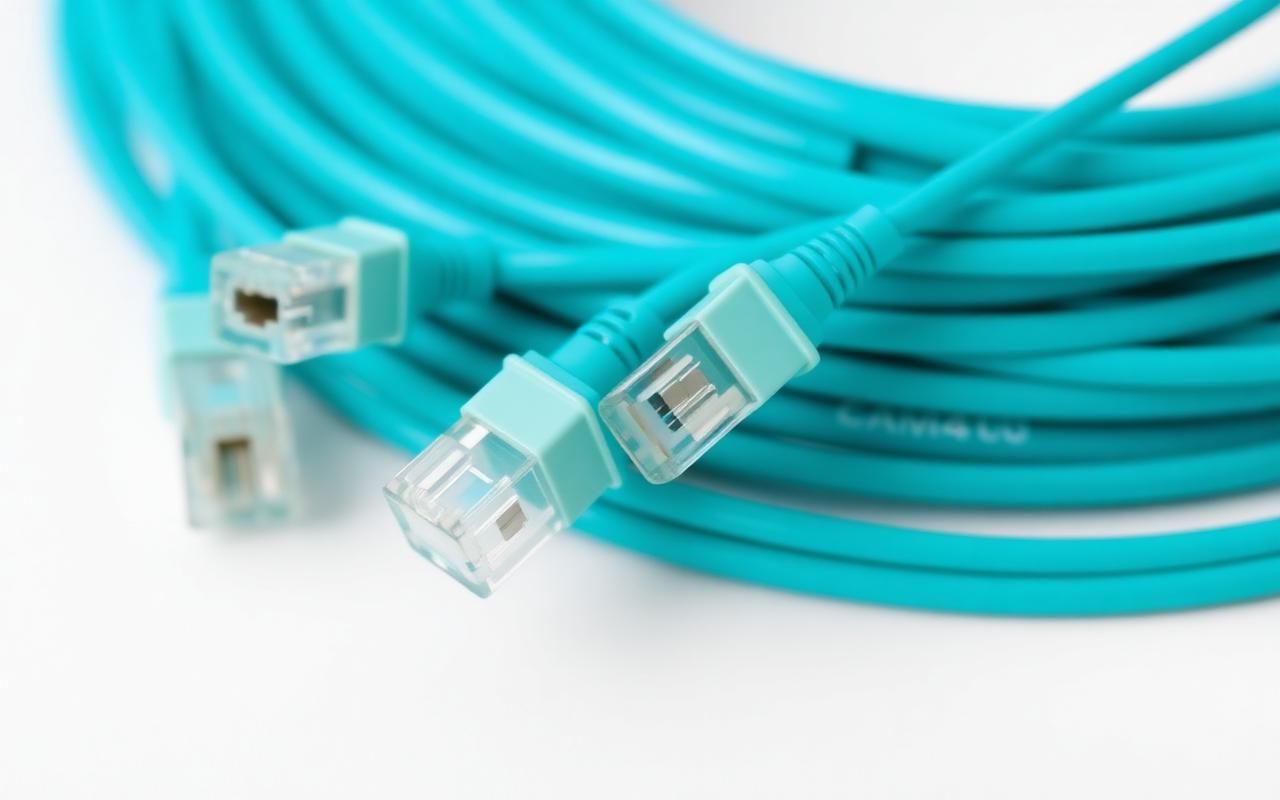
A larger glass core (~50 microns) carries multiple modes of light from cost-effective VCSEL light sources. Multimode is the standard for shorter, in-building runs between MDFs, IDFs, and high-speed switch uplinks.
- Aqua outer jacket for OM3/OM4, lime green for OM5
- Distance: typically up to ~300–400m depending on speed and grade
- Best for in-building backbone, data center, and IDF-to-IDF runs
- Lower-cost optics than single-mode
- OM4/OM5 supports 10G, 40G, and 100G over realistic in-building distances
Single-Mode vs Multimode — Side-by-Side
| Attribute | Single-Mode (OS2) | Multimode (OM3 / OM4 / OM5) |
|---|---|---|
| Core Size | ~9 microns | ~50 microns |
| Jacket Color | Yellow | Aqua (OM3/OM4) · Lime green (OM5) |
| Light Source | Laser | VCSEL / LED |
| Typical Distance | Up to 10+ km | Up to ~300–400 m at 10G+ |
| Best Use | Building-to-building, long backbones, ISP handoff | In-building backbone, MDF-to-IDF, switch uplinks |
| Optics Cost | Higher per transceiver | Lower per transceiver |
| Cable Cost | Comparable | Comparable |
| Future Headroom | Excellent — same glass, new optics | Strong on OM4/OM5 for in-building speeds |
| Ideal For | Multi-building campuses, underground runs, long warehouse runs | Office MDF/IDF backbones, short warehouse backbones |
For most commercial projects we design, the answer is both: multimode for short, in-building MDF/IDF backbones, and single-mode for anything that goes outdoors, underground, or across a campus.
MDFs, IDFs, and How Fiber Ties Them Together
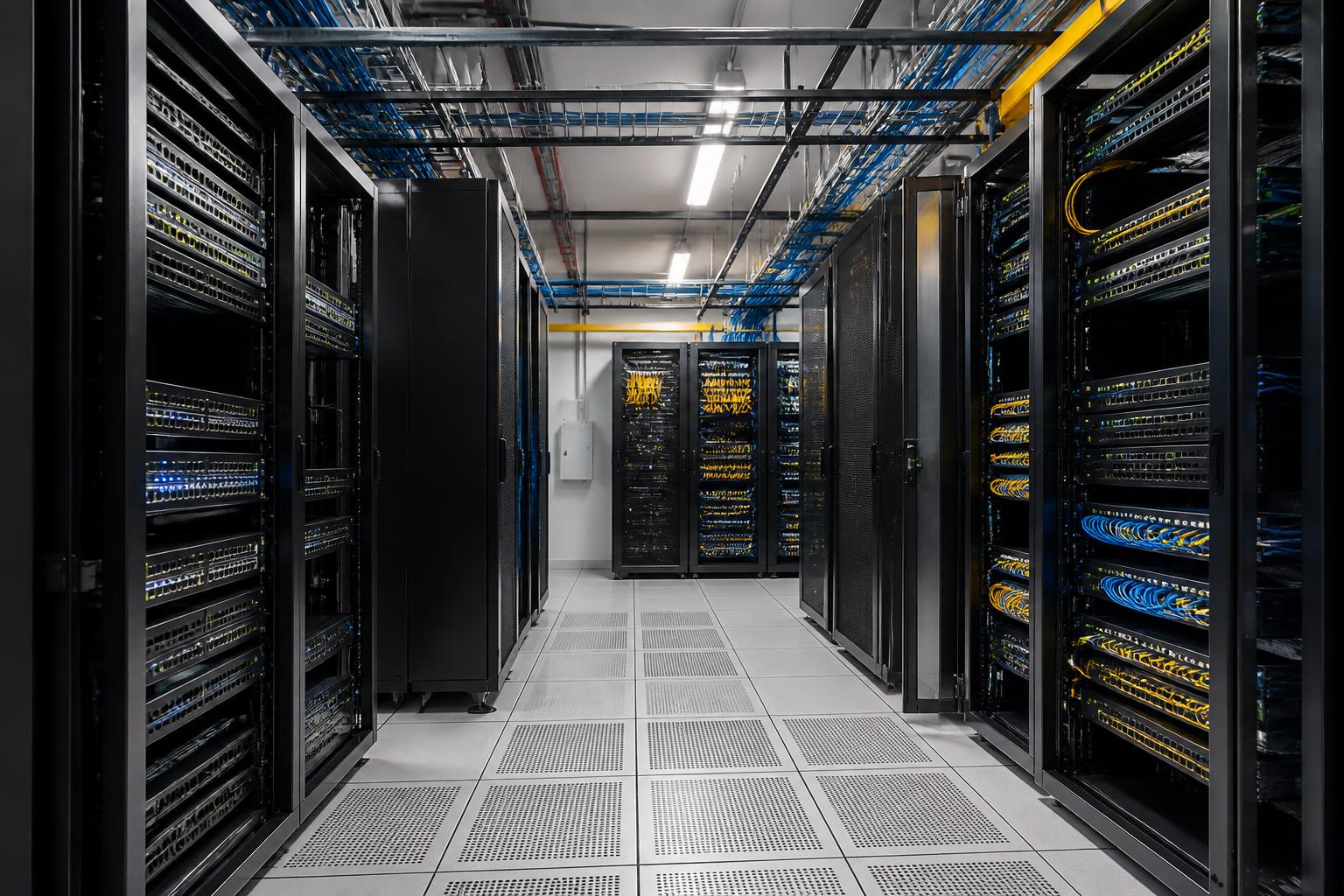
In any building larger than a single closet's worth of coverage, the network is built around two kinds of rooms:
- MDF (Main Distribution Frame) — the central network room where the internet service enters, the core switches and firewall live, and every IDF backbone terminates.
- IDF (Intermediate Distribution Frame) — smaller telecom closets distributed through the building so copper drops to workstations, access points, and cameras stay within the 100-meter Cat6/Cat6A limit.
Each IDF connects back to the MDF over a fiber backbone — typically multimode for short in-building hops and single-mode when distances or future speed plans push past multimode's comfort zone. That fiber backbone is what lets the IDF support 10G or faster uplinks today and stay relevant when the next switch refresh arrives.
Why Warehouses Need More IDFs Than People Expect
A 100,000+ square foot warehouse rarely fits inside Cat6A's 100-meter run limit from a single room. Without enough IDFs, copper runs stretch too far, access points get installed in compromised locations, and cameras lose PoE budget. Properly placed IDFs — connected on a fiber backbone — solve all of that.
- Access points land within copper distance of an IDF, not a single MDF
- Cameras get full PoE+ / PoE++ power without voltage drop
- New zones (mezzanines, additions, outbuildings) plug into the nearest IDF
- Future expansion is a fiber run and a new IDF, not a full re-cable
Underground Fiber Between Buildings
Multi-building sites are everywhere in Minnesota and Wisconsin — manufacturers with separate production and office buildings, distribution operations with multiple warehouses, churches and schools with detached facilities, apartment communities with clubhouses and maintenance buildings, municipal campuses, and ag operations with shop, office, and storage buildings on one property.
Wi-Fi bridges and point-to-point wireless can work in some situations, but for anything mission-critical — cameras, access control, VoIP, point-of-sale, ERP — underground single-mode armored fiber is the right answer.
A proper inter-building fiber run typically includes:
- Outdoor-rated, gel-filled, armored single-mode fiber
- Direct-burial or installed inside HDPE conduit with pull tape
- Pull boxes / handholes at appropriate intervals
- Proper burial depth and tracer wire so the run can be located later
- Fiber distribution panels and splice trays at both ends
- Grounding and bonding per code at each building entrance
- OTDR test results and a fiber map handed off as part of closeout
Done right, an inter-building fiber link survives Minnesota winters, Wisconsin frost cycles, lightning, and the next 20 years of switch upgrades without being touched.
Designing Fiber for Real Warehouse Networks
Fiber design is more than picking single-mode vs multimode. On a real project we look at:
- Total square footage and longest copper run from each candidate IDF
- Where access points, cameras, access control, and machinery need coverage
- Future expansion — additional bays, mezzanines, outbuildings, yard cameras
- Strand count today vs strand count needed in 10 years (always over-provision)
- Termination style — fusion splicing for permanence, pre-terminated for speed
- Redundant pathways for facilities that can't tolerate downtime
- Integration with security cameras and access control systems
Strand count is one of the easiest places to save money badly. Pulling 12-strand when the building actually needs 24 or 48 over the next decade is the kind of decision that creates a forklift-rated re-pull project five years from now. Fiber strands are cheap; pulling cable twice is not.
Where Fiber Fits With the Rest of Your Low-Voltage Infrastructure
Fiber doesn't live in isolation. It's the backbone that ties everything else together:
- Structured copper cabling drops from each IDF to workstations, APs, and cameras
- Commercial Wi-Fi coverage built on access points fed from properly placed IDFs
- IP security cameras with full PoE budget at every location
- Access control readers, controllers, and door hardware
- Business phone systems and VoIP traffic
- Building automation, HVAC controls, and industrial equipment
When the same team designs the fiber backbone, the IDFs, the copper drops, and the devices on the end of those drops, the whole system performs the way it was specified to — and there's one number to call when something needs attention.
Fiber Infrastructure Across Minnesota & Wisconsin
Magnuson Low Voltage Wiring designs, installs, terminates, tests, and certifies fiber optic infrastructure for warehouses, manufacturing facilities, distribution centers, multi-building campuses, schools, churches, apartment communities, and commercial properties throughout Anoka, Washington, Chisago, Isanti, and Pine counties in Minnesota, plus Polk and St. Croix counties in Western Wisconsin — including the Twin Cities metro, and the St. Croix Valley.
Whether you're connecting two buildings with underground single-mode fiber, expanding a warehouse with additional IDFs, or planning a brand-new facility from the ground up, we can scope a fiber backbone that fits the building you have today and the one you'll have in ten years.
Free Fiber Infrastructure Assessment
Planning a warehouse expansion, a multi-building network, or a new facility? We'll walk your site, evaluate existing pathways, and send back a written fiber design covering single-mode vs multimode, MDF/IDF placement, cable specs, and a rough budget — no cost, no obligation.
- ✅ Site walk and pathway evaluation
- ✅ MDF and IDF placement recommendations
- ✅ Single-mode vs multimode strand count plan
- ✅ Inter-building / underground fiber routing
- ✅ Written design and rough budget