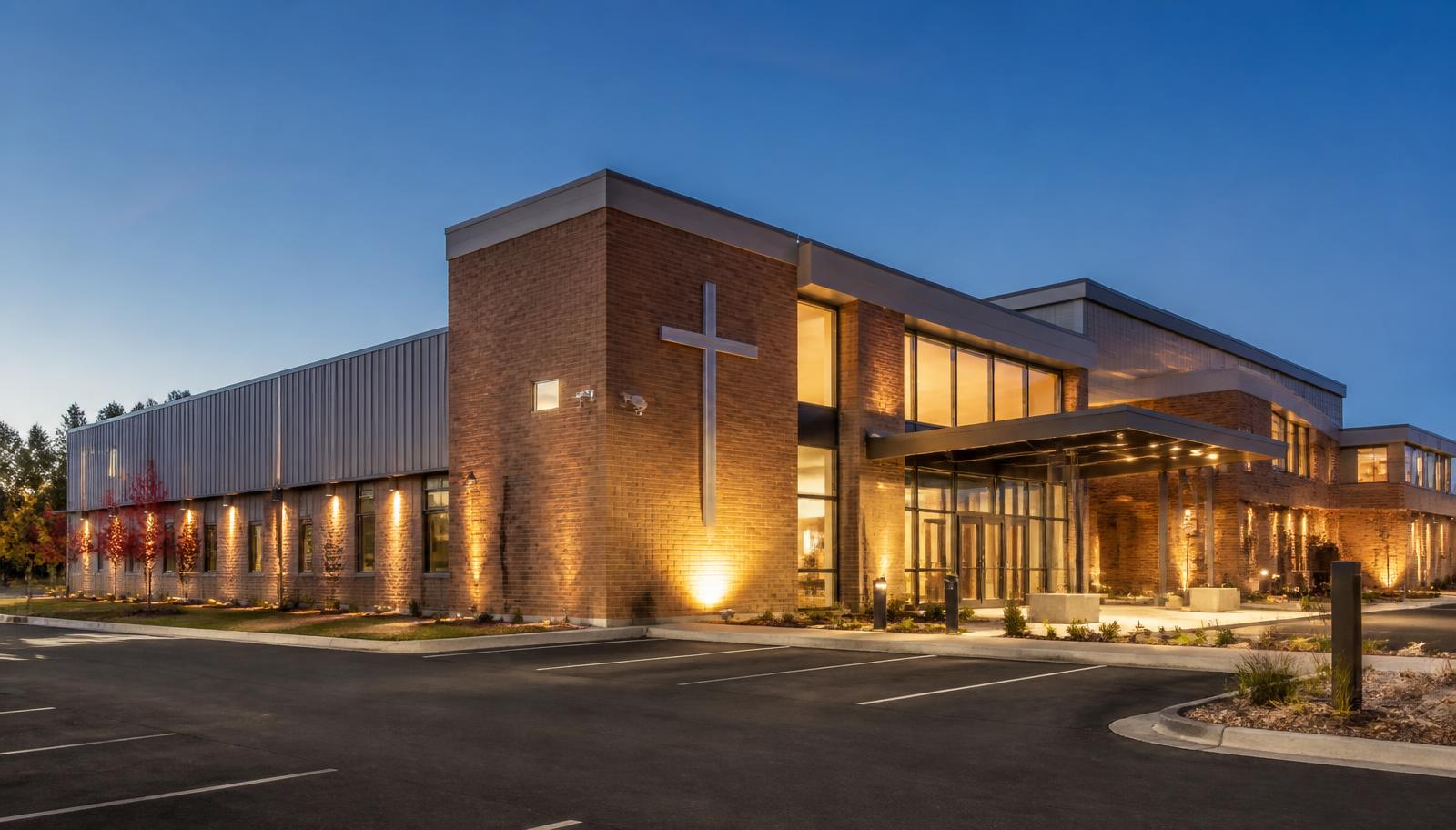
Most buildings we secure have a simple rule: keep people out unless they belong. A church has the opposite mission. The doors are supposed to be open, strangers are supposed to walk in, and nobody wants a greeter standing behind a metal detector. At the same time, the same building holds children's ministry rooms, a sound and video booth worth more than most people's vehicles, offices with member records and giving data, and a campus that sits nearly empty five days a week.
That tension — welcoming and protected at the same time — is the entire design problem for church security. It's why copying a warehouse camera layout onto a worship center doesn't work, and why a church that spends its whole budget on cameras often still can't answer the questions that matter: who has a key to the children's wing, who was in the building Tuesday at 11 p.m., and how would the nursery lock down if it needed to.
This article is written for churches, worship centers, ministries, Christian schools and daycares attached to churches, and multi-building faith campuses that are building, remodeling, expanding, or finally replacing a system installed a decade ago. It follows the same walkthrough we do in person as a Minnesota commercial security and low voltage contractor.
One note before the technology. Cameras, locks, and alarms are tools inside a broader safety plan — they support your safety team, your child-protection policy, your staff training, and your relationship with local law enforcement. No product prevents a violent incident on its own, and any vendor who tells you otherwise is selling, not designing. What good equipment does reliably is reduce opportunity, control who gets where, shorten response time, and give you a factual record when something happens.
One Church. Different Security Needs Throughout the Week.
The single most useful exercise for a church board is to stop thinking about "the building" and start thinking about five distinct operating modes. The same rooms carry completely different risk depending on the hour.
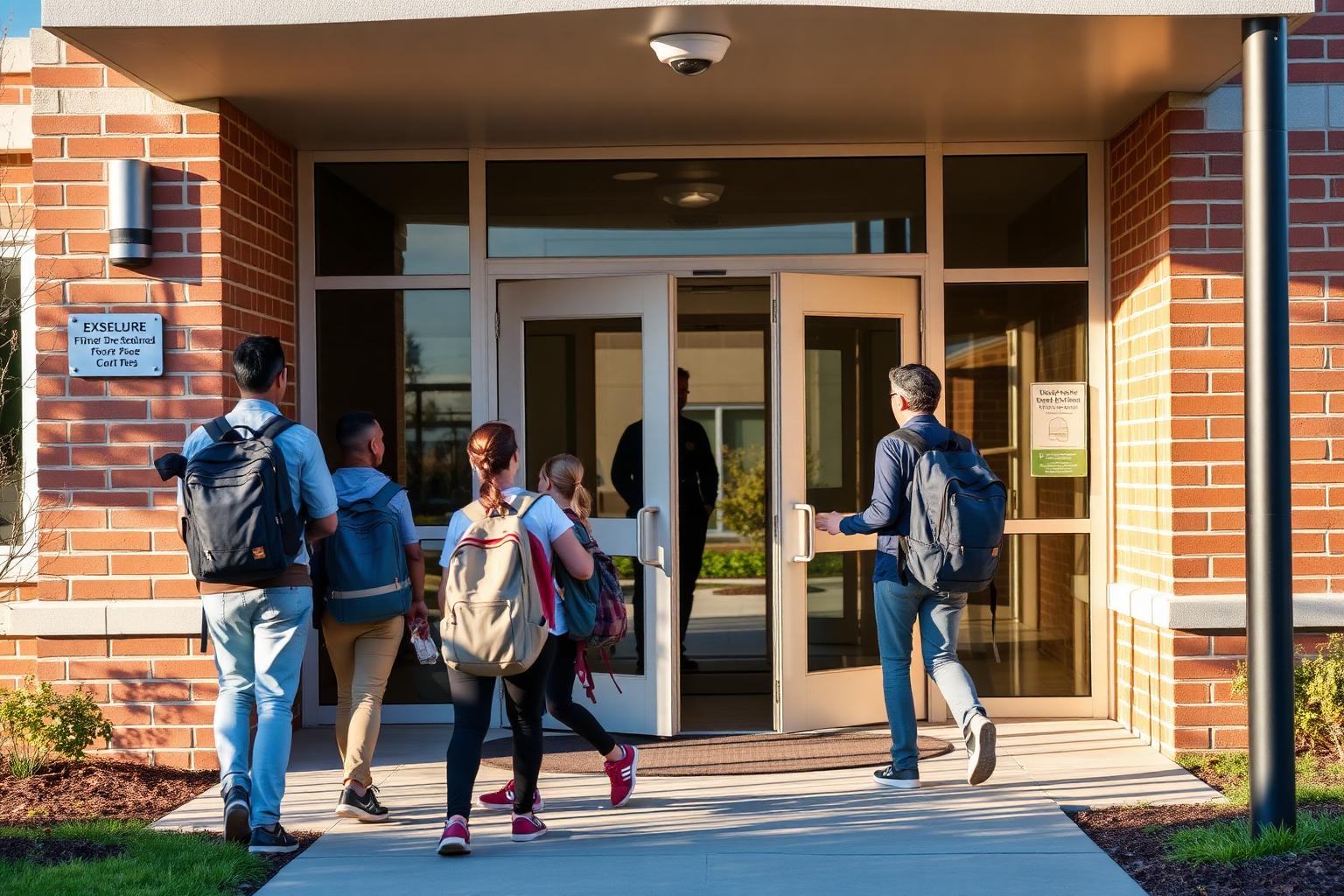
Sunday Services — Open Doors, Full Building
Hundreds of people, most of whom nobody can individually vouch for, moving through a lobby, sanctuary, hallways, and a full parking lot. Access control is essentially off. What earns its keep here is visibility, not restriction: identification-quality cameras at each public entrance, wide coverage of the lobby and narthex, hallway views toward the children's wing, and lot coverage that captures vehicles and drive lanes. Interior offices, counting rooms, and storage stay locked even while the building is open.
Weekday Staff — A Few People in a Big Building
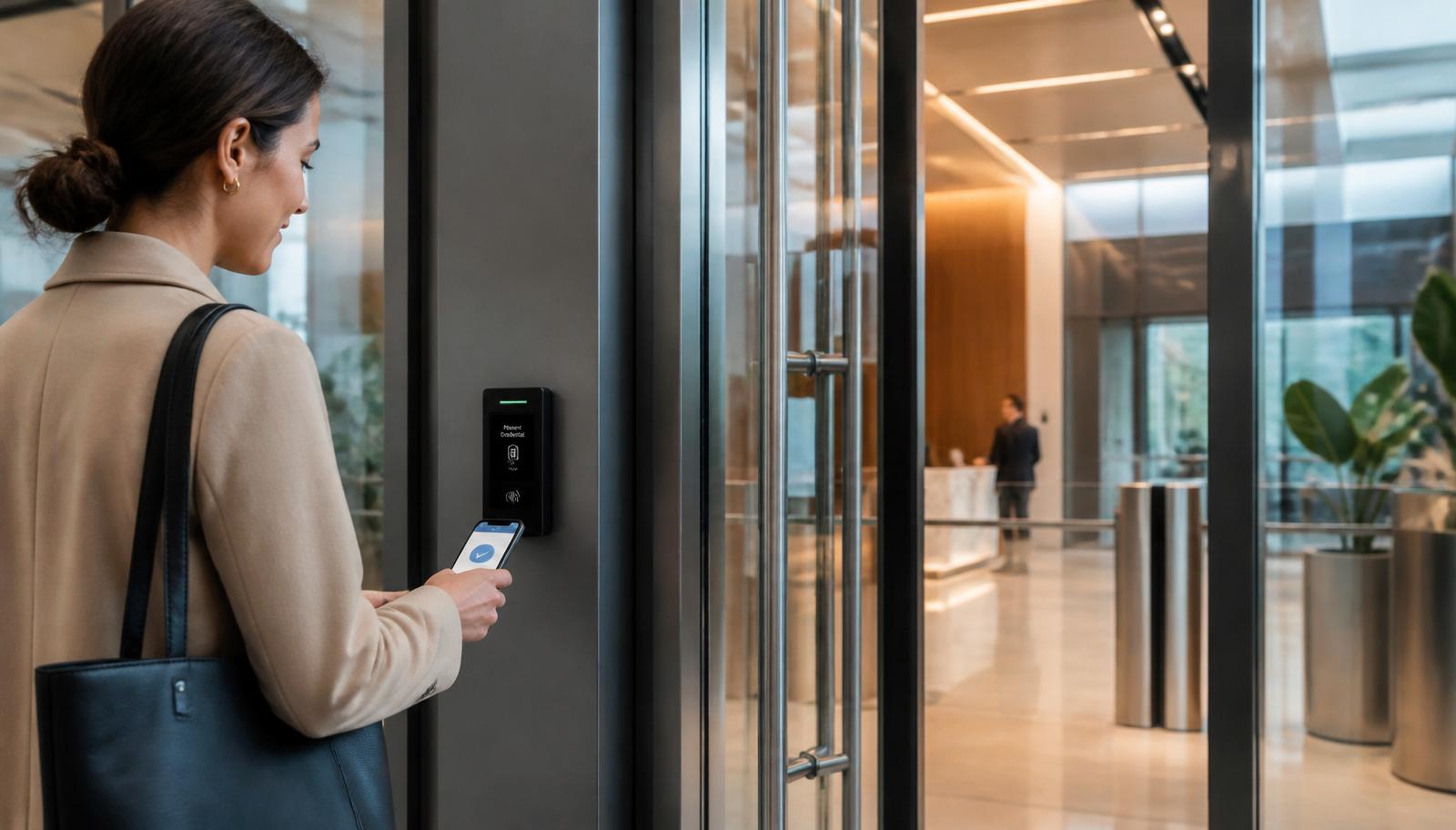
Monday through Friday the church is mostly empty with a handful of staff, often working alone. Public doors should be locked with one controlled staff entrance, ideally with a video intercom so the office can see and speak to a visitor before releasing the door. Credentialed access control replaces the ring of keys nobody can account for, and every entry is logged to a person and a timestamp.
Children & Youth Programs — The Highest-Sensitivity Hours
Nursery, Sunday school, AWANA, youth night, and attached preschool or Christian school hours. The goal is a single supervised way in and out of the children's area, doors that are locked from the corridor side but always free to exit, hallway cameras covering the approach and check-in desk, and camera placement that documents entrances and corridors rather than watching inside classrooms or restrooms. Coverage decisions here should be written into your child-protection policy, not left to the installer.
Evening Events — Partial Occupancy, Whole Campus Unlocked
Small groups, recovery meetings, funerals, weddings, community rentals, and food shelf nights. Someone needs one door open and the rest of the campus closed. Scheduled access control does exactly that: the fellowship hall entrance unlocks from 6 to 9 p.m. while offices, the sound booth, and the children's wing stay locked, and the alarm partitions so the occupied area is disarmed and the rest of the building stays armed.
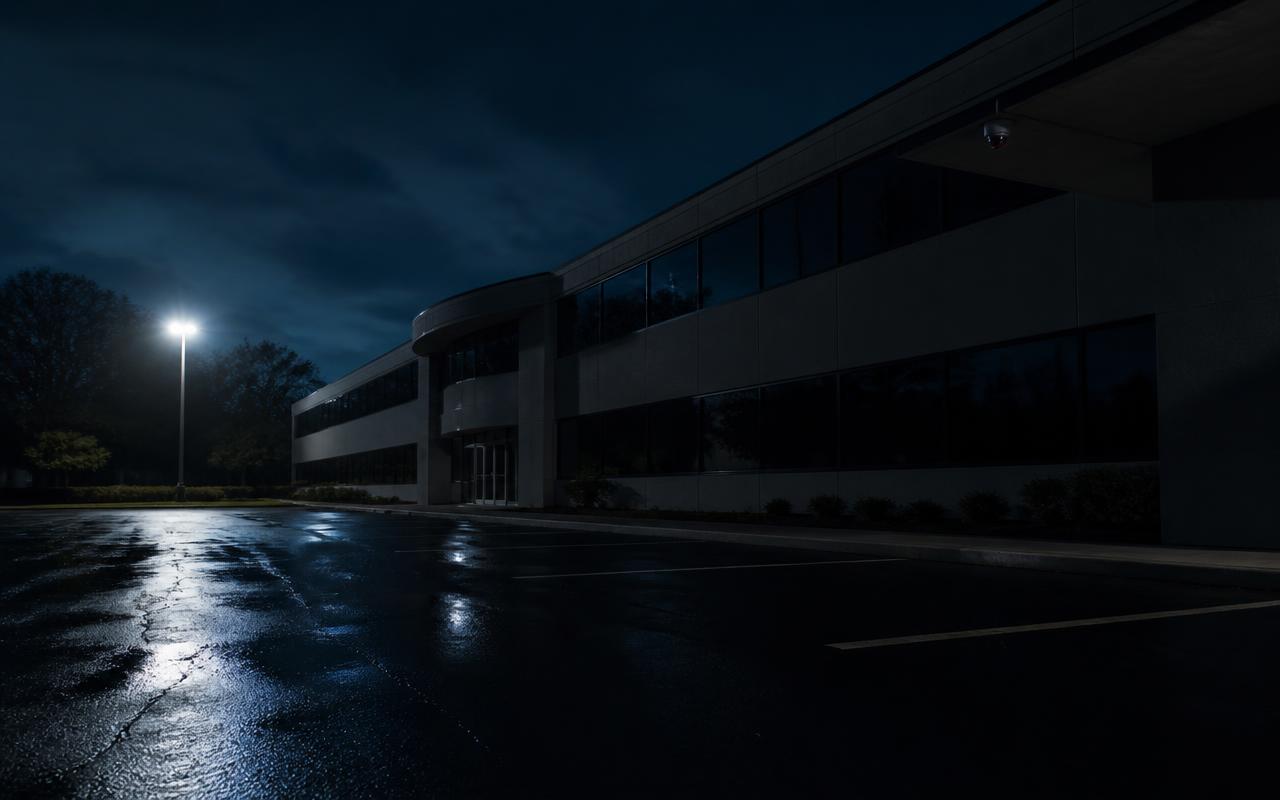
Empty Building & After Hours — Detection and Response
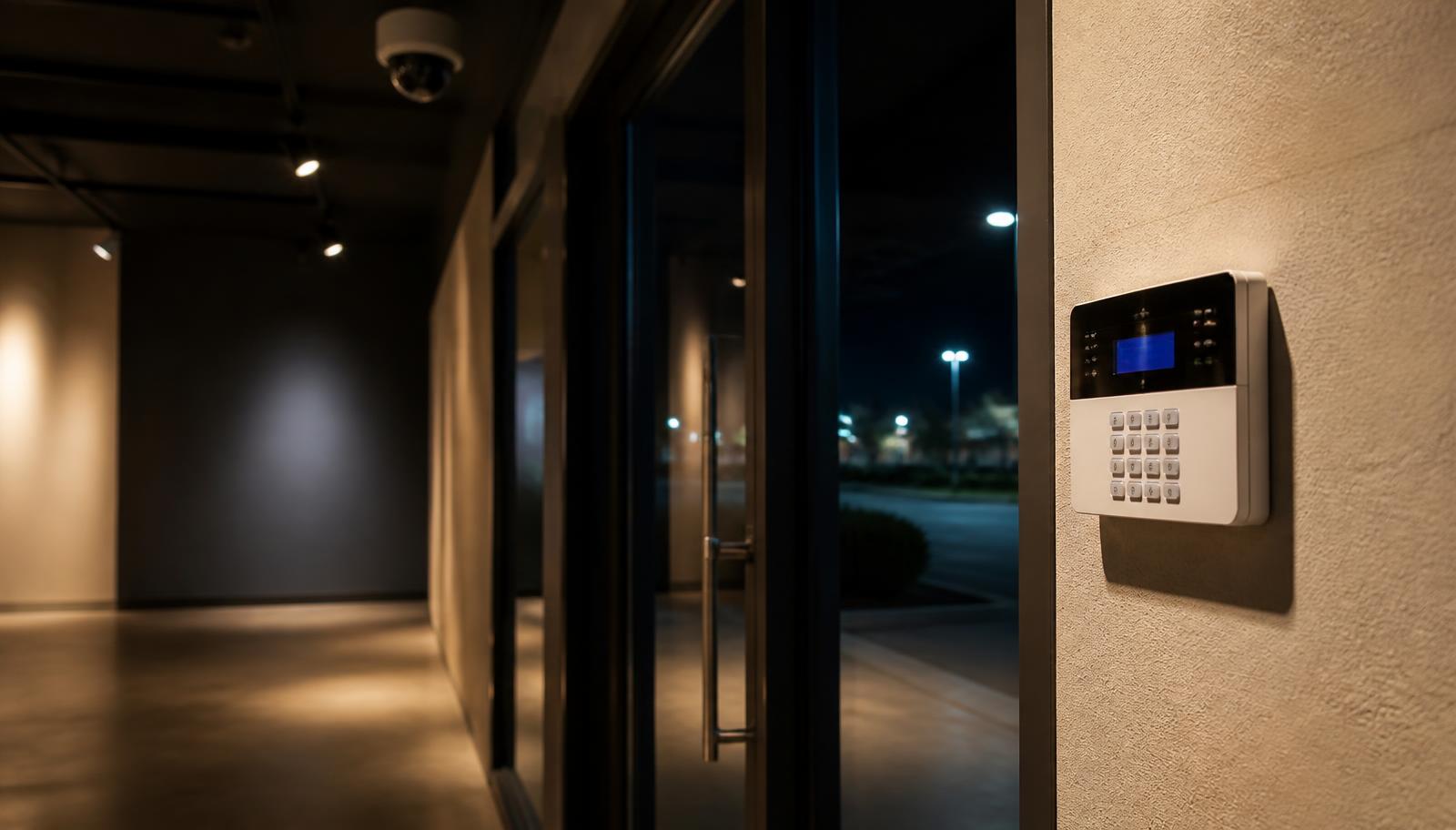
Nights, holidays, and long stretches of weekday quiet. Recording alone changes nothing here — you learn about it Sunday morning. A monitored commercial burglar alarm with door contacts, glass break, and interior motion detects the entry, and for campuses with recurring lot or exterior problems, 24/7 live video monitoring puts an operator on the camera who can issue a voice-down warning and call police while it's happening.
The practical takeaway: cameras document, access control decides who gets where and when, alarms detect, and monitoring responds. A church that buys only cameras ends up with a detailed record of losses it never prevented.
Church Security Cameras: Where Coverage Actually Matters
Camera count is the wrong starting number. What matters is whether each camera answers a specific question. For a typical single-building church, the questions are: who came in, what happened in the lobby, who went toward the children's wing, what happened in the lot, and who was here when nobody should have been.
- Public entrances. Mounted at face height on the approach, not overhead — a ceiling dome above a door produces a beautiful picture of the tops of heads. One camera per commonly used entrance, including the side and fellowship-hall doors people actually use.
- Lobby, narthex, and welcome desk. Wide coverage of the gathering space where most incidents, medical events, and disputes actually occur.
- Corridors toward children's and youth areas. Views of the approach and check-in point. Cameras belong in hallways and at doors, not inside classrooms, nurseries, restrooms, or changing areas.
- Sanctuary and platform. Useful for medical response, crowd awareness, and protecting AV gear — and separate from your streaming cameras, which serve a different purpose.
- Offices, counting room, and safe area. Cash counting and member records deserve documented coverage and a locked door.
- Sound booth, IT room, and equipment storage. Where the expensive, portable, resellable items live.
- Exterior and parking lots. Entrance lanes, building perimeter, dumpster, mechanicals, playground, and any dark corner of the lot. Catalytic converter theft, vandalism, and overnight vehicle activity are the most common real-world church incidents in our area.
Two technical details decide whether footage is usable. Lens and resolution have to be chosen for the distance being covered — a 4MP camera at 90 feet identifies nobody. And retention has to be long enough for a church's slow discovery cycle: something noticed on Sunday may have happened the previous Tuesday, so 30 days is a floor and 60 to 90 days is a better target for most congregations. We size that at design time rather than after the fact. If you want the deeper version of this discussion, see our guide to the hidden costs of a cheap camera installation.
Access Control: Ending the Church Key Problem
Almost every church we walk has the same story. Keys were issued over 20 years to staff, volunteers, board members, choir directors, a scouting group, and a former custodian. Nobody has a list. Someone made copies. Rekeying the campus costs thousands and starts the same cycle again.
Electronic access control solves the underlying problem rather than the current symptom. Credentials — fobs, cards, or phone credentials — are issued to a person, logged on every use, and deactivated in seconds when a volunteer steps down or a staff member leaves. Doors that typically move to credentialed control:
- The primary staff entrance used Monday through Friday
- The church office suite and pastor's office
- The children's and youth wing corridor doors
- Classrooms, nursery, and attached preschool or Christian school entrances
- The counting room, safe room, and records storage
- The sound booth, IT/network room, and AV or instrument storage
- Kitchen, food shelf, and maintenance areas
- Gym, fellowship hall, and any door used by outside groups
Scheduling is where churches get the most day-to-day value. Doors can unlock automatically 30 minutes before service and relock after, a rented gym entrance can open only during the reserved window, and a school wing can follow an entirely different calendar than the sanctuary. Add a video intercom at the weekday entrance and the office can identify a visitor before releasing the door — one of the highest-value, lowest-cost upgrades a church can make. Our full breakdown lives in the Minnesota commercial access control guide.
Code note: every access-controlled door still has to allow free egress and meet fire and life-safety code, and doors in the exit path have to release on a fire alarm. This is not an area to improvise — hardware selection should be coordinated with your fire alarm contractor and the local authority having jurisdiction.
Burglar Alarms for a Building That's Empty Most of the Week
Churches are unusual targets. Thieves know the building is unoccupied for long stretches, that the offices hold cash from a recent offering, and that a sound booth is full of resellable equipment. A monitored intrusion system is the layer that turns an empty building from an open opportunity into a detected event.
A church system should be partitioned rather than all-or-nothing, so the fellowship hall can be occupied for an evening group while the offices, children's wing, and sanctuary stay armed. Practical components include door contacts on every exterior door, glass break in the office and lobby areas, interior motion in corridors and high-value rooms, and cellular communication so a cut phone line or an internet outage doesn't silence the system. Environmental sensors are worth adding in Minnesota: a low-temperature sensor and water detection near the boiler, kitchen, and baptistry have saved churches more money than the burglar side ever will.
Panic and duress deserve a deliberate conversation. Fixed hold-up buttons at the reception desk and in the counting room, and mobile or wearable panic devices for staff working alone or for safety-team members during services, provide a discreet way to summon help. These should be tied to a written response plan and coordinated with local law enforcement — the button is a notification tool, not a safety strategy. Discuss placement, who carries them, and what happens on activation before a single device is installed.
Protecting AV, Instruments, and Technology
Ask a church what its most expensive movable assets are and the answer is usually the sound board, the streaming and camera gear, the projectors, the wireless microphone racks, the keyboards and guitars, and the laptops. That equipment sits in rooms that dozens of volunteers pass through weekly.
Protection here is layered and mostly unglamorous: credentialed locks on the booth, IT room, and instrument storage so access is limited and logged; cameras covering those doors; alarm motion detection in the equipment rooms when the building is armed; and an inventory with serial numbers stored off-site. Physical restraints and locking racks handle the rest. It's also worth putting the recorder, network switch, and access controller on battery backup — a power blip shouldn't take your security system down.
Network and Wi-Fi: The Layer Everything Else Rides On
Modern church technology all runs over the same cabling. Cameras, access control panels, door intercoms, VoIP phones, streaming encoders, wireless access points for staff and guests, classroom devices, and the check-in kiosks in the children's wing are all network devices now. When the network is an afterthought, the symptoms show up as dropped streams during service, cameras that go offline randomly, and a check-in system that stalls on Sunday morning.
What we design for churches: proper structured cabling to every device with certified terminations, PoE switching sized with real headroom, and a network segmented so that guest Wi-Fi, cameras, access control, and church business traffic are separated — guests should never share a flat network with your security system or member records. Wireless coverage gets planned for the sanctuary, fellowship hall, classrooms, and gym, where hundreds of phones connect at once, plus the parking lot if your ministry uses it. If your building is being remodeled or expanded, our article on installing low voltage infrastructure before drywall will save you real money.
Older Churches: Retrofitting Without Wrecking the Building
Minnesota is full of beautiful century-old churches with plaster walls, stone exteriors, no accessible ceilings, additions built in four different decades, and conduit that ends nowhere. Modern security absolutely goes into these buildings — it just takes planning instead of a template.
Practical approaches we use: surface raceway routed along existing trim lines and painted to match, fiber or wireless bridges between buildings instead of trenching a historic lawn, PoE devices that need one cable instead of separate power runs, careful core drilling coordinated with the trustees, and door hardware chosen to fit existing frames rather than replacing them. In sanctuaries, camera and device placement is chosen for sightlines and discretion — an oversized dome on a stained-glass wall is a design failure, not a security feature. Expect a phased plan: entrances and children's areas first, then offices and equipment rooms, then exterior and lot coverage as budget allows.
Multi-Building Campuses, Christian Schools, and Daycares
Once a church adds a school, daycare, gym, parsonage, or separate youth building, it stops being one security project and becomes a campus. The design questions change: how the buildings connect (fiber or a licensed wireless link rather than a second internet account per building), how one credential works across all of them with different schedules per building, how a lockdown is initiated and what it actually does, and how school-hour policies differ from Sunday policies in the same rooms.
Attached daycares and preschools bring their own licensing and documentation requirements, which we cover in Minnesota child care camera requirements. For the layered approach used by K-12 facilities — which maps closely to a Christian school wing — see The Future of School Security. In every case, technology should follow the safety plan the school and church leadership have already written, not the other way around.
How to Budget and Phase a Church Security Project
Churches fund capital projects differently than businesses, and a good contractor plans around that instead of pushing everything into one quote. The sequence we most often recommend:
- Phase 1 — Doors and detection. Access control on the weekday staff entrance, children's wing, and office suite, plus a monitored, partitioned burglar alarm. This closes the widest gaps for the least money.
- Phase 2 — Core camera coverage. Entrances, lobby, children's corridor, offices, and equipment rooms, on a recorder sized for realistic retention.
- Phase 3 — Exterior and parking lots. Lot lanes, perimeter, playground, and mechanicals — plus live monitoring if the campus has recurring after-hours problems.
- Phase 4 — Network and wireless. Cabling, switching, segmentation, and Wi-Fi coverage upgrades that support everything above and the streaming ministry too.
One caution on funding: churches are frequently solicited by out-of-state companies offering "free" equipment on long monitoring contracts. Read the term, the rate escalators, and who owns the equipment and the video. Systems built on open, non-proprietary platforms can be serviced by any competent contractor later; proprietary ones can't.
Church Security Walkthrough Checklist
- List every exterior door and who currently holds a key to it.
- Identify the single weekday entrance visitors should use, and whether staff can see who is there before unlocking.
- Confirm the children's area has one supervised entry point with free egress.
- Stand at each public entrance and ask whether current footage would identify a stranger's face.
- Check the recorder's real retention in days, not what you were told at install.
- Verify the intrusion alarm is monitored, partitioned, and on cellular backup — then test it.
- Walk the lot after dark and note every unlit corner and uncovered drive lane.
- Confirm the sound booth, IT room, and instrument storage are locked and logged.
- Check whether guest Wi-Fi is separated from cameras, access control, and office computers.
- Confirm the recorder, switch, and access panel are on battery backup.
- Make sure former staff and volunteer credentials are actually deactivated.
- Name the one person responsible for the system and who receives alerts.
Bring that list to a walkthrough and you'll get a real design and an honest quote instead of a camera count.