"How much does it cost to install security cameras for my business?" is the single most common question we get from Minnesota property owners, facility managers, and general contractors. The honest answer is: it depends — but not as much as most sales reps want you to believe. This guide breaks down real 2026 commercial pricing so you can budget accurately and spot bids that are either too cheap or padded.
Quick Answer: Typical Commercial Ranges
- Small business (4–8 cameras): $4,000–$12,000 installed
- Mid-size commercial (10–20 cameras): $12,000–$30,000 installed
- Warehouse / campus (25–60 cameras): $30,000–$100,000+ installed
- Enterprise / multi-site: priced per site, usually with a master service agreement
These ranges assume commercial-grade IP cameras, proper Cat6 cabling, a PoE switch, and either an on-site NVR or cloud recording. Consumer gear from big-box stores is cheaper up front but rarely survives a real commercial environment — and almost never satisfies insurance, loss-prevention, or code requirements.
What Drives Commercial Camera Pricing
1. Camera count and resolution
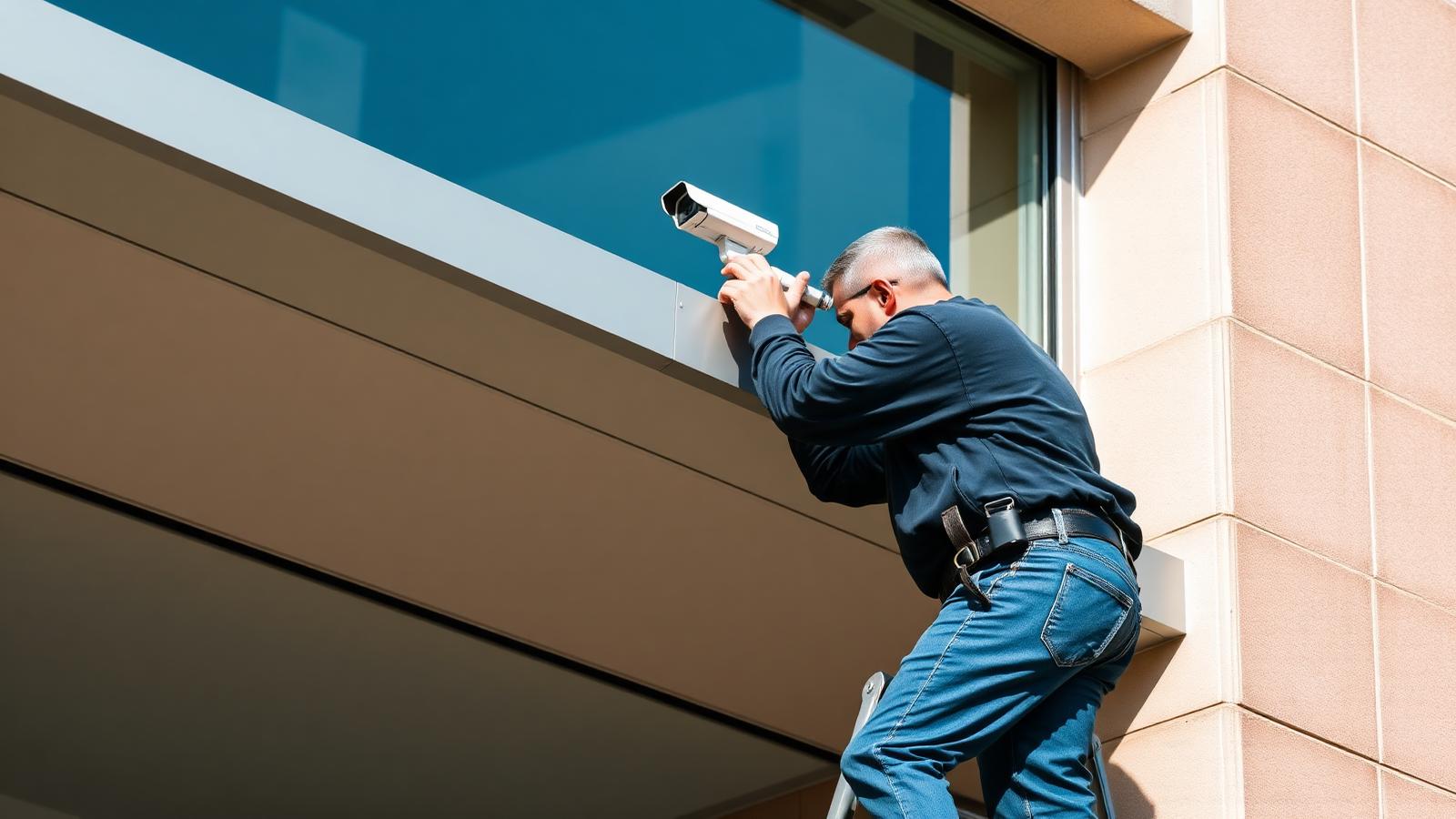
Most commercial installs use 4MP–8MP IP cameras. Expect roughly $600–$1,500 per camera installed, including hardware, mount, cabling, termination, and configuration. Specialty cameras — multi-sensor, PTZ, thermal, LPR (license plate recognition) — cost more.
2. Cabling difficulty
The camera itself is often the cheapest part. What swings a bid is low voltage cabling: open ceilings vs. drywall, tall ceilings requiring a lift, conduit runs, exterior penetrations, and distance from the IDF closet. A 200-ft outdoor run through masonry costs several times what a 30-ft drop into an open warehouse ceiling does.
3. Storage: NVR vs. cloud
- On-site NVR: one-time hardware cost ($1,500–$6,000 depending on channels and drive size). No monthly fee, full data ownership.
- Cloud recording: low upfront cost, but $10–$30 per camera per month adds up quickly at scale.
- Hybrid: on-site recording with cloud backup of key events — increasingly common for multi-site portfolios.
4. Network and PoE
Commercial cameras need managed PoE switches, sometimes a dedicated VLAN, and enough uplink to handle simultaneous streams. Budget $500–$2,500 for switching depending on camera count. Skimping here shows up later as dropped streams and choppy playback.
5. Analytics and integrations
AI-based line-crossing, loitering detection, people counting, and license plate recognition can add per-camera licensing. Integration with access control, alarms, or a video management system (VMS) also affects labor and licensing.
6. Monitoring
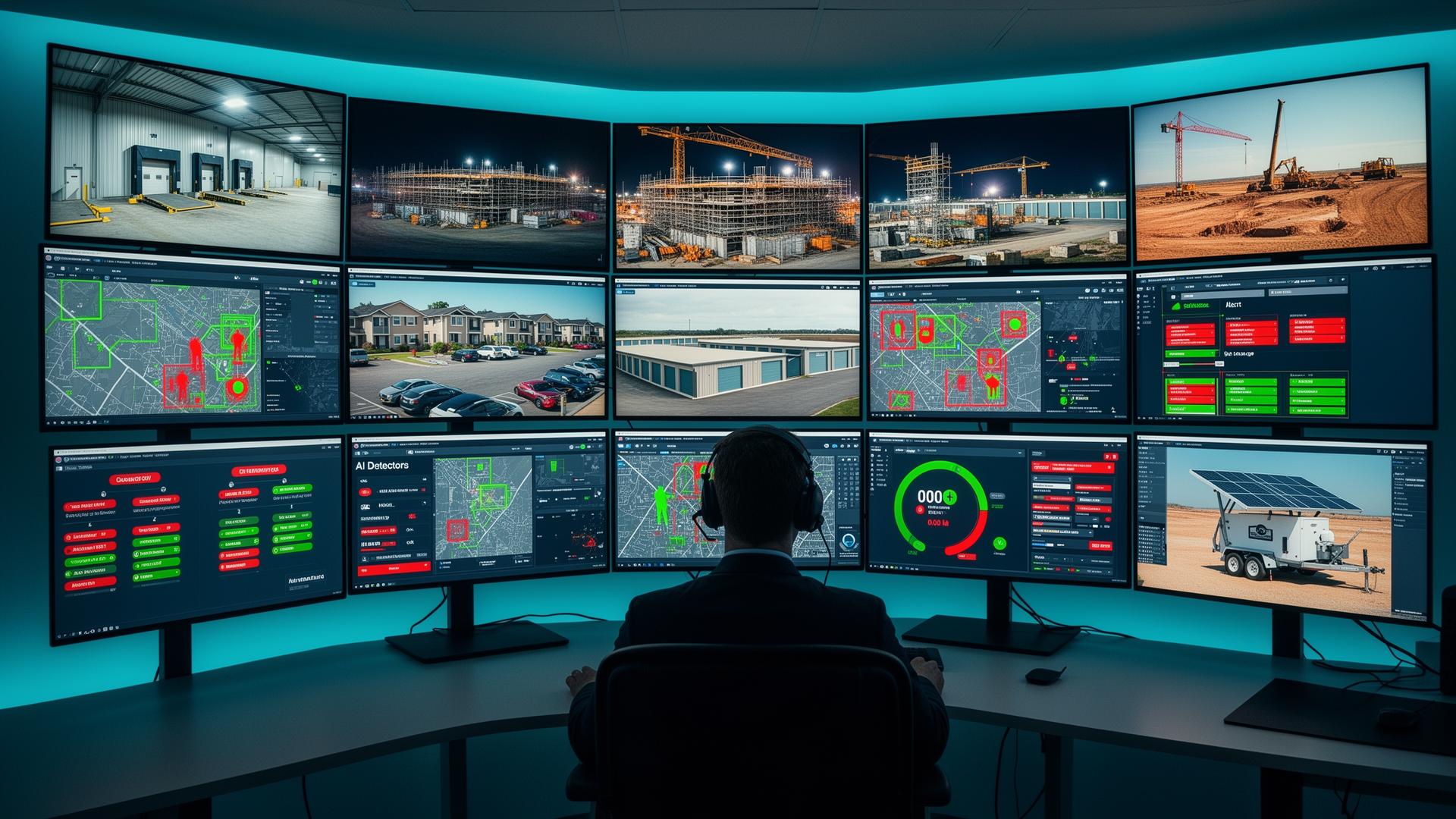
Recorded video is useful after an incident. If you want to prevent one, add 24/7 live video monitoring — a monthly per-site or per-camera service where trained operators watch feeds during high-risk hours and issue audio talk-downs in real time.
What Should Be On Every Commercial Camera Bid
- Written camera coverage map (not just a spreadsheet of quantities)
- Camera make, model, and resolution — not just "IP camera"
- Cable type and count (Cat6 vs Cat6A, plenum where required)
- PoE switch spec and rack/enclosure location
- NVR spec, drive size, and retention days — or cloud plan details
- Labor line items broken out from materials
- Warranty terms and service response time
- Who owns the video, the credentials, and the admin password
If any of these are missing, ask before you sign. A bid without a coverage map is a guess.
Why Two Minnesota Bids Can Differ by $10,000
We regularly see three bids on the same building come back at wildly different numbers. Common reasons:
- One bid uses consumer/prosumer cameras, the others use commercial IP
- One bid assumes existing cabling is reusable when it isn't
- One bid skips exterior weatherproofing, surge protection, or grounding
- One bid quotes 4MP cameras, another 8MP with better low-light sensors
- One bid buries labor in "system" line items to look cheaper
- One bid locks you into a 5-year monitoring contract to subsidize hardware
Comparing bids apples-to-apples is more valuable than chasing the lowest number. Our commercial security systems buyer's guide walks through how to normalize bids and evaluate contractors.
New Construction: The Cheapest Time to Install
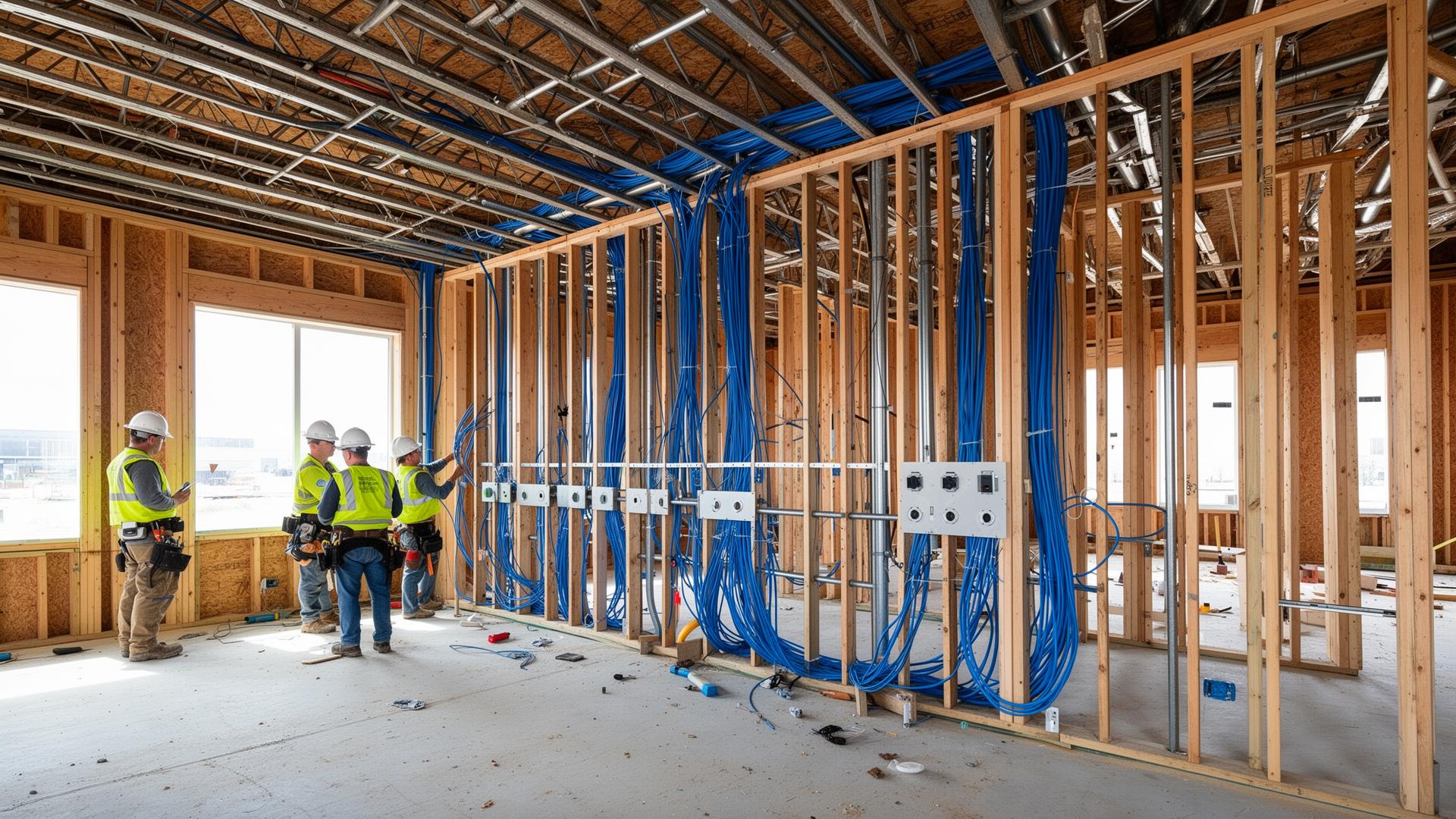
If your building is still in framing, cabling for cameras costs a fraction of what it will after occupancy. See Install Low Voltage Infrastructure Before Drywall for how to coordinate camera locations, door hardware, and network runs with the GC.
Retrofits and Camera Replacements
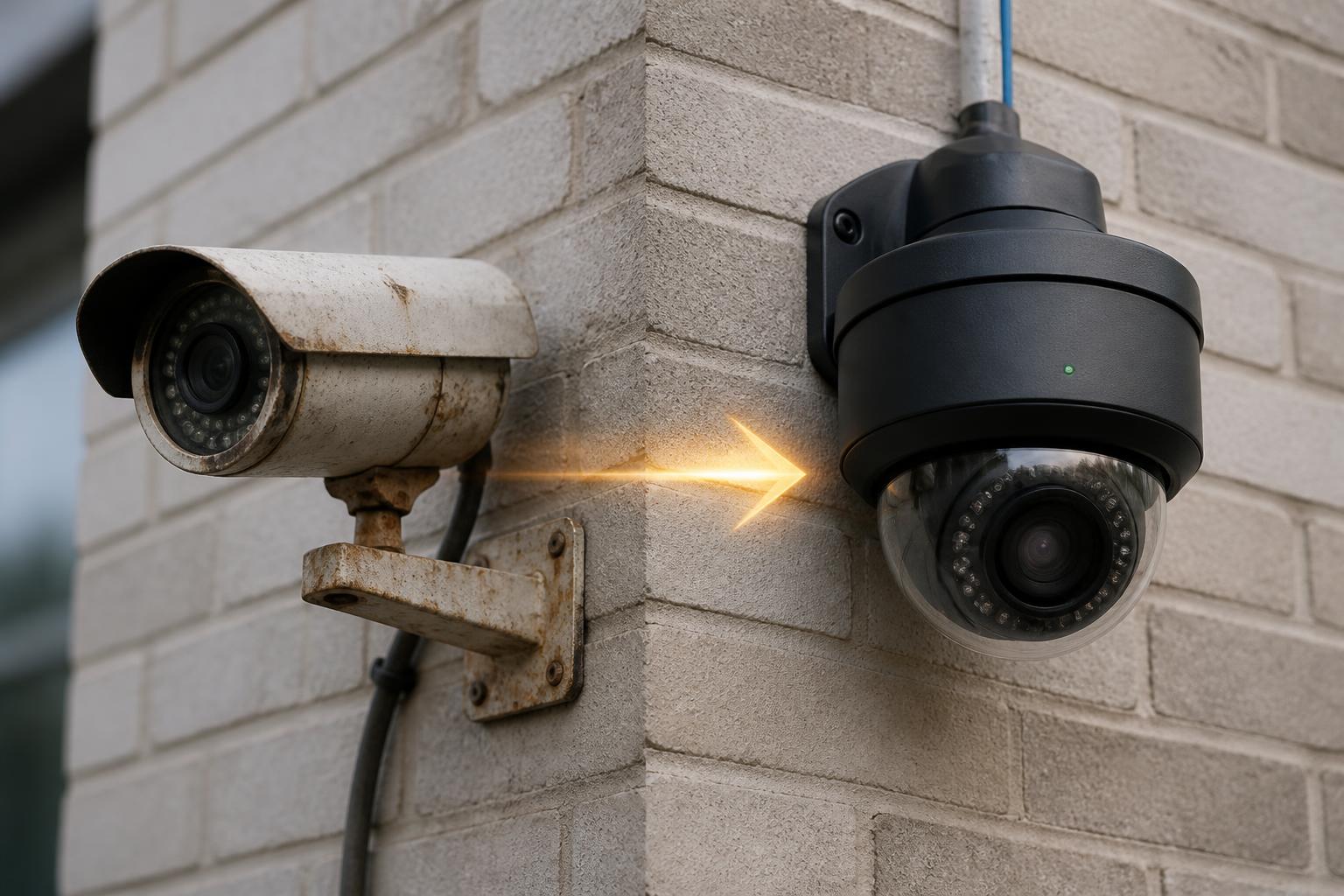
If you're replacing an aging analog or first-gen IP system, budget for:
- New Cat6 pulls if existing cable is coax or Cat5
- New NVR sized for higher-resolution streams
- Patchwork and paint touch-ups
- Temporary coverage during cutover
For guidance on when a replacement is worth it, see How Often Should Businesses Replace Security Cameras.
Local Coverage
Magnuson Low Voltage Wiring installs commercial camera systems across the Twin Cities metro, greater Minnesota, and western Wisconsin. See our service areas or explore recent commercial camera projects.
Get a Real Number for Your Building
Every accurate camera quote starts with a site walk. If you'd like an itemized, apples-to-apples bid for your commercial property, we're happy to walk the space and put a real number on paper — no monitoring contract required.