Most businesses don't think much about their Wi-Fi—until employees start complaining.
Slow internet, dropped video calls, poor warehouse coverage, buffering security cameras, and unreliable wireless connections are often blamed on the internet provider. In reality, the problem is frequently the wireless network itself.
A properly designed commercial Wi-Fi system does far more than provide internet access. It supports employee productivity, security cameras, cloud applications, VoIP phones, access control systems, mobile devices, and countless other technologies businesses rely on every day.
Wi-Fi Is Infrastructure—Not an Afterthought
Many businesses still rely on the same wireless router that was installed years ago. As companies grow, so do the demands placed on their network. Modern offices, warehouses, clinics, churches, and retail spaces may have dozens—or even hundreds—of connected devices competing for bandwidth.
Examples include:
- Laptops
- Smartphones
- Tablets
- Security cameras
- Access control systems
- VoIP phones
- Smart TVs
- Wireless printers
- Building automation systems
Your Wi-Fi network should be designed for today's business—not yesterday's.
Five Signs Your Business Wi-Fi Needs an Upgrade
1. Dead Zones
If employees lose Wi-Fi in certain offices, warehouses, conference rooms, or loading docks, your wireless coverage likely needs improvement.
2. Slow Performance During Busy Hours
If the network slows dramatically when everyone arrives in the morning or during meetings, your wireless infrastructure may be overloaded.
3. Buffering Security Cameras
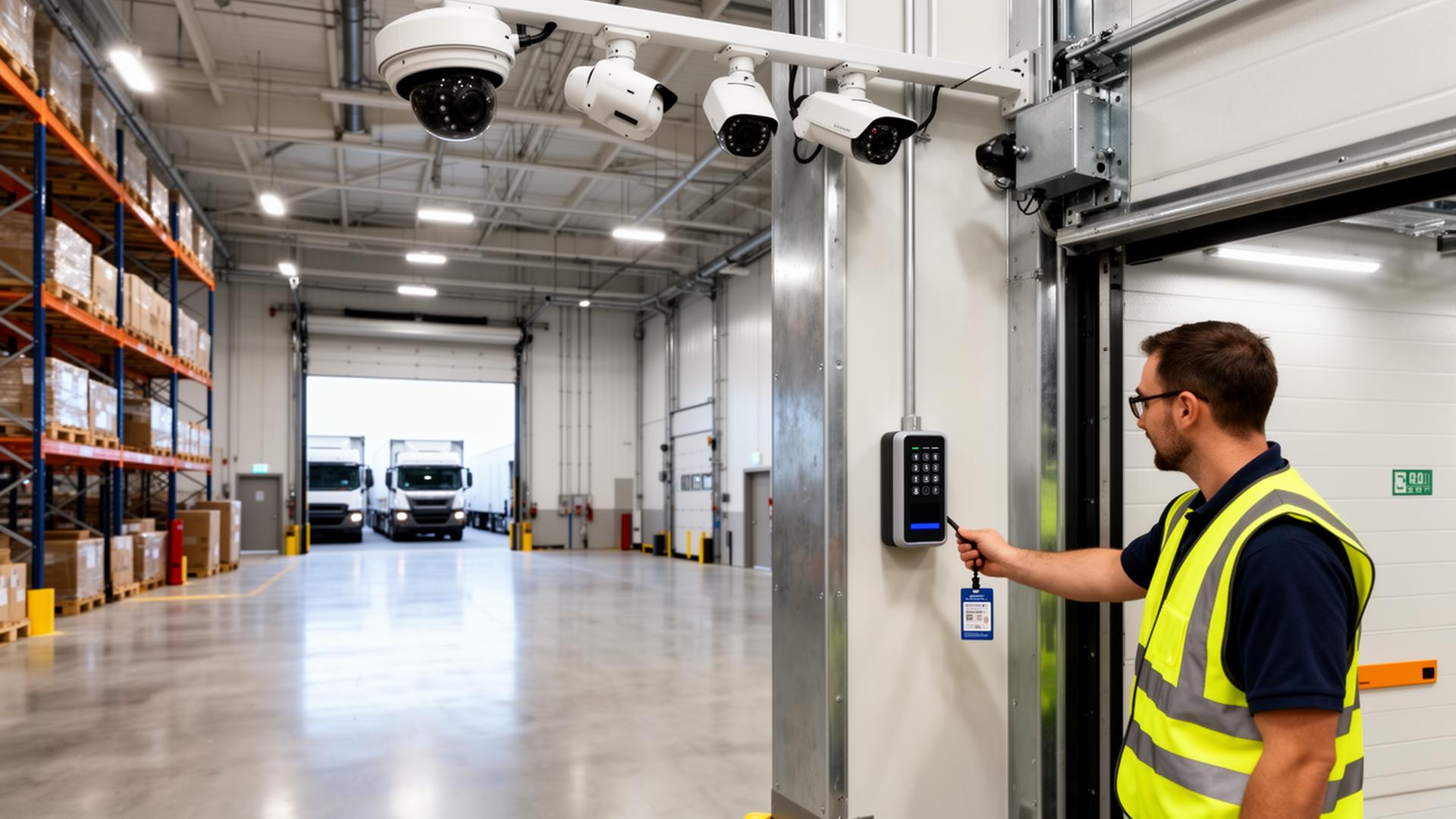
Commercial security cameras depend on a reliable network. Poor wireless performance can affect remote viewing, cloud connectivity, and overall system responsiveness.
4. Frequent Disconnects
Employees shouldn't need to reconnect throughout the day. Modern enterprise Wi-Fi systems are designed for seamless roaming between access points.
5. You've Added Devices but Never Upgraded the Network
Every new device consumes network resources. Businesses often add cameras, phones, tablets, TVs, and access control systems without evaluating whether the wireless network can support the increased demand.
Commercial Wi-Fi Is Different From Home Wi-Fi
Consumer routers are designed for homes. Commercial environments require greater reliability, coverage, scalability, and management capabilities.
A professionally designed business Wi-Fi network often includes:
- Multiple wireless access points
- Managed PoE switches
- Structured cabling
- VLAN segmentation
- Secure guest Wi-Fi
- Centralized management
The result is better coverage, stronger security, and improved performance for offices, medical clinics, retail businesses, churches, and apartment clubhouses alike.
Choosing the Right Wireless Platform
Several manufacturers build excellent commercial wireless platforms, and each takes a slightly different approach to hardware, licensing, and cloud management. The three platforms we deploy most often for Minnesota businesses are Ubiquiti UniFi, Aruba Instant On, and Cisco Meraki. Each is a strong fit for the right environment — and the right choice depends on building size, IT resources, budget, and how the business plans to grow.
Ubiquiti UniFi
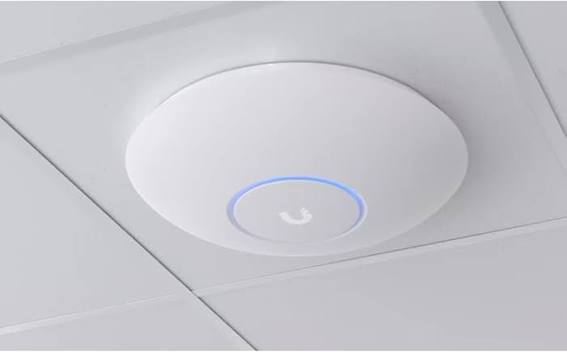
UniFi has become one of the most widely deployed commercial wireless platforms in small and mid-size businesses. It pairs PoE-powered access points with managed switches, security gateways, and the UniFi Network application — a single dashboard that runs on a UniFi Cloud Gateway, a Cloud Key, or fully hosted in the UniFi Site Manager cloud console.
Strengths typically include:
- No per-device licensing fees
- Centralized cloud console with remote access
- Wi-Fi 6 and Wi-Fi 7 access points across multiple price points
- Tight integration with UniFi switches, cameras, door access, and VoIP
- Strong fit for offices, warehouses, churches, apartment clubhouses, and clinics
Aruba Instant On
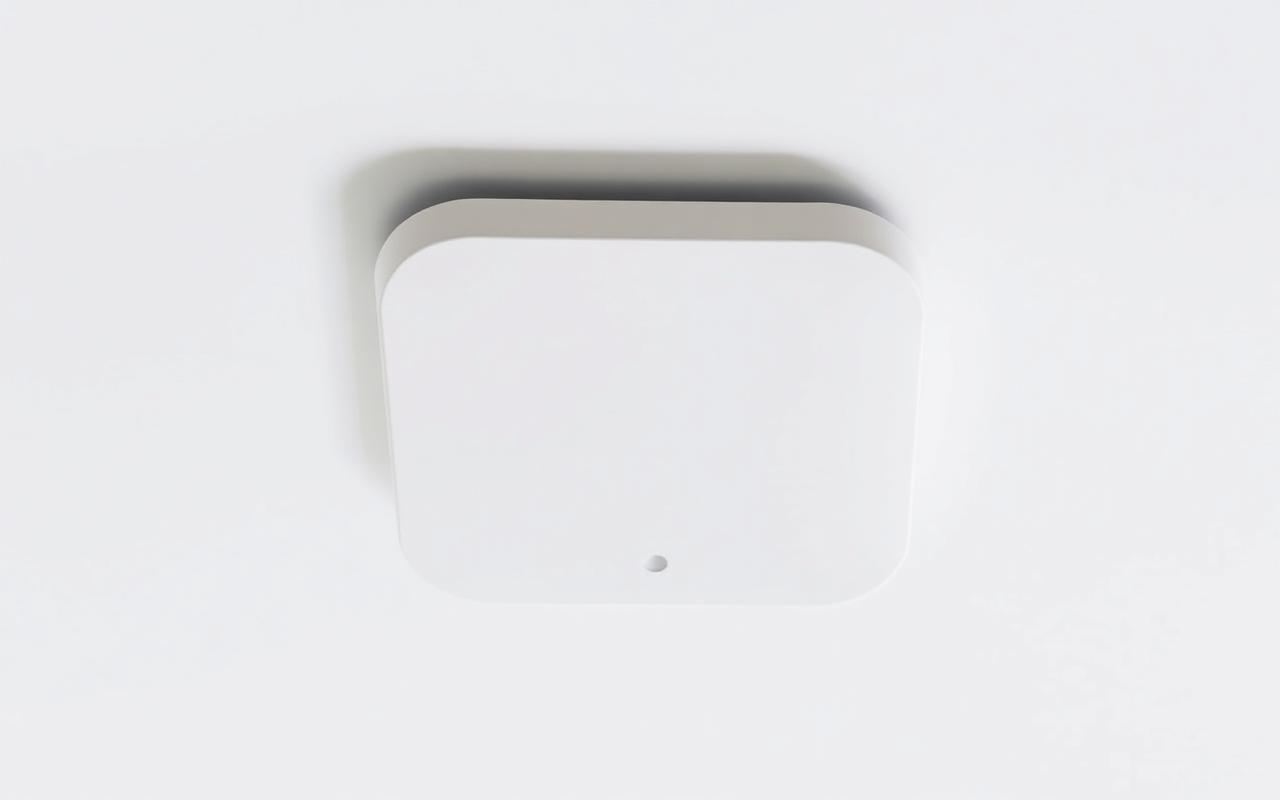
Aruba Instant On is Hewlett Packard Enterprise's small-business line, built on the same wireless engineering as Aruba's enterprise products. Every access point is managed through the Aruba Instant On cloud console or mobile app, with no controller hardware required on site.
Strengths typically include:
- Free lifetime cloud management — no recurring license
- Very simple setup for smaller offices, retail, and clinics
- Built-in application visibility and smart mesh
- Backed by HPE Aruba's enterprise wireless lineage
- Strong fit for single-site businesses that want enterprise reliability without enterprise complexity
Cisco Meraki
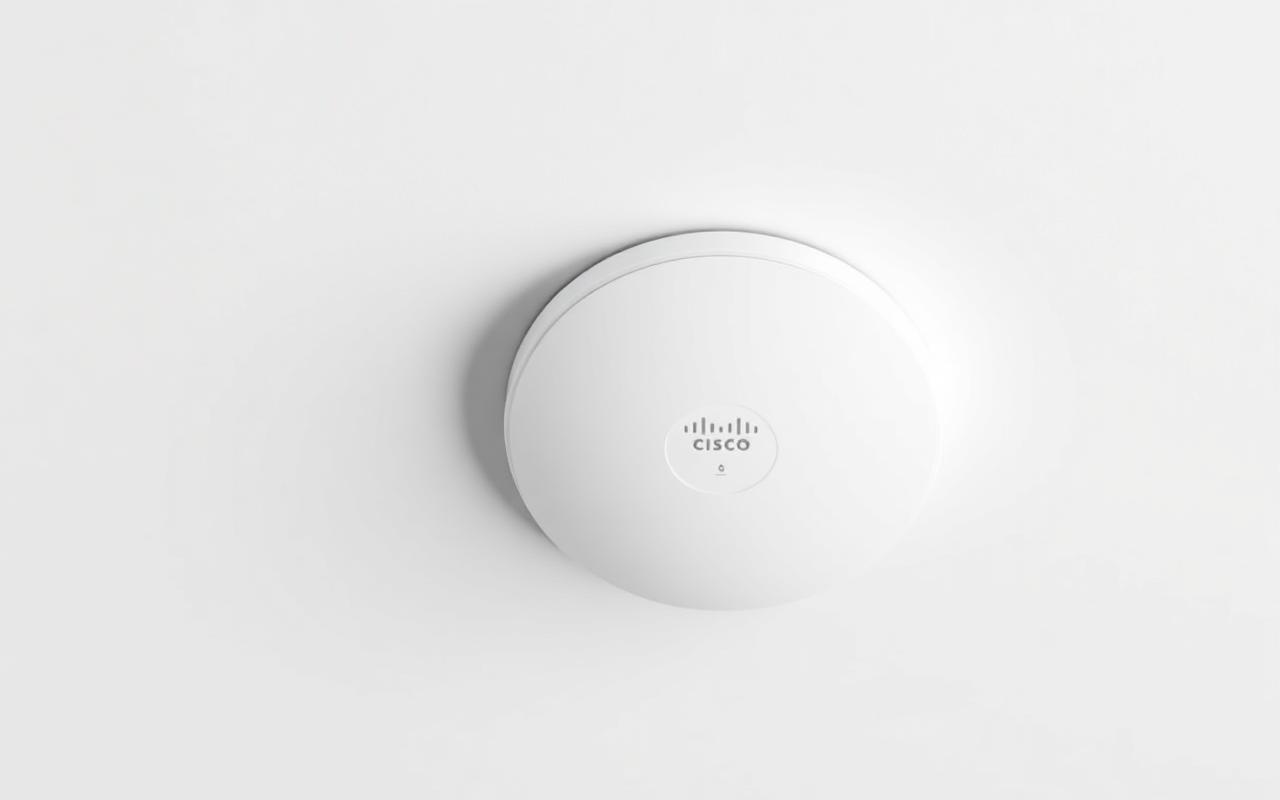
Cisco Meraki is the enterprise standard for fully cloud-managed networking. Access points, switches, security appliances, and cameras all report into the Meraki dashboard, giving IT teams and managed service providers a single pane of glass across one site or hundreds.
Strengths typically include:
- Industry-leading cloud dashboard with deep analytics
- Zero-touch provisioning for multi-site rollouts
- Advanced security, traffic shaping, and application control
- Strong fit for multi-location businesses, schools, healthcare, and large facilities
- Requires active per-device licensing — factor into long-term budget
So Which One Is Best?
There is no universal "best" platform. A 4,000 sq ft dental clinic, a 250,000 sq ft warehouse, a multi-site retail chain, and a church campus all have different requirements. The right wireless platform balances coverage, device density, management style, security needs, growth plans, and total cost of ownership over five to seven years — not just the cost of the access points on day one.
Brand Strengths at a Glance
| Strength | Ubiquiti UniFi | Aruba Instant On | Cisco Meraki |
|---|---|---|---|
| Cloud Console | UniFi Site Manager | Aruba Instant On Cloud | Meraki Dashboard |
| Licensing Model | No recurring license | Free lifetime cloud management | Full-featured enterprise licensing |
| Best-Fit Environment | Offices, warehouses, churches, apartments | Small offices, retail, clinics | Multi-site, schools, healthcare, large facilities |
| Ecosystem Integration | Switches, cameras, door access, VoIP | Switches + cloud-managed networking | Switches, cameras, security, SD-WAN |
| Management Style | Powerful, customizable | Simple and streamlined | Enterprise dashboard with deep analytics |
| Scalability | Excellent across sites | Strong for single-site growth | Industry-leading multi-site |
| Standout Feature | All-in-one ecosystem value | Plug-and-play simplicity | Zero-touch provisioning at scale |
Each of these platforms is a great choice for the right environment. Our job is to help you pick the one that matches how your business actually operates today and where it's heading next.
Cloud Management Has Changed Commercial Wi-Fi
One of the biggest shifts in commercial networking over the last decade is that every major platform is now built around a cloud management console. UniFi Site Manager, the Aruba Instant On cloud and mobile app, and the Cisco Meraki dashboard all let administrators sign in from any browser and manage the entire network remotely — no on-site controller, no VPN gymnastics, no walking the building with a laptop.
What Cloud-Managed Wi-Fi Looks Like
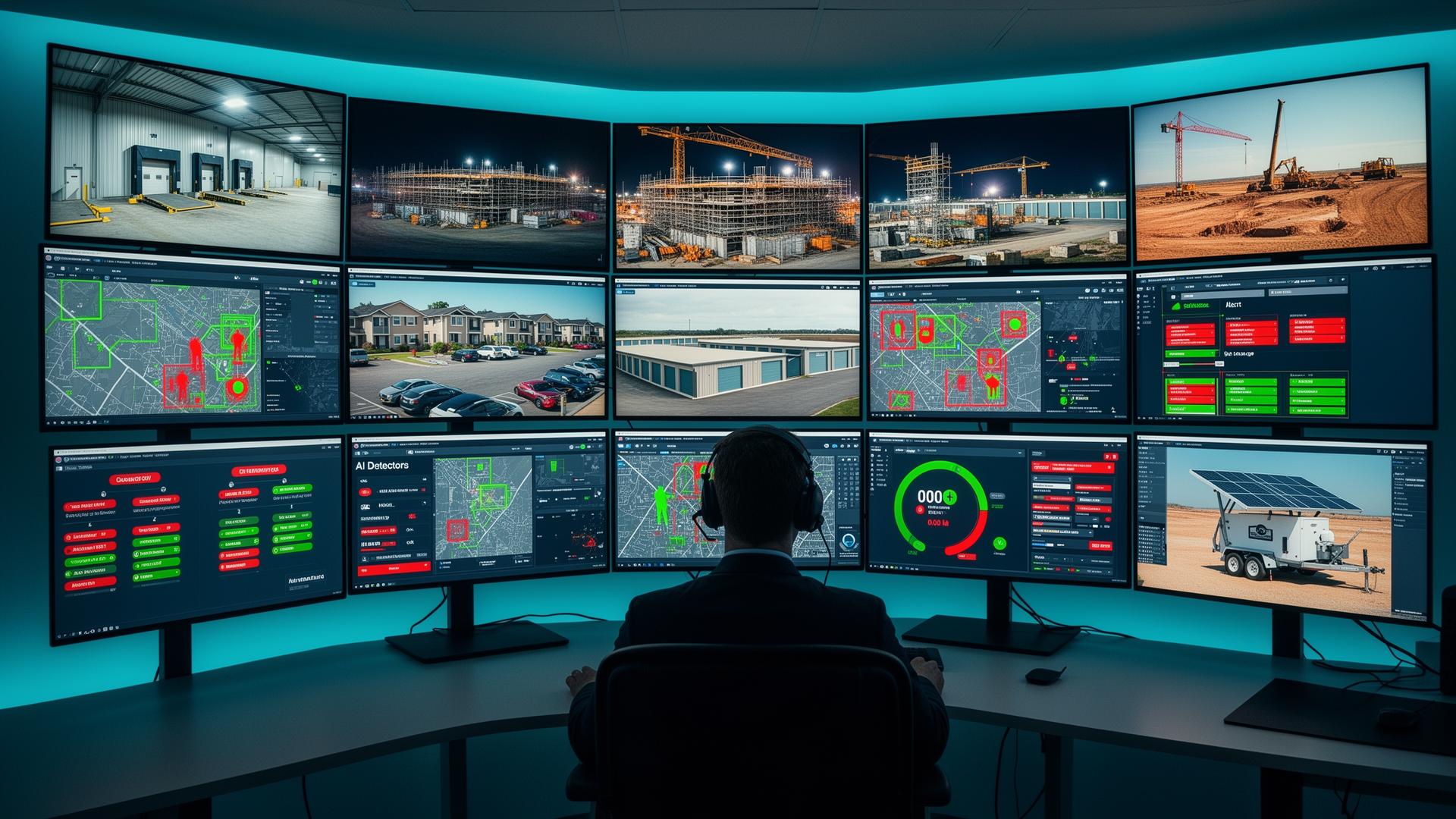
A modern cloud-managed wireless network gives administrators (and your installer) a live view of the entire environment from anywhere with an internet connection.
Capabilities typically include:
- Live status of every access point, switch, and gateway
- Per-device client lists with signal strength, throughput, and uptime
- Bandwidth and application usage reporting
- Centralized SSID and guest network management
- VLAN, firewall, and traffic shaping policies
- Scheduled firmware and security updates
- Alerts for offline equipment, rogue devices, and unusual activity
- Multi-site rollups for businesses with more than one location
Why Cloud Management Matters for Your Business
For the business owner, IT manager, or facility manager, cloud management changes the day-to-day in very practical ways.
Real-world benefits include:
- Most issues are diagnosed and fixed remotely — fewer site visits, less downtime
- New employees, SSIDs, and devices are added in minutes, not hours
- Security cameras, access control, and Wi-Fi can be monitored together
- Configuration is backed up automatically in the cloud
- Hardware can be pre-staged and shipped to remote sites for zero-touch installs
- Reporting supports compliance, insurance, and IT audits
What "Cloud-Managed" Doesn't Mean
Cloud management does not mean your traffic flows through the cloud. Internet traffic, security cameras, VoIP calls, and internal applications still move locally across your wired and wireless network. The cloud is the management plane — the place where the network is configured, monitored, and updated.
That distinction matters in places like manufacturing facilities and clinics where local performance and uptime are critical.
The Value of Having Your Installer Also Manage the Network
Many businesses split their technology relationships across multiple vendors — one company runs cabling, another installs access points, another handles cameras, and a separate IT provider manages day-to-day support. When something breaks, every vendor points at someone else.
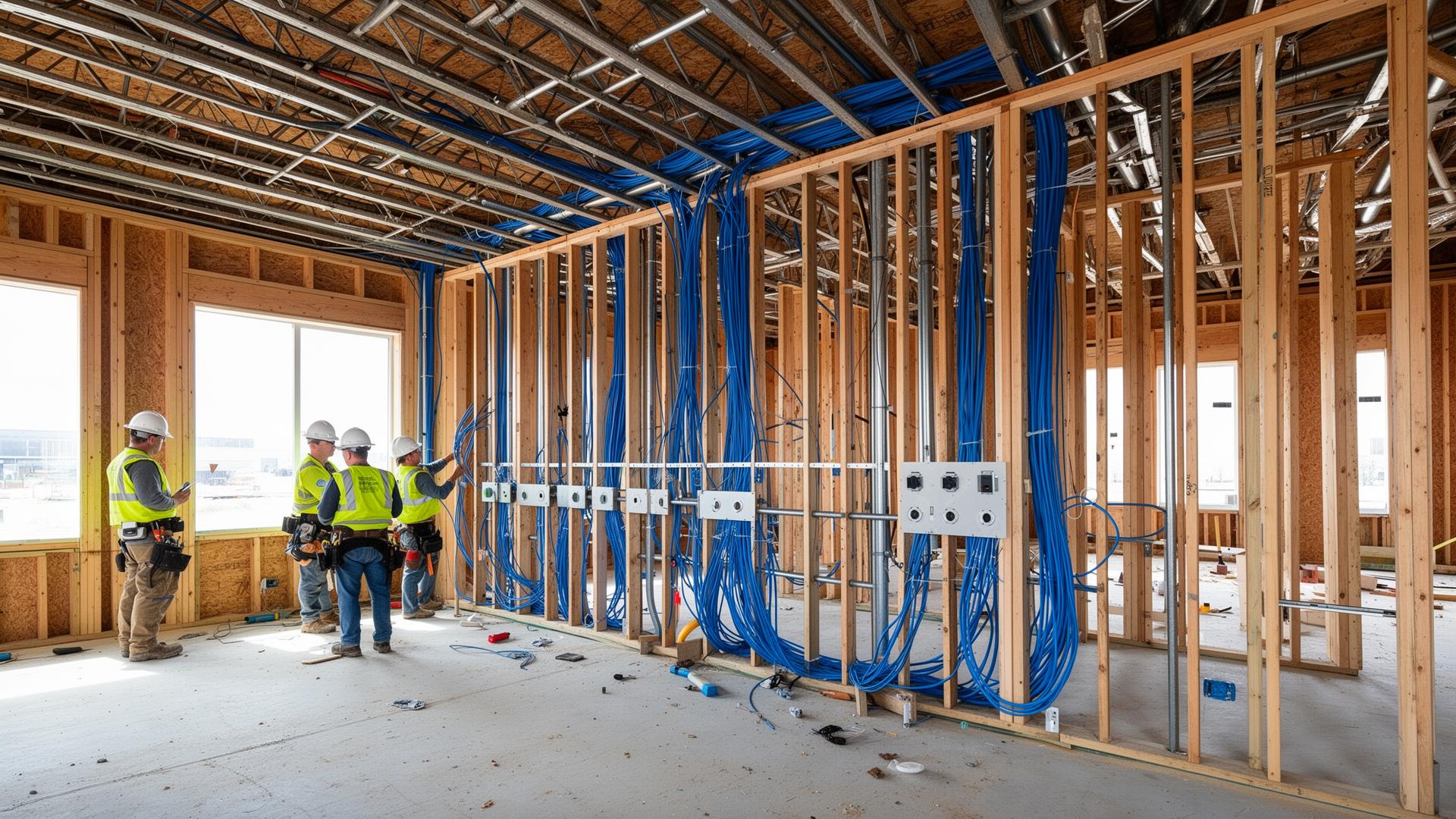
Magnuson Low Voltage Wiring is structured to be a single point of accountability. We design and install the structured cabling, the wireless network, the cameras, and the access control — and then we can stay on as the team that manages and supports the network you depend on. That installer-plus-MSP model has real advantages.
Benefits of having one team install and manage your network:
- One number to call for cabling, Wi-Fi, switching, cameras, and access control
- Faster, more accurate troubleshooting because we built the network
- Proactive cloud monitoring of access points, switches, and cameras
- Remote changes for new users, SSIDs, port configurations, and camera permissions
- Documented network — every drop, switch port, and device tracked
- Lifecycle planning for firmware, warranties, and Wi-Fi standard upgrades
- Coordinated upgrades across wireless, cameras, and access control
- Predictable monthly budgeting under one service relationship
For offices, warehouses, manufacturing facilities, clinics, retail businesses, churches, schools, and apartment communities, having the same team install and manage the network turns Wi-Fi from a recurring headache into a quiet, reliable utility.
Free Commercial Wi-Fi Assessment
Not sure whether your wireless network is keeping up with your business? We'll review your current setup, walk your facility, and send back a written assessment covering coverage, capacity, security, and recommended upgrades — at no cost and no obligation.
- ✅ Coverage and dead-zone review
- ✅ Access point count and placement check
- ✅ Switch, PoE, and cabling evaluation
- ✅ Camera and access control network readiness
- ✅ Written recommendations and rough budget
Warehouse Wi-Fi Requires Special Planning
Warehouses and manufacturing facilities present unique wireless challenges. High ceilings, metal shelving, machinery, and large open spaces all affect signal propagation.
Proper access point placement is essential for:
- Inventory systems
- Barcode scanners
- Tablets
- Wireless equipment
- Mobile workstations
- Employee connectivity
Warehouse Wi-Fi should be designed—not guessed.
Don't Forget the Network Behind the Wi-Fi
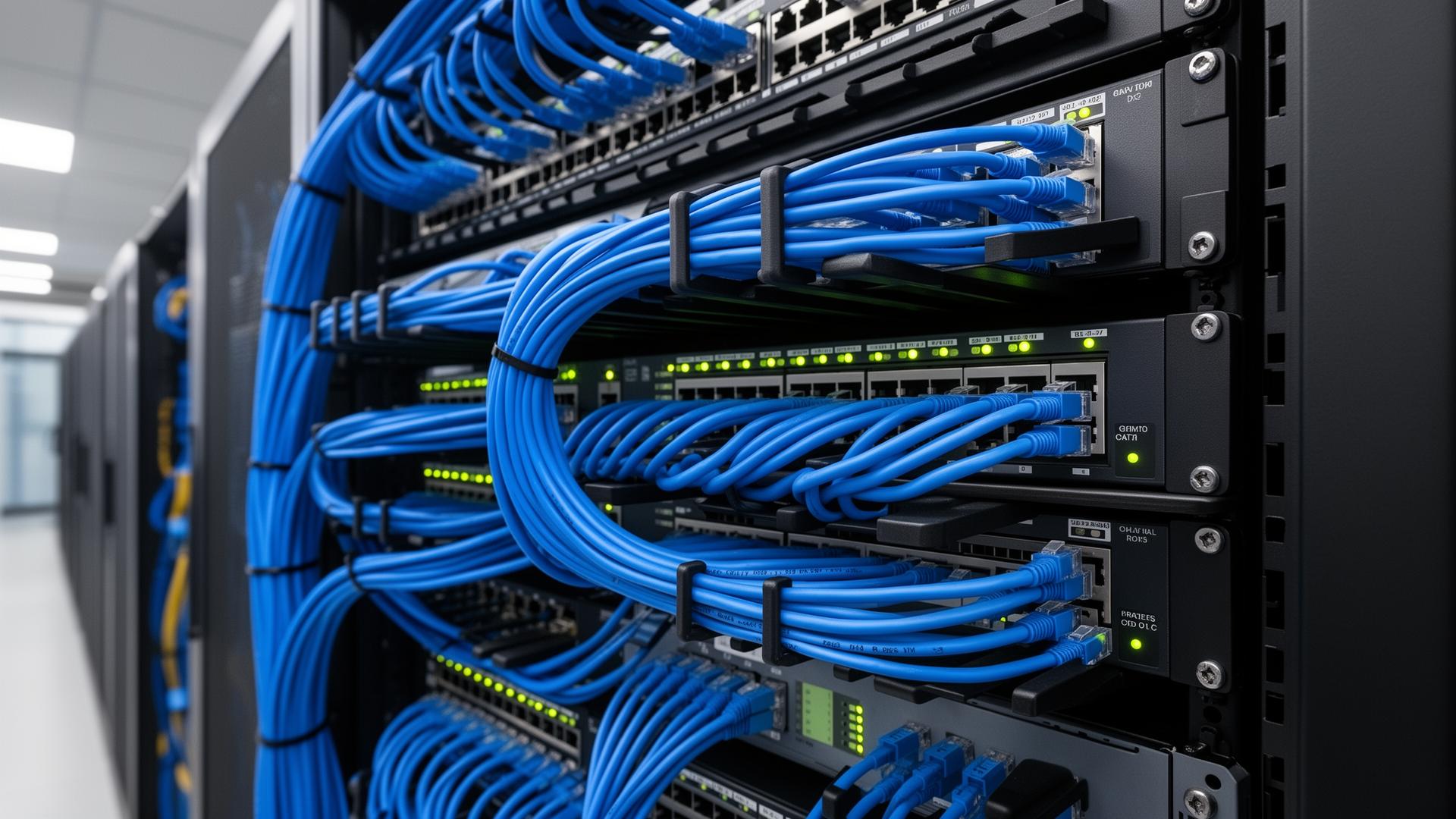
Even the best wireless access points can't overcome a poorly designed network. Commercial Wi-Fi depends on:
- Quality structured cabling
- Managed switches
- Proper PoE budgeting
- Fiber backbone connections where appropriate
- Reliable internet connectivity
Strong wireless performance starts with a strong wired infrastructure. For a deeper look at the wired side, see our guide to network cabling best practices.
Home Wi-Fi vs Commercial Wi-Fi
| Feature | Home Router | Commercial Wi-Fi |
|---|---|---|
| Device Capacity | Limited | High |
| Coverage | Small Areas | Entire Facilities |
| Management | Basic | Centralized |
| Guest Networks | Limited | Advanced |
| Scalability | Limited | Excellent |
| Security | Basic | Enterprise Features |
| Roaming | Limited | Seamless |
| Long-Term Reliability | Moderate | High |
Businesses benefit from enterprise-grade wireless infrastructure because it's designed for the realities of commercial environments: high device counts, varied building layouts, mission-critical applications, and the need to scale as the business grows.
Business Wi-Fi Health Check
Business Wi-Fi Health Check
- ✅ Strong coverage throughout the building
- ✅ Reliable roaming between access points
- ✅ Sufficient bandwidth
- ✅ Secure guest Wi-Fi
- ✅ Proper network segmentation
- ✅ Commercial-grade access points
- ✅ Structured cabling
- ✅ Room for future expansion
- ✅ Support for cameras and access control
- ✅ Centralized management
Serving Minneapolis, St. Paul & East Central Minnesota
Magnuson Low Voltage Wiring designs and installs commercial Wi-Fi networks, structured cabling, security cameras, access control systems, and low-voltage infrastructure for businesses throughout Minneapolis, St. Paul, Forest Lake, Cambridge, North Branch, Pine City, and communities across East Central Minnesota.
Whether you're expanding an office, upgrading a warehouse, or building a new commercial facility, we can design a reliable network that supports your business today and scales for tomorrow. Contact us to start the conversation.