If you're pricing out network cabling for an office move, remodel, expansion, or new build-out, you've probably noticed that quotes from different contractors can look nothing alike. One is a single line item with a per-drop price. Another is a multi-page scope with cable types, pathway notes, rack elevations, and testing requirements. It's hard to compare them — and harder to know what a professional data cabling installation is actually supposed to include.
At Magnuson Low Voltage Wiring, structured cabling is the core of what we do — offices, warehouses, medical and dental clinics, schools, churches, retail, and multifamily properties across Minneapolis, St. Paul, the north metro, the I-35 corridor, East Central Minnesota, and Western Wisconsin. This article walks through what a professional commercial cabling project should look like from the first walkthrough to the final test report, so you can evaluate any quote — ours or anyone else's — with confidence.
What a Professional Cabling Installation Actually Includes
A professional structured cabling contractor delivers more than cable in the walls. A complete installation should include all of the following — and your quote should say so explicitly:
- A site walkthrough and documented design before any cable is pulled
- The right cable for the job — Cat6 or Cat6A for horizontal runs, fiber for backbones and building-to-building links
- Proper pathways and supports — J-hooks, cable tray, conduit where required, and correct separation from electrical
- A rack or wall-mount enclosure with patch panels, cable management, and room to grow
- Consistent labeling at both ends of every cable, matching a delivered floor plan or drop schedule
- Testing and certification of every drop, with results delivered to you in writing
- Cleanup and documentation — a finished IT room, not a pile of scraps
If any of those are missing from a quote, ask why. The difference between a cheap installation and a professional one almost always lives in this list.
The Process: What Should Happen, Step by Step
1. The Site Walkthrough
Everything starts with a walkthrough — not a quote over the phone. A contractor who prices a job sight-unseen is guessing, and the change orders will arrive later. During a walkthrough we're looking at far more than where desks go:
- Where the network equipment will live (and whether that room has power, cooling, and space)
- Ceiling type and access — open structure vs. drop ceiling vs. hard lid
- Existing cable that could be reused, and cable that should be abandoned or removed
- Pathways between floors or buildings, and firestopping requirements
- Which walls are being opened, moved, or built as part of the remodel
- Where you'll need Wi-Fi access points, cameras, access control, printers, and phones — not just workstations
2. Design and a Written, Itemized Estimate
After the walkthrough you should receive a written scope: drop counts by location, cable type, rack and equipment layout, pathway work, and testing requirements. This is the document that lets you compare contractors apples-to-apples — and the document that protects you if the finished job doesn't match what was promised.
3. Installation
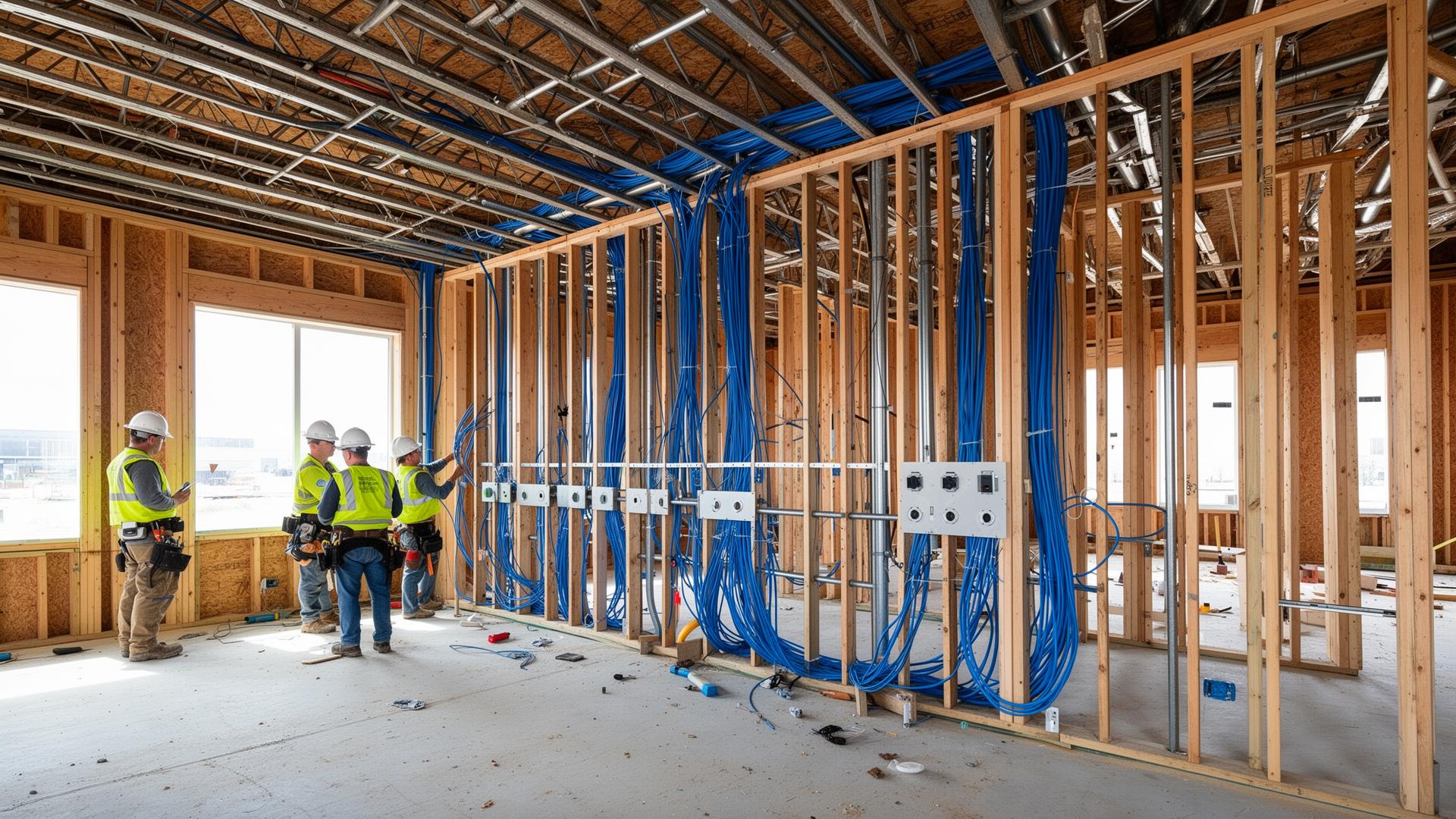
On installation day, professional crews pull cable in organized bundles, dress and support it on proper hardware (never draped over ceiling tile or resting on lights), maintain bend radius, keep data cable separated from electrical lines, and firestop every penetration. In an occupied building, a professional crew also works around your operations — clean work areas, contained ceiling work, and clear communication about where they'll be each day.
4. Termination, Racks, and Labeling
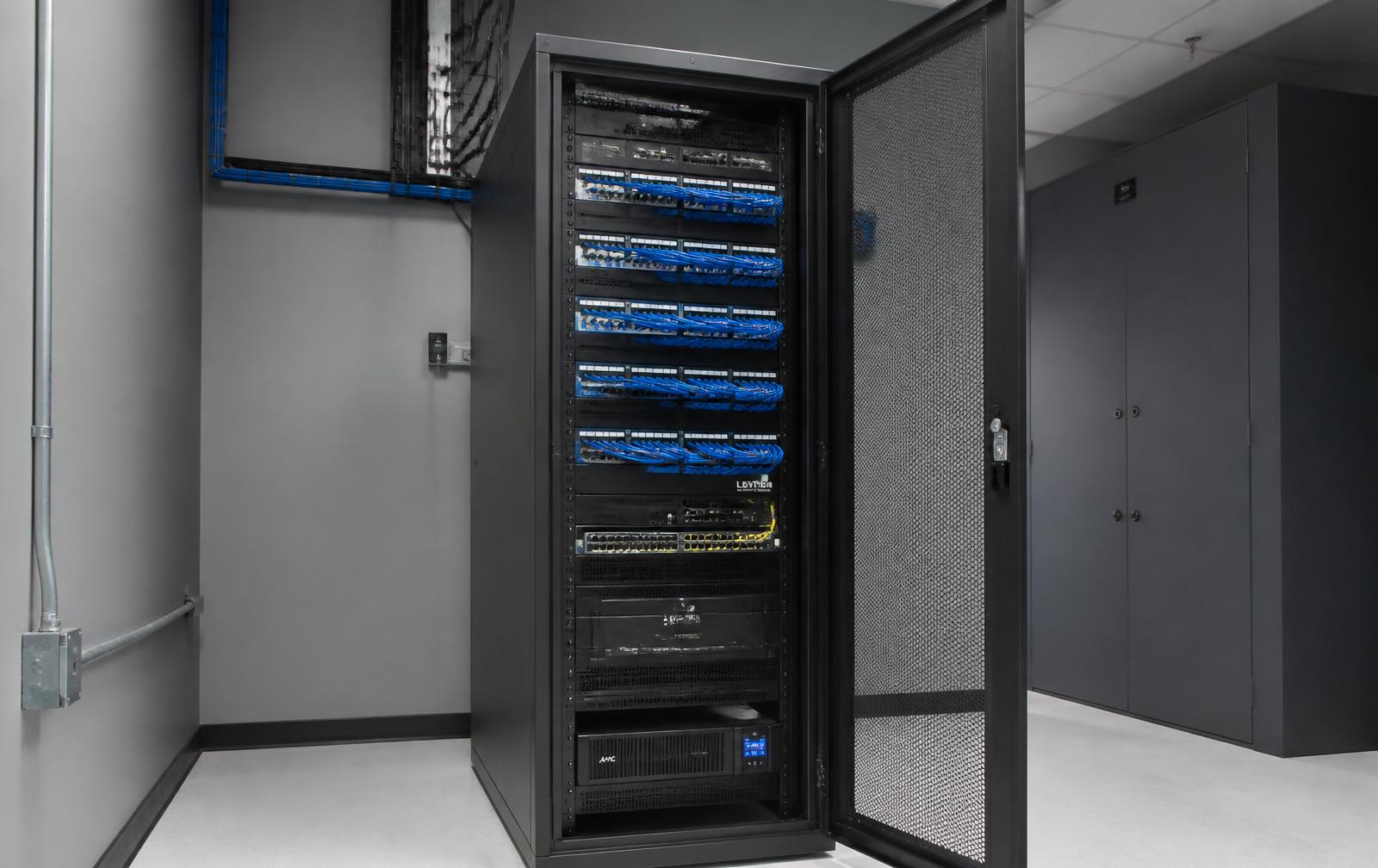
Every cable terminates on a patch panel at the rack and a keystone or jack at the wall — and every single one gets labeled at both ends to match. The rack should be dressed with horizontal and vertical cable management, with slack handled properly and room left for future switches and growth. This is the difference between an IT room your team can actually work in and one that becomes the tangled closet everyone avoids. We covered the operational cost of that mess in why organized IT rooms save businesses time, money, and downtime.
5. Testing, Certification, and Documentation
This is the step that separates professionals from pull-and-go installers. Every drop should be tested — not sampled — with a calibrated cable certifier, and you should receive the results. A certification report proves each cable meets the performance standard you paid for (Cat6, Cat6A, or fiber), and it gives you a baseline for troubleshooting for the life of the building. If a contractor doesn't include testing, you're taking their word for it.
Cat6 vs. Cat6A: What Should You Actually Install?
The most common question we get on office network cabling projects is whether Cat6A is worth the premium over Cat6. The honest answer:
Cat6 — The Practical Standard
Handles gigabit to 100 meters and 10-gigabit on shorter runs, which covers the large majority of office workstations, phones, printers, cameras, and access points. For most offices, Cat6 installed correctly is excellent value and will serve a decade or more of needs.
Cat6A — Future-Proofing Where It Counts
Full 10-gigabit to 100 meters with better alien crosstalk performance. Thicker, less flexible, and more expensive — but the right call for new construction with long runs, high-density Wi-Fi 6E/7 access point drops, and anywhere you never want to open the ceiling again.
Fiber — For Distance and Backbones
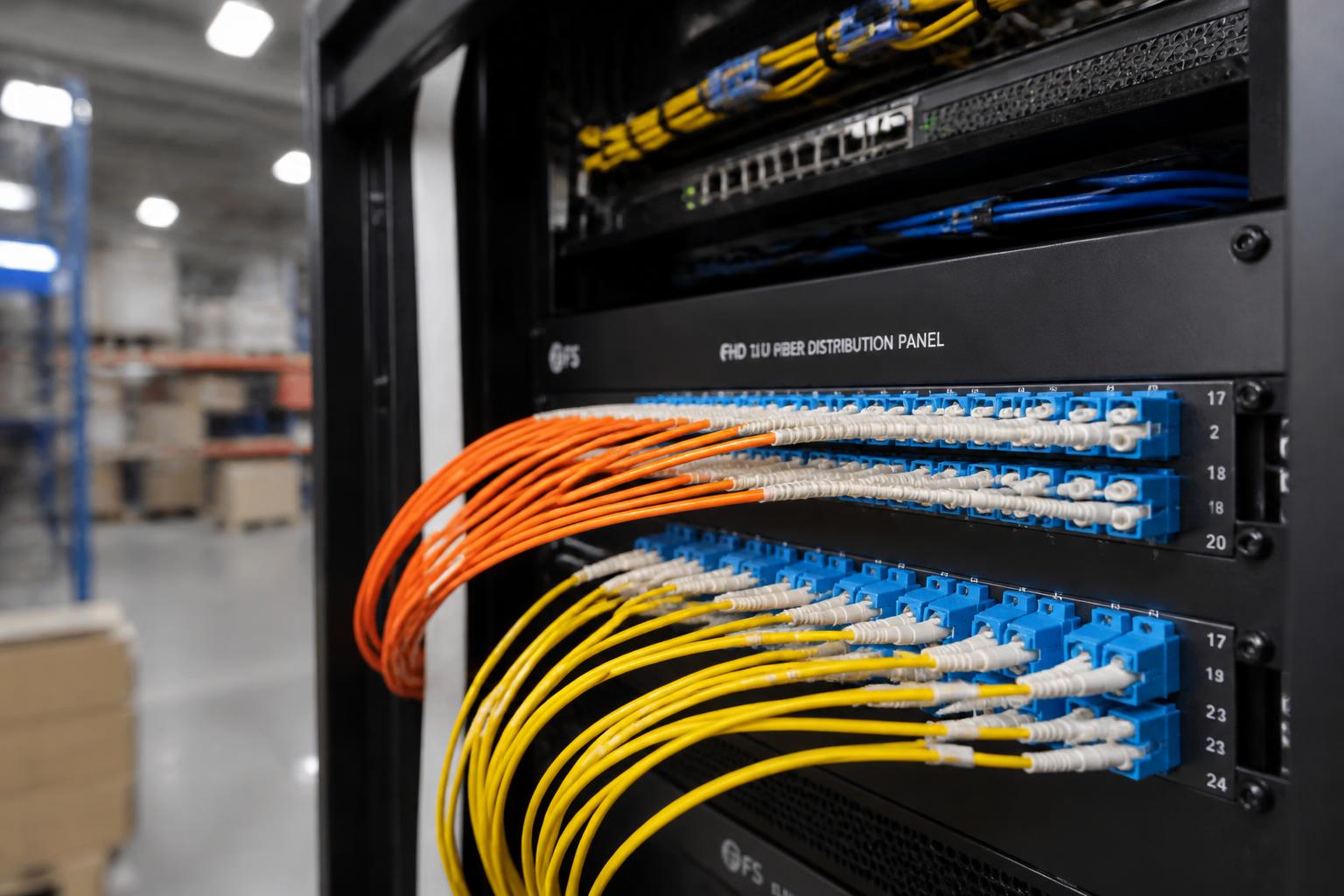
Copper runs out of room at 100 meters. Building-to-building links, floor-to-floor backbones, warehouse spans, and high-bandwidth uplinks belong on fiber — single-mode for distance, multimode for short in-building runs. See our guide to fiber infrastructure for connecting commercial buildings.
A good contractor won't push you to the most expensive option — they'll match the cable to the device, the distance, and how long you plan to be in the space. For a deeper dive on design decisions, see network cabling best practices for Minnesota businesses.
Fiber Installation and Testing
Fiber work is a specialty within the specialty, and it's worth asking about directly. A professional fiber installation includes fusion-spliced terminations (or quality pre-terminated assemblies), enclosed splice trays and patch panels, correct bend-radius management, and OTDR or light-loss testing on every strand with results documented. If your project connects buildings, feeds a detached garage or warehouse, or uplinks IDF closets back to the main rack, fiber testing documentation is your proof the link was built correctly — not just that the lights came on.
Common Project Types — and What's Different About Each
New Construction & Build-Outs
The cheapest cabling you'll ever install is the cable that goes in before the drywall. New construction is the time to add drops you'll need in five years — extra ceiling drops for future access points and cameras, spare conduit, and fiber between closets. We covered the timing in detail in why low voltage infrastructure belongs in the walls before drywall.
Office Moves
Moves have a hard deadline and no tolerance for surprises. The critical path items: schedule the walkthrough early, confirm who is responsible for the internet service handoff and demarc extension, cable before furniture arrives, and test every drop before move-in weekend — not the Monday after.
Remodels in Occupied Buildings
Remodels require phasing: keeping the existing network live while the new one goes in, working after hours in sensitive areas, and coordinating with the GC's schedule so ceilings are open when the cabling crew needs them. Ask any contractor bidding a remodel how they handle occupied-space work specifically.
Expansions & Added Drops
Adding drops to an existing office should be boring: match the existing labeling scheme, terminate into the existing patch panels where capacity allows, and certify the new runs to the same standard as the original install. It's also a natural moment to clean up the rack and document what's actually there.
Red Flags When Comparing Cabling Contractors
- Quotes without a walkthrough. Nobody can price pathways, ceilings, and distances from a phone call.
- No testing or certification mentioned. You're paying for performance you can't verify.
- No labeling standard. Unlabeled cable is a troubleshooting tax you'll pay forever.
- Unspecified cable. The quote should name the category, and whether cable is plenum-rated where code requires it.
- A price dramatically below every other bid. Something on the inclusion list above is missing — find out which one.
- No insurance or licensing discussion. Low voltage work in Minnesota is regulated; your contractor should be properly credentialed and insured.
On that last point, the line between trades confuses a lot of buyers — we explained the difference in electrician vs. low voltage contractor in Minnesota.
What to Have Ready Before You Request a Quote
You'll get a faster, more accurate estimate if you can gather a few things before the walkthrough:
- A floor plan, even a rough one, with desk and device locations marked
- Your timeline — especially move-in dates or remodel milestones
- A list of everything that connects: workstations, phones, printers, Wi-Fi access points, security cameras, access control doors, and TVs
- Where your internet service enters the building today
- Any existing cabling you know about — age, type, and whether it works
- Growth plans: expected headcount and any spaces that might change use
Why One Contractor for Cabling, Cameras, and Access Control?
Your network cabling isn't a standalone system — it's the foundation your cameras, access control, Wi-Fi, phones, and live video monitoring all run on. When the same contractor installs the cabling and the systems on top of it, there's one accountable party, one labeling standard, one documented network, and no finger-pointing between vendors when something needs service. That integration is exactly what a commercial low voltage contractor is for.
The Bottom Line
A professional commercial network cabling installation should end with more than working internet. It should end with a labeled, tested, documented network you own outright — one your IT provider can manage without a decoder ring, and one with the capacity to grow with your business. Anything less is cable in the walls, not infrastructure.
If you're planning an office move, remodel, expansion, or build-out in Minnesota or Western Wisconsin, we'll walk the space with you, design around how you actually work, and give you a written estimate that spells out everything above. Start with a free walkthrough and estimate, or learn more about our commercial low voltage wiring services and the areas we serve.